Governance, channels and settings
Three tabs that report rather than configure. Almost nothing on them can be changed from here, and one of them is unusually honest about its own gaps.
Who can use it: anyone who can open the agent. Two of the governance cards need a grant to see at all.
Governance
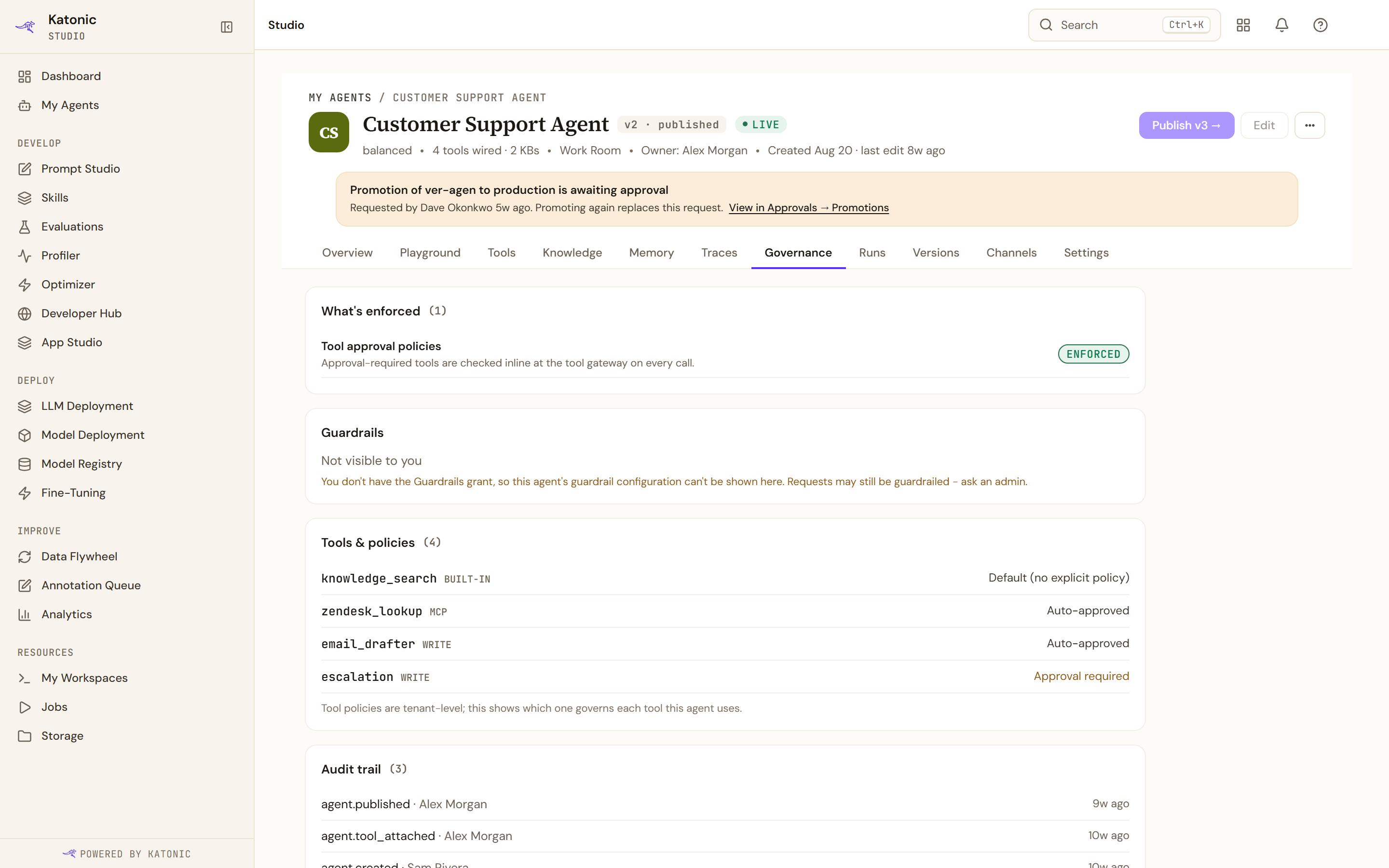
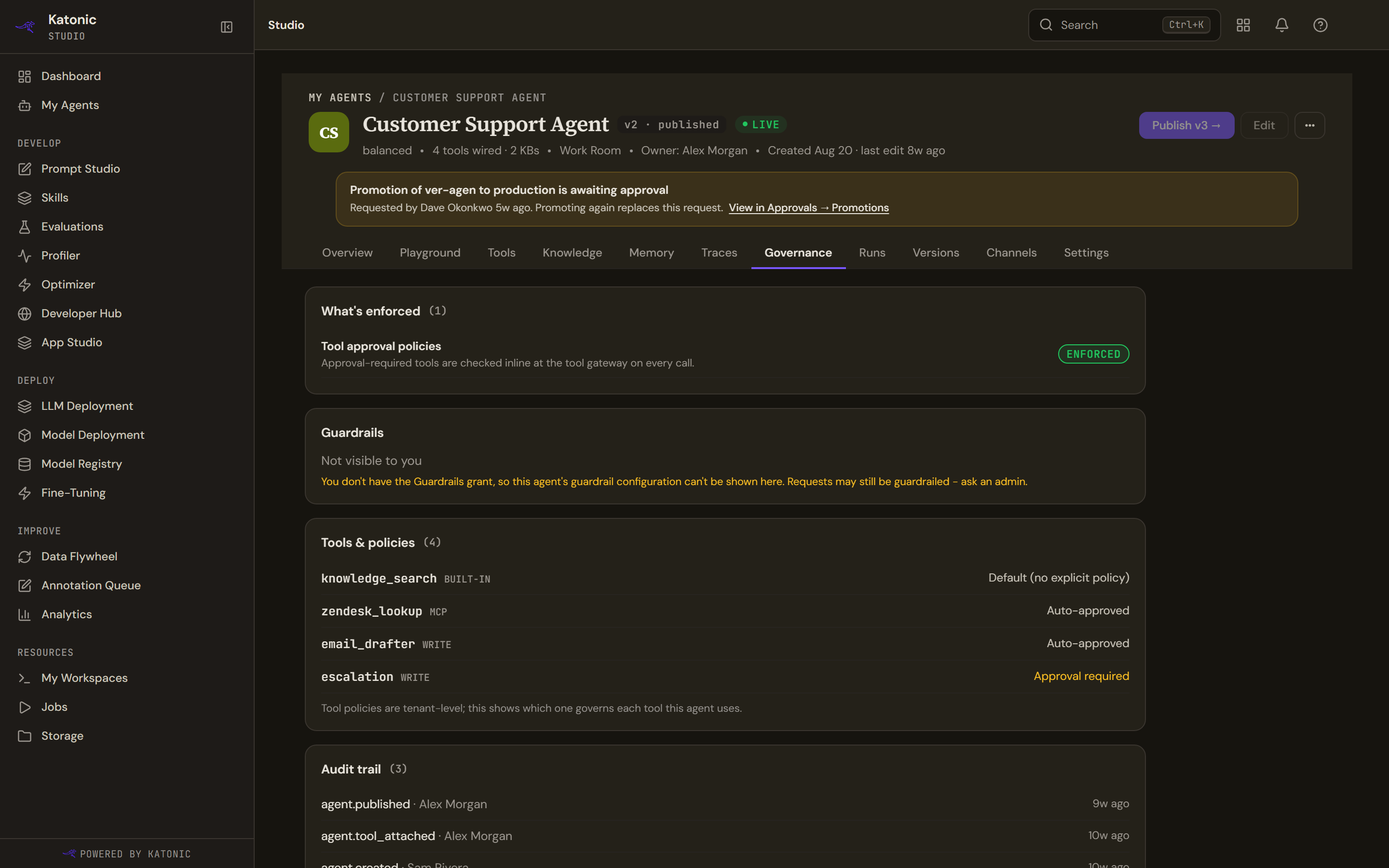
Four cards, each of which will say it cannot answer rather than guessing.
What is enforced lists one line per control the agent has configured, each tagged as enforced, advisory, or not enforced because the edition does not include it. That last tag matters: a guardrail profile bound to an agent in an edition without guardrails is not enforced at the gateway, and the line says the control rests on the system prompt alone.
This card is built from the same code as the publish dialog, so the two can never disagree about what is enforced.
Guardrails names the bound profile, or says plainly that no profile is bound and that requests to the agent are not guardrailed. A reader who is not the owner and lacks the guardrails grant sees that it is not visible to them.
Tools and policies joins the agent's tools against the tenant's policies. A policy list that could not be read says so; it never falls back to claiming there is no explicit policy.
Audit trail lists administrative actions on this agent. Where the fetch was refused the count badge is blank rather than zero, so a refusal can never read as nothing having happened.
What the tab says it does not have
A fifth card names three things it cannot show and why: runtime denials and egress events, the state of approval gates, and which governance policies are bound to this agent. It points at Traces for what the agent actually did.
That card is permanent rather than a placeholder.
Channels
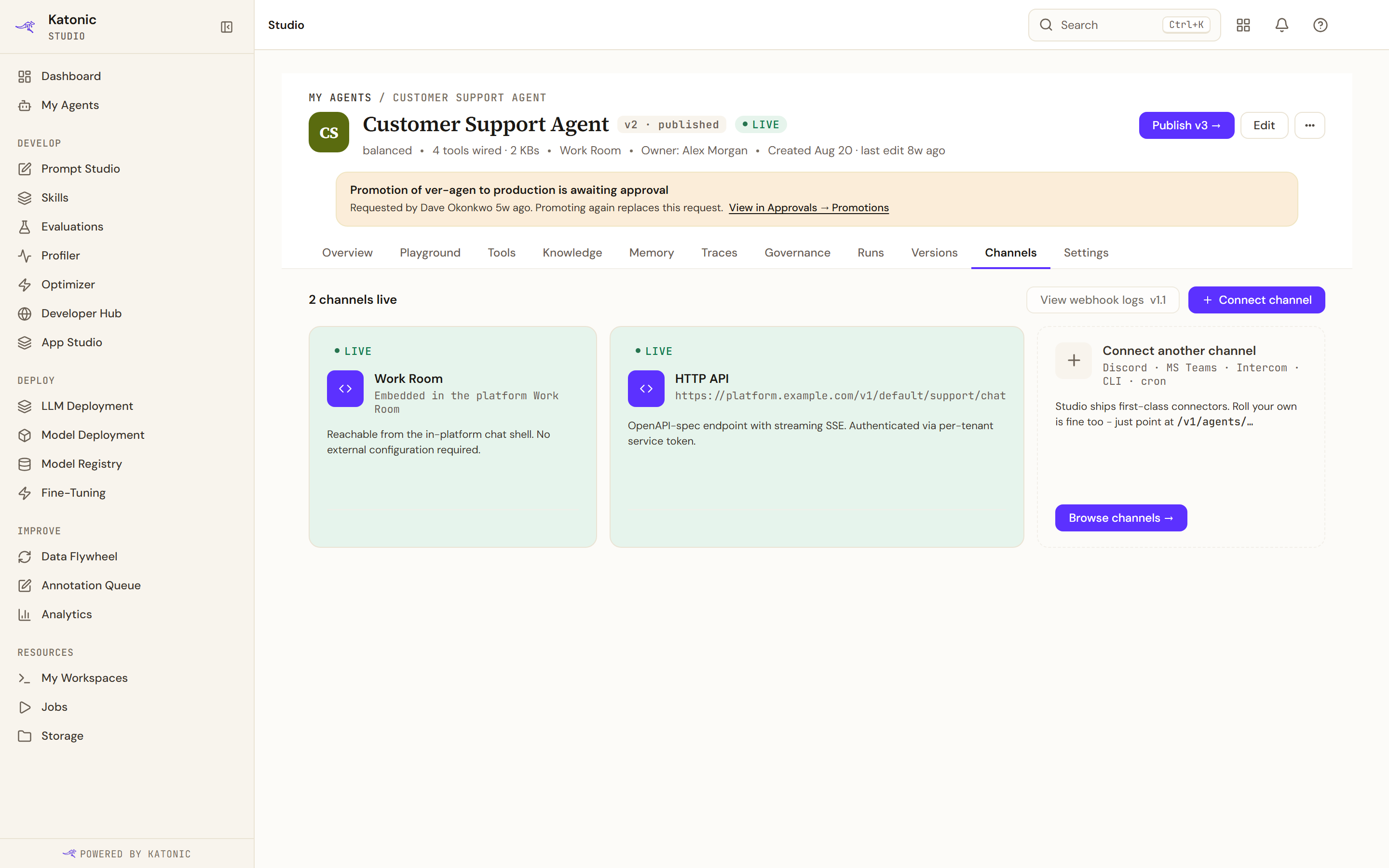
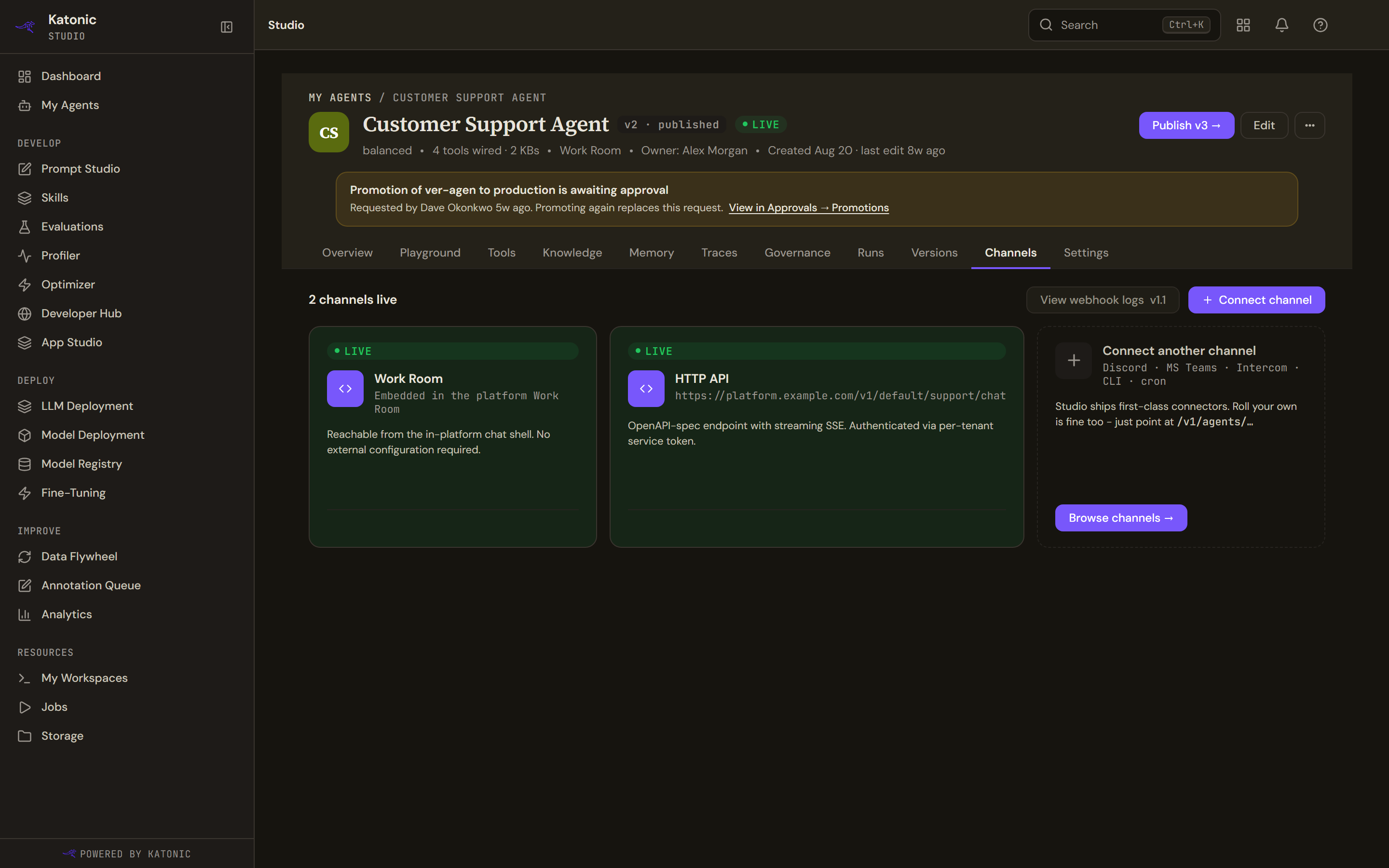
A card per surface the agent answers on: the work room, Slack, the HTTP API, a web widget, email, a schedule, a webhook or Teams. Each has a status and a line saying how it is reached, which for the API is the real address to call. Slack is live only where the platform operator has switched the Slack channel on for the installation; it is off by default, so a listed Slack channel does not by itself mean the agent answers there.
There are no figures on any of them. The platform records nothing per channel, so the conversations, satisfaction, latency, error and retry slots the card was built for are never filled.
View webhook logs is disabled and marked for a later release. Connect channel takes you to the builder.
A dashed card at the end lists the surfaces you build yourself against the platform's API: Discord, Teams, Intercom, a command line, a schedule.
Settings
Seven groups down the side, and only the first two hold anything real.
Identity shows the display name, the slug and the description, read-only, with a warning that renaming breaks webhooks and code that calls the agent by slug, and a note that the platform keeps the old name working for ninety days. Editing them means going through Edit and publishing.
Owners and access shows the agent's owner and who it is shared with, at View, Use, Edit or Admin level, for a person, a team or the whole organisation; Share in the Studio header writes the same list, and a share can be revoked from either place. Cost and quotas, Safety and guardrails, Audit log and Notifications are not wired. Each says so and names the piece of the platform that is missing.
Danger zone has three controls, two of which are disabled and marked coming soon: pausing and deleting. Archiving works.
That is worth noticing: Delete here is disabled, while Delete in the header's menu is wired and will really delete the agent. The same action is live from one place on this page and deliberately disabled from another.