App Studio
Model serving
App Studio hosts the things people open rather than call: a Streamlit dashboard over an agent, a Gradio demo, a FastAPI service, a container you built yourself. Point it at a repository, pick a framework and a size, and Studio runs it and gives it an address on the platform.
Who can use it: the Builder role or higher, in a tenant licensed for model serving. Without that licence the sidebar shows App Studio locked, and the address refuses to load rather than failing halfway.
What an app is here
An app is your code, run as a pod on the cluster and served at a path on the platform's own host. It is not an agent, and Studio does not turn one into the other. The two meet in one place only: an app is promoted between environments through the same approval machinery an agent uses.
There is no image build step yet. Studio clones the repository into the pod and installs the dependencies when the pod starts, which is why a first boot takes longer than a restart and why a dependency error appears as a build failure rather than a code error.
The list
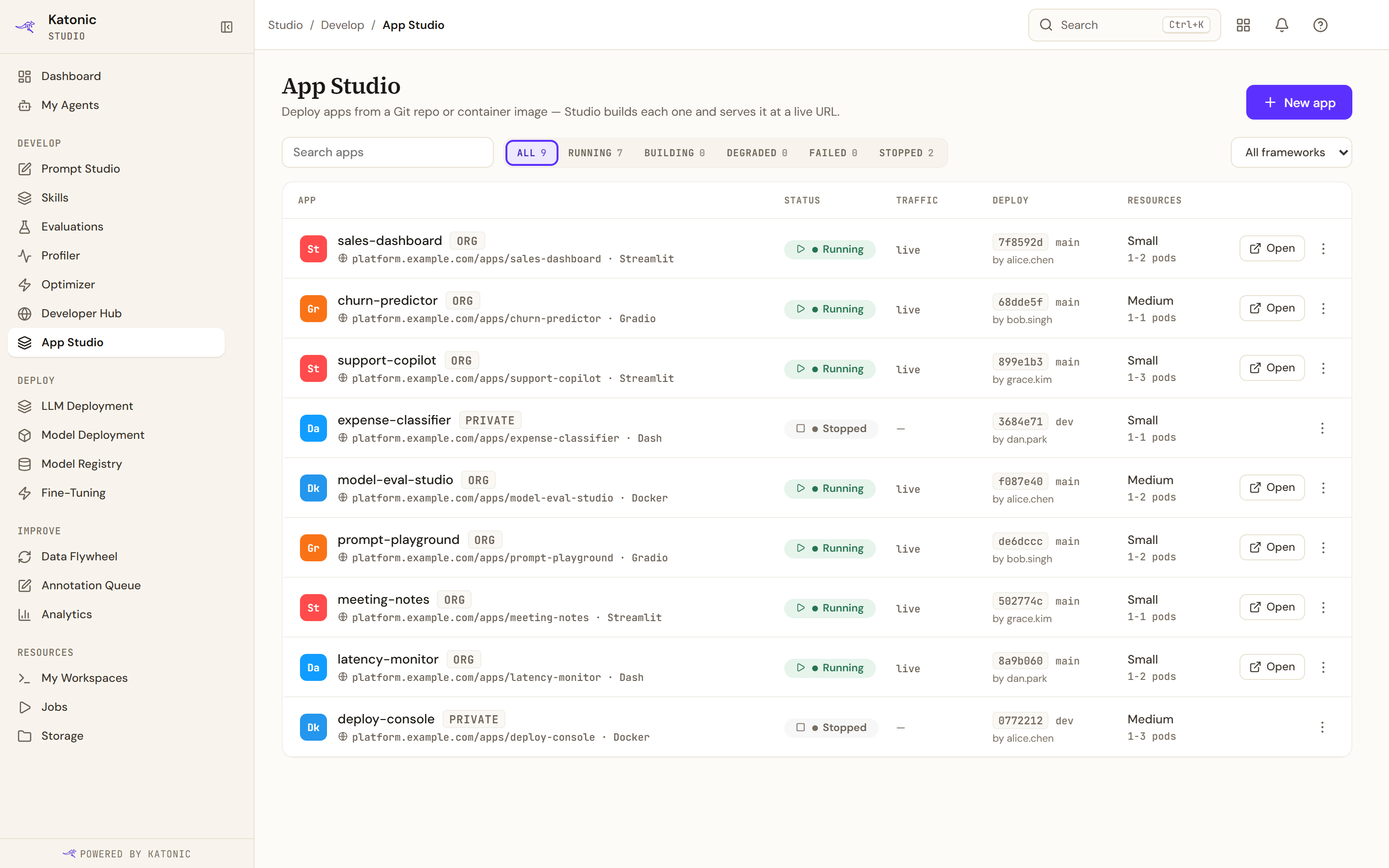
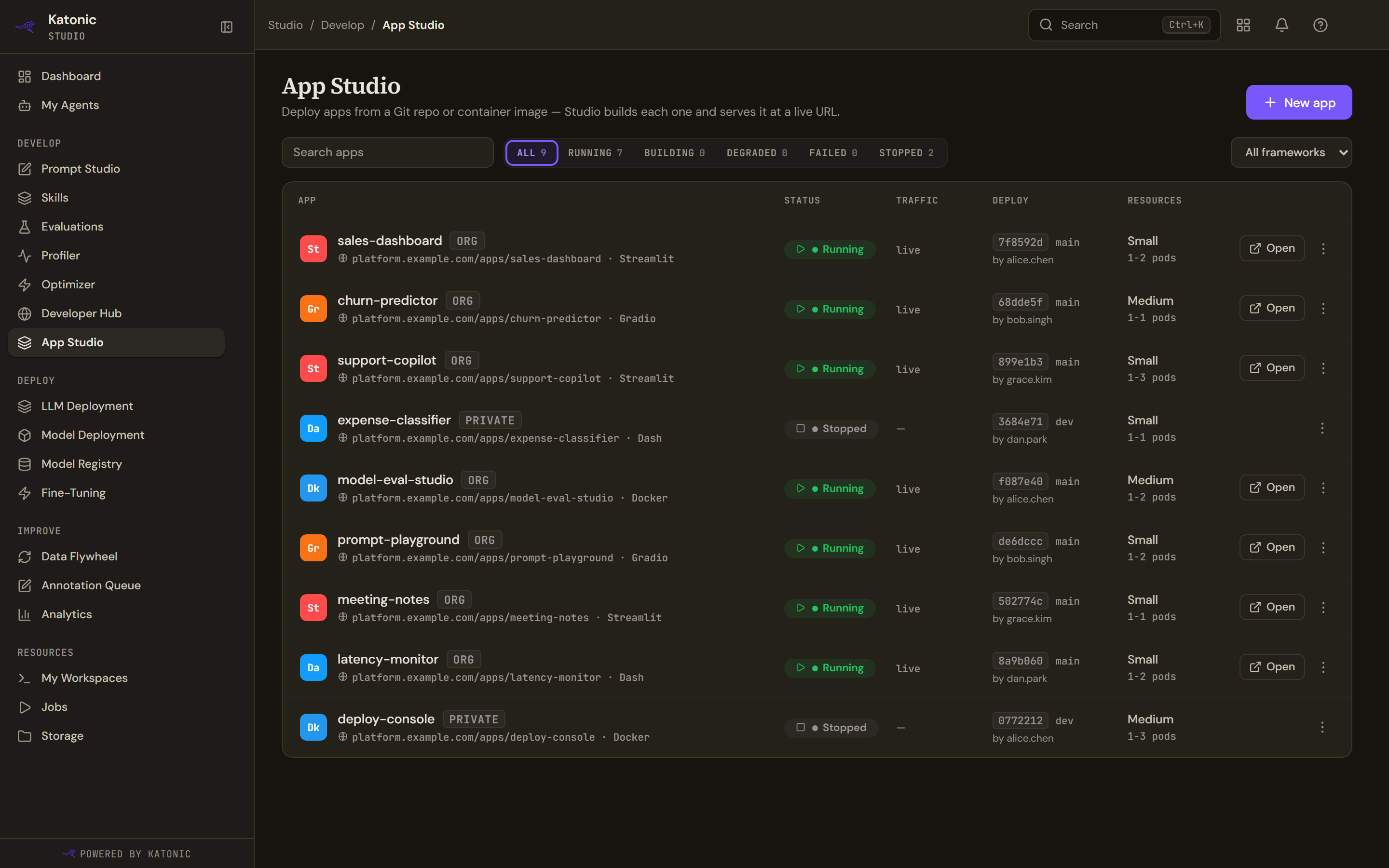
The header counts apps by status, and each count is a filter: All, Running, Building, Degraded, Failed, Stopped. A framework filter appears only when the workspace has more than one framework in it. The table's columns are the app, its status, traffic, the deploy and its resources.
Open appears only on a running app. The row menu carries View details, Settings, Start, Stop and Delete. An app that is mid-build offers neither Start nor Stop, because neither is a safe thing to do to it. Delete is disabled on an app someone else owns, and names the owner, because Studio scopes every change to the caller and the delete could never have succeeded.
The list refreshes every 5 seconds while any app is running, starting or building, and stops once every app is stopped or failed. It pauses while the browser tab is hidden and resumes on its next refresh after you return, not at once. Two empty results in a row are required before it will show you an empty table, so a build that briefly reports nothing does not blank the page.
Two different empty results read differently on purpose. No apps match these filters means your filters excluded everything. A service error says so in as many words, and adds that your apps, if you have any, are not being shown.
Before there is anything
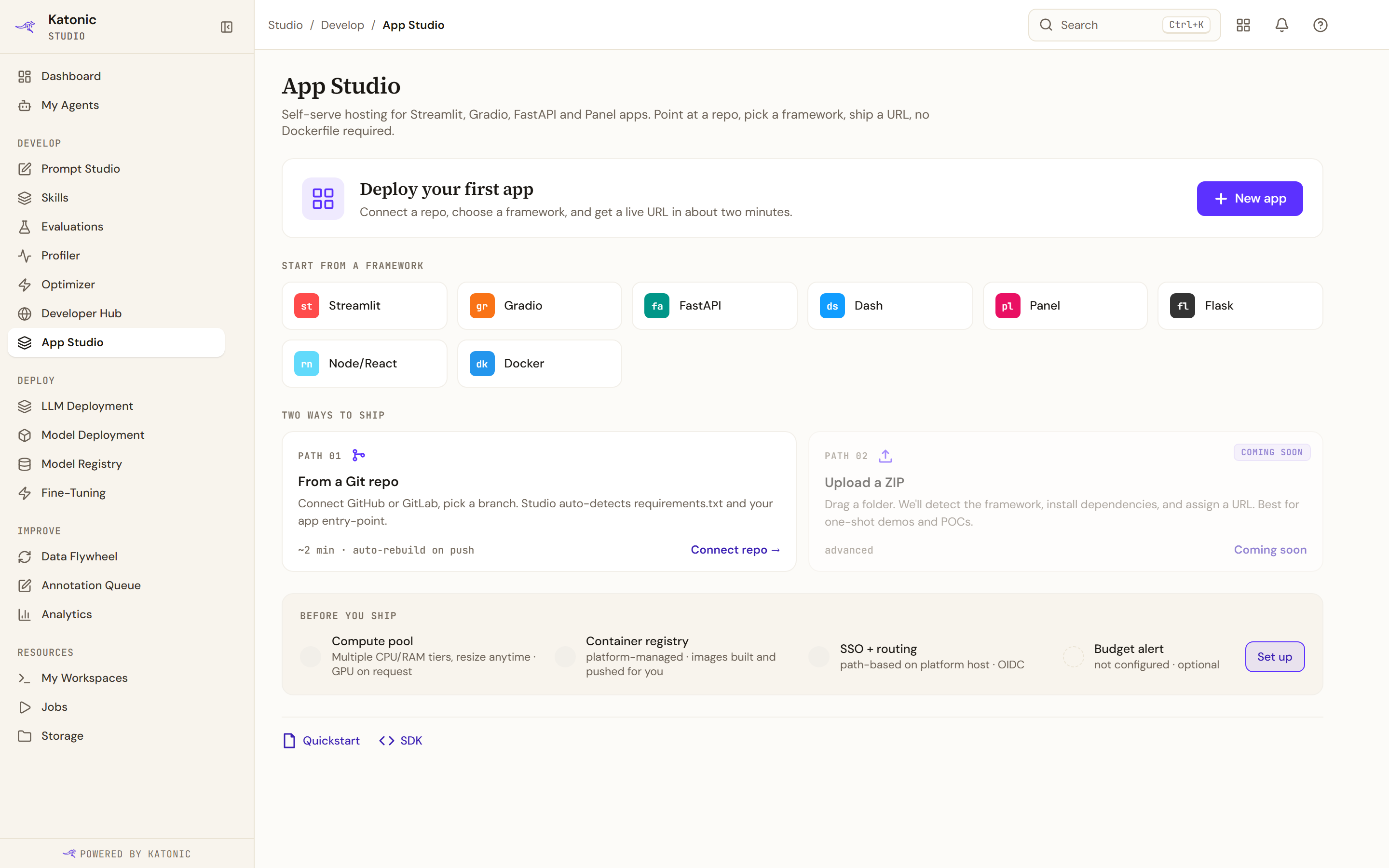
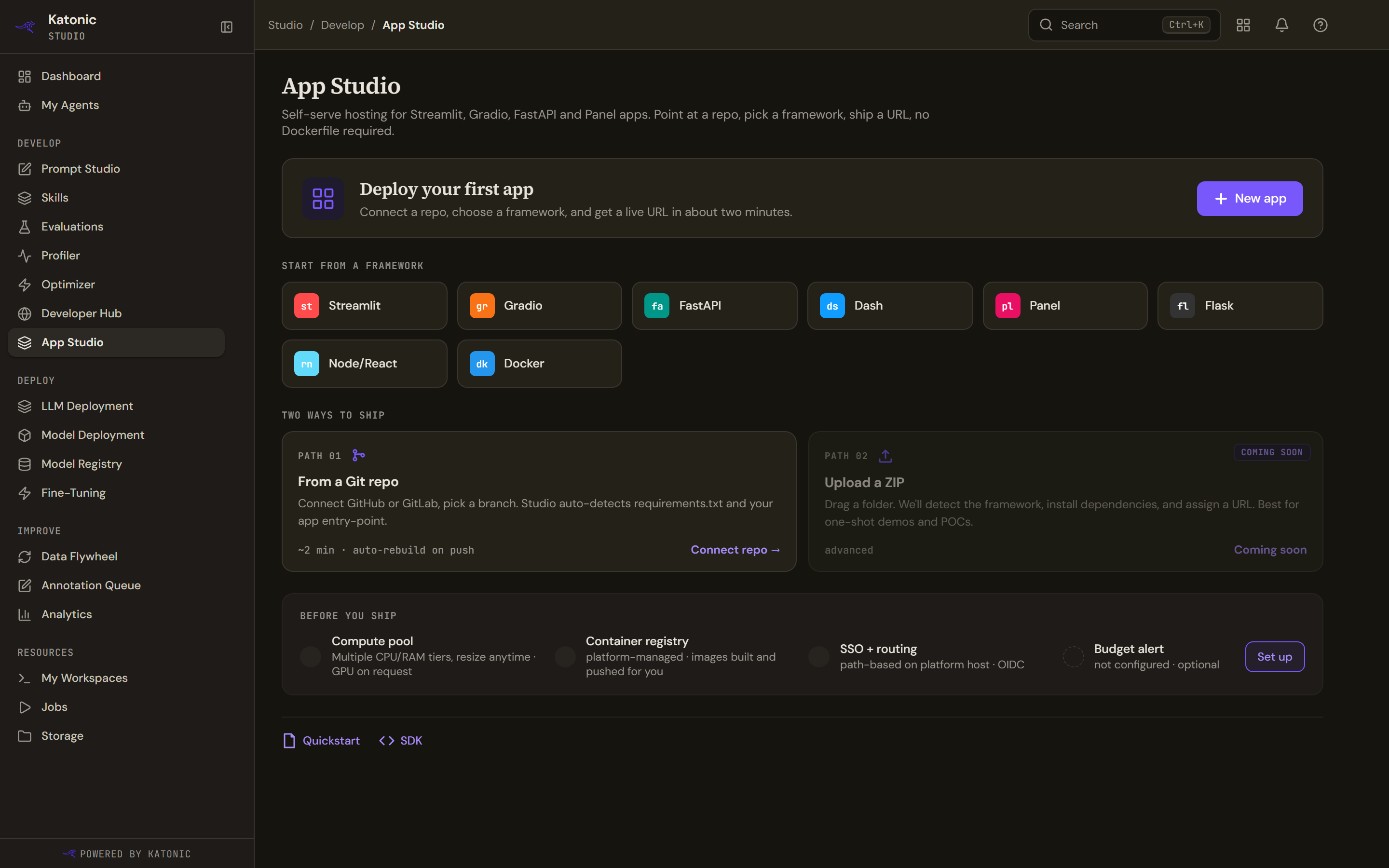
A workspace with no apps gets the eight frameworks as a starting point, the two ways to ship, and a short list of what the platform already provides. Read that list as a description of the platform rather than a check of your cluster: nothing behind it is tested live. Set up beside the budget line is the one row that does anything.
The Git card's hint reads ~2 min · auto-rebuild on push coming soon. Automatic rebuild on push is not built, and the card says so, as the wizard's own source cards do.
The statuses
The list and an app's own page read the same status, in the same words. They used to keep separate vocabularies, so one state had two names.
| Status | What it means |
|---|---|
| Building | The pod is being created and dependencies installed |
| Running | The pod is up and answering |
| Degraded | Serving, but not on every replica, so check the logs |
| Failed | The build or the boot did not finish |
| Stopped | Deliberately scaled to zero, and startable again |
A state the service never writes falls back to Idle, which is why there is no filter for it: the chips cover exactly the statuses the service can write.
The address
An app is served at the platform's own host under a path, as https://<your platform host>/apps/<name>/. It is not a subdomain, and a subdomain will not resolve. The name gets a short unique suffix, so two people can use the same name.
The address is deliberately on the same origin as Studio, which lets the Preview tab embed the app. The same-origin choice would otherwise hand the embedded page the camera, microphone, screen capture and location permissions that a page grants itself, so the platform denies all four to every app it embeds and allows only the clipboard and full screen.
An app's address does not contain the owner's email. An older build put it there, which leaked it into every shared link.