Size and configure an app
Runtime is the third step of the deploy wizard and the one with the most in it. Everything here can be changed later from Settings, but changing most of it restarts the app.
Who can use it: the Builder role or higher.
App name
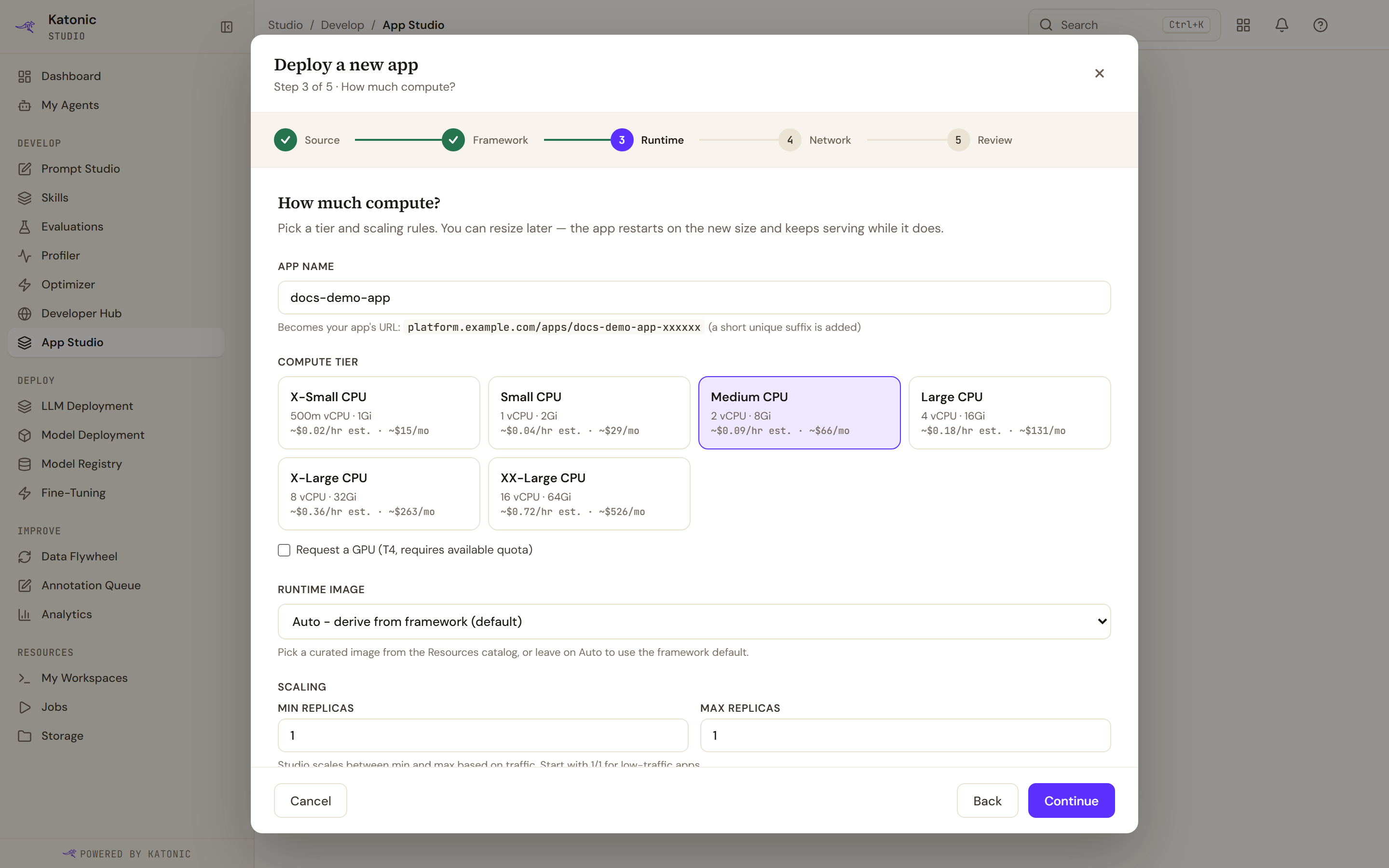
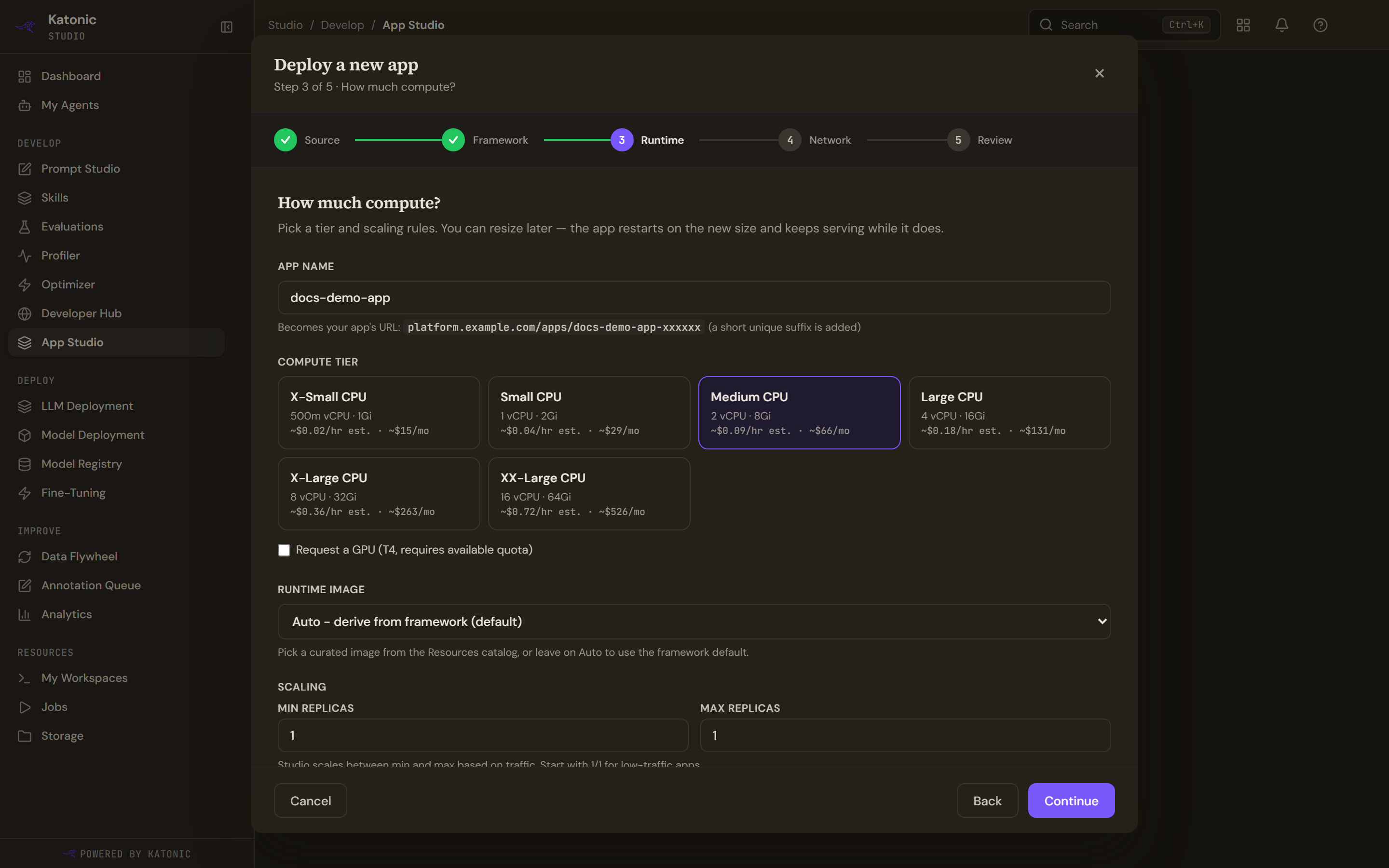
Lowercase letters, digits and hyphens. It must start and end with a letter or digit, so a leading or trailing hyphen is refused, and it becomes part of the app's address.
The wizard checks the name against the apps you already have and refuses one that is taken, inline, before you can continue. It also enforces a length limit.
Two things follow that are worth knowing. The platform rejects a name that is too long rather than shortening it, because a silently truncated name would leave your app answering at an address you never chose. And the name gets a short unique suffix in the address, so two people can pick the same name without colliding.
Compute tier
The ladder comes from your organisation's Resources catalog, so what you see is whatever an administrator configured rather than a fixed set. Each tier reads price not configured until someone sets prices on it.
Request a GPU appears above the smallest tier and needs quota. Without free GPU quota the option is unavailable rather than offered and then refused at launch.
Replicas
Min replicas and Max replicas set the range the app can scale between. Setting them equal pins a fixed size.
An autoscaler is created only when the maximum is above the minimum. A fixed-size app has none, which is why stopping and starting a fixed-size app behaves slightly differently from one that scales.
If you go outside the accepted range the message still names an older, lower limit. The field accepts more than the message claims.
Health check path
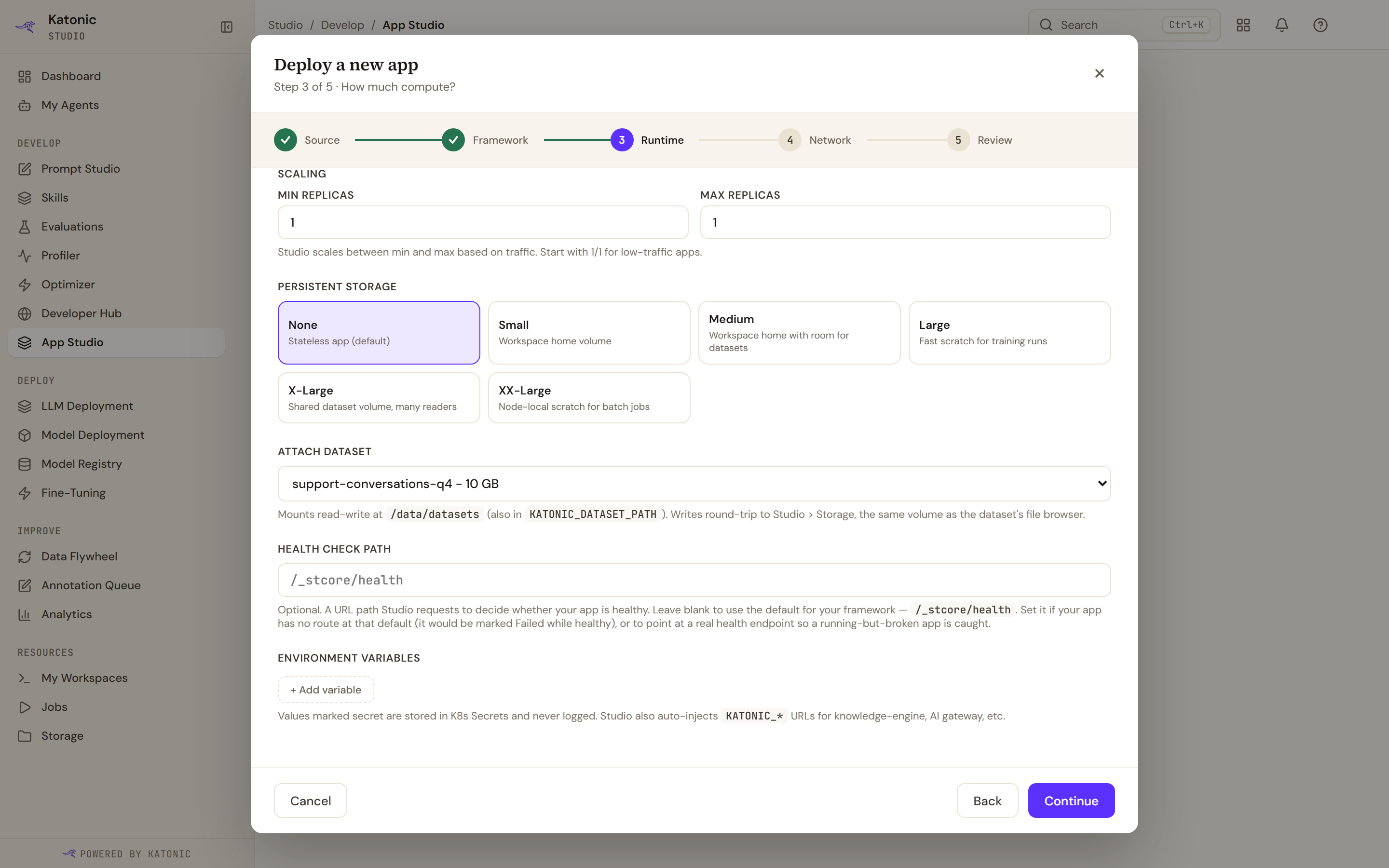
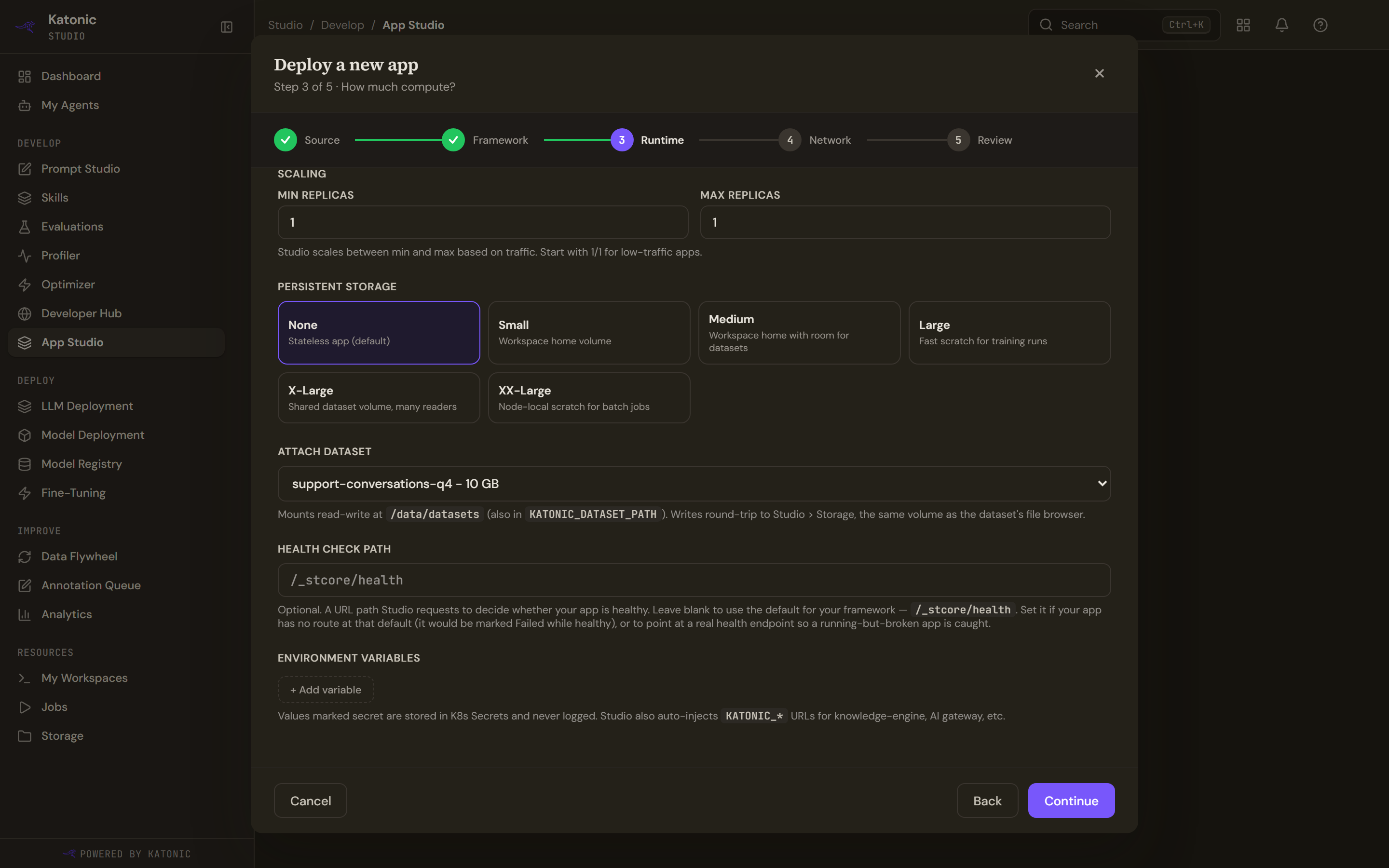
This is the field worth a moment, because getting it wrong produces the most confusing failure in App Studio.
Leave it blank and the platform probes the default for your framework. Streamlit has a dedicated health endpoint, and Dash and Gradio use the root. FastAPI gets a TCP port check, so an app without a docs page still goes live; the hint, Review ("Health check · framework default: a TCP port check") and the build view all name it. A port check only proves the app is listening, so set a path to a real health endpoint if you want a running but broken app caught. A path you set is probed over HTTP. Existing FastAPI apps switch to the port check on their next redeploy.
If your app has no route at the path being probed, the probe gets a 404, the pod never goes ready, and a perfectly healthy app reads Failed. Nothing is wrong with your code; the platform simply never got the answer it was waiting for.
A Docker image has no default at all and falls back to a plain port check, so a path matters most there. A malformed path is refused up front, because a broken probe is worse than none.
The path you give is passed to the app as an environment variable, so your framework can read it too.
Start command
The Build / start command on the Framework step, and in Settings, runs exactly as you type it, including &&, ;, a subshell, a leading exec or a leading NAME=value.
For Node/React and Flask leave it empty. Studio then starts the app with its own command: a Node/React app is built and served when package.json has a build script, and runs npm start otherwise; a Flask app runs under its app path. Other frameworks show their command as the placeholder, for FastAPI uvicorn main:app --host 0.0.0.0 --port 8000, built from the main file and the port.
FastAPI apps run on an image that includes headless LibreOffice, so soffice is available for document conversion. Existing FastAPI apps get it on their next redeploy.
Storage and datasets
These are two different things and the difference catches people.
| What it is | |
|---|---|
| Persistent storage | A blank volume in a size you pick, empty until your app writes to it |
| Attach dataset | Mounts something that already exists in Studio's storage, so the app can read and write its files |
Deleting the app destroys its own volume. It does not touch a dataset, which lives in Storage and survives.
Environment variables
Keys must start with a letter or an underscore and contain only letters, numbers and underscores.
Some names are refused because setting them would override something the platform relies on, including the path and home variables, the Python and Node runtime variables, the proxy variables, and anything in the cloud provider or loader namespaces. Marking a variable secret keeps its value out of the app's stored settings and out of responses.
The full list and the messages a save can return are on App settings.