App settings
An app's Settings tab has seven sections down the left, with Save changes and Discard in the header. Changes are held until you save.
Who can use it: the Builder role or higher.
Source
The repository, the branch, the entry file and the access token, all editable after the app is created. They were fixed for the life of the app until recently, which meant a rotated token or a renamed repository left you deleting the app and making it again, losing its address and its deploy history with it.
The form says whether a credential is stored without ever showing it back to you. Changing the branch or the entry file restarts the pod.
Compute
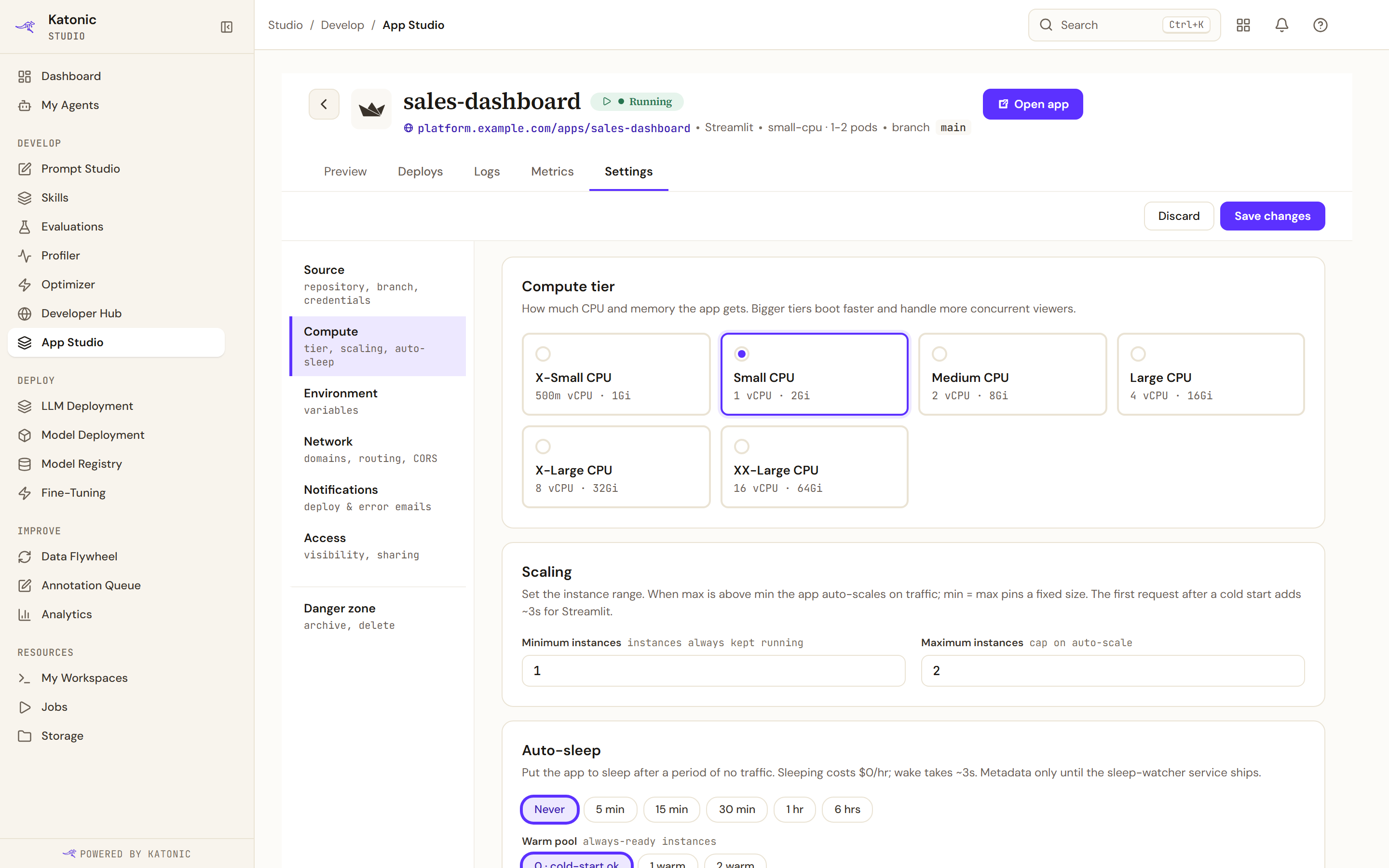
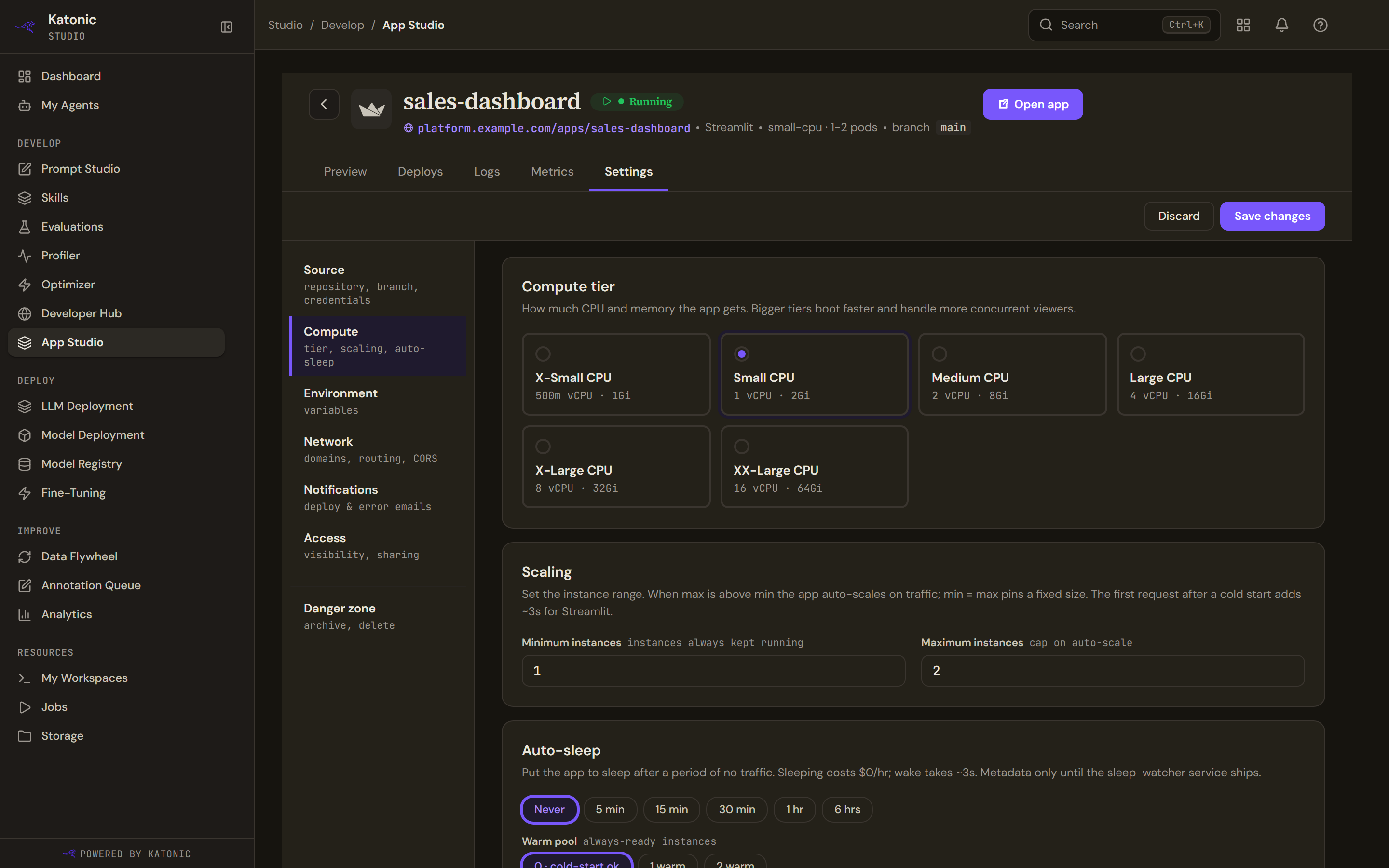
The same tier ladder the wizard offers, the same minimum and maximum instances, and two things the wizard does not have.
Auto-sleep puts the app to sleep after a period of no traffic. It is recorded and nothing acts on it. The section says as much, in the words metadata only until the sleep-watcher service ships, so a period chosen here changes the record and not the bill.
Warm pool keeps instances ready so the first request does not pay a cold start.
Where you run more than one instance of Streamlit, Dash, Gradio or Panel, a browser session stays with the instance that holds it for as long as the tab is open. Those frameworks keep the state of a session in the process rather than sharing it, so without that the widgets a visitor had filled in could vanish on a reconnect. Closing the tab ends the session, and the next visit may land anywhere.
Saving a change to the tier, the instance range, storage, the branch, the entry file or a Docker field restarts the pod. The app is unavailable for roughly half a minute while it does.
Environment
A table of keys and values, applied on the next restart rather than immediately. A key whose name ends in a word like key, secret, token, password or DSN is masked in the table. Masking is about who is looking over your shoulder; a value you mark as a secret is held separately and is never written into the app's own settings, and it comes back masked when the app is read.
A name must start with a letter or an underscore and hold only letters, numbers and underscores. Some names are refused outright because setting them would override something the platform relies on: PATH, HOME, USER, SHELL, PYTHONPATH, PYTHONSTARTUP, NODE_OPTIONS, the three proxy variables, the two Hugging Face token names, and anything starting with KUBERNETES_, K8S_, AWS_, AZURE_, GOOGLE_, LD_ or DYLD_. Two rows with the same name are refused as well.
| Message | What it means |
|---|---|
| Env var keys must start with a letter or underscore | The name has a digit, a hyphen or a space in it |
| An environment variable has a blank name | Name the row or remove it |
| Reserved by the platform and cannot be set | The name is on the list above; rename your variable |
| Listed more than once | Two rows share a name |
Studio also injects its own addresses as KATONIC_ variables, so an app can reach the knowledge engine and the AI gateway without being told where they are. A variable you set with one of those names wins, so the platform does not overwrite your value.
Network
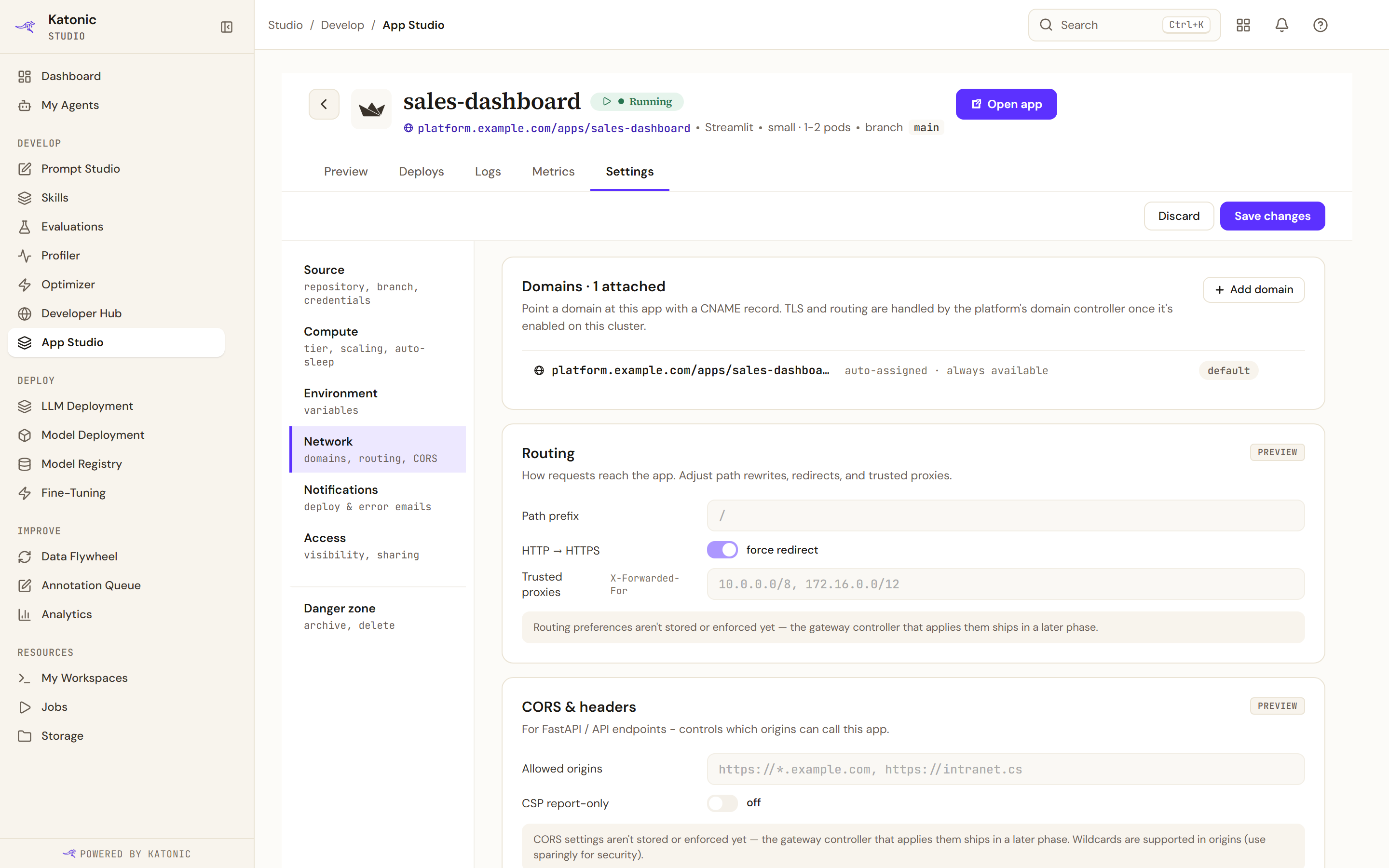
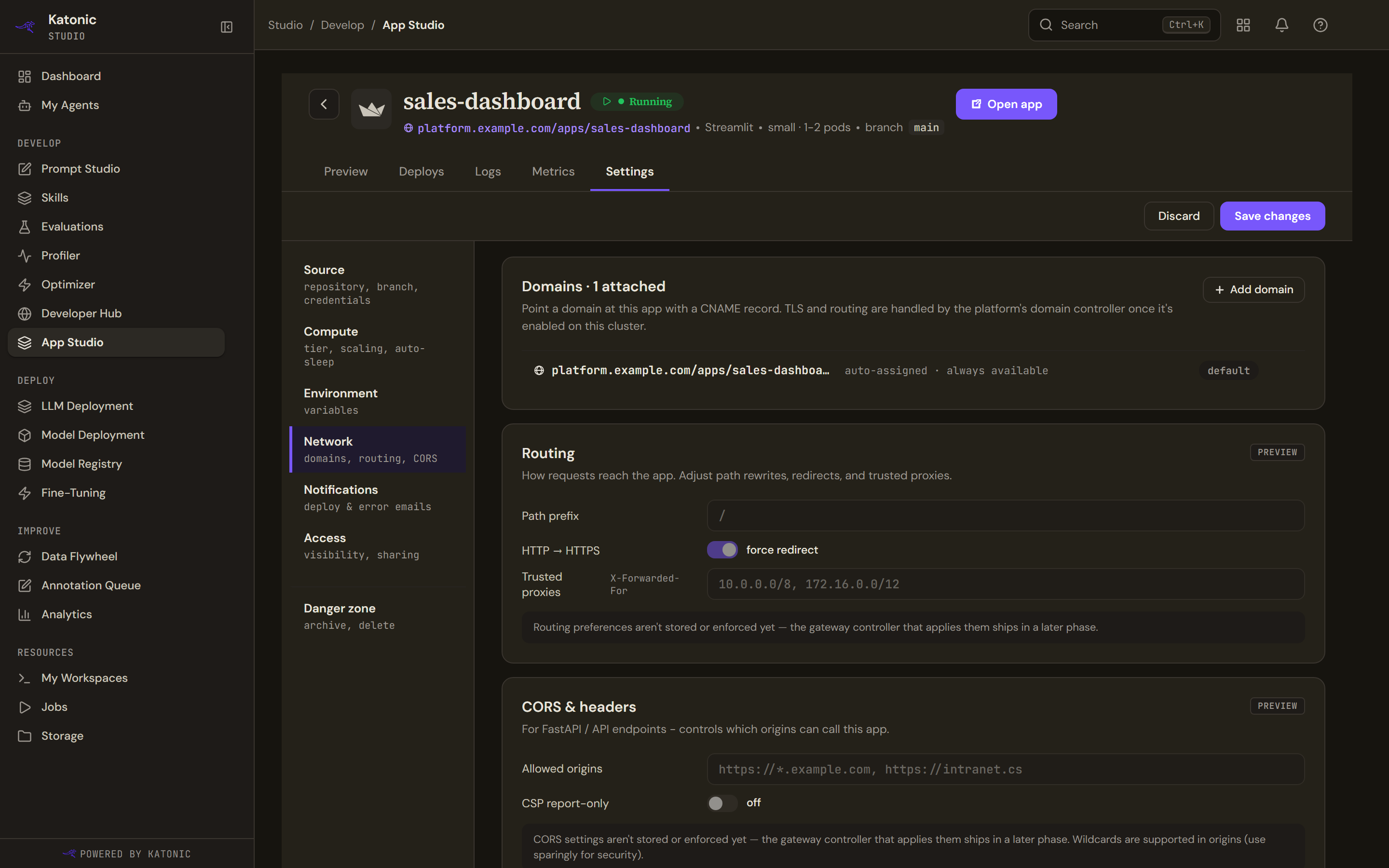
The auto-assigned platform address is always there as the default domain. Add domain attaches your own with a CNAME record, and works only where the cluster's domain controller is deployed. Where it is not, the block says so instead of offering a button that would fail.
Routing and CORS & headers are badged PREVIEW and both carry the same sentence: they are not stored or enforced yet. Filling them in changes nothing at all, not even a saved record, because there is no field behind them.
Notifications
Two checkboxes, for a deploy and for an error, both disabled. Nothing produces either event, so the section says so above the controls rather than accepting a choice that would do nothing. The wizard's own copies of these checkboxes are still live and still record a preference; neither sends mail.
Access
Who can reach the app, and whether the platform enforces that. It is the one section whose meaning changes with a cluster setting, so it has a page of its own: Who can reach an app.
Danger zone
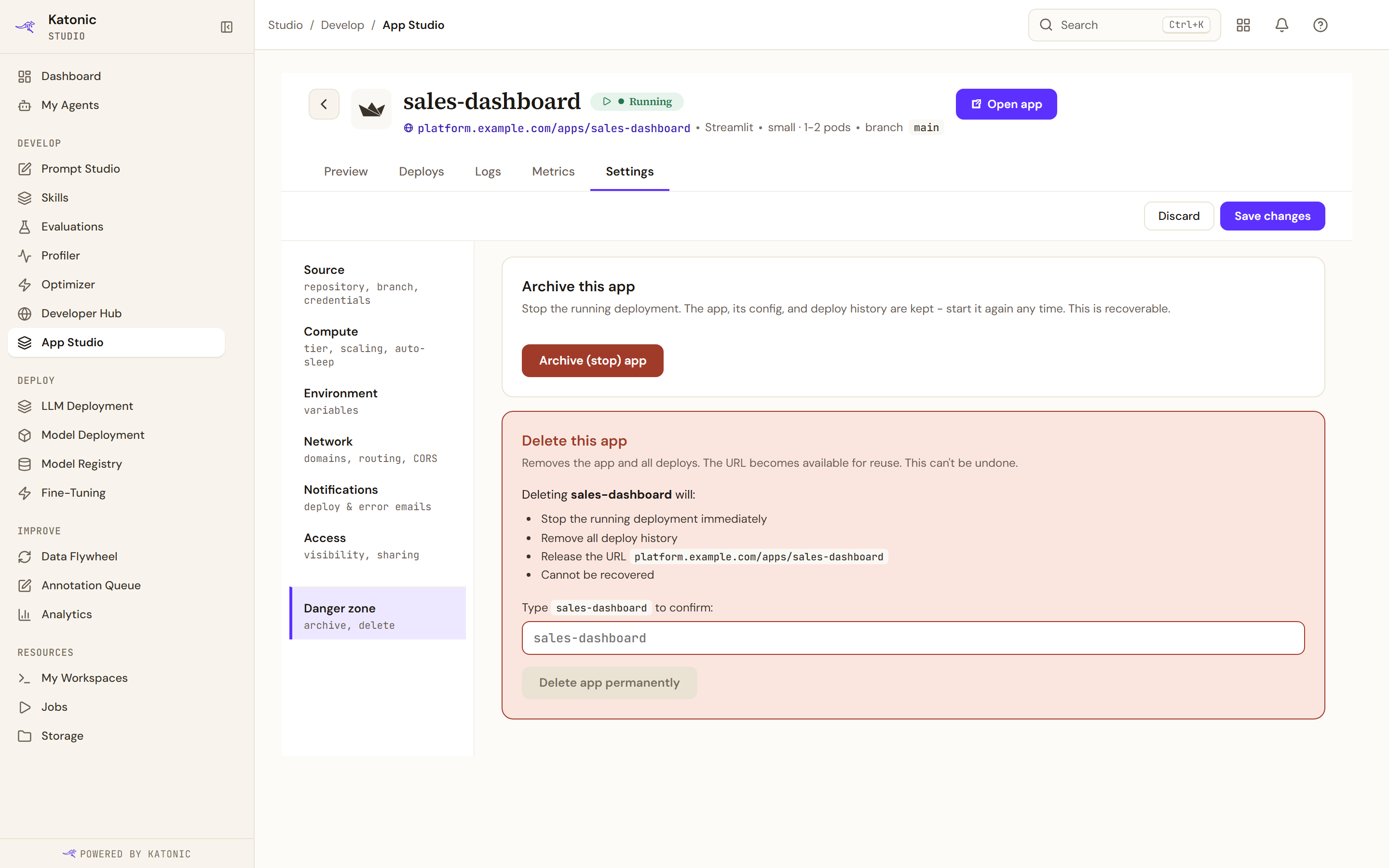
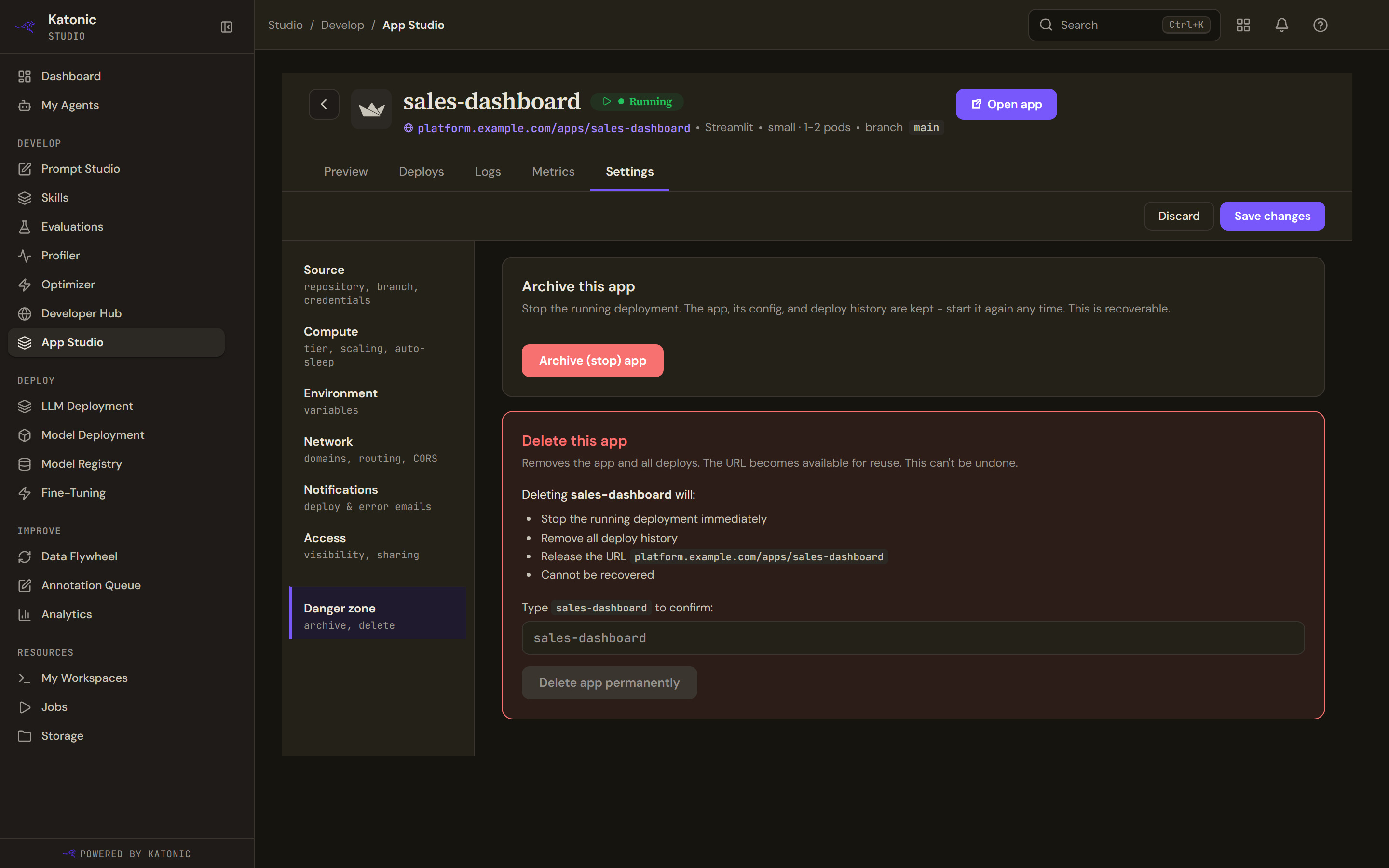
Archive stops the running deployment and keeps the app, its configuration and its deploy history. It is recoverable, and starting it again brings it back.
Delete is not. It stops the app, removes every deploy, and releases the address for someone else to use. The confirmation lists those four consequences and makes you type the app's name before the button works.
Promote
Where the tenant has a production lane, a running app can be promoted from its own page rather than from here. See An app's page.