Evaluation datasets
Evaluations
An evaluation dataset is a list of questions with the answers you expect. Everything an evaluation reports rests on it, so it is worth keeping deliberately rather than assembling one per run.
Who can use it: the Builder role or higher, in a tenant licensed for evaluations. Evaluation datasets are separate from Studio's Storage; the two do not share a library.
The library
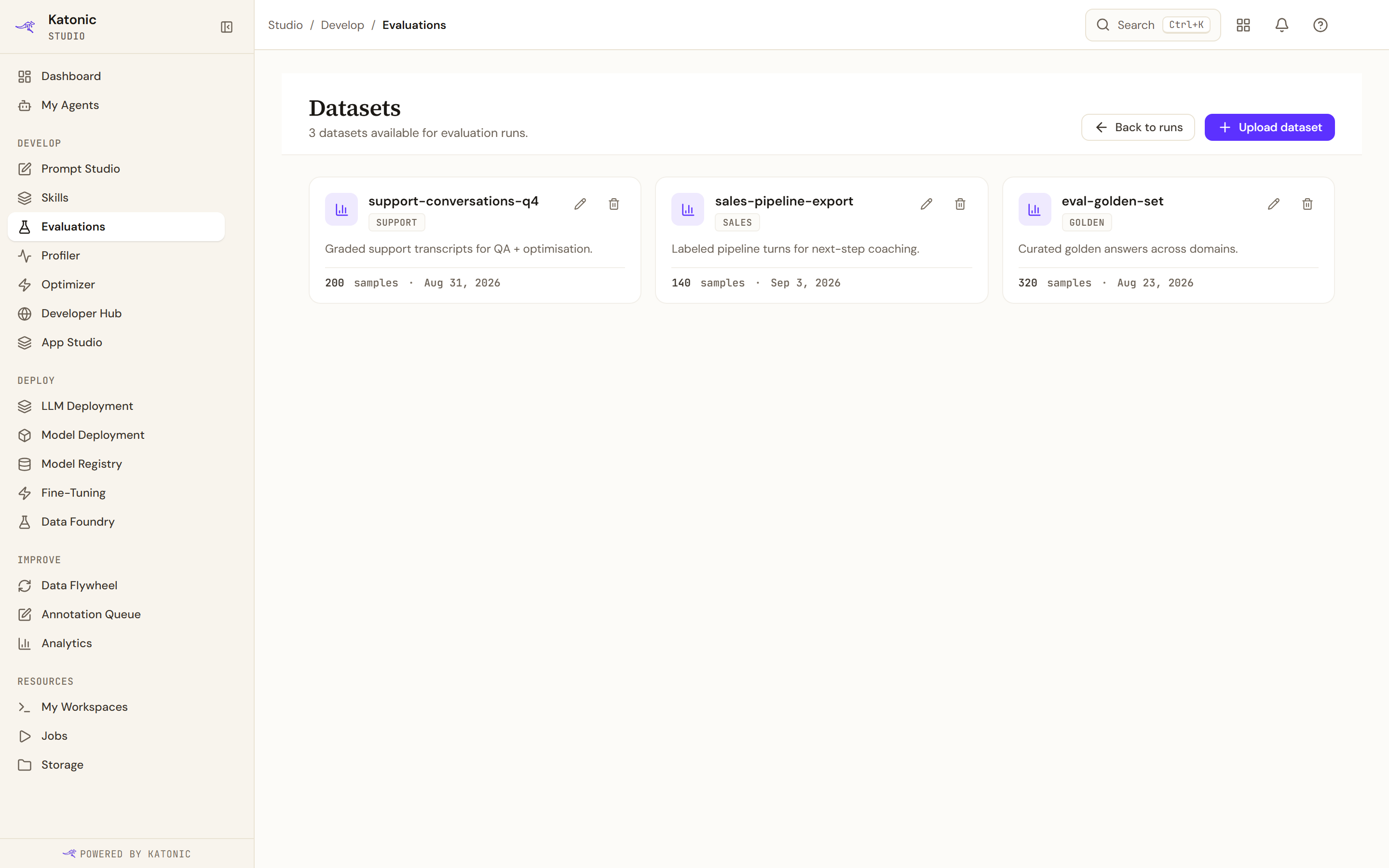
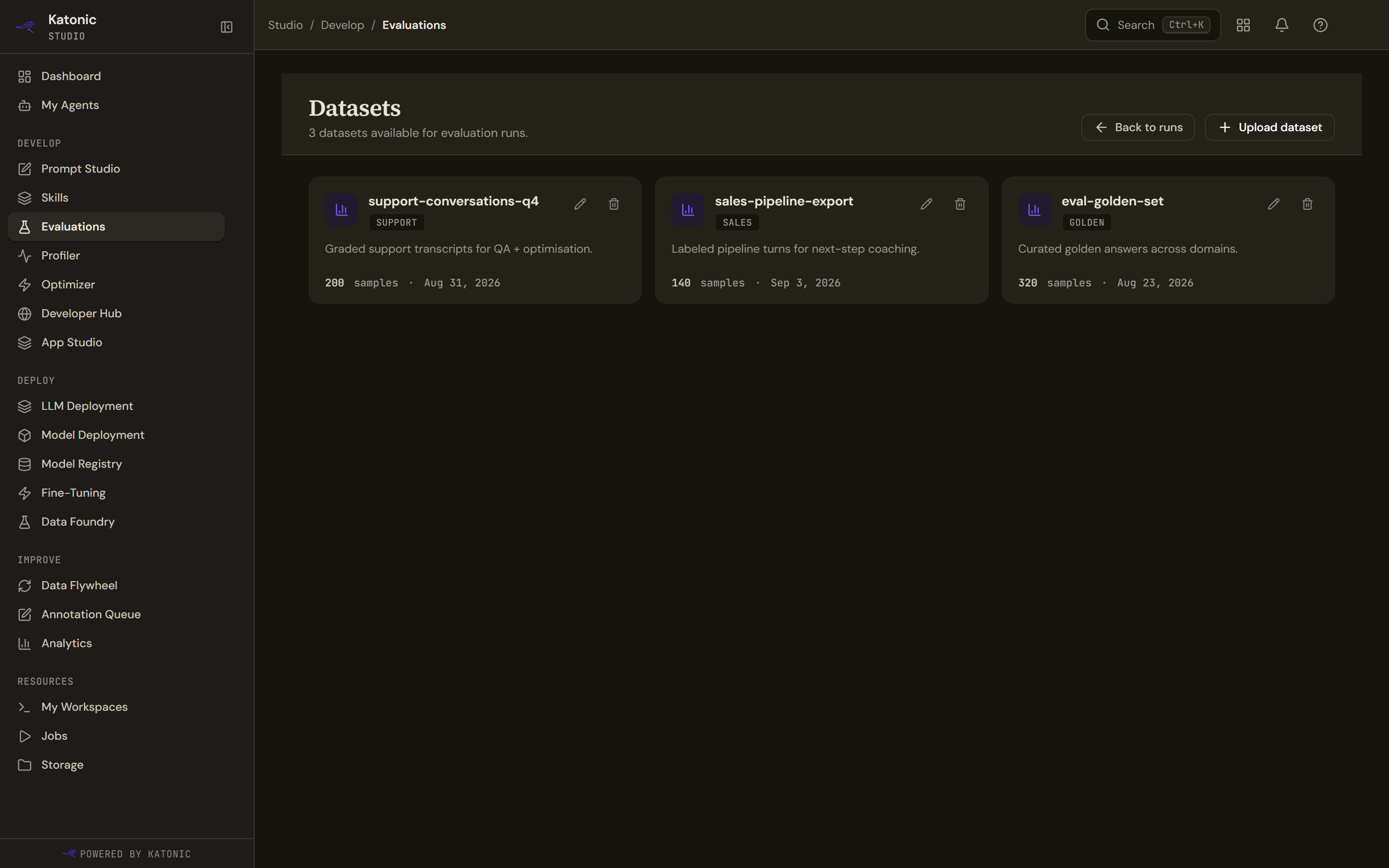
Datasets lists what you have, each with a category, a one-line description, its sample count and when it was made. Opening one shows its rows and lets you edit them in place: the Question, the Expected answer, and the row's other Fields. Rows can be added one at a time, or pasted in a batch as JSON or CSV, and a badge says whether the change is saved, saving or failed to save; editing saves itself a moment after you stop typing.
A dataset is deleted from the same place. Deleting one does not touch the runs that used it; their results are already recorded.
Import a file
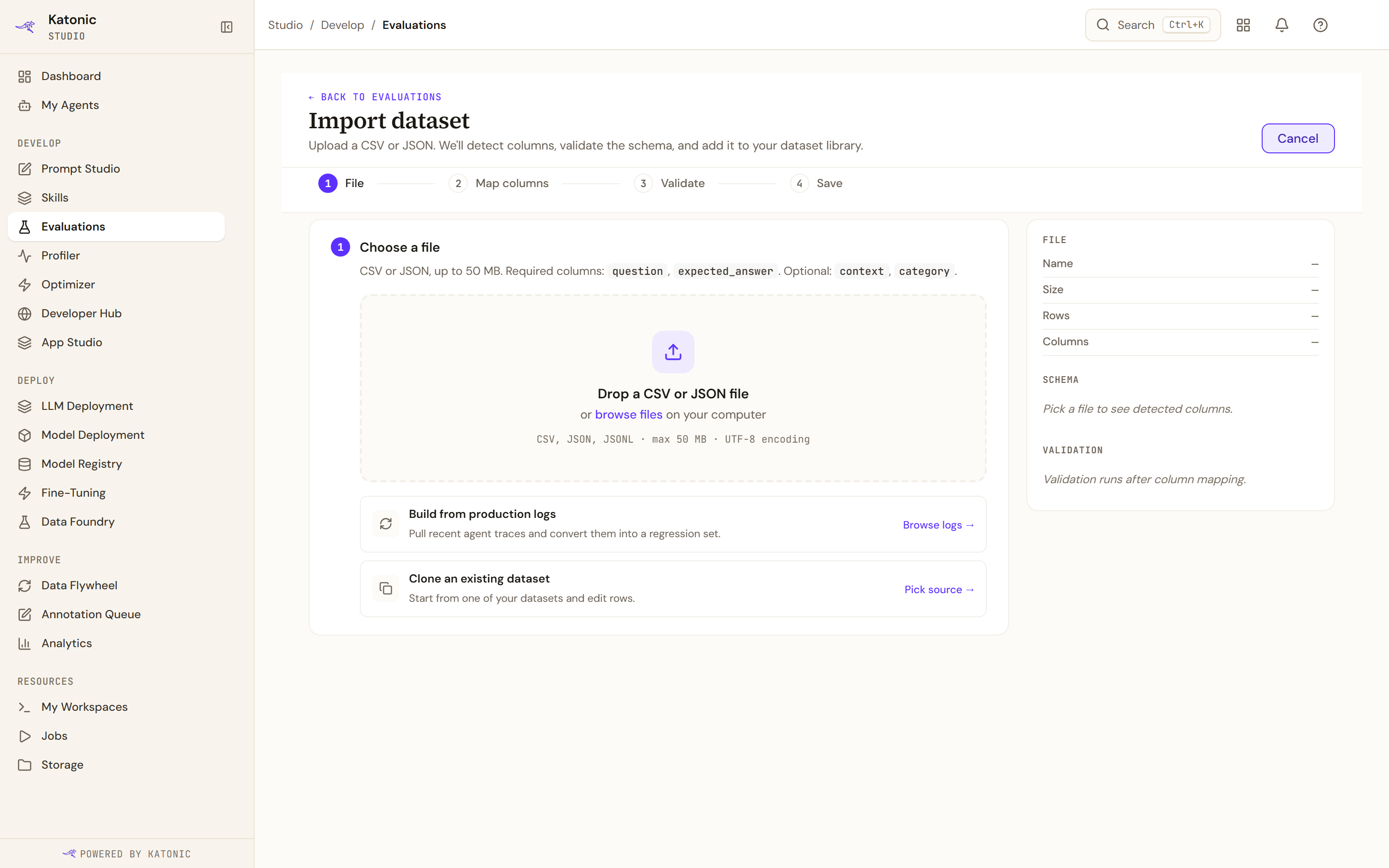
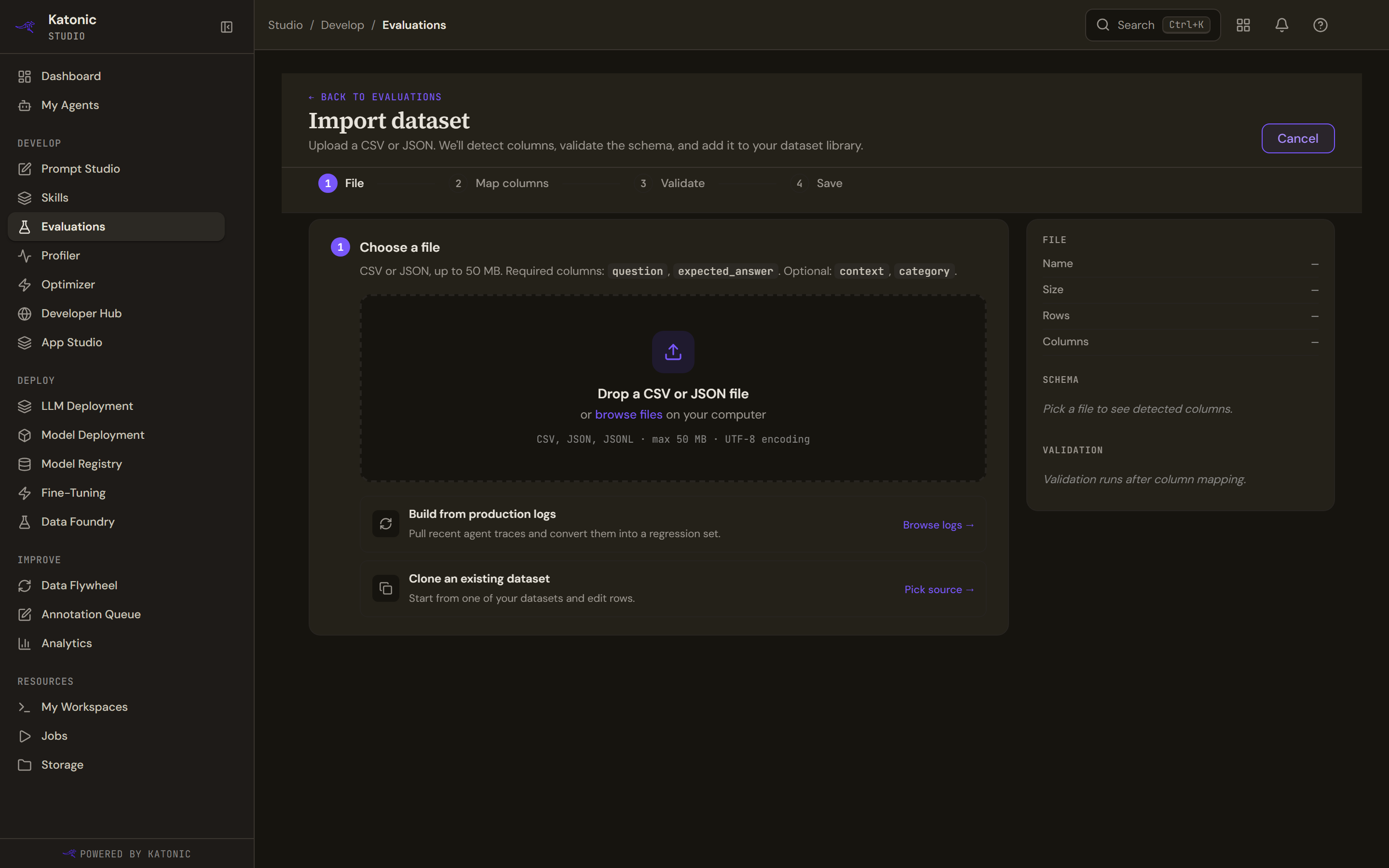
Import dataset takes four steps, shown as a numbered rail with the file's details, the detected schema and the validation result beside them.
- Choose a file
A CSV, JSON or JSONL file, up to 50 MB, in UTF-8. A question column and an expected_answer column are required; context and category are optional.
- Map the columns
The importer works out what each column is for, shows you sample values and how confident it is, and marks anything you set yourself as definitive. Correct what it has misread before continuing; this is the step that decides what the evaluators will be given. A question column is required before you can go on.
A column you map to nothing is not discarded: it travels with the row as one of its fields, and that is where the deterministic evaluators read their gold data from. See The evaluators.
- Validate
The rows are checked, and duplicates and empty rows are dropped and counted, so the number saved may be lower than the number in the file. The count is worth reading rather than skipping.
- Save
Give the dataset a name, a version, a description and its tags. It appears in the library and in the evaluation form's picker at once.
Two other ways to start
The import step offers two alternatives to a file you prepare by hand.
- Build from production logs opens the Annotation Queue, where low-scoring answers from real traffic are corrected by a person. That is the platform's route from what the agent was actually asked to a dataset you can test against.
- Clone an existing dataset takes you back to the dataset library to copy one by hand. There is no cloning wizard; the link is honest about where to start rather than promising a flow that does not exist.
Cases carried over from Prompt Studio's Test tab also arrive here as a dataset, named after where they came from. See Test a prompt against cases.
Limits and behaviour
- 50 MB per file, and UTF-8 encoding. A file in another encoding will read as mangled text rather than failing outright, so check the preview.
- The question and expected answer columns are required. A dataset without expected answers can still be run, but the evaluators that compare against an expected answer have nothing to compare with.
- A dataset is a snapshot. Editing one does not change the runs already scored against it.
- The visibility choice on the save step is not yet acted on by the platform; a dataset is visible to the workspace whatever you pick.
- Deleting a dataset warns about the runs and schedules that depend on it. Where that count cannot be fetched, it is estimated from the runs already loaded, so it can be lower than the truth.