Call an agent from another system
Public API
An API agent has no conversation: another application calls it, it does one job and it returns a result. On Katonic any agent becomes one when you publish it to the REST API. This tutorial builds a lending risk summary. The lending system sends an application and reads back a risk summary with its reasons. It is the fifth form in Which builder for which agent.
Who can use it: the Builder role or higher, in a tenant licensed for agents and the public API.
Prerequisites
- An API key with the Chat scope for the calling system. You create it yourself: in Studio, open Developer Hub, select the API keys tab and Create Key, name the key and pick the Chat only preset. Copy the key; it is shown once. See Authentication.
- A team you belong to, for the Owner team, and a guardrail profile. Before you build a form of agent says who provides each.
Build the agent
- Start a blank draft
In Studio, open My Agents and select New agent. Select Answer & assist, then Answer questions. Pick the Blank card and select Continue to build.
- Name it
On Identity, type the Display name
Lending Risk Summary, a one-sentence Description and pick the Owner team. Workspace and the slug, the short name made from the display name, together form the last part of the agent's address: heredefaultandlending-risk-summary. - Fix the format in the instructions
Open Behavior and paste the instructions from the next section into the system prompt, the standing instruction the agent follows on every turn. A caller that is a program needs the same fields every time, so the instructions name them, and name the answer for a case the agent cannot decide.
- Pick a guardrail profile
Open Guardrails and pick a profile. A loan application carries personal data, and the profile's rails, its safety checks, decide what happens to it on the way in and out.
- Read the endpoint
Open Deploy. API endpoint shows the address callers will use with a bearer token, a secret sent in the
Authorizationheader, and a sample call. Channels shows the Work Room and the API.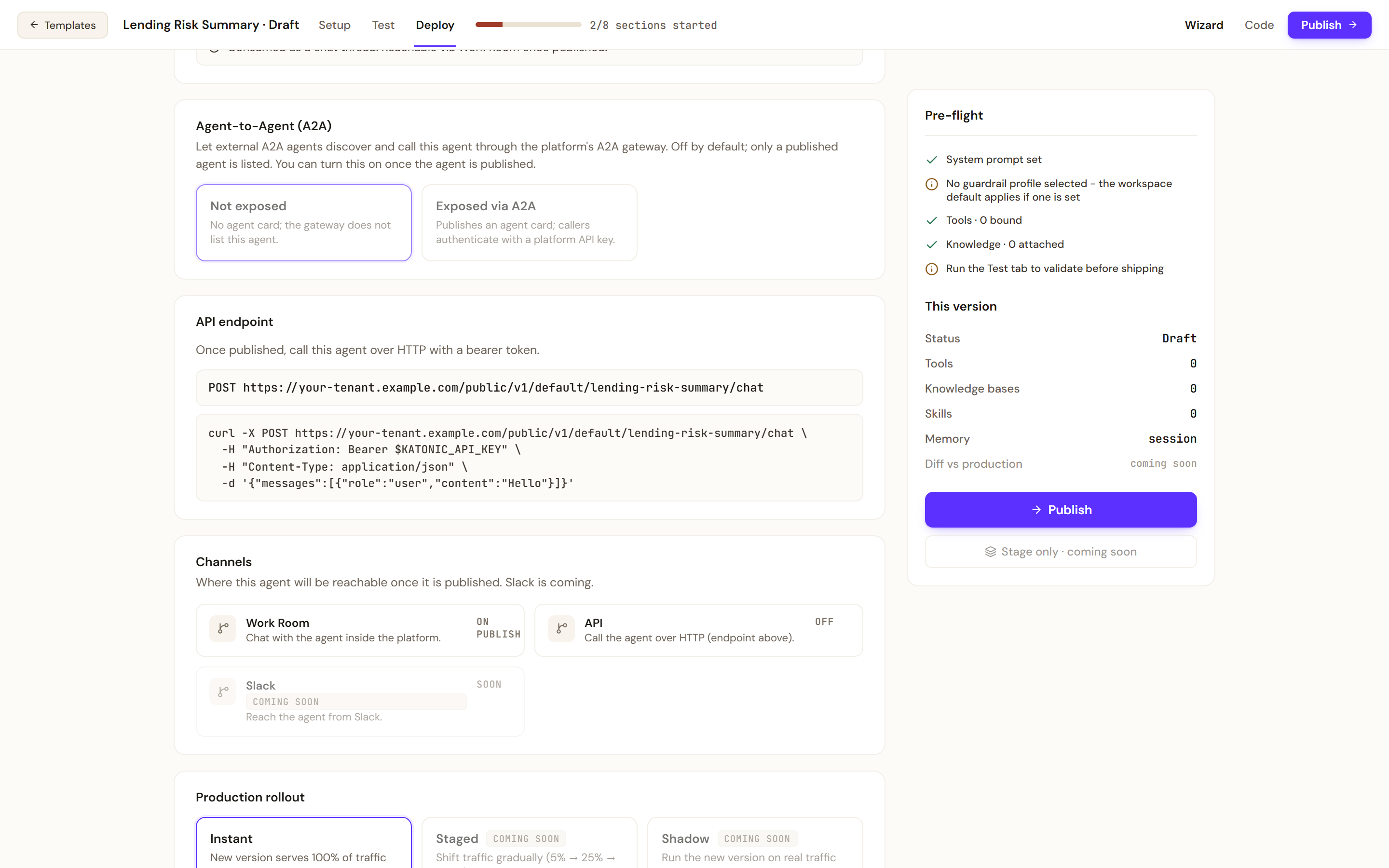
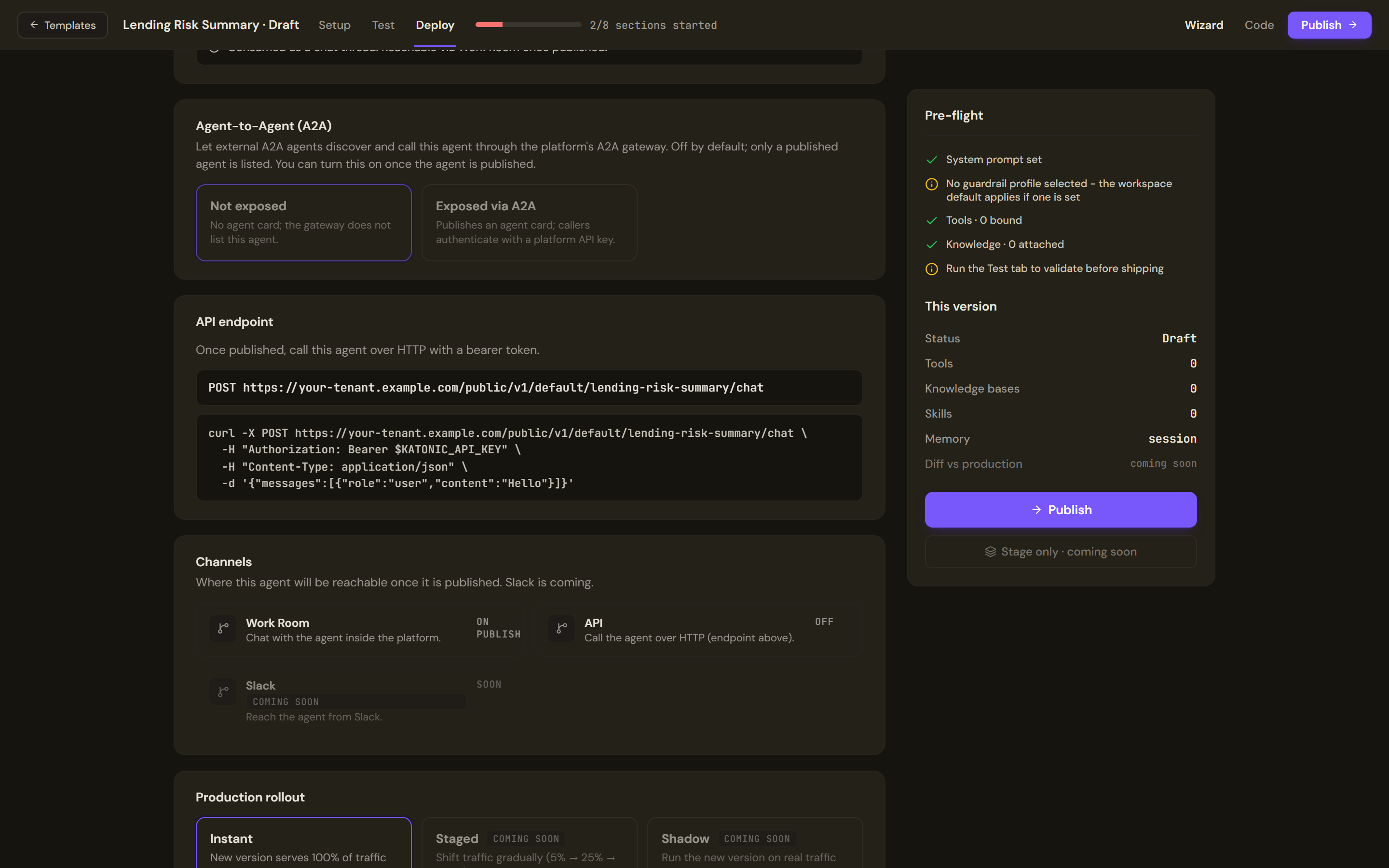
API endpoint shows the address callers use and a sample call. Channels shows where the agent will be reachable once it is published.
The agent's instructions
You receive one loan application as JSON and return one JSON object. Nobody reads your reply but the lending system.

Return exactly these fields: "risk" (one of "low", "medium", "high" or "cannot_decide"), "reasons" (a list of short sentences, each naming the field of the application it rests on) and "missing" (a list of the fields you needed and did not get).

Use only what the application says. If a field you need is absent, return "cannot_decide" and list it under "missing". Do not approve or decline the application: a credit officer decides.
Test and publish
- Test both cases
Open Test. Add two prompts with the plus button and run each: a complete application, and the same one with the income left out.
{"applicant_id":"A-1042","amount":25000,"term_months":36,"annual_income":61000,"existing_debt":4200,"months_in_job":40}{"applicant_id":"A-1043","amount":25000,"term_months":36,"existing_debt":4200} - Publish to the REST API
Select Publish. Under Who can use it, choose Team or Organization. Under Where it runs, tick REST API. Fix any blocker the dialog names, then publish. The screen that follows says whether the version is live, in a lane or not live yet, and the REST endpoint can be copied from it; see Before you build a form of agent.
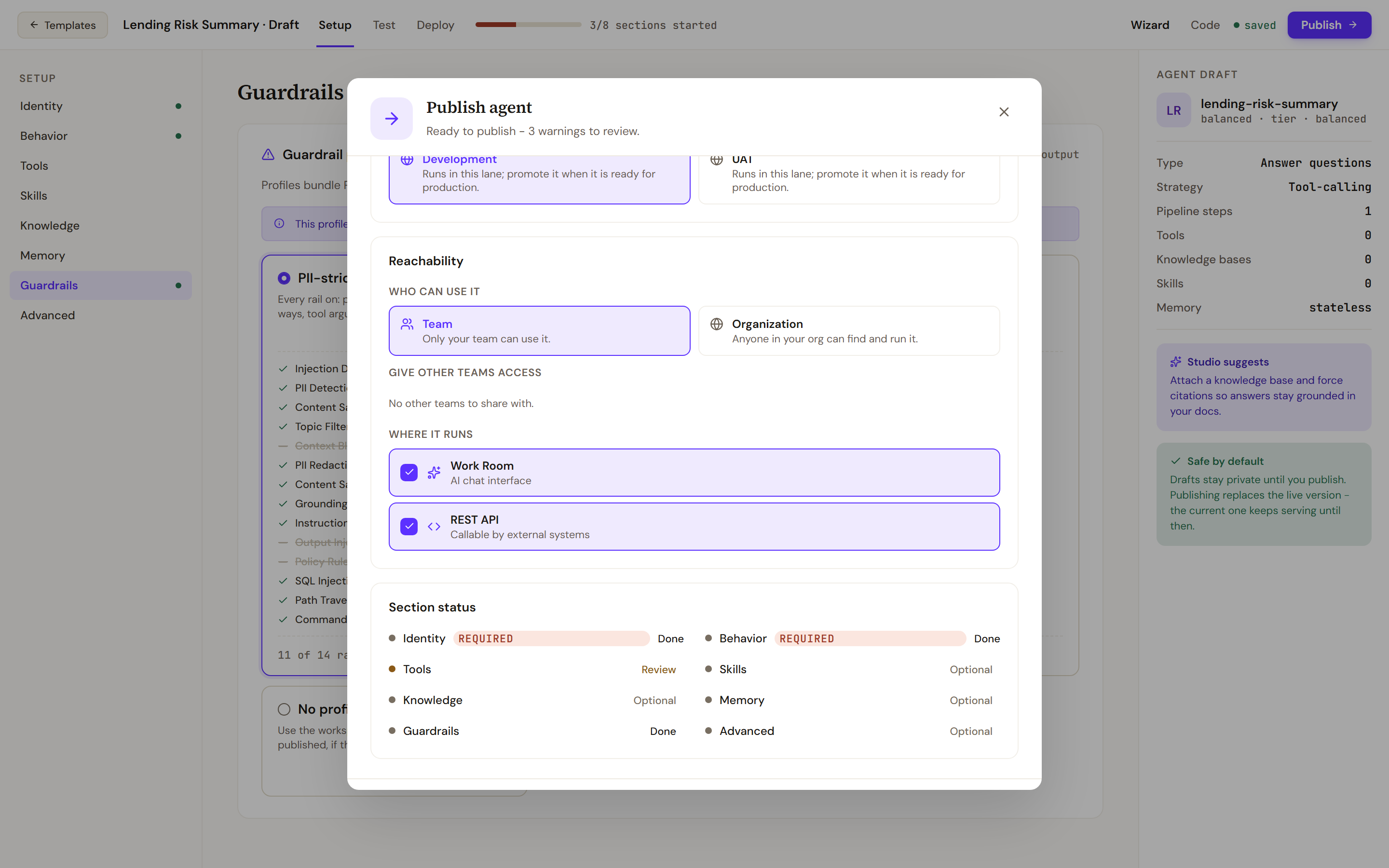
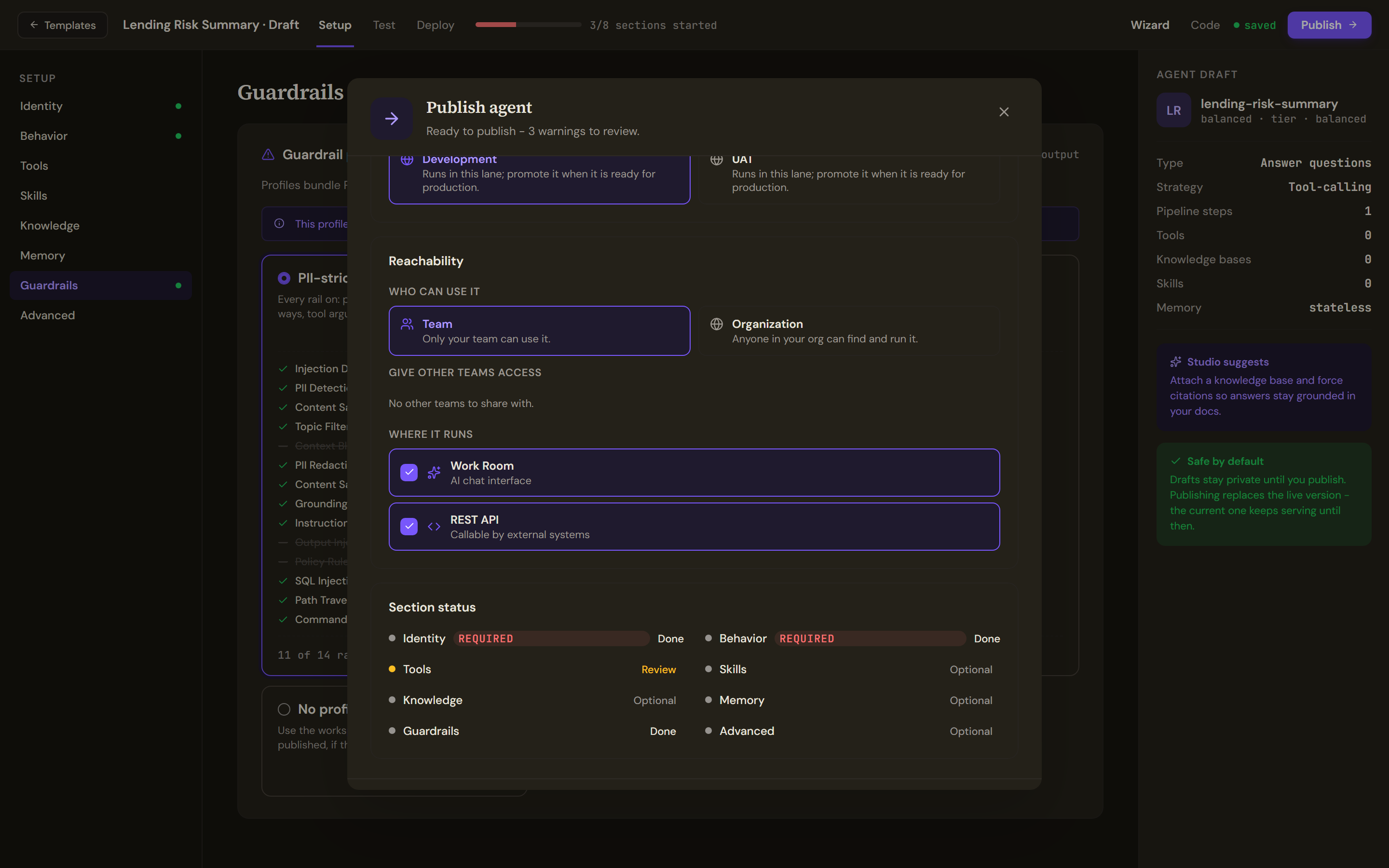
Under Where it runs, tick REST API so that another system can call the agent once it is published.
Call the agent
The calling system posts the application as the content of one user message. Replace the host, and use your own workspace and slug:
curl -X POST "https://<your tenant host>/public/v1/default/lending-risk-summary/chat" \
  -H "Authorization: Bearer kapi_..." \
  -H "Content-Type: application/json" \
  -d '{"messages": [{"role": "user", "content": "{\"applicant_id\":\"A-1042\",\"amount\":25000,\"term_months\":36,\"annual_income\":61000,\"existing_debt\":4200,\"months_in_job\":40}"}]}'
The call returns when the agent has finished, with one JSON object of this shape. The agent's answer is the text in message.content, shown here with the answer the instructions ask for:
{
  "message": {"role": "assistant", "content": "{\"risk\": \"low\", \"reasons\": [\"annual_income covers the repayments\", \"existing_debt is small against annual_income\"], \"missing\": []}"},
  "session_id": "<session id>",
  "agent_id": "<agent id>"
}
The platform does not check the answer against your format. Parse message.content as JSON in the calling system and reject a reply that does not have the three fields. Chat from your application covers sessions, streaming and the other form of the address.
Verify
Send the complete application. The reply's message.content parses as JSON with risk, reasons and an empty missing. Send the one without the income. risk is cannot_decide and missing lists annual_income. The key's owner sees both conversations in the Work Room.
Troubleshooting
- 401 with
AUTH_ERROR. The key is missing, malformed or unknown, or it lacks the Chat scope. Create a key with the Chat only preset. - 404 with
Agent not found. The workspace or the slug in the address is wrong, or the agent is not published to the API. Publish again with REST API ticked. - 502 whose
detailis an error message. The agent's run failed. Run the same application on the Test tab to see why. - 429 with
RATE_LIMITED. Wait for the time inX-RateLimit-Reset; see API overview. - The reply is not the JSON you asked for. Tighten the instructions, test again and publish again. Each publish adds a version, and Roll back on the agent's Versions tab returns to the earlier one.