Call other agents from one agent
Agents
A manager agent receives the work, decides during the turn which other agent handles each part, and puts the result together. On Katonic it is an answer agent with other agents attached in Tools. This tutorial builds a network operations manager that takes an alarm, calls a diagnosis agent, a customer impact agent and a ticketing agent, and writes one incident note. It is the eighth form in Which builder for which agent.
Who can use it: the Builder role or higher, in a tenant licensed for agents.
Prerequisites
- The three agents it calls, already published: a fault diagnosis agent, a customer impact agent and a ticketing agent. Only published agents are listed. If they do not exist yet, build each one first as an answering or acting agent; see Build an agent that answers from your documents and Build an agent that acts on a request. To try this tutorial quickly, any two published agents will do.
- A team you belong to, for the Owner team, and a guardrail profile. Before you build a form of agent says who provides each.
Build the agent
- Start a blank draft
In Studio, open My Agents and select New agent. Select Answer & assist, then Answer questions. Pick the Blank card and select Continue to build.
- Name it
On Identity, type the Display name
Network Operations Manager, a one-sentence Description and pick the Owner team. - Say which agent does what
Open Behavior and paste the instructions from the next section into the system prompt, the standing instruction the agent follows on every turn. The model decides when to call each agent, so the instructions name each one, say what to hand it and what to do when it returns nothing. Use the names your own agents carry.
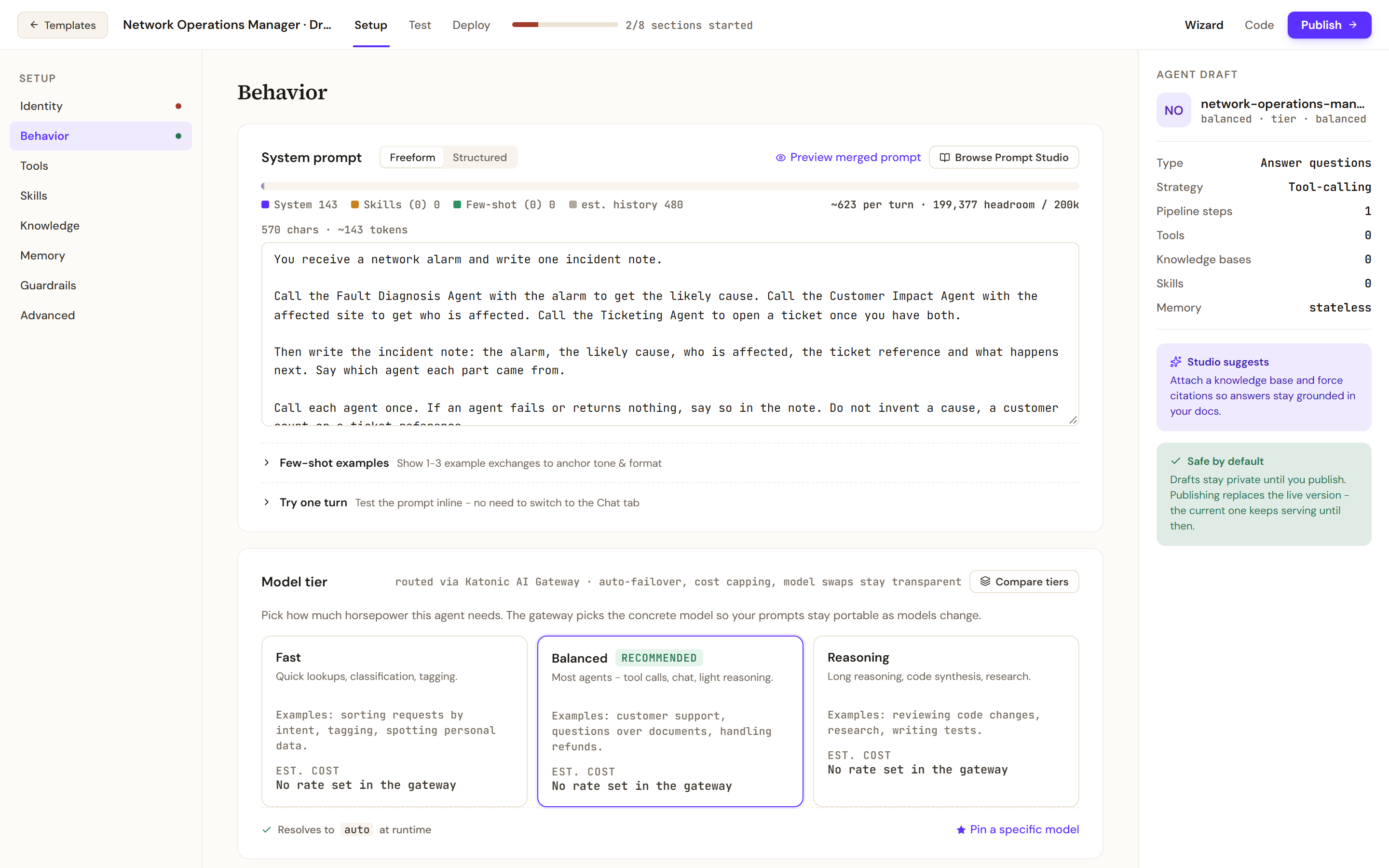
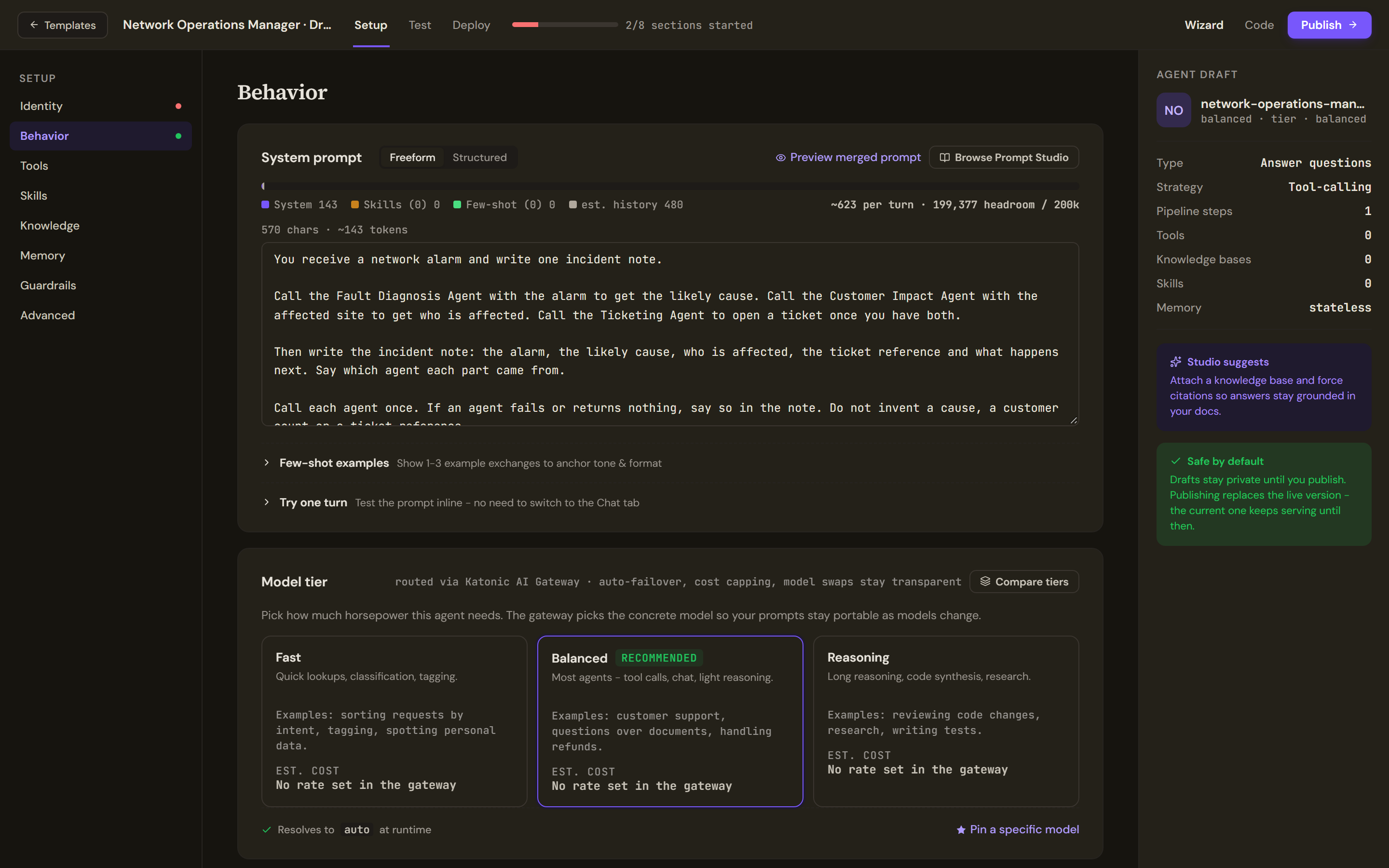
The instructions name each agent this one may call, what to hand it and what to do when it returns nothing. - Attach the agents
Open Tools and scroll to the Agents card. It lists the published agents with their kind and description. Switch on the three this agent should call. You should now see the card count three attached. An attached agent answers inside this agent's turn.
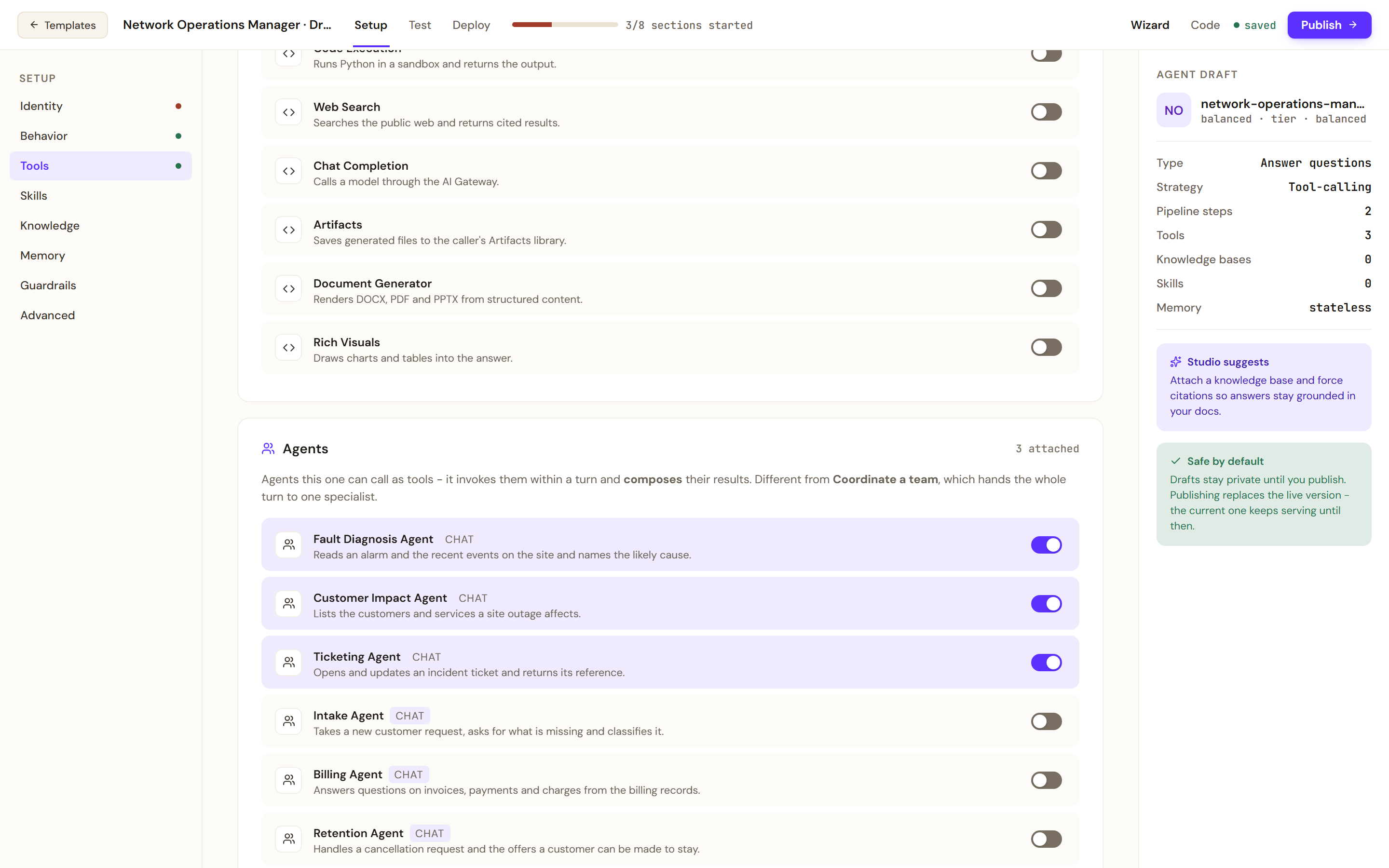
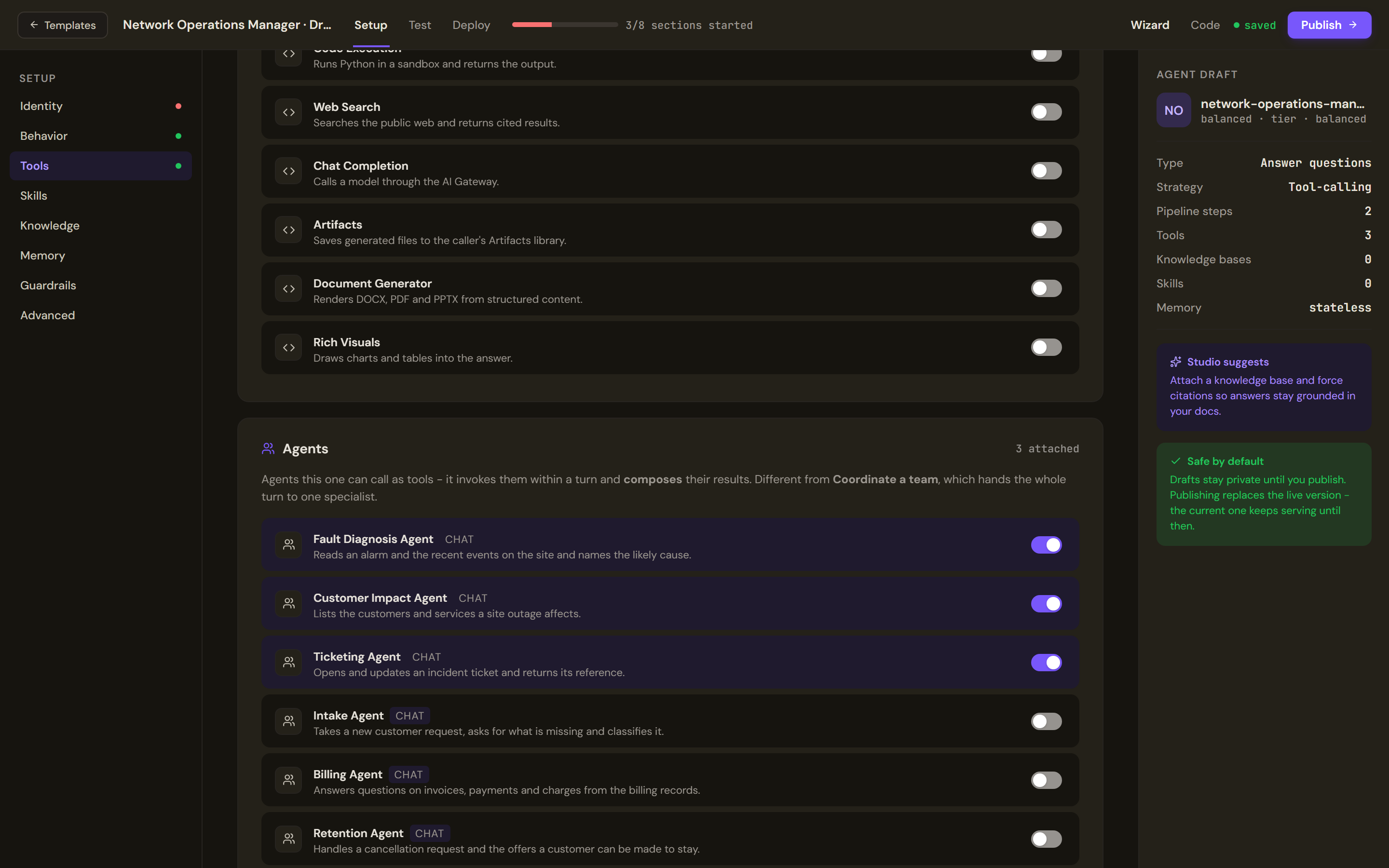
The Agents card lists the published agents this agent can call inside its own turn. Switch on the ones it should use. - Keep the execution strategy
Open Advanced. Leave the Execution strategy on Tool-calling, which lets the model decide when to call a tool and when to answer.
- Pick a guardrail profile
Open Guardrails and pick a profile, a named set of safety checks that run on every turn.
The agent's instructions
You receive a network alarm and write one incident note.

Call the Fault Diagnosis Agent with the alarm to get the likely cause. Call the Customer Impact Agent with the affected site to get who is affected. Call the Ticketing Agent to open a ticket once you have both.

Then write the incident note: the alarm, the likely cause, who is affected, the ticket reference and what happens next. Say which agent each part came from.

Call each agent once. If an agent fails or returns nothing, say so in the note. Do not invent a cause, a customer count or a ticket reference.
Test and publish
- Save the alarm as a test prompt
Open Test and add a prompt with the plus button:
ALARM 14:02 site NTH-04: loss of signal on the fibre uplink, 3 sectors down.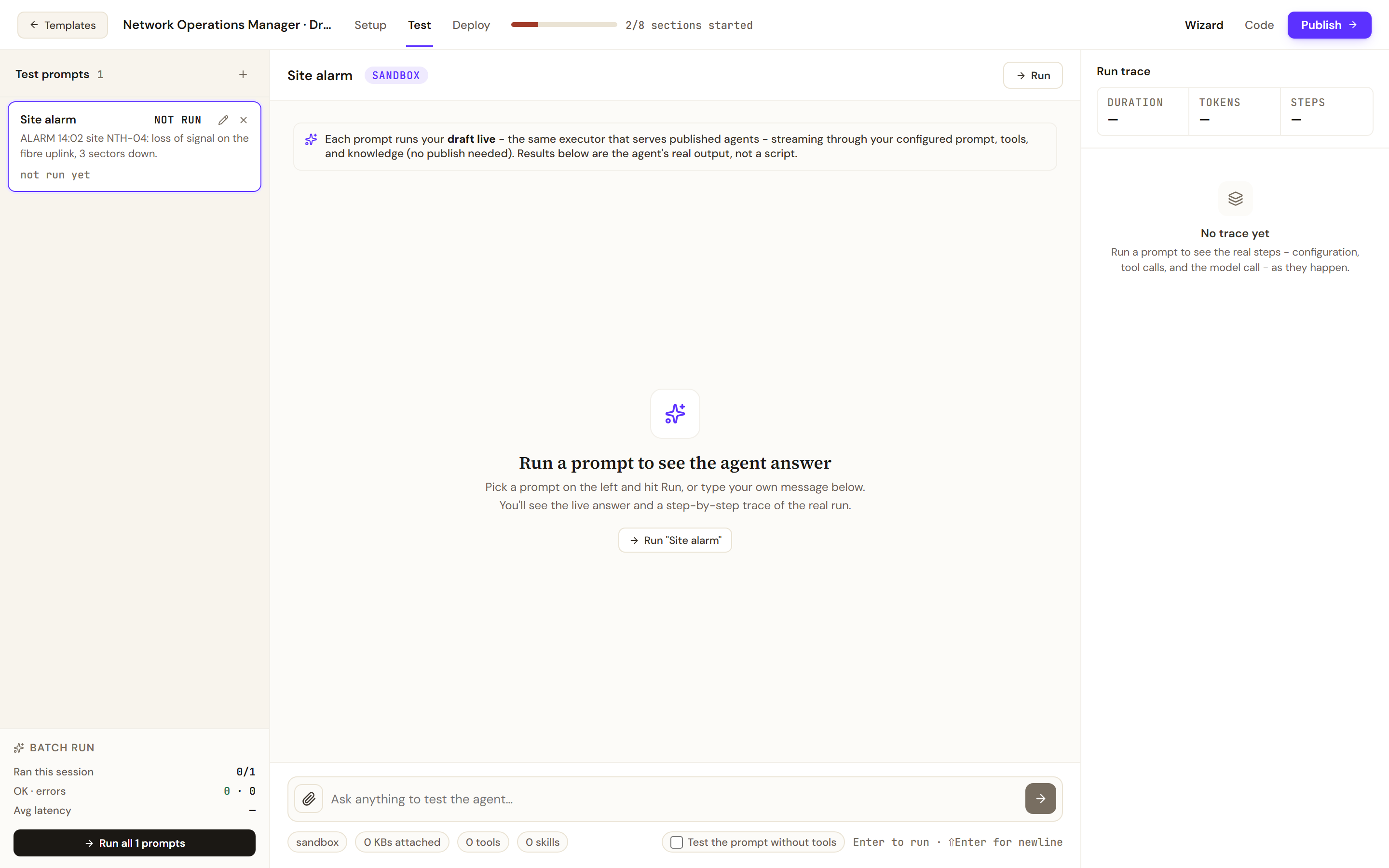
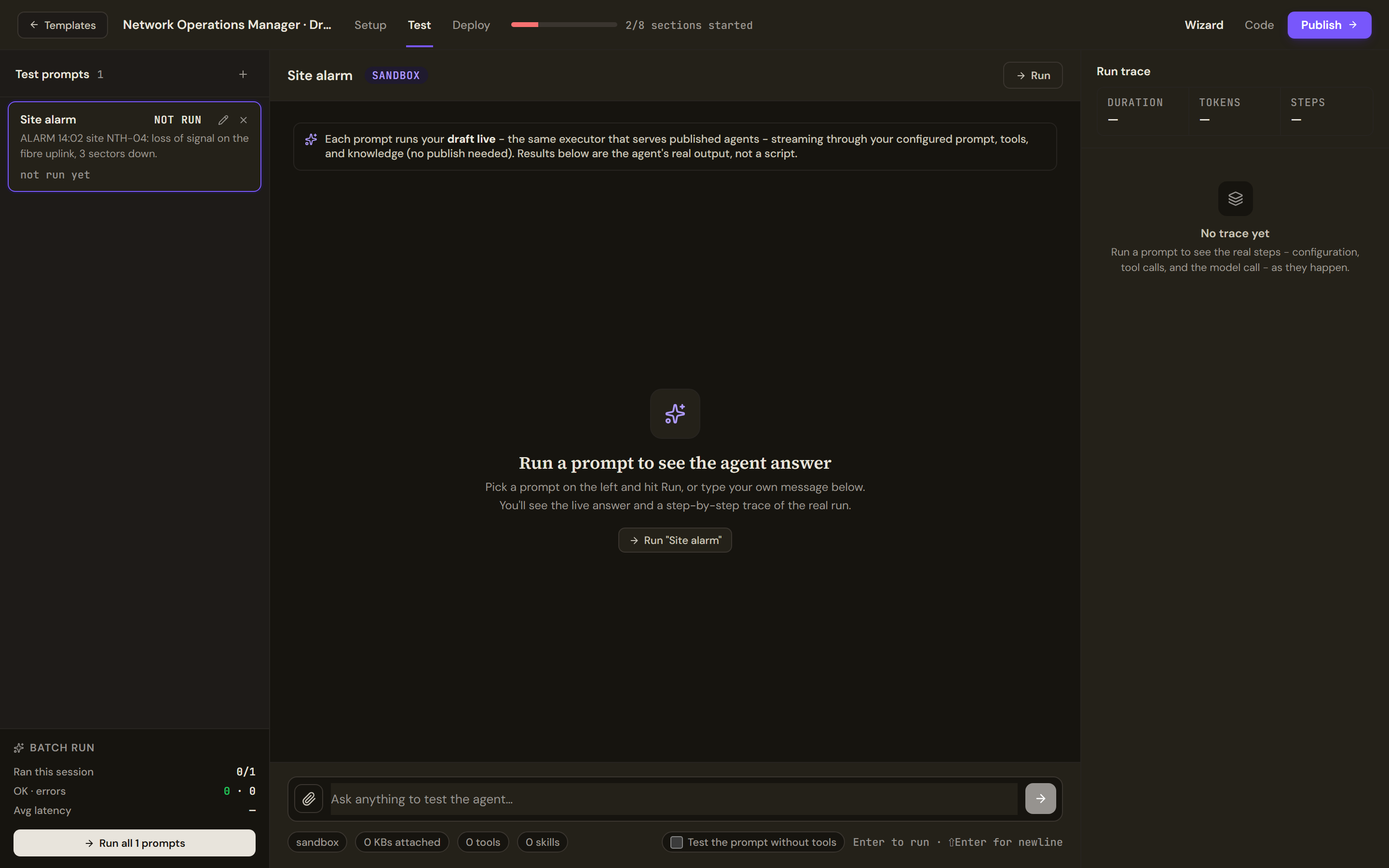
Save the alarm as a test prompt. A run lists its steps in the Run trace, the calls to other agents among them. - Run it and read the trace
Select Run. The Run trace on the right lists the steps of the real run, tool calls among them. A call to an attached agent appears there as a tool call.
- Publish
Select Publish, fix any blocker, choose who can use the agent and tick Work Room under Where it runs. The screen that follows says whether the version is live, in a lane or not live yet; see Before you build a form of agent.
Verify
Run the alarm above. The trace shows three calls, one for each attached agent, and no agent called twice. The incident note has five parts: the alarm, the likely cause, who is affected, a ticket reference and what happens next. Each part names the agent it came from, and the cause, the customers and the reference match what those agents return when you ask them directly.
Then detach one agent and run again. The note says that part is missing; it does not make one up.
Troubleshooting
- The agent answers from its own knowledge and calls nobody. Read the trace. If it shows no calls, name each agent and its job more plainly in the instructions, and check that the three switches on the Agents card are on.
- An agent is called and returns nothing. Open that agent and run the same input on its own Test tab. A tool that an attached agent calls is checked against tool policies in that agent's own run, so a write it attempts can be parked for approval there; see Before you build a form of agent.
- Couldn't load your published agents. The list could not be read. Reload the builder and open Tools again.
- An agent you expected is not listed. Only published agents appear, and the agent you are building is left out of its own list.
- The turn is slow or costly. Every call adds time and cost. Attach only the agents the job needs.
- You wanted one agent to take over the conversation. That is a coordinator, which hands the whole turn to one specialist; see the next form.