Route requests to specialists
Agents
In an agent team, each message goes to the specialist that owns it. On Katonic that is Coordinate a team: a coordinator that does no work itself and routes each incoming message to one of the agents you attach. This tutorial builds a customer care coordinator over three agents: intake, billing and retention. It is the ninth form in Which builder for which agent.
Who can use it: the Builder role or higher, in a tenant licensed for agents. The specialists must be published agents you can see.
Prerequisites
- The three specialists, published as conversational agents. If they do not exist yet, build each one first; see Build an agent that answers from your documents. A workflow cannot take a delegated turn.
- A team you belong to, for the Owner team, and a guardrail profile. Before you build a form of agent says who provides each.
Build the coordinator
- Start a blank draft
In Studio, open My Agents and select New agent. Select Coordinate a team, pick the Blank card and select Continue to build. The Setup rail has five sections: Identity, Specialists, Routing, Guardrails and Advanced.
- Name it
On Identity, type the Display name
Customer Care Coordinator, a one-sentence Description and pick the Owner team. - Attach the specialists
Open Specialists. The list shows the workspace's published agents, with Kind and Owner filters. Select Attach on the intake, billing and retention agents. In Role here, say what each one owns in this team, in a few words that do not overlap:
Intake Agent: new requests and anything not yet classifiedBilling Agent: invoices, payments and chargesRetention Agent: cancellations and offers to stayYou should now see three agents marked Attached. Overlap detected warns where two specialists share keywords; reword the roles until the two you care about no longer overlap.
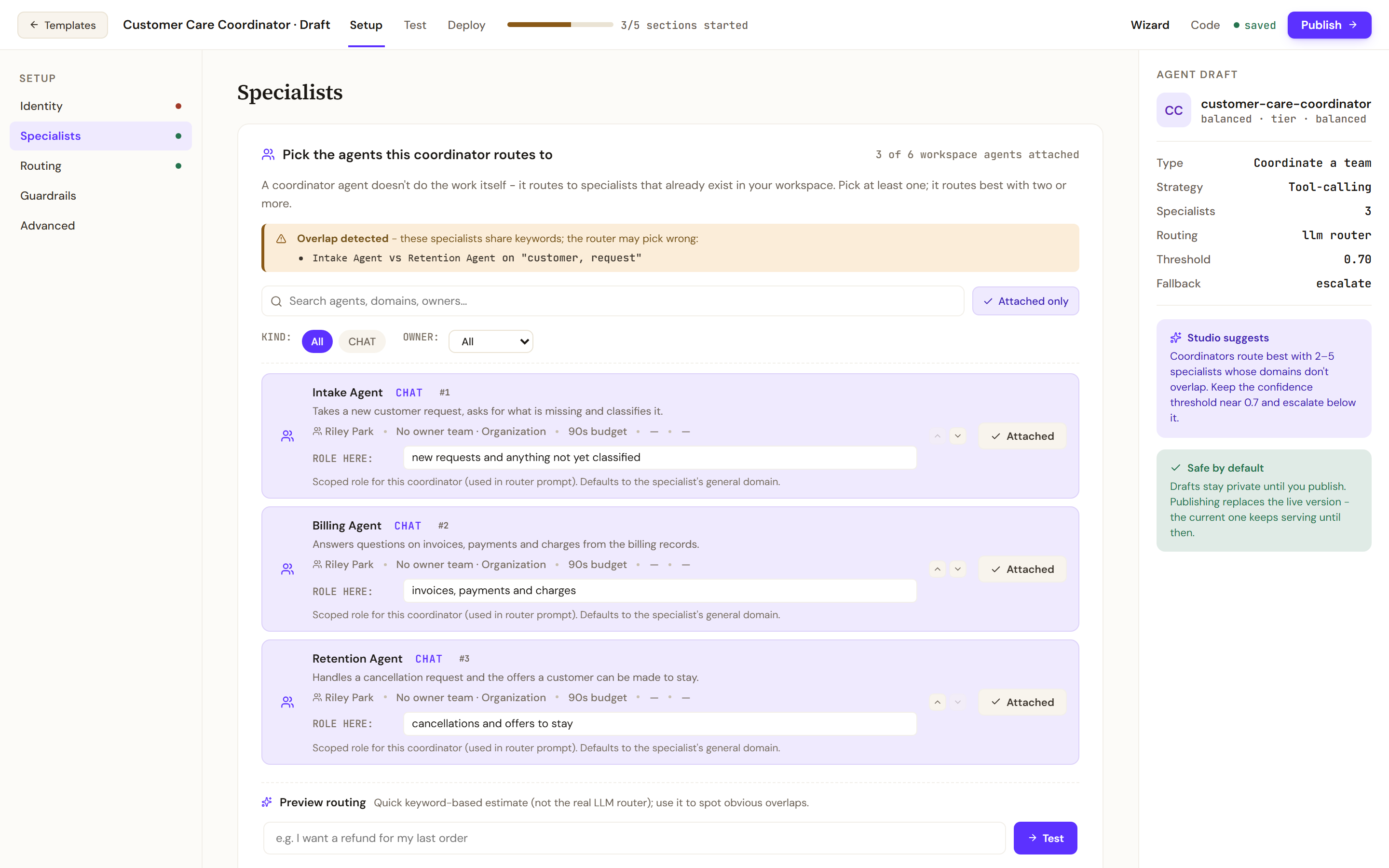
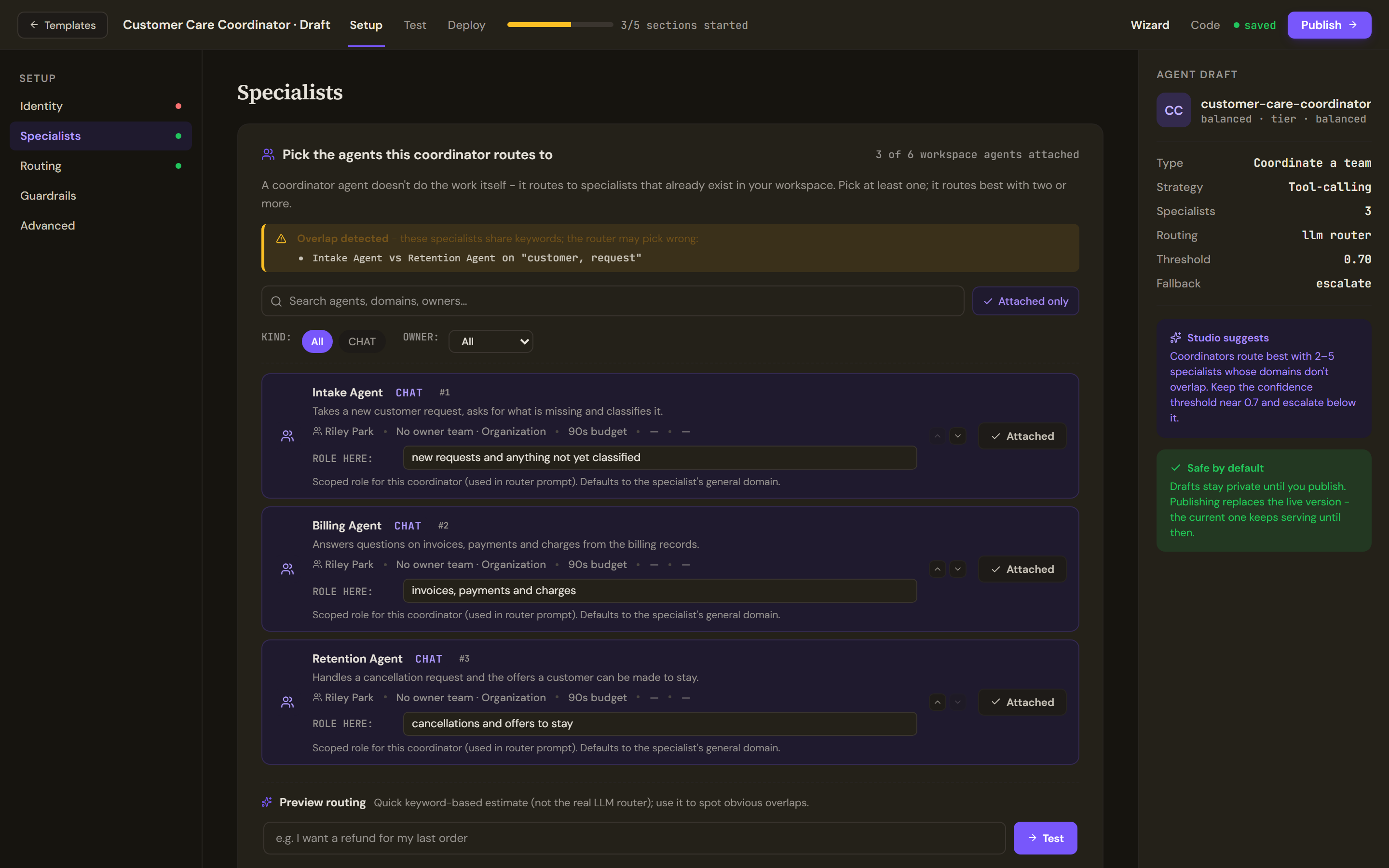
Specialists picks the published agents the coordinator routes to. Role here says what each one owns in this team. - Read the router prompt
Open Routing. The coordinator routes with the LLM router and the Router prompt, which is written from the specialists list. Add one line to steer a case that could go either way:
A message that asks to cancel always goes to the Retention Agent, even when it also mentions a charge.The Confidence threshold and the Fallback on this section are saved with the agent but not enforced at run time yet.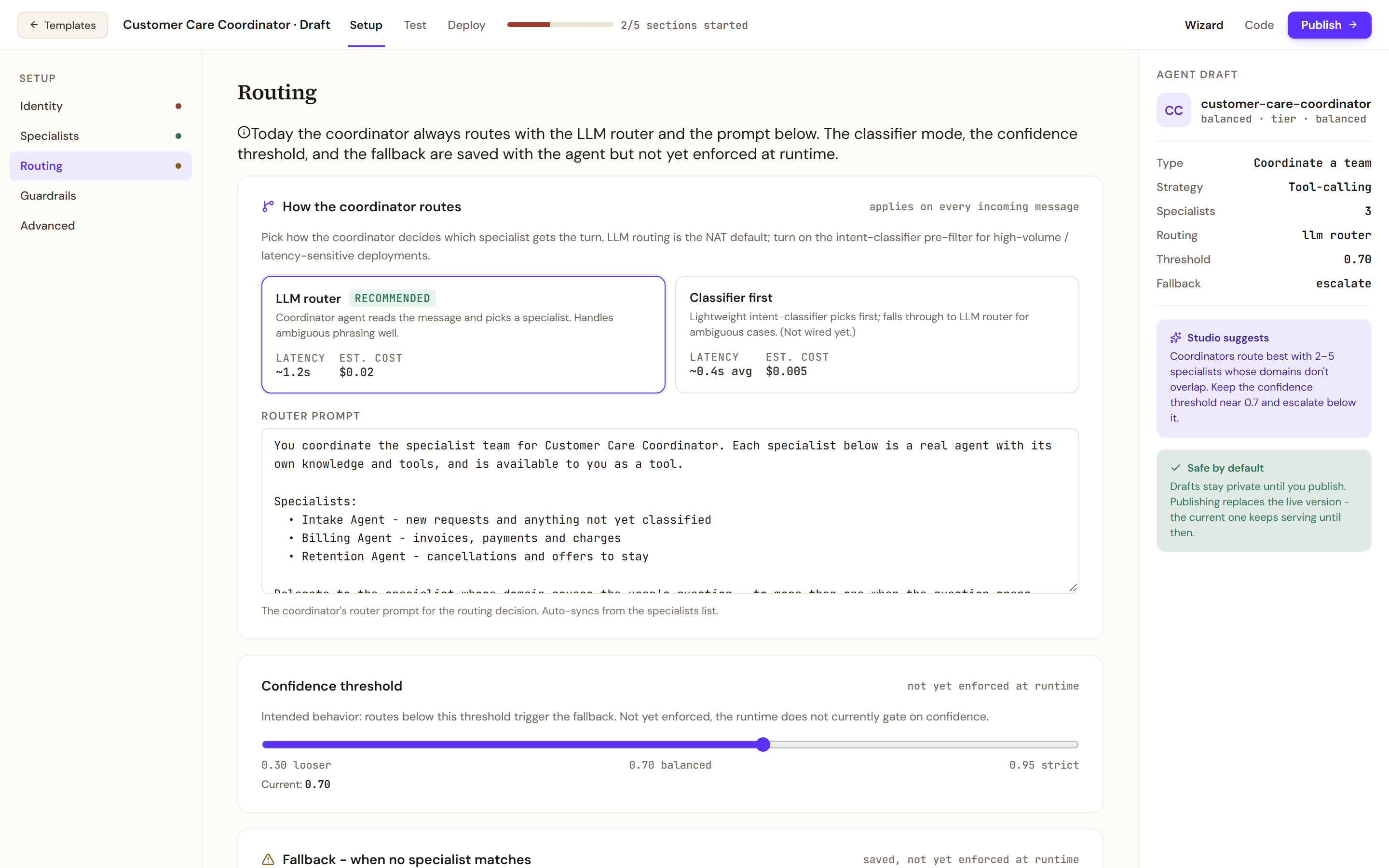
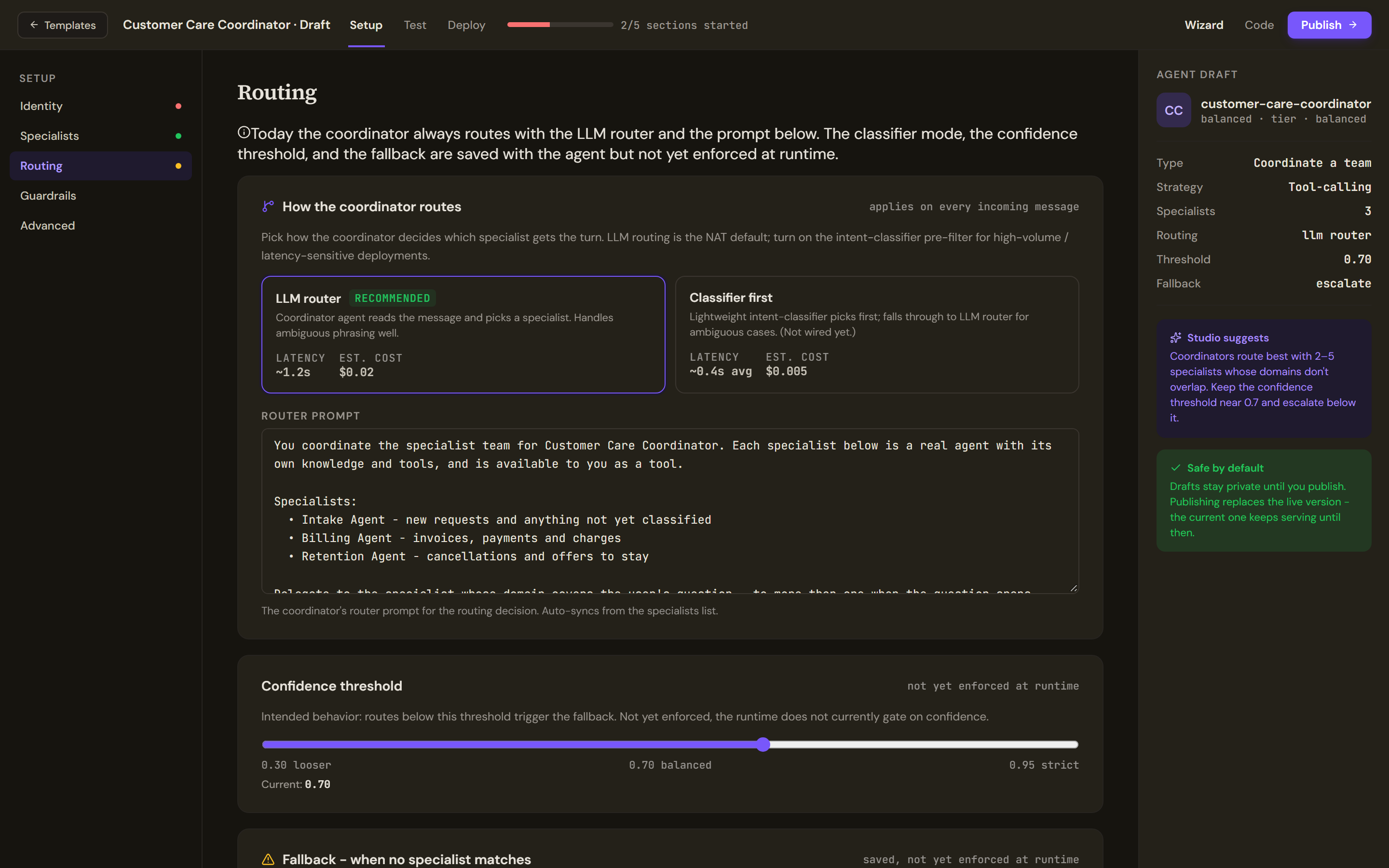
The coordinator routes with the LLM router and the router prompt, which is written from the specialists list. - Pick a guardrail profile
Open Guardrails and pick a profile, a named set of safety checks that run on every turn.
Test and publish
- Add six cases
Open Test. Each case is a message and the specialist expected to receive it. Add each with the plus button: a Test input and its Expected specialist.
I want to open an account for my business -> Intake AgentSomething is wrong and I do not know who to ask -> Intake AgentWhy was I charged twice in October? -> Billing AgentCan I pay my invoice by bank transfer? -> Billing AgentPlease cancel my plan -> Retention AgentCancel my plan and refund last month's charge -> Retention Agent - Run them
Select Run all. Each case gets a verdict and a routing trace, and the Confusion matrix shows which specialists the router mixes up.
- Fix what it confuses
Sharpen Role here on the two specialists it confuses, or the router prompt, and run the cases again.
- Publish
Open Deploy. Pre-flight lists the checks, among them the number of specialists, the router prompt, the measured routing accuracy and whether every specialist is deployed. Publish to production stays blocked while a red row remains. Before you build a form of agent covers the outcomes of a publish and how to roll back.
Verify
Run all gives six verdicts, and all six read as routed to the expected specialist. The last case is the telling one: it mentions a charge and still goes to the Retention Agent.
After publishing, open the coordinator in the Work Room and send Why was I charged twice in October?. The reply is the Billing Agent's: it is the answer that agent gives when you ask it the same question directly.
Troubleshooting
- Every message goes to one specialist. Its Role here is too broad, or the others are too narrow. Read the routing trace of a wrong case, then rewrite the roles so that each names what the others do not.
- A specialist is marked Can't delegate. It is a workflow. Attach a conversational agent.
- A case is flagged. Its expected specialist is no longer attached. Attach the specialist again or remove the case.
- No active deployment beside a specialist on the Deploy tab. Publish that specialist from its own page first; a specialist must be deployed in the target environment before the team can be published there.
- A specialist needs another specialist's help. The coordinator hands the whole turn to one specialist, and specialists do not pass a message on to each other. To call several agents inside one turn, use Call other agents from one agent.