Investigate a question with a research report
Agents
An autonomous agent is given a question, not steps. It plans, searches, reads and writes up what it found. On Katonic that is the Research report kind. This tutorial builds an investigator that works out why settlement runs failed, from the incident runbooks and the issue history. It is the sixth form in Which builder for which agent.
Who can use it: the Builder role or higher, in a tenant licensed for agents and knowledge.
Prerequisites
- Two knowledge sources, sets of documents the platform has indexed: one holding the incident runbooks and one holding the issue history. A Builder creates them under Knowledge Sources; see Add a knowledge source.
- A team you belong to, for the Owner team. Before you build a form of agent says who provides it.
Build the agent
- Start a blank draft
In Studio, open My Agents and select New agent. Select Answer & assist, then Research report. Pick the Blank card and select Continue to build. The builder opens on Brief.
- Write the brief
Type the Agent name
Settlement Failure Investigatorand pick the Owner team. Then paste the question from the next section into Research question. It is the single most important input: it states the question and what a good answer looks like. In Scope & constraints, typeCover the last quarter only. Use the runbooks and the issue history, nothing else.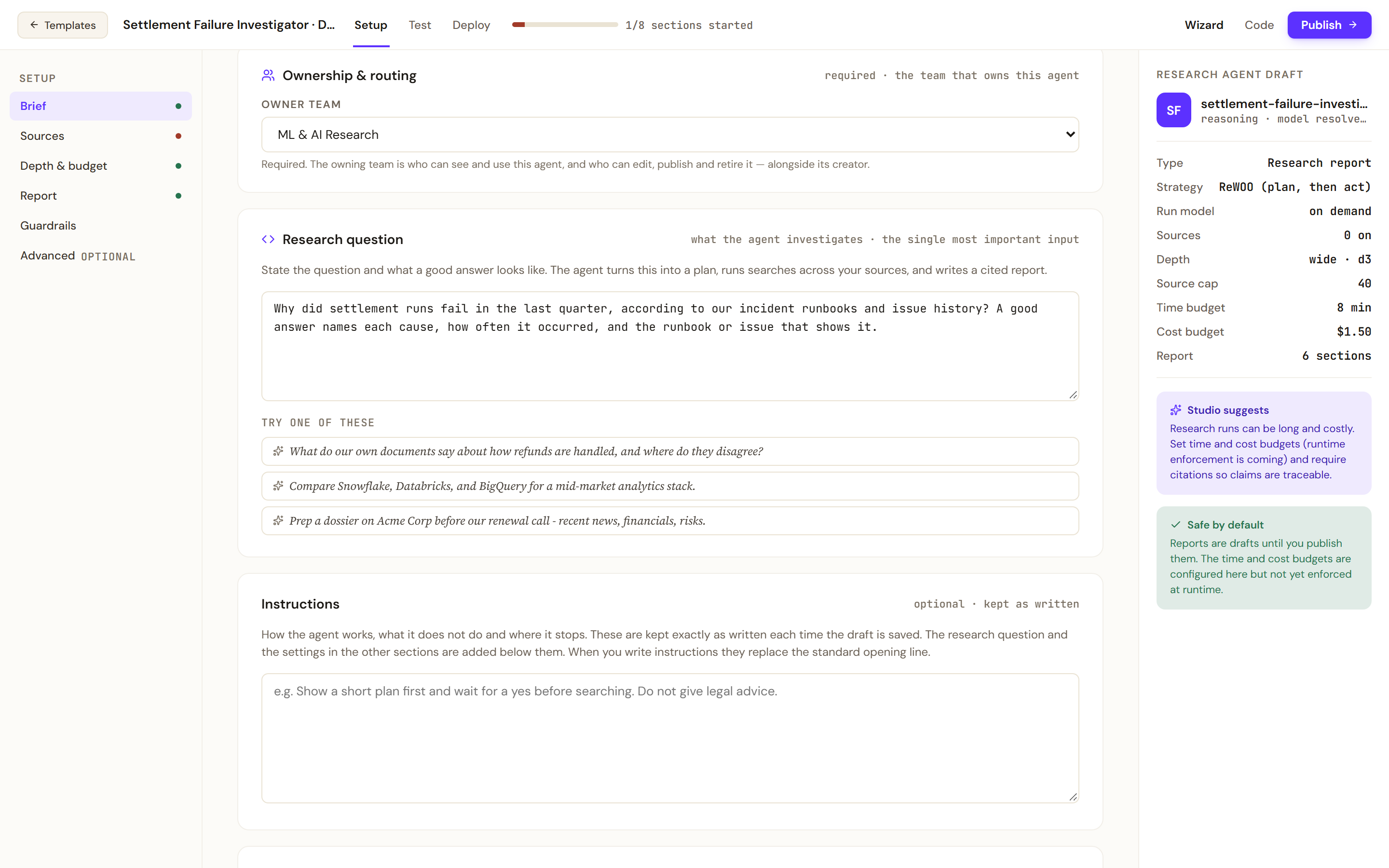
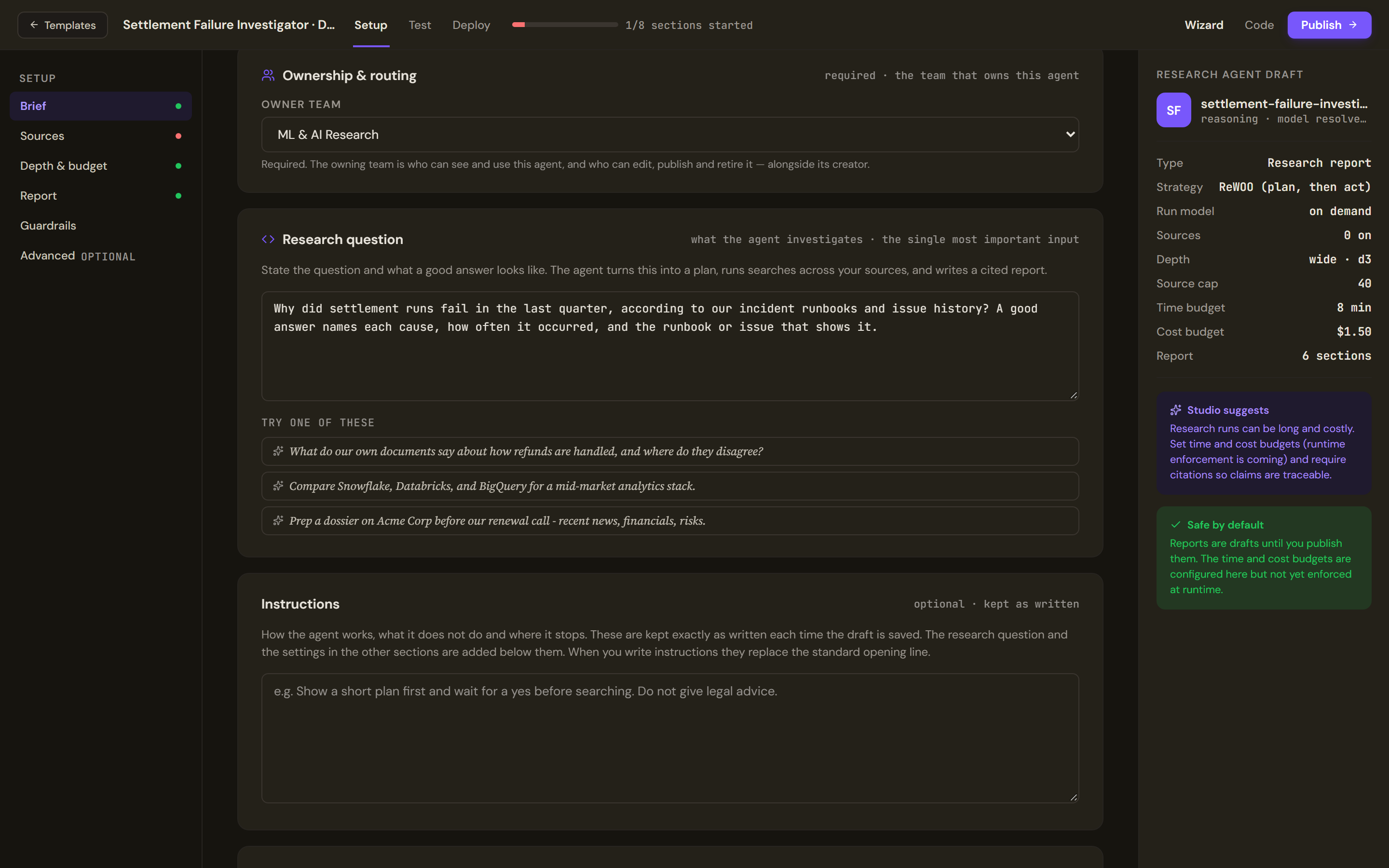
The research question is the most important input. State the question and what a good answer looks like. - Choose the sources
Open Sources. Where the agent looks has a switch per source. Switch on the incident runbooks and the issue history, and leave the rest off. More sources mean better coverage but longer, costlier runs. You should now see 2 on at the top of the section and in the Research agent draft rail.
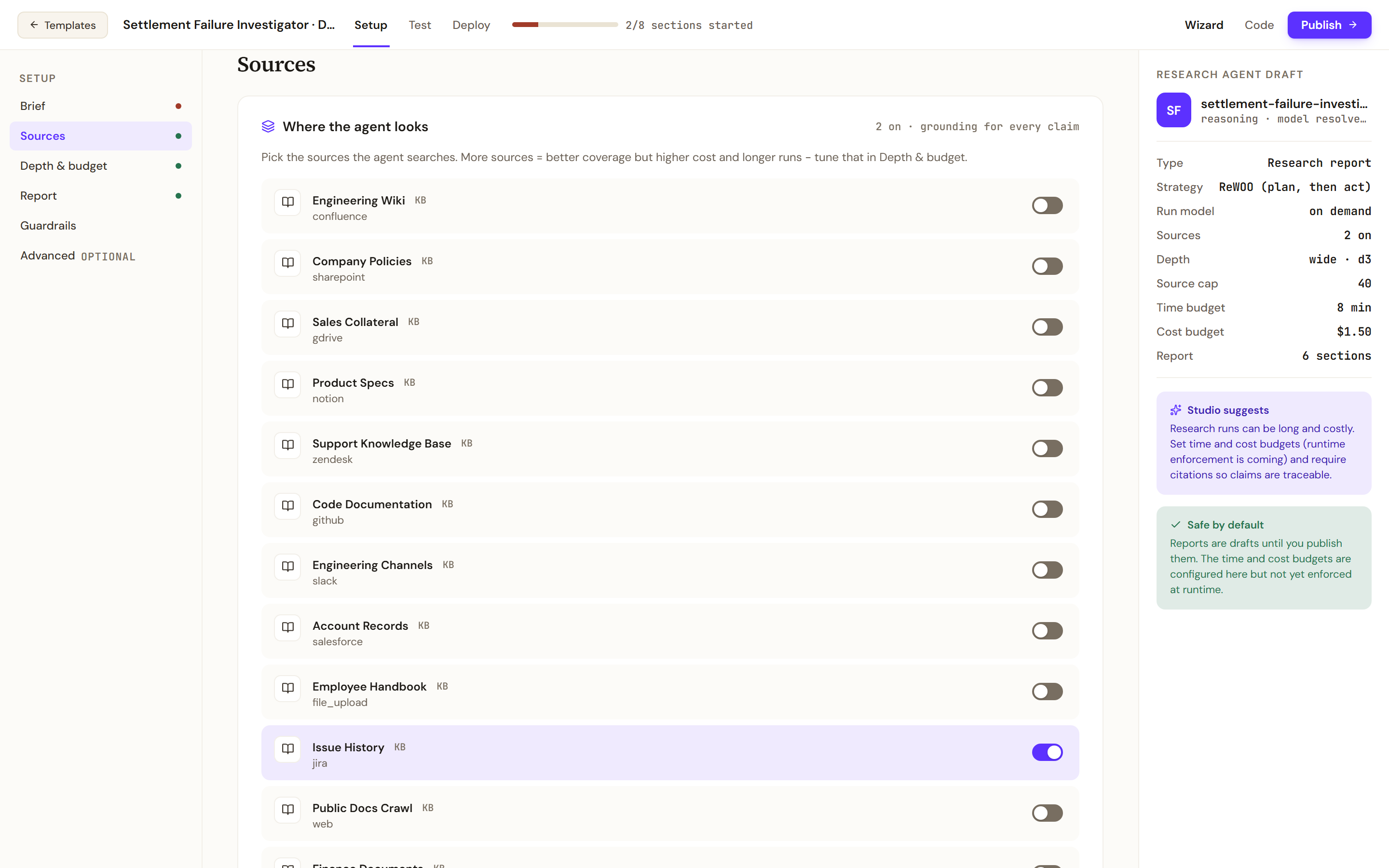
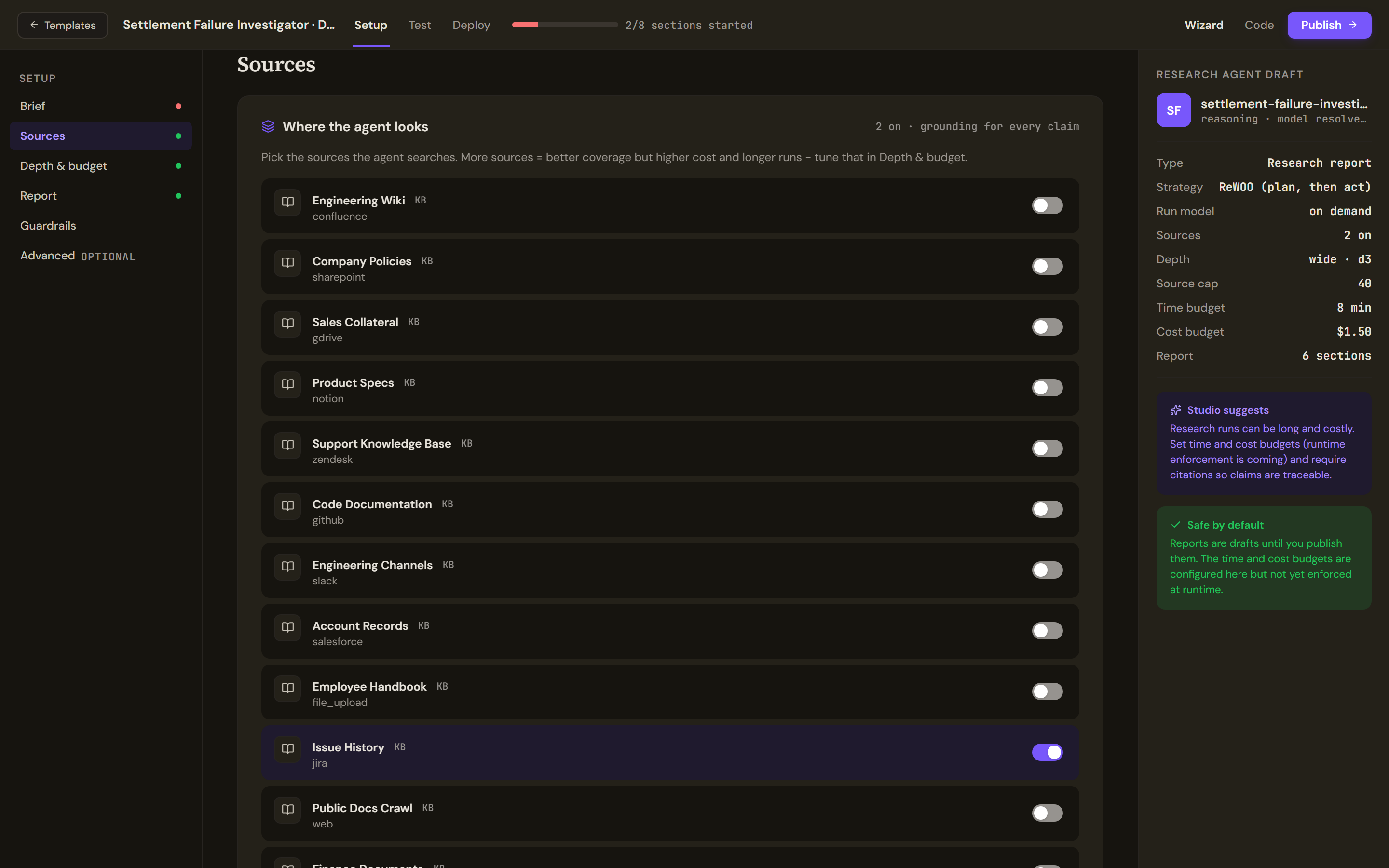
Sources picks where the agent searches. Switch on only the sources the question needs. - Set the depth and the budget
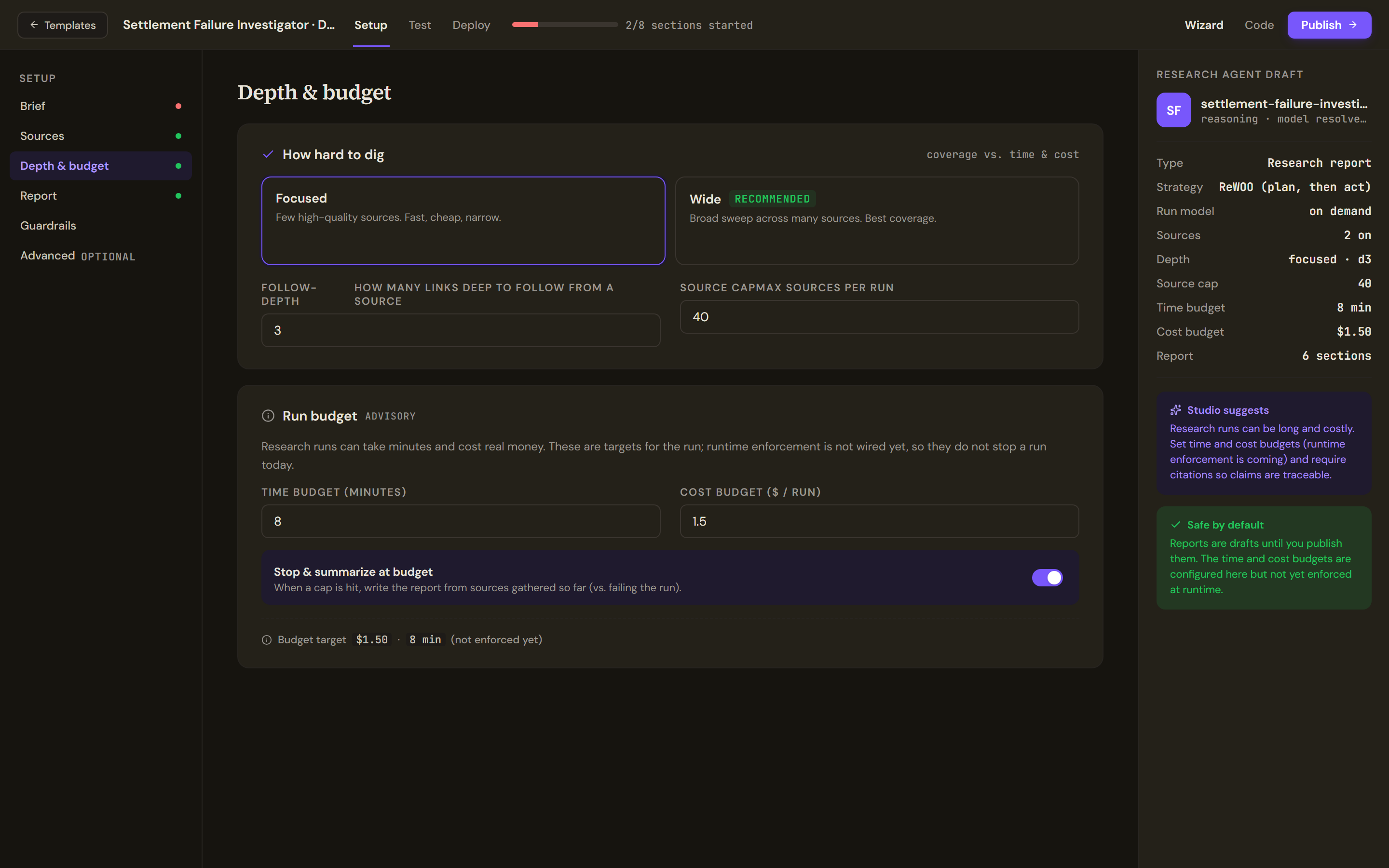
Open Depth & budget. Under How hard to dig, select Focused, which suits a question with a known set of sources. Leave Follow-depth at 3 and Source cap at 40. Under Run budget, leave the time budget at 8 minutes and the cost budget at 1.5, with Stop & summarize at budget on. The budget is marked advisory: it is a target saved with the agent, and the runtime does not yet stop a run when it is reached.
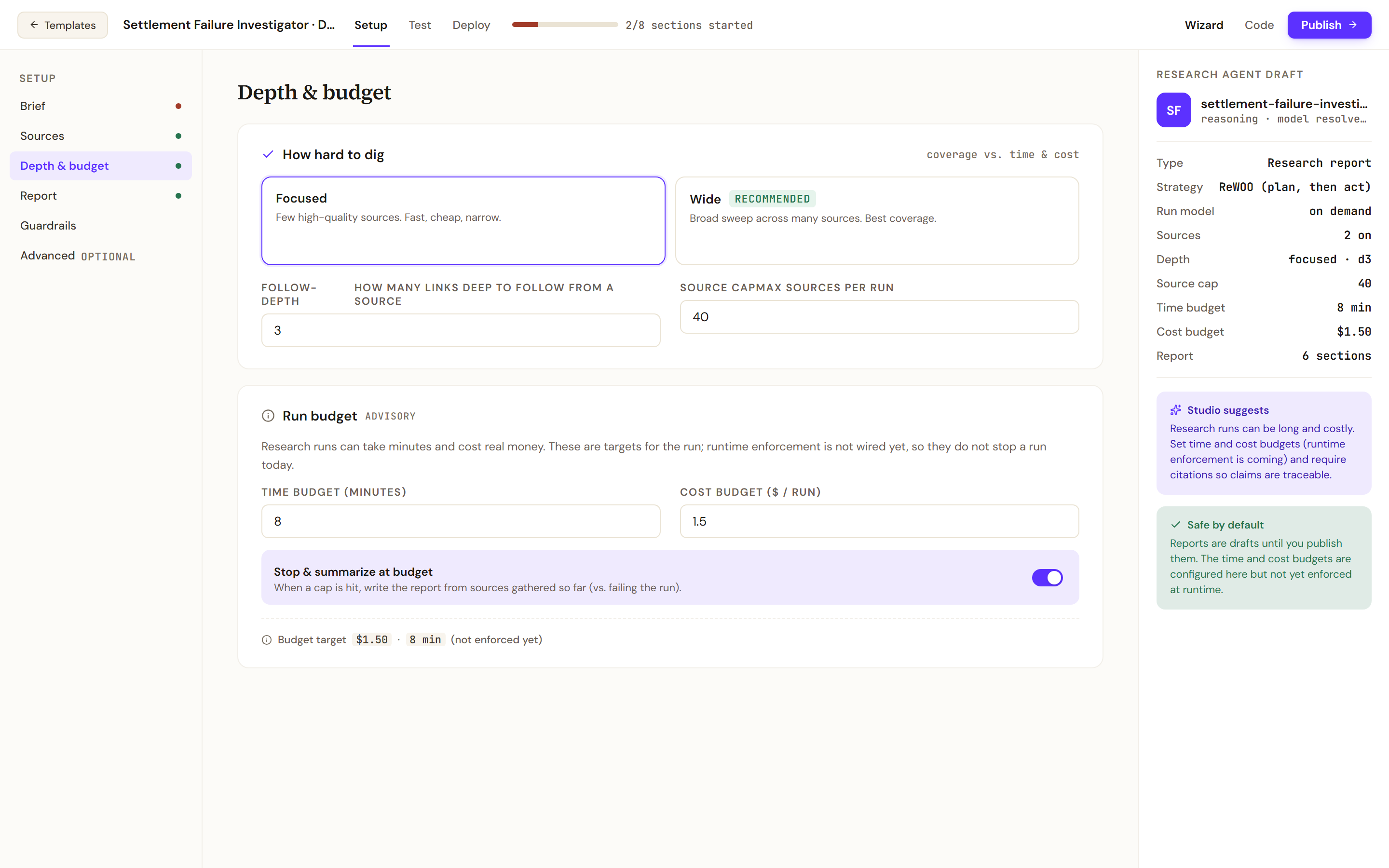
Depth & budget sets how far the agent digs. The run budget is a target saved with the agent. - Shape the report
Open Report. Report structure lists the sections the agent writes into, in order. Keep a section for the causes, one for the evidence and one for what is still unknown. Under Citations & format, keep Numbered.
- Ask for citations
Open Guardrails. Switch on Ask the agent to cite every claim and Refuse uncited claims. Both instruct the model; neither is checked by a verifier yet.
The research question
Why did settlement runs fail in the last quarter, according to our incident runbooks and issue history? A good answer names each cause, how often it occurred, and the runbook or issue that shows it.
Test and publish
- Start a run
Open Test and select Start research run. The run is asynchronous: it plans, searches your sources and drafts the report, runs for minutes and notifies you on completion. The screen shows the run phases, the elapsed time, the estimated cost against the budget target and the source count.
- Read the report against its sources
When the run finishes, the report appears with Export and Run again. Its Sources section lists the citations. Open three of them and check that each says what the report claims.
- Publish
Open Deploy. On demand is the available trigger: a member submits a brief from the Work Room. Scheduled and API / webhook are not wired yet for a research agent. Check Pre-flight, then select Publish to production. Before you build a form of agent covers the outcomes of a publish and how to roll back.
Verify
A finished run of the question above gives a report in the sections you set. Each cause in it carries a count and a numbered citation, and each citation in the Sources section is a runbook or an issue from the two sources you switched on. Nothing in it cites a source you left off.
After publishing, open the agent in the Work Room and submit the same question as a member would. A report comes back in the same shape.
Troubleshooting
- No report text comes back. A source switched on here but not connected in the Control Room contributes nothing to the run. Check that both sources exist and have finished indexing.
- The report states something no source says. Citations are asserted by the model and are not verified independently yet. Narrow the question or the sources, and have a person read the report before anyone acts on it.
- A run goes on past its budget. The budget does not stop a run. Lower Source cap and select Focused, then run again.
- The report covers the wrong period. Put the period in Scope & constraints as well as in the question.