Manage an agent
Every row's menu holds the same five choices, and two of them are worth understanding before you use them.
Who can use it: the Builder role or higher.
The row menu
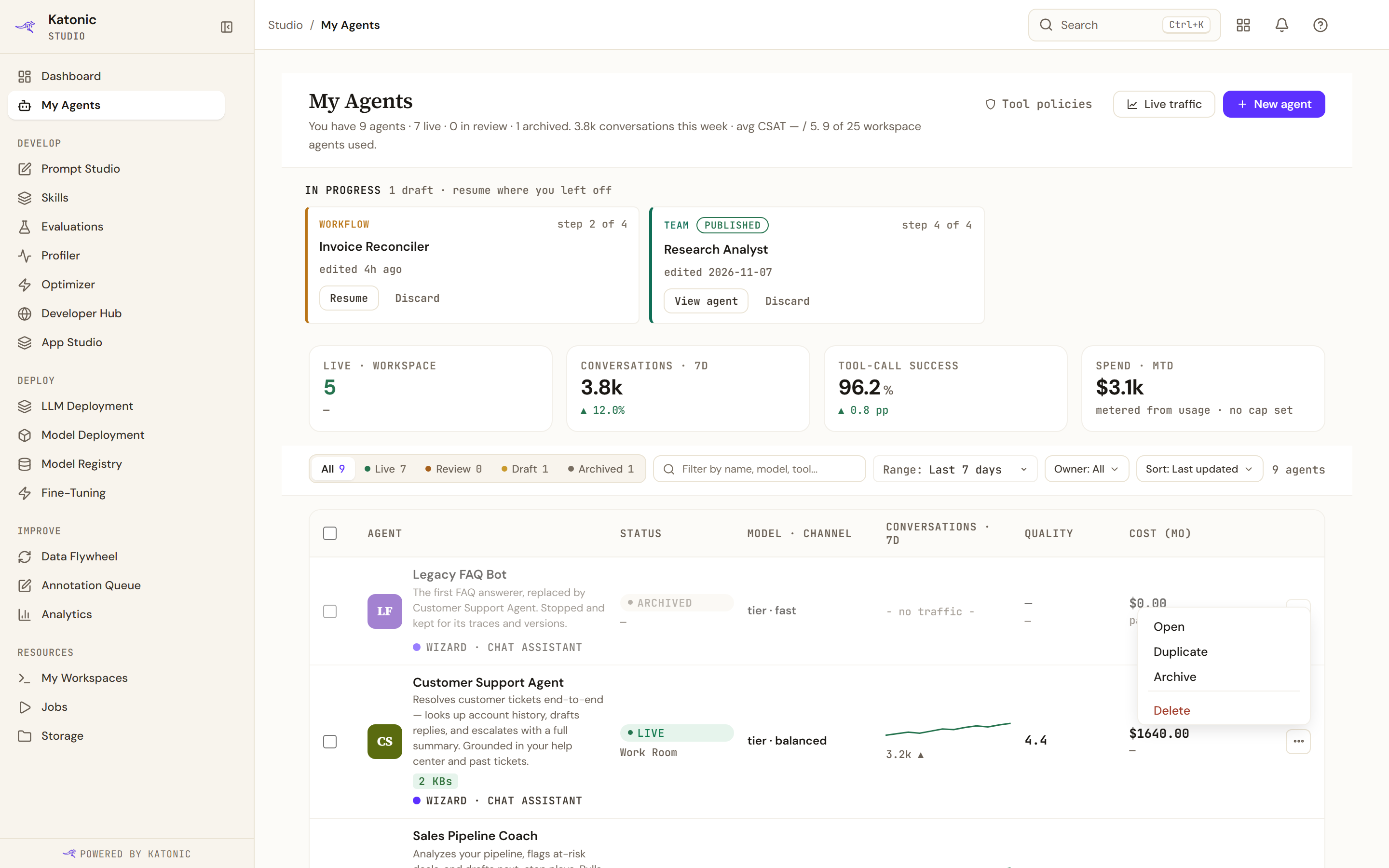
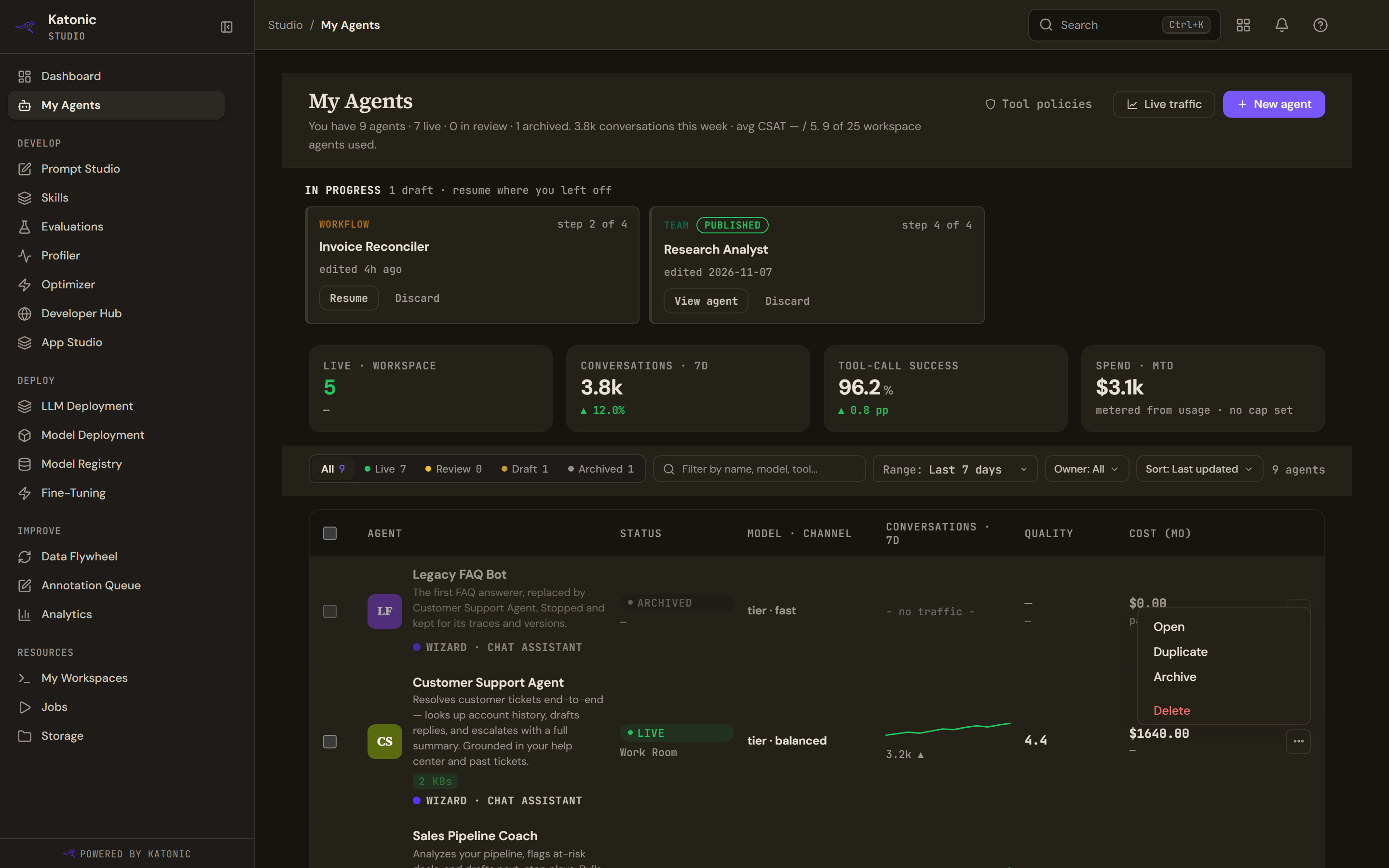
| Item | What it does |
|---|---|
| Open, or Continue editing on a draft | Opens the agent, or its builder |
| Duplicate | Makes a new draft from the agent's published configuration |
| Archive or Unarchive | Stops the agent, or brings it back as a draft |
| Delete | Removes it from every list |
Only one of archive and unarchive is ever offered, whichever applies.
The workspace's default assistant is protected. Its menu replaces the last three items with a note saying it cannot be archived or deleted, and the platform refuses the same three if they are attempted another way.
Selecting several rows puts the same archive, unarchive and delete actions in a bar above the table, with the same confirmations.
Archive stops it
Archiving takes the agent out of every live channel and keeps everything: the agent, its versions, its configuration and its history. The platform also drops it from the runtime's warm pool, so it stops answering immediately rather than at the next restart.
Unarchive does not turn it back on
This is the part people get wrong. Restoring an archived agent puts it into Draft, and no live channel serves a draft.
To make it reachable again you publish a version, and where your tenant ships through environment lanes you then promote that version to production. The confirmation says exactly this before you agree to it.
Delete
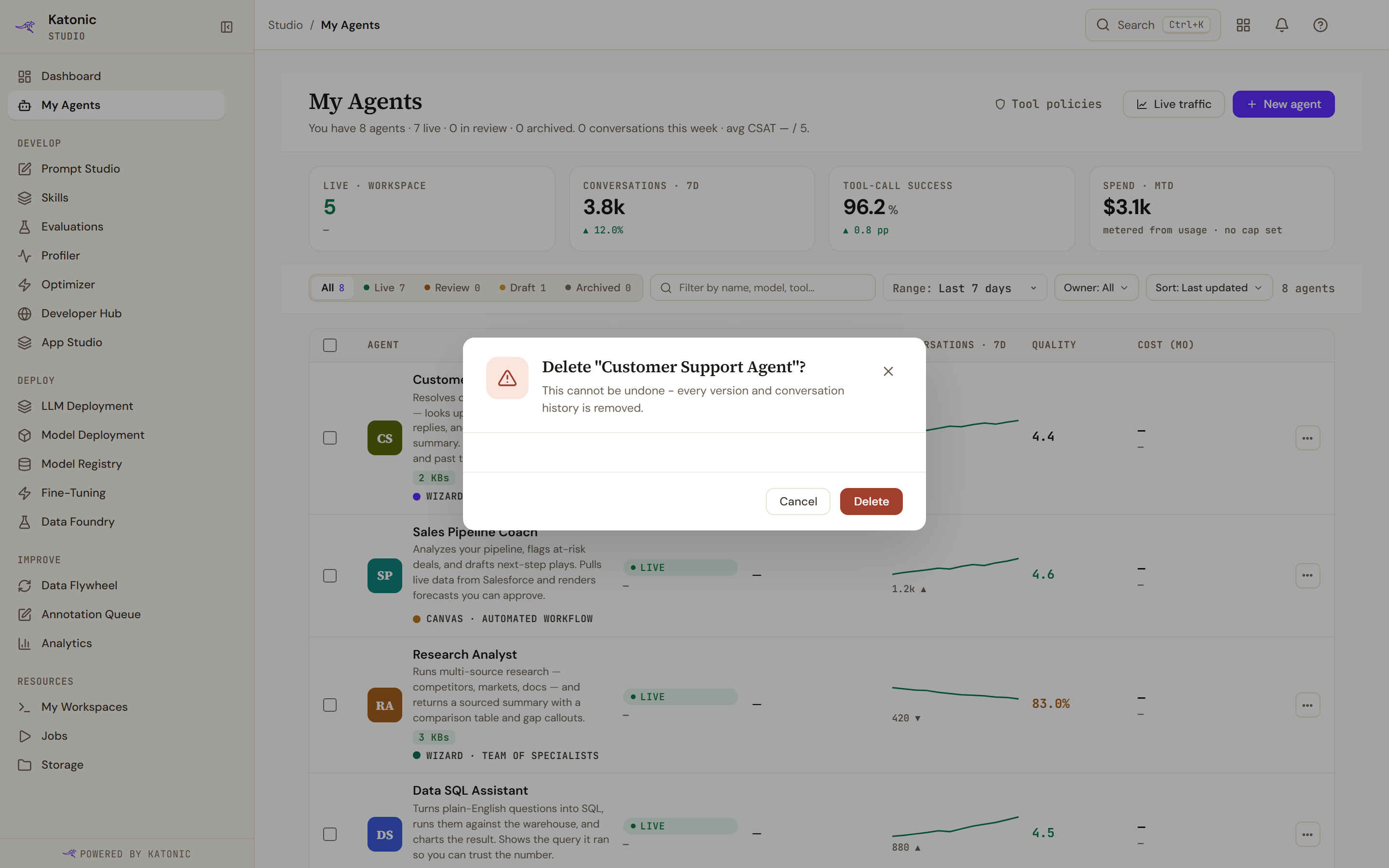
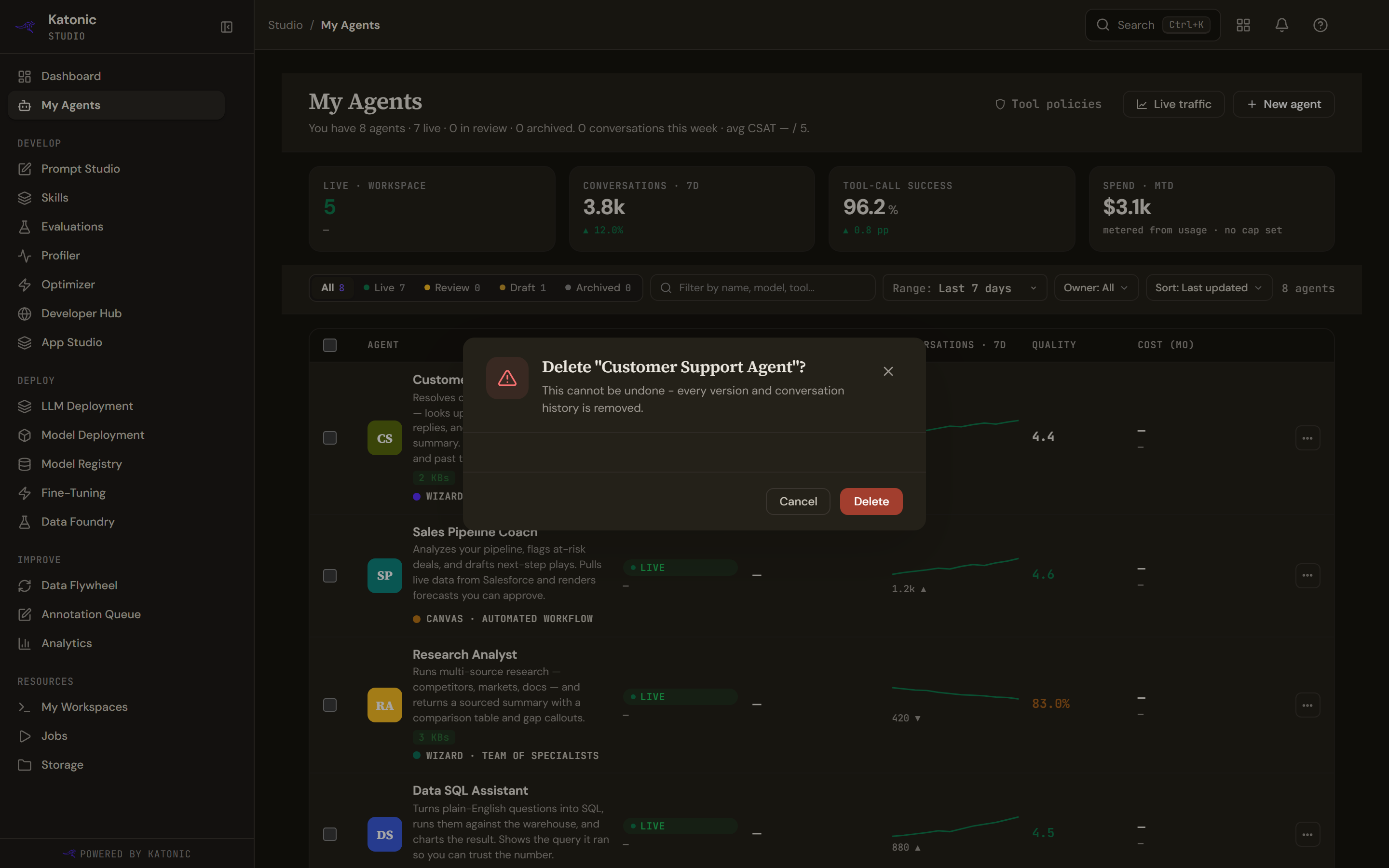
Deleting asks you to confirm and says that it cannot be undone and that every version and conversation history is removed.
The first half is true. There is no way back: no restore, no undelete, and any promotion request still waiting is cancelled at the same time.
The second half overstates it. The platform marks the agent as deleted and stops returning it, and every list and lookup filters it out. The version rows, the sessions and the workflow runs are not removed from the database, and nothing is removed from the analytics store at all. So the agent is gone as far as the product is concerned, and its history has not actually been erased.
If you need history genuinely deleted rather than hidden, that is a request for an administrator and not something this button does.
Duplicating
Duplicate builds a new draft from the agent's full published configuration and opens it in the right builder for its kind. It is the safe way to try a change to a live agent: the copy is a draft and reaches nobody until you publish it.
Discarding a draft
A draft in the strip above the table is a different object from an agent, and Discard on one is a genuine deletion rather than a soft one. Drafts are meant to be temporary, so nothing is kept.
The button arms first and asks you to confirm on a second click. Moving the mouse away no longer cancels it, which used to make the action look broken.