Optimizer history
History lists every optimisation run of one agent. It is the Optimizer's landing tab: open a past run from here, start a new one, or tidy up runs that are no longer wanted.
Who can use it: the Builder role or higher. Renaming, duplicating and deleting act on the run for everyone.
Scope
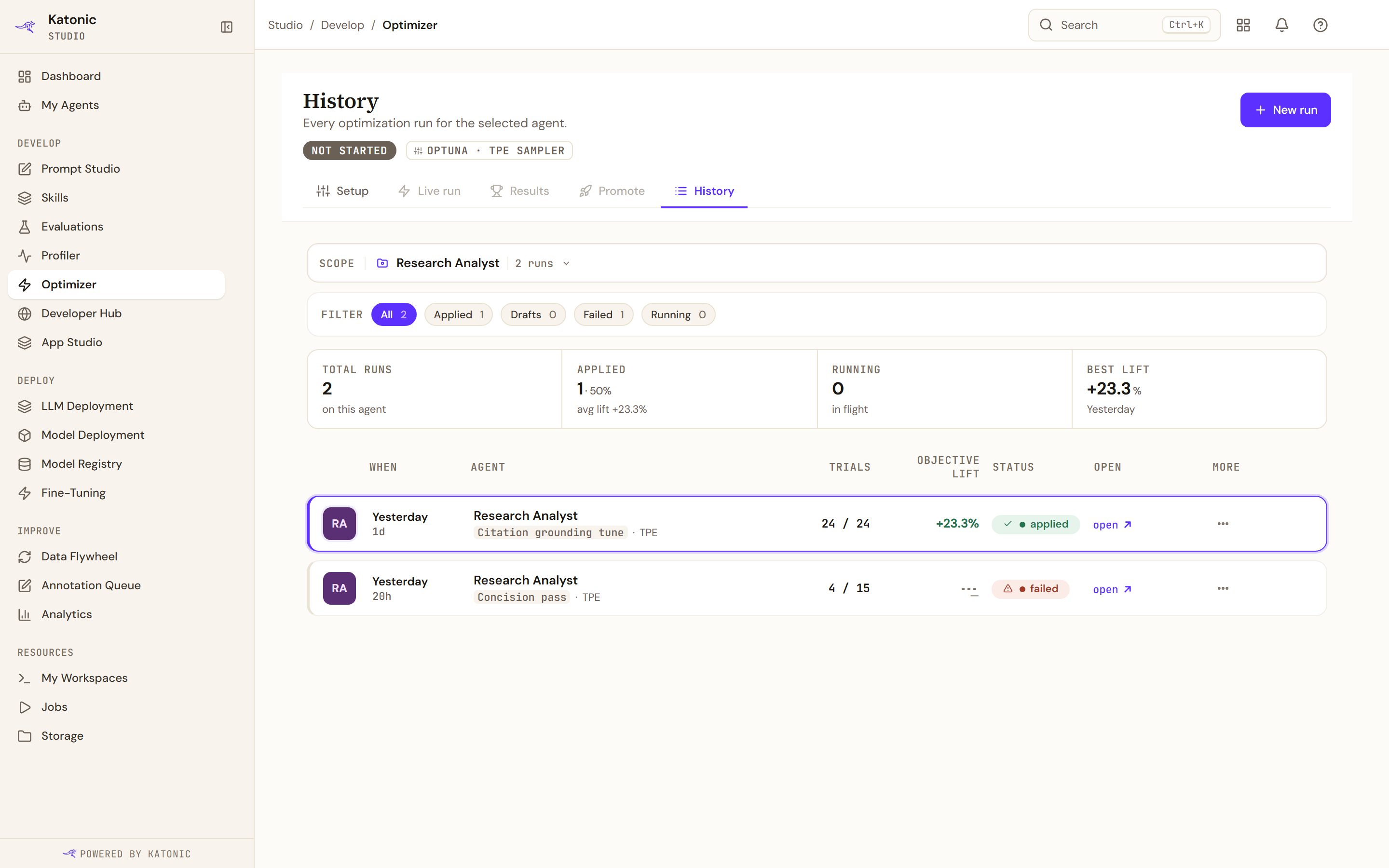
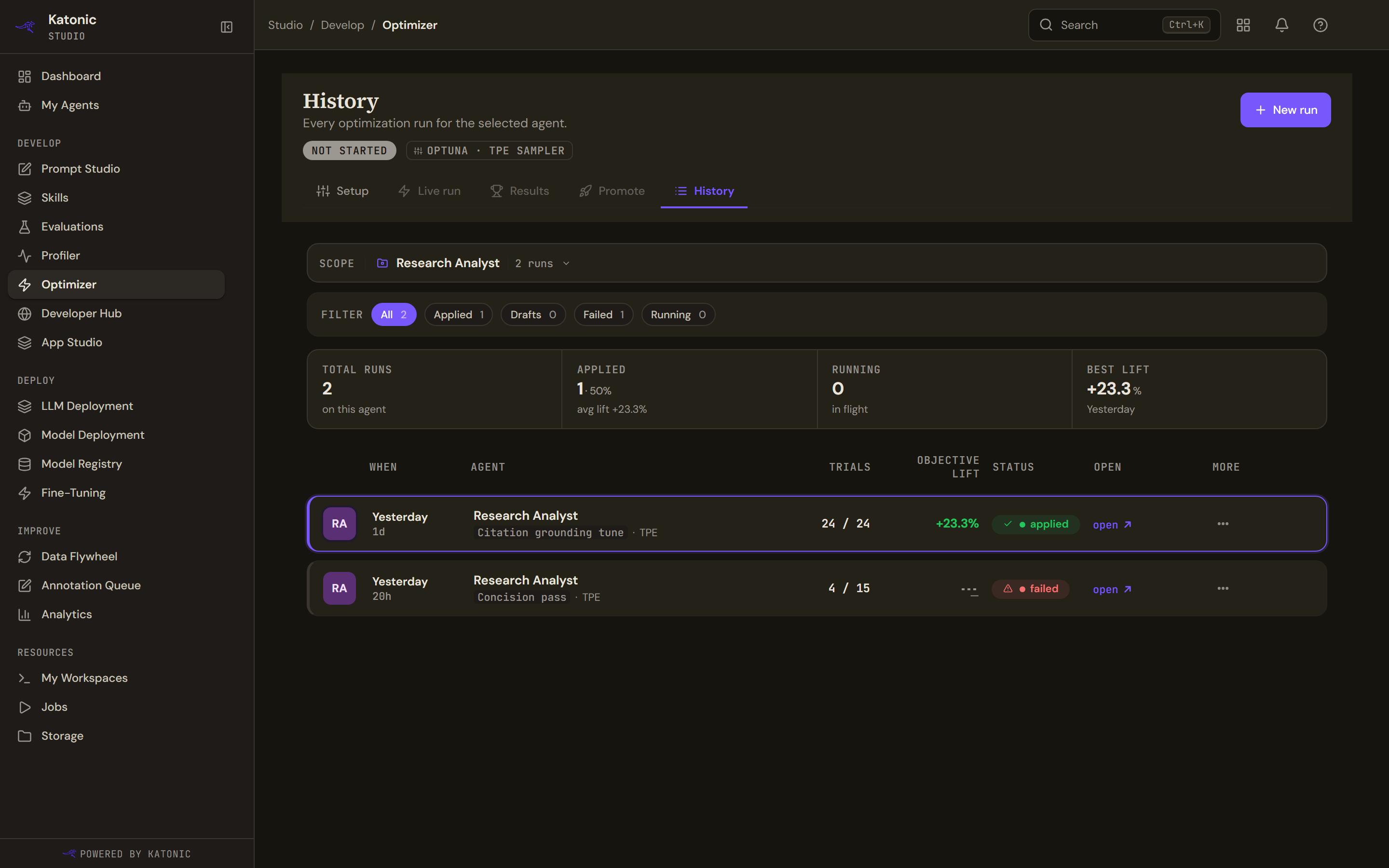
The optimiser keeps history per agent, so the Scope pill at the top picks the agent; it reads Pick an agent to see its history until you do, and then the number of runs. An agent with no runs reads No optimization runs yet with New optimization. New run in the header opens Setup for the scoped agent.
Filters and tiles
The filter chips carry counts: All, Applied (runs whose prompt was applied), Drafts (completed but not applied), Failed and Running (running or queued). Four tiles sum the agent up: Total runs, Applied with the share of runs and the average lift among them, Running in flight, and Best lift with the date of the run that achieved it.
The rows
One row per run: the agent's monogram, when it started (today's time, Yesterday, or the date and time, with the relative age beneath), the agent and the run's name (or the first characters of its id) with the sampler, trials done out of planned, the objective lift as a percentage (a dash, Not yet scored, until the run has both scores), the status badge (applied, running, queued, failed or completed), open, and more. The row with the best lift is highlighted. open opens the run: Live run if it is still running, Results if it has finished.
Once an agent has more than fifty runs the list reads Showing the most recent 50 runs (server cap).
Row actions
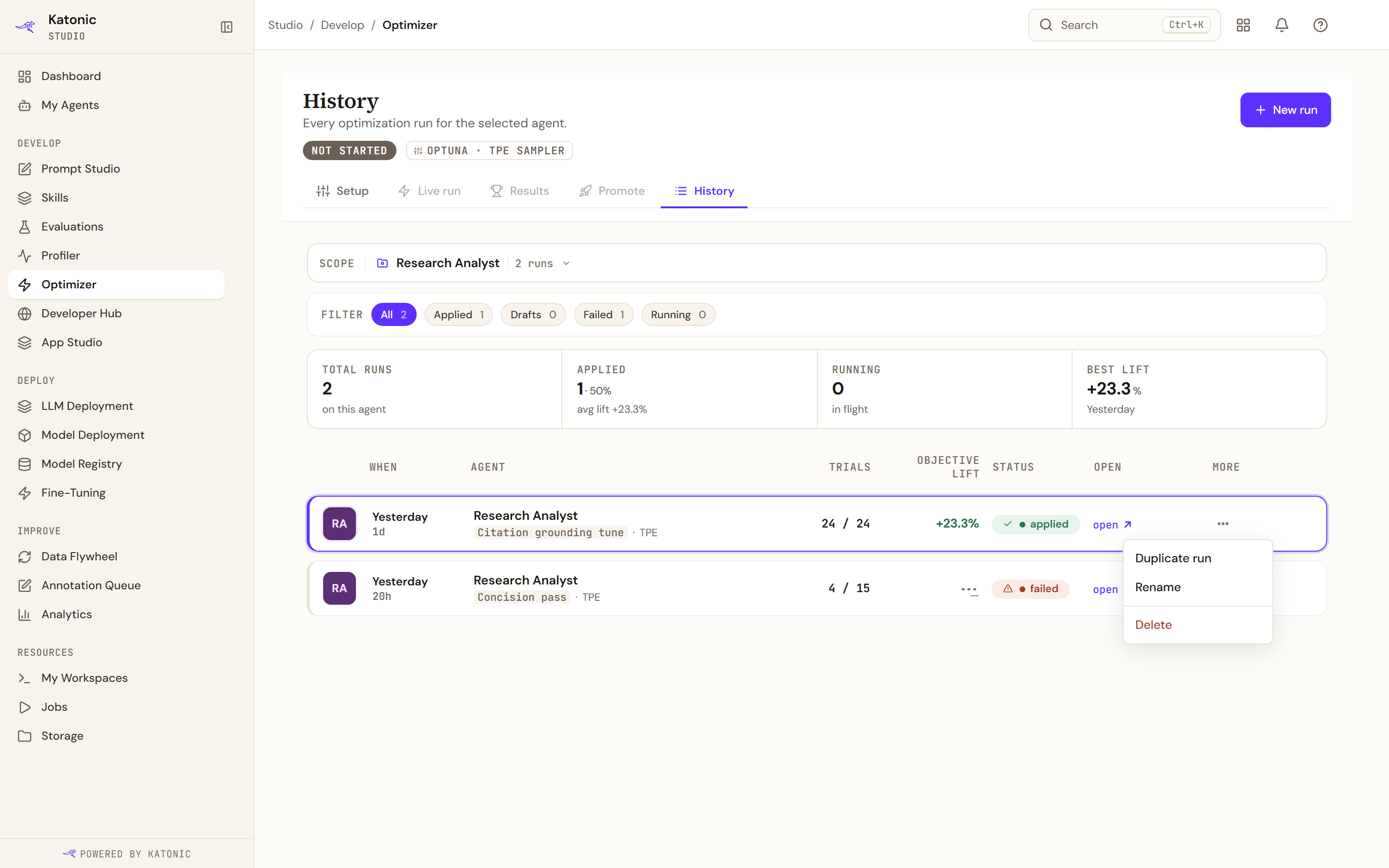
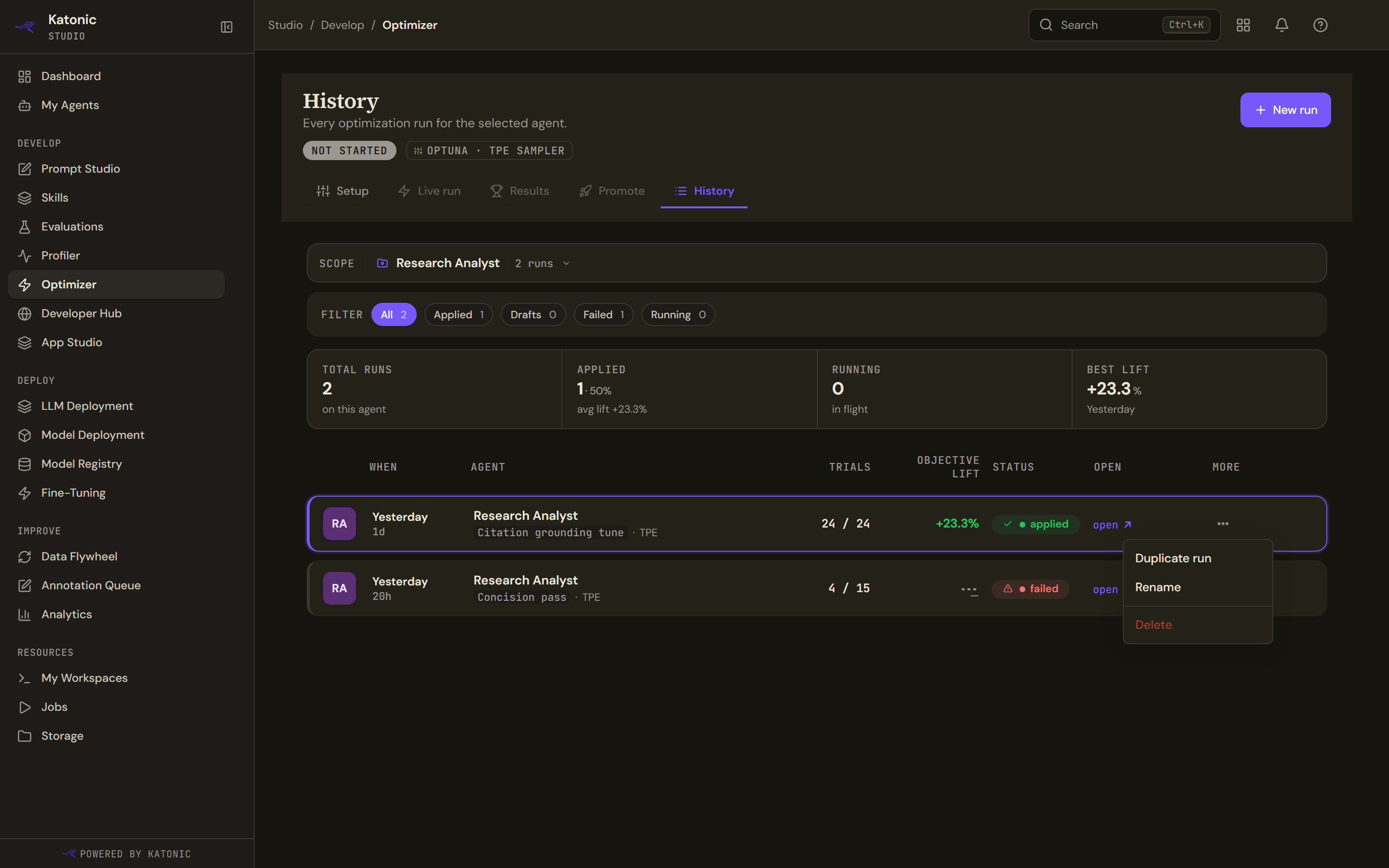
more (the three dots) on a row offers three actions.
- Duplicate run opens Setup with the same agent and dataset selected. The evaluators, knobs and budget start from their defaults, and the copy is a new run with nothing inherited from the original.
- Rename turns the name into a field; Enter saves, Escape cancels, and clearing the name falls back to the run's id.
- Delete asks first.
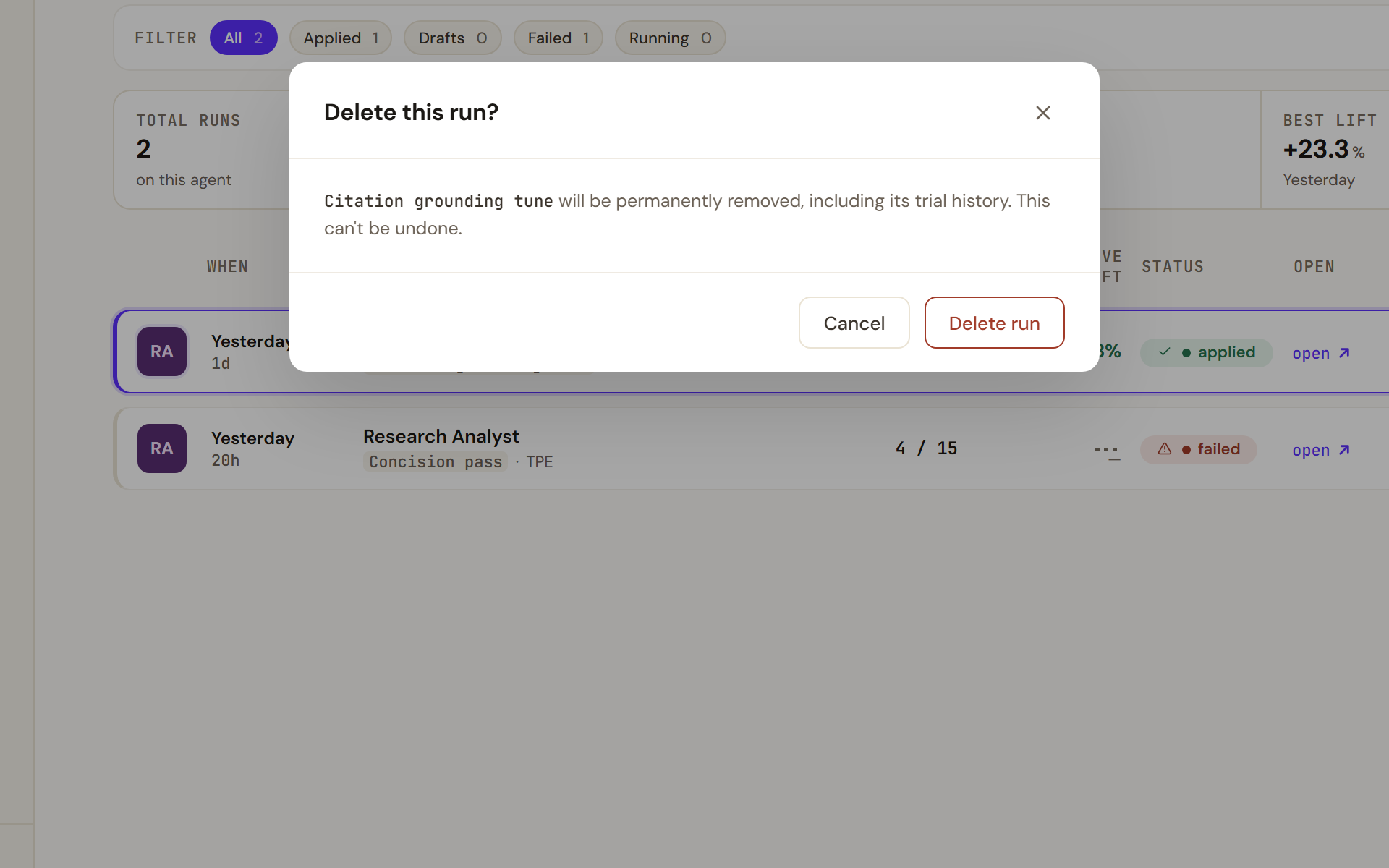
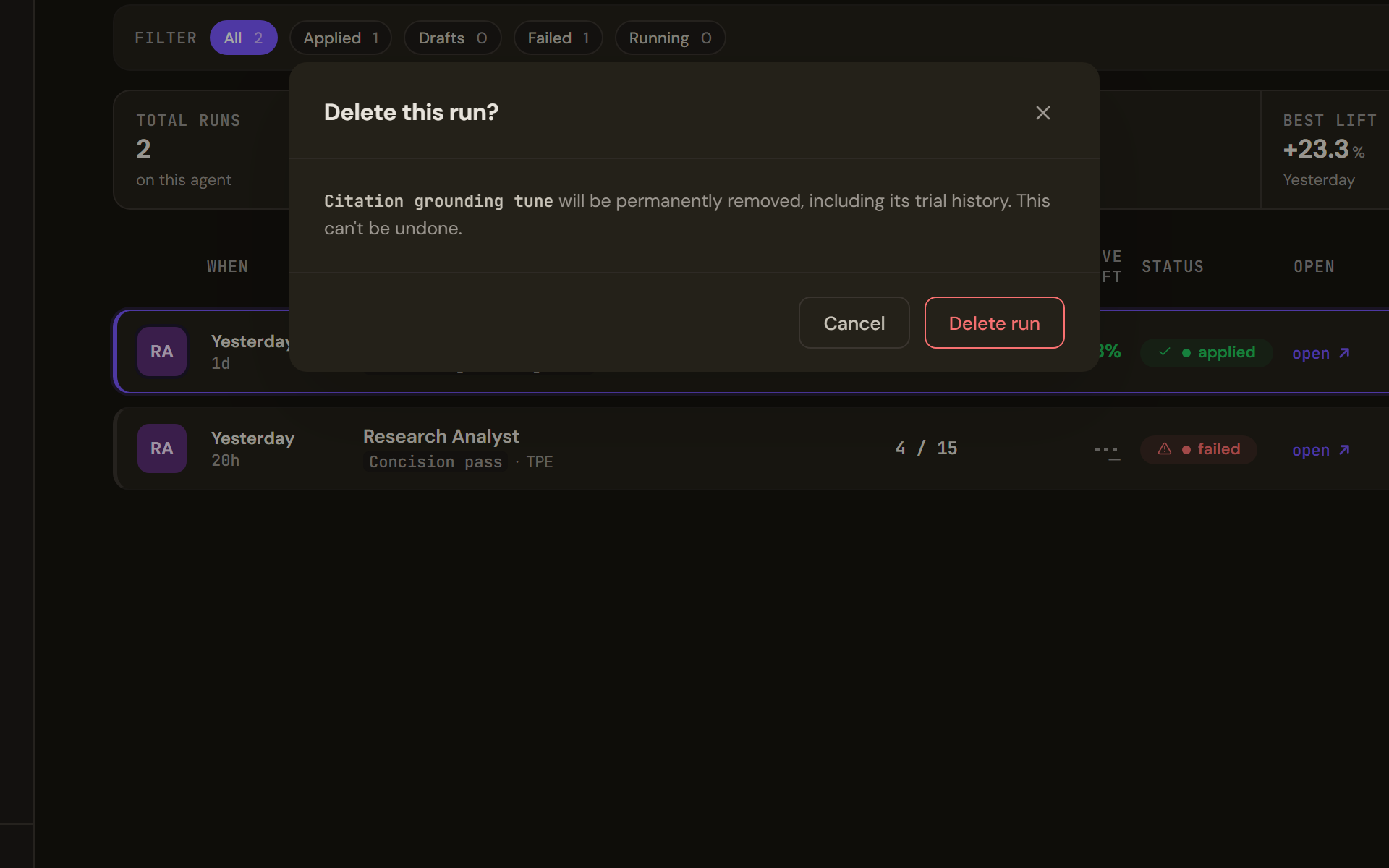
Delete this run? names the run and warns that it will be permanently removed, including its trial history, and that this cannot be undone. Delete run confirms. Deleting a run does not touch the agent: a prompt already applied stays live.
If an action fails, an Action failed notice appears at the bottom right with the reason and dismiss.
Links you can bookmark
The Optimizer keeps its state in the address, so a link opens a specific view.
| Address | Opens |
|---|---|
/studio/prompt-opt | History, with the Scope picker |
/studio/prompt-opt?agent=ID | History for that agent |
/studio/prompt-opt?action=new&agent=ID | Setup with that agent selected |
/studio/prompt-opt?run=ID | The run: Live run while it runs, Results once it has finished |
/studio/prompt-opt?run=ID&tab=live | That run's Live run, Results or Promote tab, as named |
/studio/prompt-opt?run=ID&trial=N | One trial of that run |