Optimizer troubleshooting
The Optimizer reports problems in three places: as banners on Setup, as a Couldn't launch optimization notice when a launch is refused, and as a Failed run whose reason appears on Live run and Results. The platform's raw text sits behind Technical details.
Who can use it: the Builder role or higher sees these messages. Configuring the optimiser's tier and granting access need an Admin or Super Admin.
Before a launch
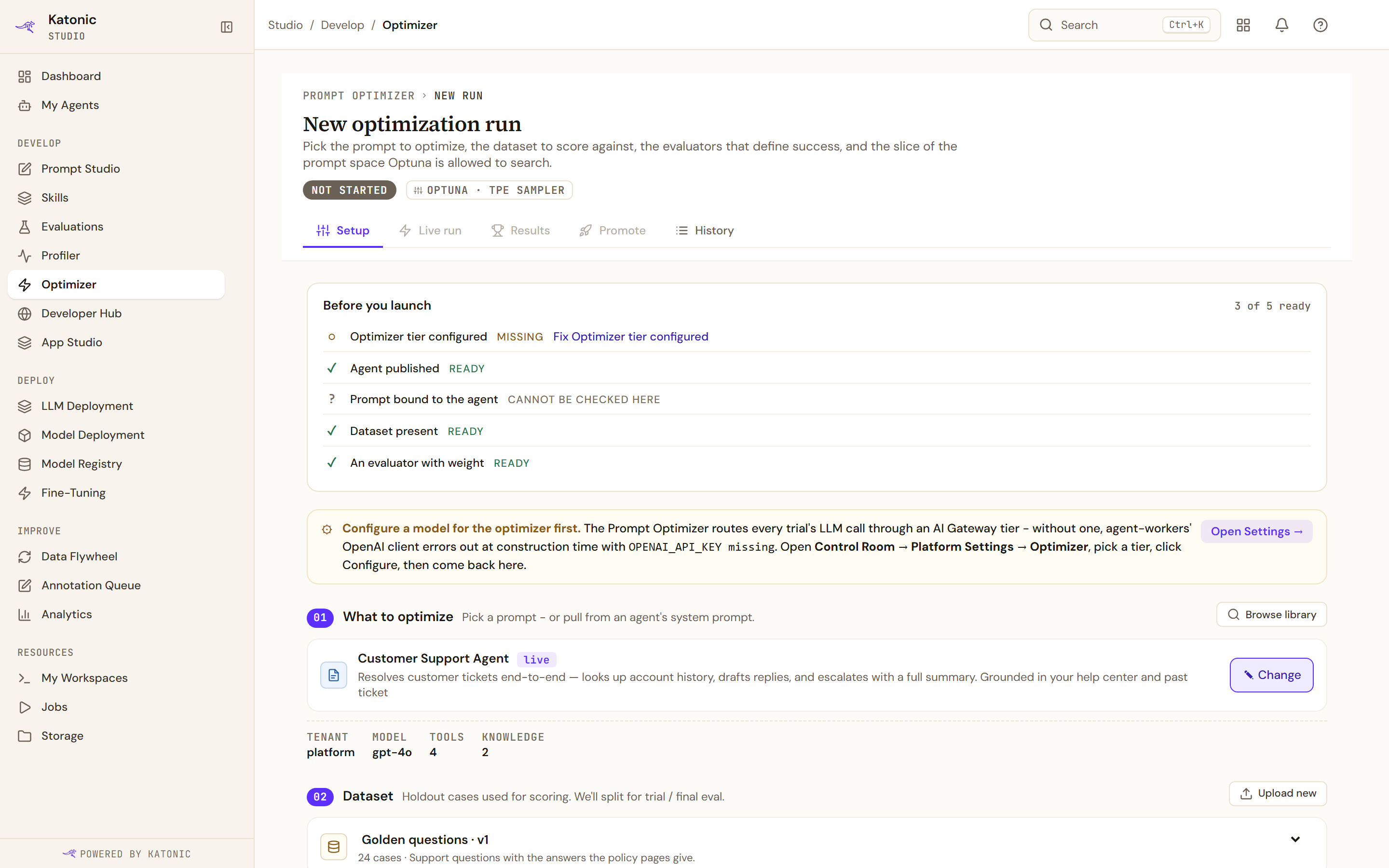
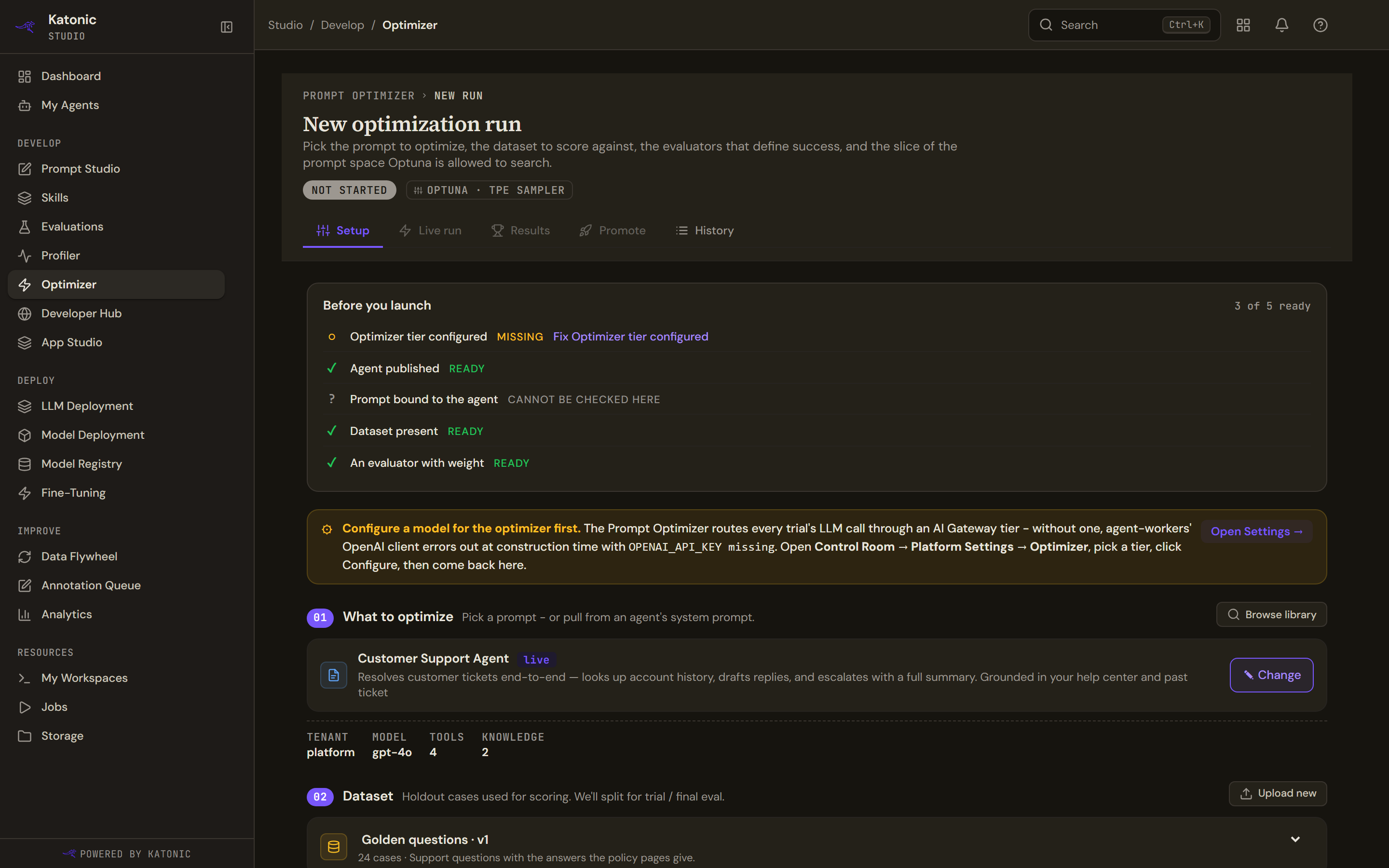
| The message | What it means | What to do |
|---|---|---|
| Configure a model for the optimizer first. | No AI Gateway tier is set for the optimiser, so every trial's model call would fail. | An administrator opens Platform Settings, Optimizer, picks a tier and selects Configure. Open Settings on the banner goes there. |
| This agent is a draft. | The selected agent has no published version. | Open agent and publish it, then come back. |
| No evaluators configured for this workspace yet. | The workspace has no evaluators, so there is nothing to score with. | New evaluator opens Evaluations. |
| Couldn't load your evaluators | The evaluation service did not answer. Launch stays disabled. | Reload, or open Evaluations to check the service. |
| Couldn't load datasets | The evaluation service did not answer the dataset list. | The same. |
| No datasets yet | The workspace has no dataset. | Create one in Storage or upload a CSV. |
When a launch is refused
Couldn't launch optimization appears above the launch bar with one of these reasons.
| The message | What it means | What to do |
|---|---|---|
| Couldn't find the agent | The agent has no published version to use as a baseline. | Publish the agent first, then try again. |
| Couldn't find the dataset | The dataset linked to the run no longer exists. | Pick a different dataset or recreate this one. |
| We can't start this optimization | A setting is invalid. | Check the form and try again. |
| Some of the settings need attention | A value failed validation. | Look for the fields highlighted in red. |
| You don't have access | Your session expired, or your role may not run optimisations on this agent. | Sign in again, or ask an administrator to grant you Optimizer access. |
| This run is already in progress | Another optimisation is active for this agent. | Wait for it to finish; History shows the run in flight. |
| Too many optimizations at once | New runs are being throttled. | Try again in a few minutes. |
| Our side hit a problem | The optimisation service failed. | Try again in a moment; if it keeps failing, contact support with the error details. |
When a run fails
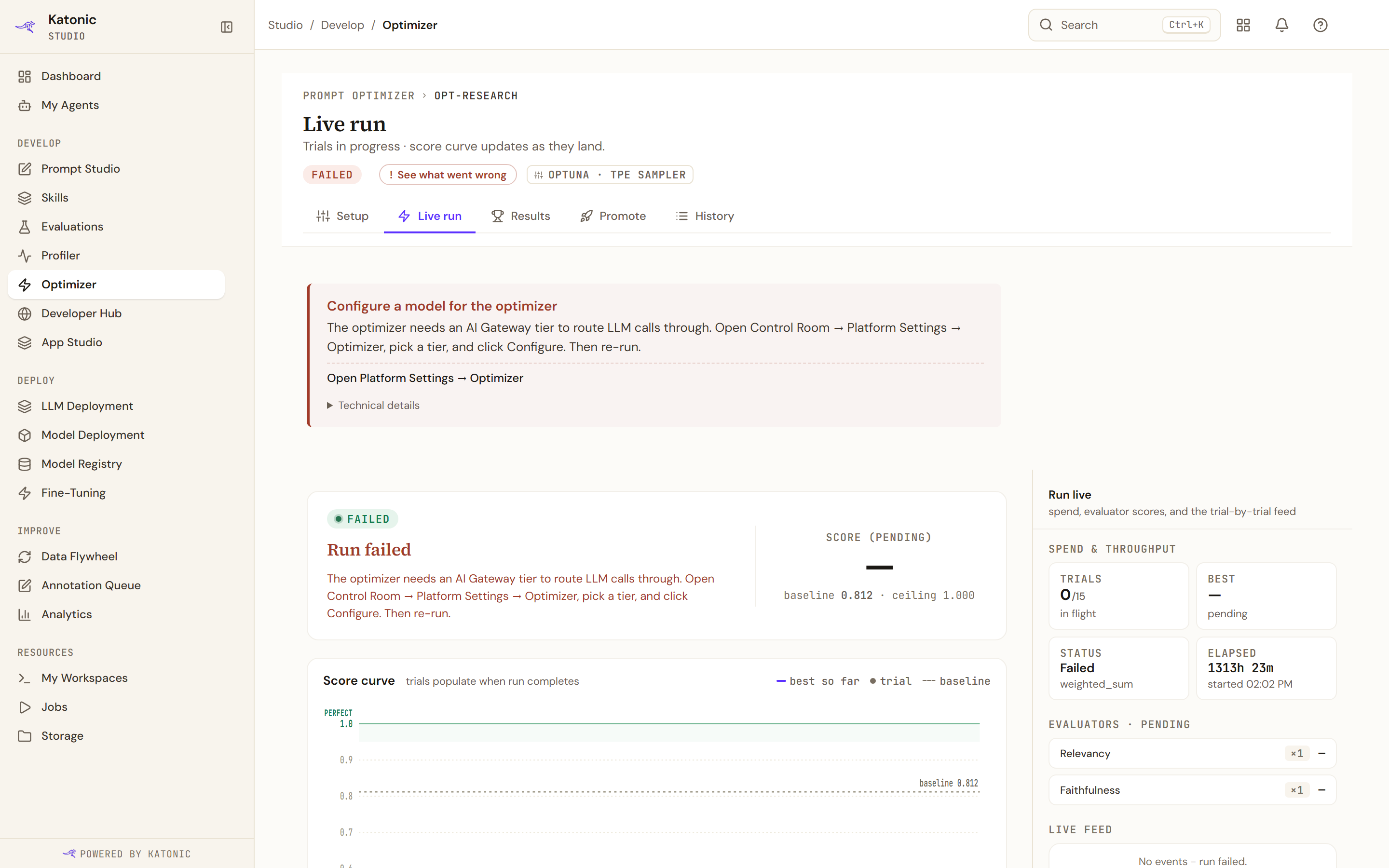
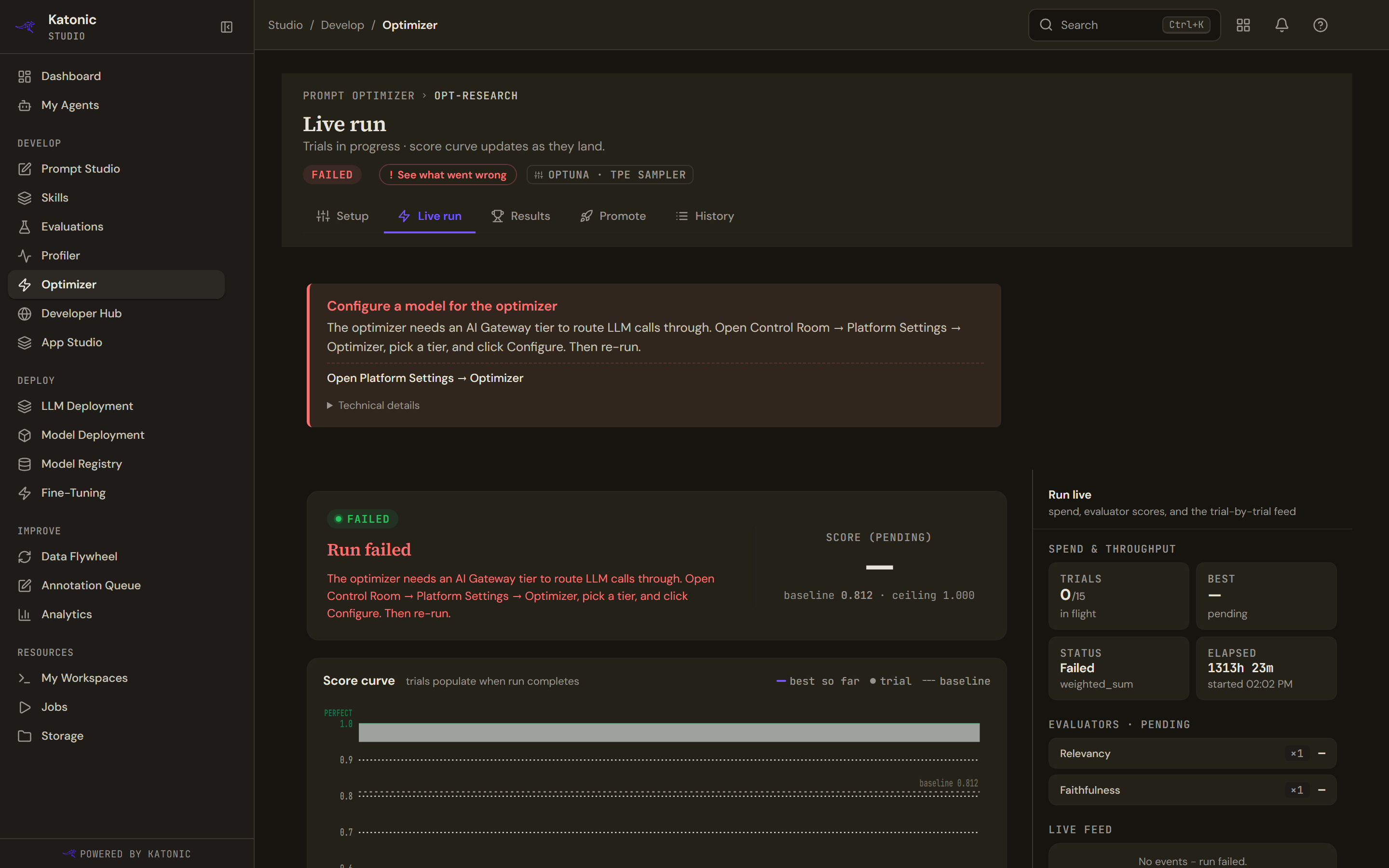
The pill reads Failed with See what went wrong, which scrolls to the reason. Live run's hero reads Run failed and its trials table Run failed before any trials completed when no trial landed; Results shows the same reason in a Run failed card.
| The message | What it means | What to do |
|---|---|---|
| Configure a model for the optimizer | The run started without an AI Gateway tier and the model client could not be built. | An administrator picks a tier under Platform Settings, Optimizer; then re-run. |
| Couldn't start the optimization engine | The optimisation engine did not respond. | Contact support with the run id. |
| An agent setting is missing | The agent's live version has no explicit temperature or top-p, and the optimiser reads them directly. | Open the agent in Workspace, Advanced, set both values, re-publish, then retry. |
| The dataset isn't usable | The dataset is empty or was deleted. | Pick a different dataset and try again. |
| Optimization timed out | The run exceeded its time budget. | Lower the trial count or lock more knobs in the search space, then retry. |
| Optimization cancelled | The run was stopped before it finished, which is also what Stop and accept produces. | Start a new run if you still need one. |
| A resource is missing | The agent's published version, the dataset or an evaluator was not found. | Check that the agent is published and the dataset still exists. |
| Optimization failed | The platform gave no further reason. | Open Technical details and check History; contact support if it repeats. |
Reading the results
- Results populate when the run completes. and Run not complete: the run is still queued, running or paused.
- baseline not scored: the baseline evaluation did not run, so Results and Promote show scores without a lift.
- This run produced no optimized prompt: the winner's prompt equals the baseline, so there is nothing to apply. Open more knobs or add trials and run again.
- Couldn't load runs on History: the optimisation service did not answer for that agent. Reload.
Related
Was this page helpful?