Versions, promotion and approvals
Every save makes a version. What a version means to the platform comes from its label: live is the version an agent runtime can use, review marks one as awaiting a decision, and draft is everything else.
Who can use it: the Builder role or higher. Promoting a prompt that agents depend on needs a second person to approve it, and nobody can approve their own proposal.
History
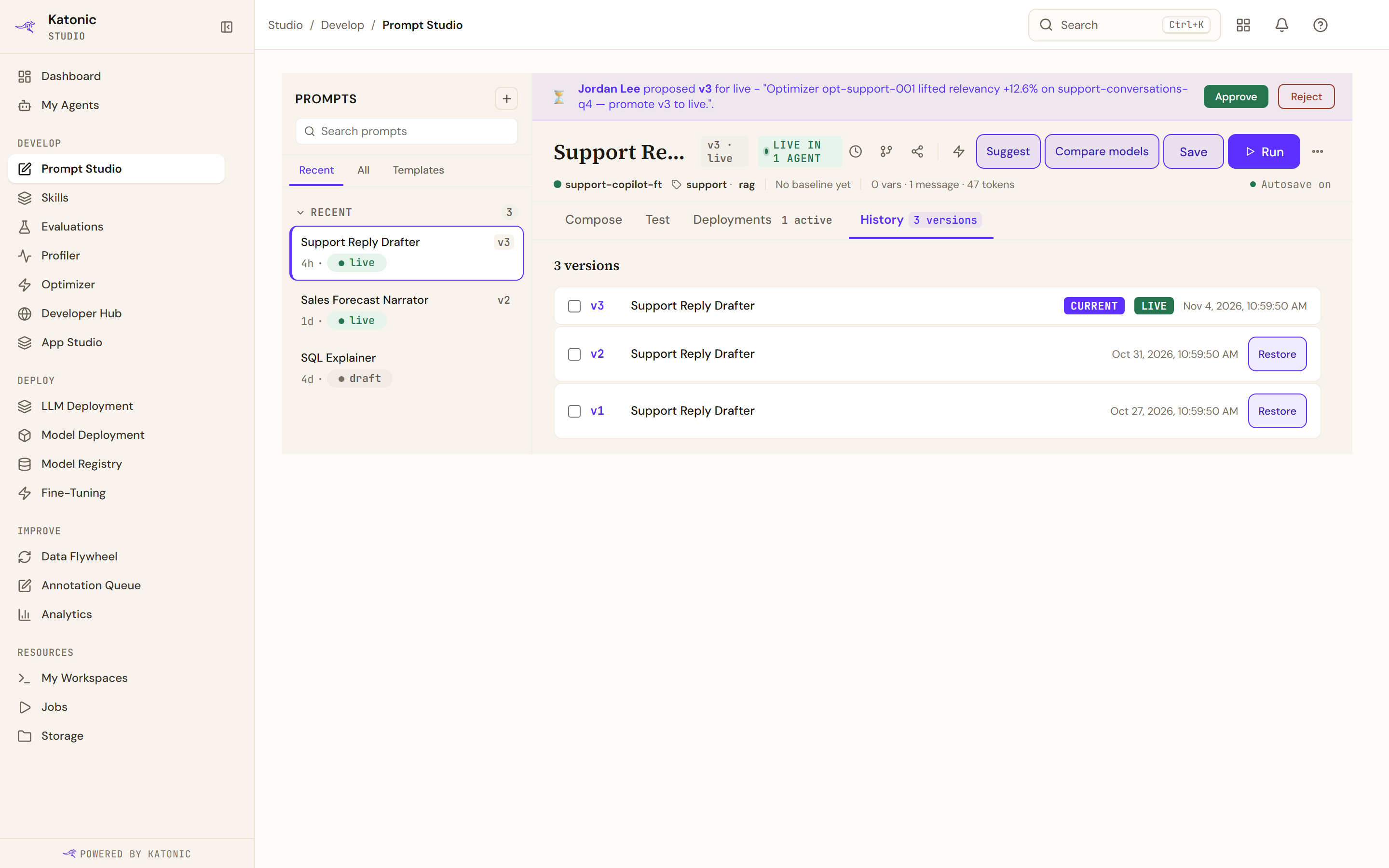
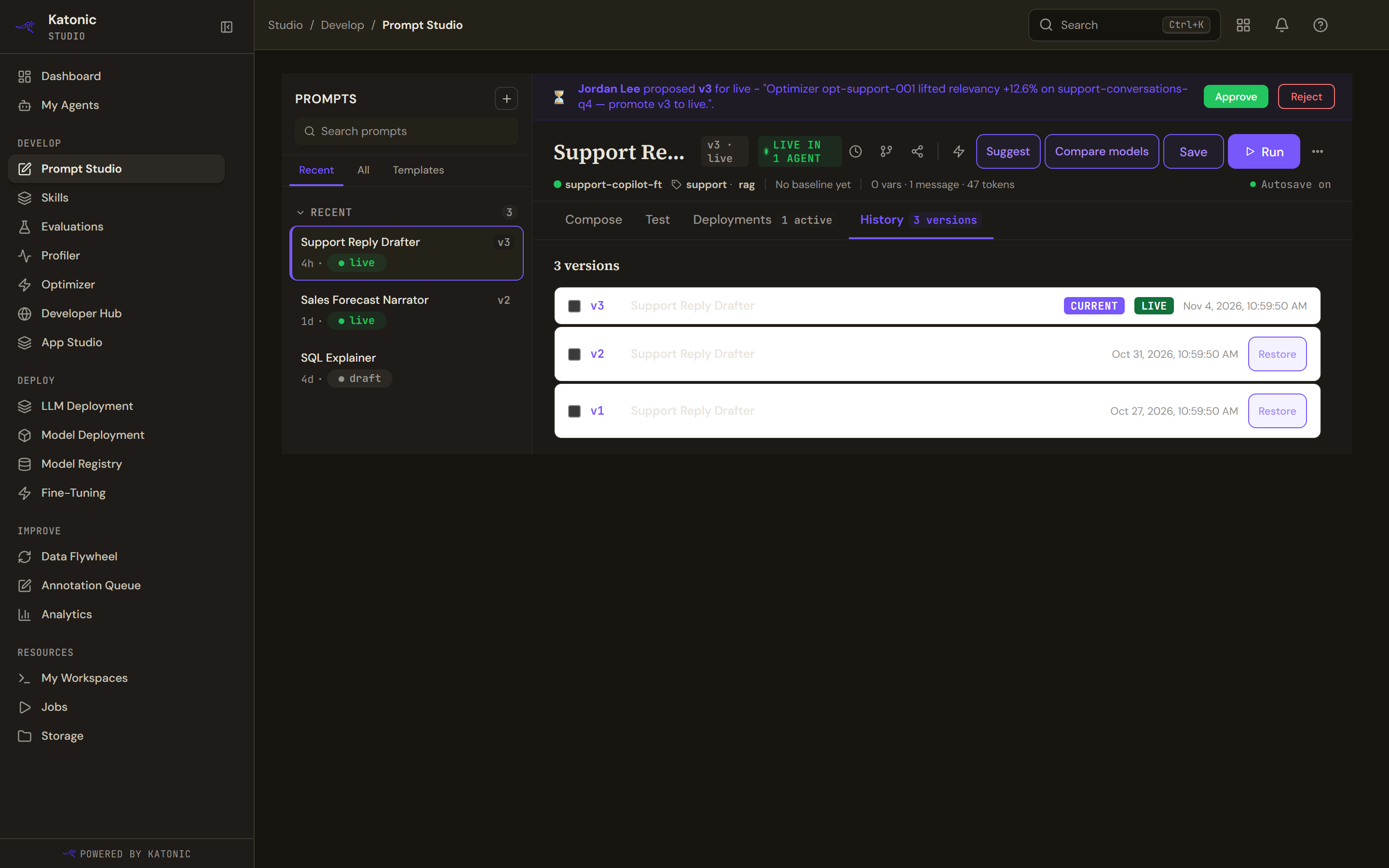
History lists the versions newest first, marking the current one, the live one and the baseline. Each row gives the version, the prompt's name at that point and when it was saved.
Selecting two rows offers Compare selected, which puts them side by side; Clear selection empties it.
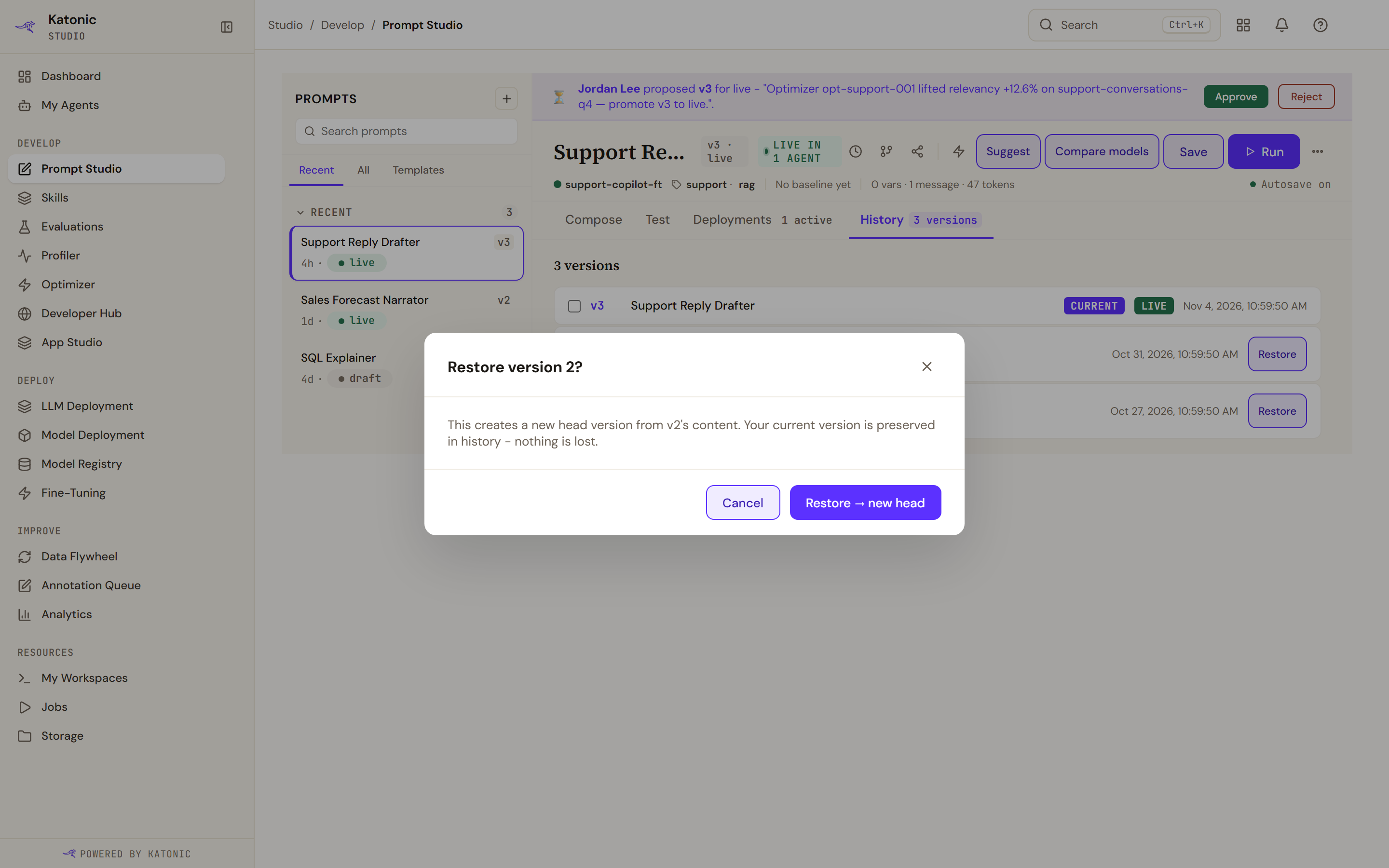
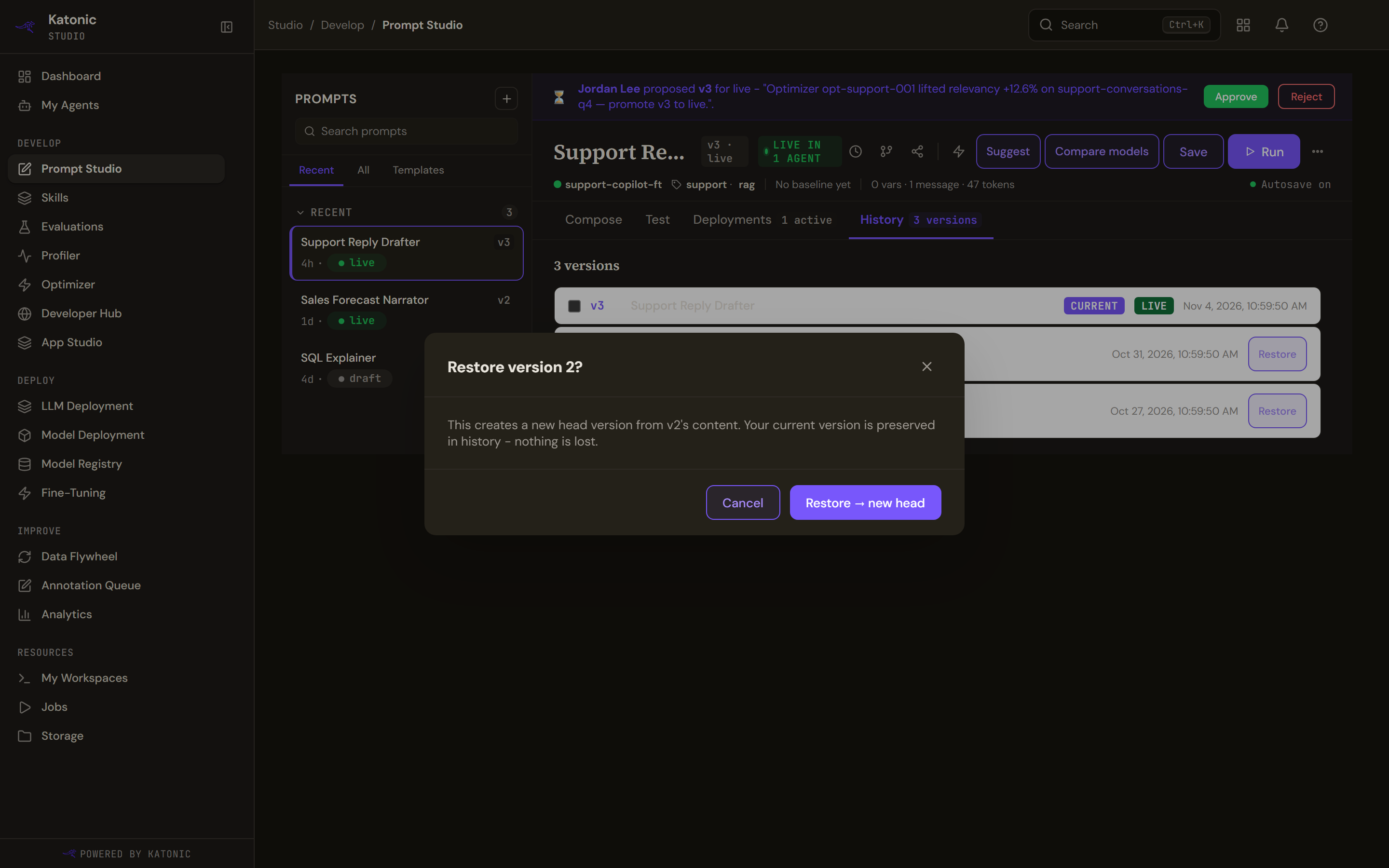
Restore on an older row asks first and explains what it does: it creates a new version from that one's content and keeps the current version in history, so nothing is lost. The confirmation names the version you are restoring from.
A prompt with nothing saved yet says so and explains that each save starts tracking history.
Promote a version
The overflow menu in the header holds the label controls: promote the current version to live, mark it for review, or move it back to draft. Rolling back to the previous version is here too, and is refused with a message when there is no earlier version to go back to.
What happens next depends on whether anything depends on the prompt.
- No agent uses it. The promotion applies at once and the header's status changes.
- An agent uses it. A dialog explains that the agents depending on this prompt make going live an approval decision, and that confirming creates a pending approval rather than promoting. Confirming proposes the version and tells you it is awaiting a teammate.
Approvals
While a proposal is pending, a banner sits above the editor naming who proposed which version and their reason. Anyone else with access sees Approve and Reject; the person who proposed it sees the banner without buttons and a note that it is awaiting a team member. Deciding either way clears the banner.
Deployments
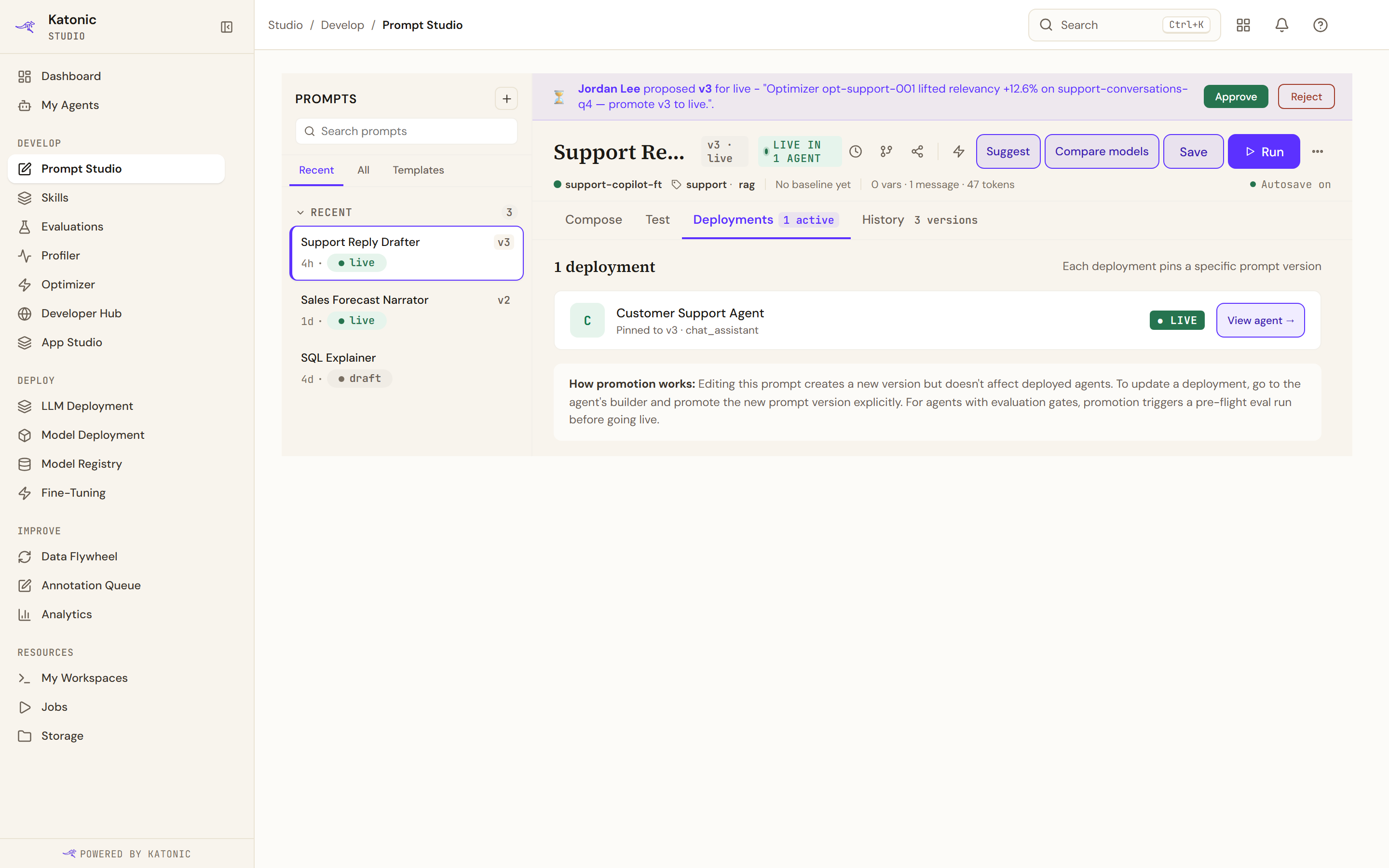
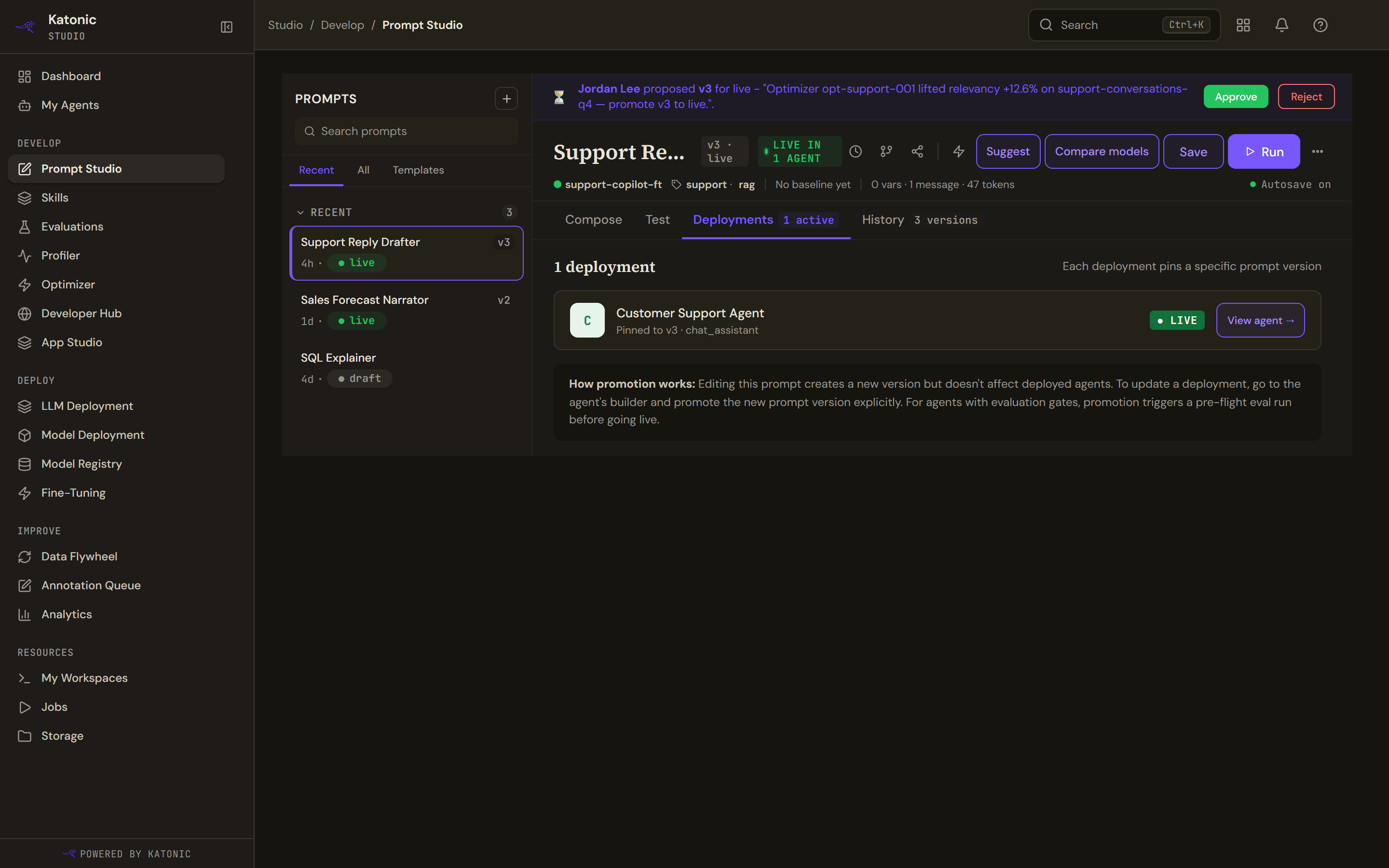
Deployments lists the agents that reference this prompt, each with the version it pins, its kind and whether it is live, and a link to open the agent.
The note at the foot is the important part: editing a prompt creates a new version but does not change any deployed agent. To move an agent onto a new version, open that agent's builder and promote the version there. Where the agent has an evaluation gate, that promotion triggers an evaluation run before it goes live.
A prompt no agent uses says so, and explains that a prompt appears here once it is bound to an agent in the agent builder's behaviour section.
Troubleshooting
- Couldn't set the label. The proposal or promotion was refused; the reason follows.
- No prior version to roll back to. The prompt has only one version.
- Couldn't load the version history. The service did not answer; reopen the tab.
- The Deployments tab looks like a link to another page but opens in place.