Write a skill
A skill is written once and read by agents many times. Two things decide whether it works: the trigger, which is how an agent knows to load it, and the instructions, which are what it then does.
Who can use it: the Builder role or higher.
Create one
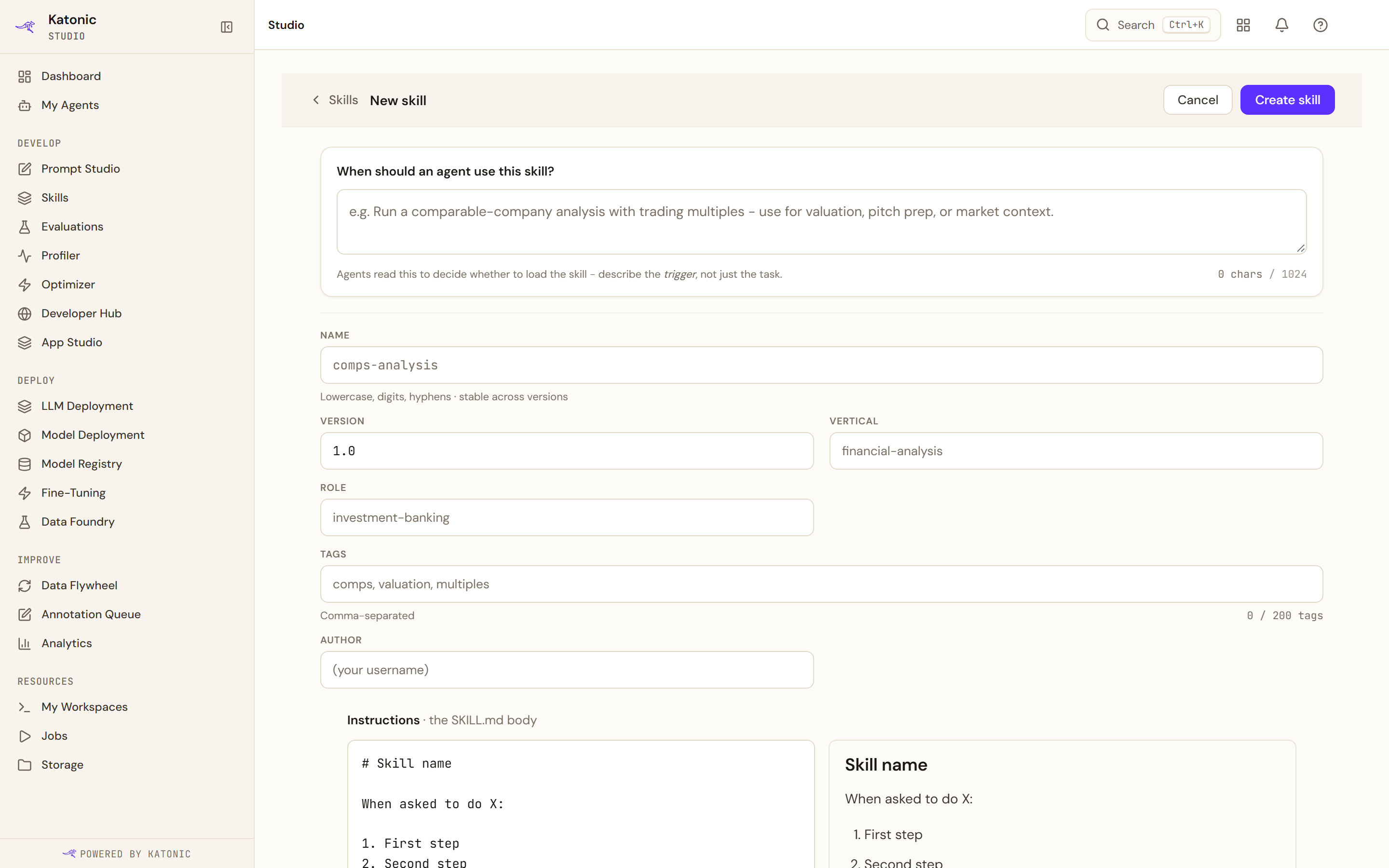
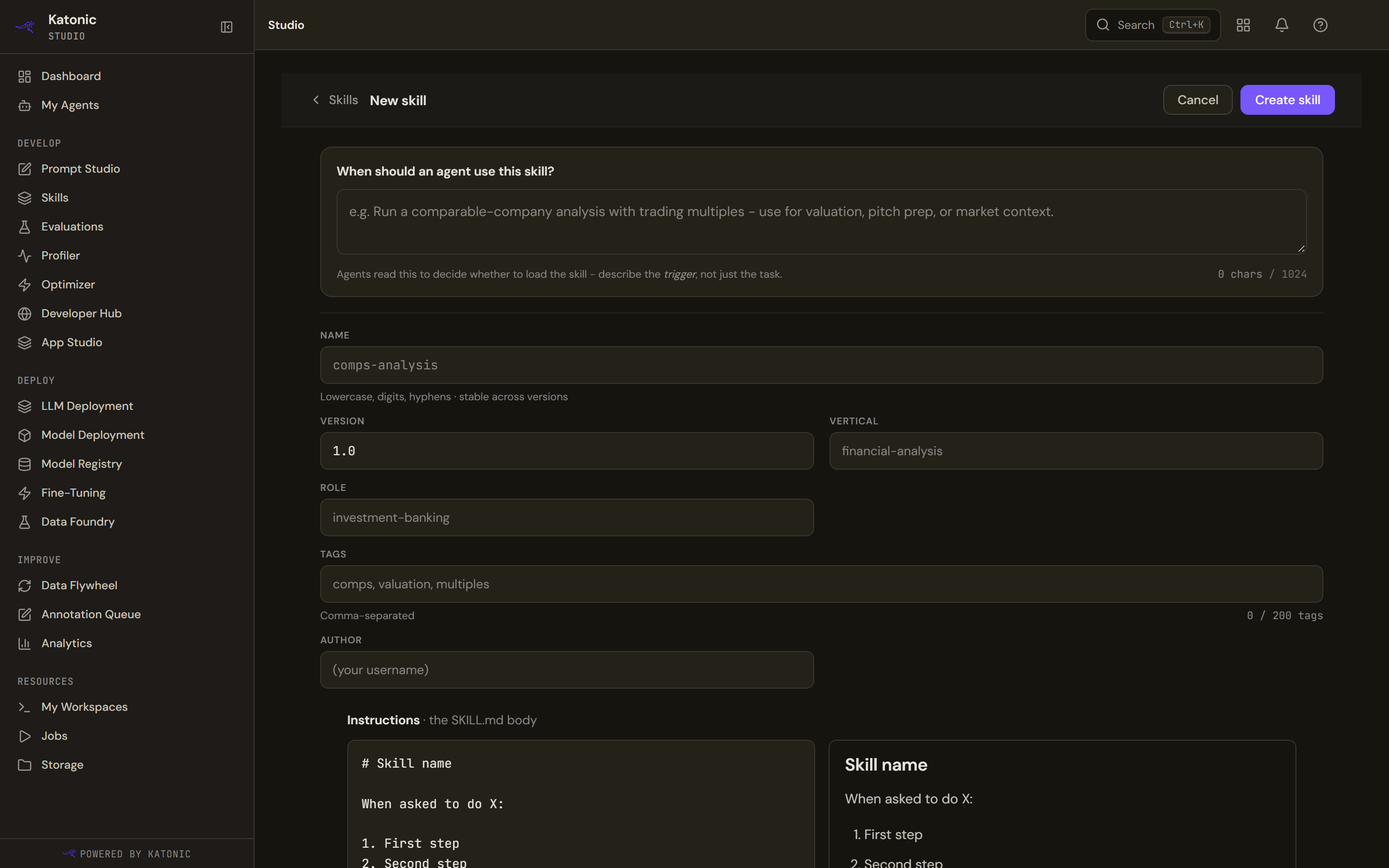
- Describe the trigger
When should an agent use this skill? is the first field for a reason. An agent reads it to decide whether to load the skill at all, so describe the situation, not the task: "when asked to triage an inbound support ticket", not "triages tickets". It takes up to 1,024 characters, with the count shown as you type, and it is kept to a single line, because the agent sees these descriptions as one line each.
- Name and classify it
Name is lowercase letters, digits and hyphens, and is fixed once the skill exists; to rename one, fork it. Version is yours to set, as any string. Vertical and Role say who the skill is for, and are what the library's filters use; both are free text rather than a fixed list. Tags are comma-separated, up to 200 of them. Author is who to ask about it, and defaults to you.
- Write the instructions
Instructions is the body, in Markdown, and it opens on an outline: the skill's name, a "when asked to do X" trigger, numbered steps, and an Output format section. Replace the outline rather than adding to it.
The output format is the part people skip and then miss. An agent that knows the shape of the answer produces a consistent one; an agent left to choose produces a different shape each time.
- Create it
Create skill saves it under Your skills, where it can be edited, versioned and attached.
Version it
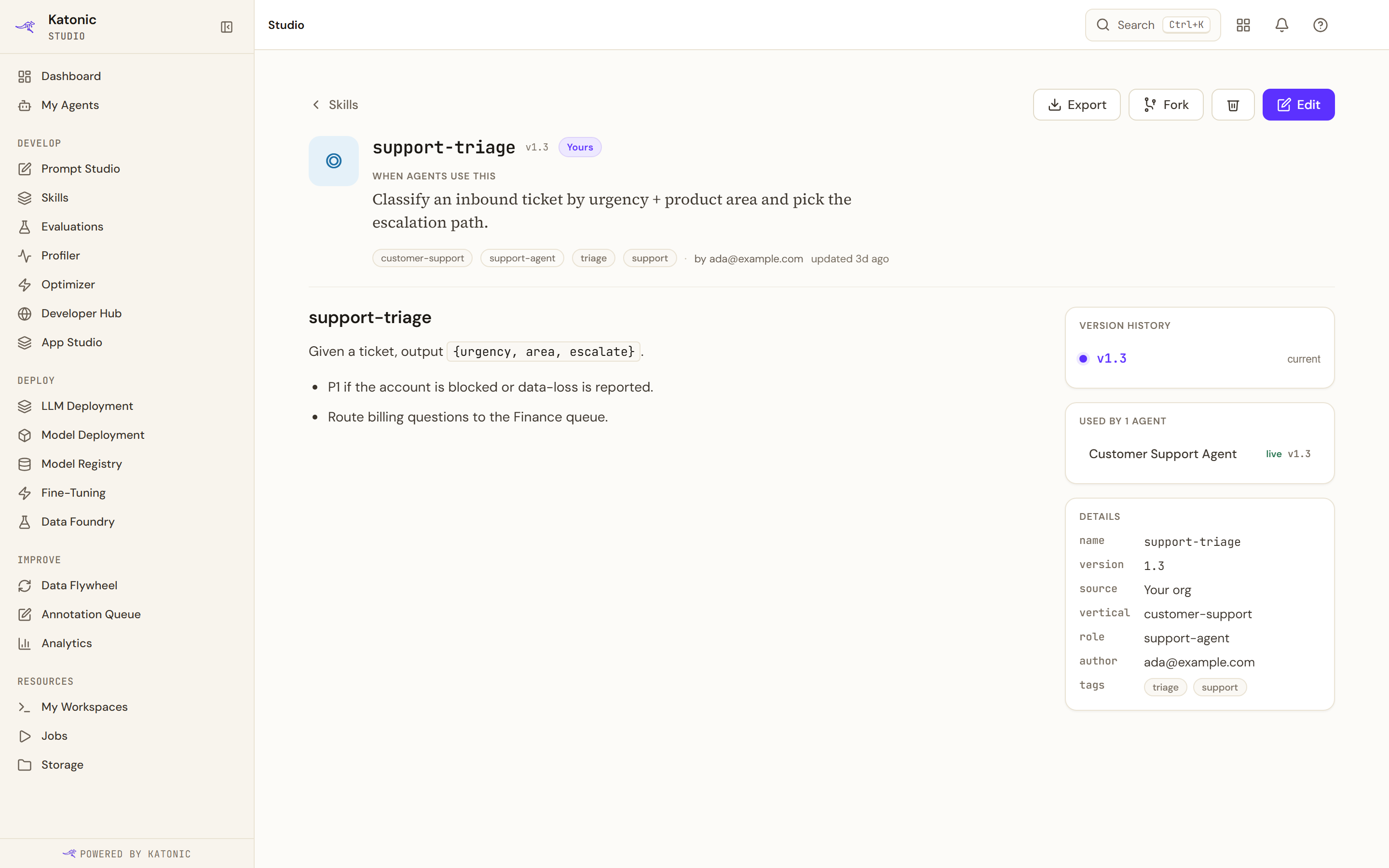
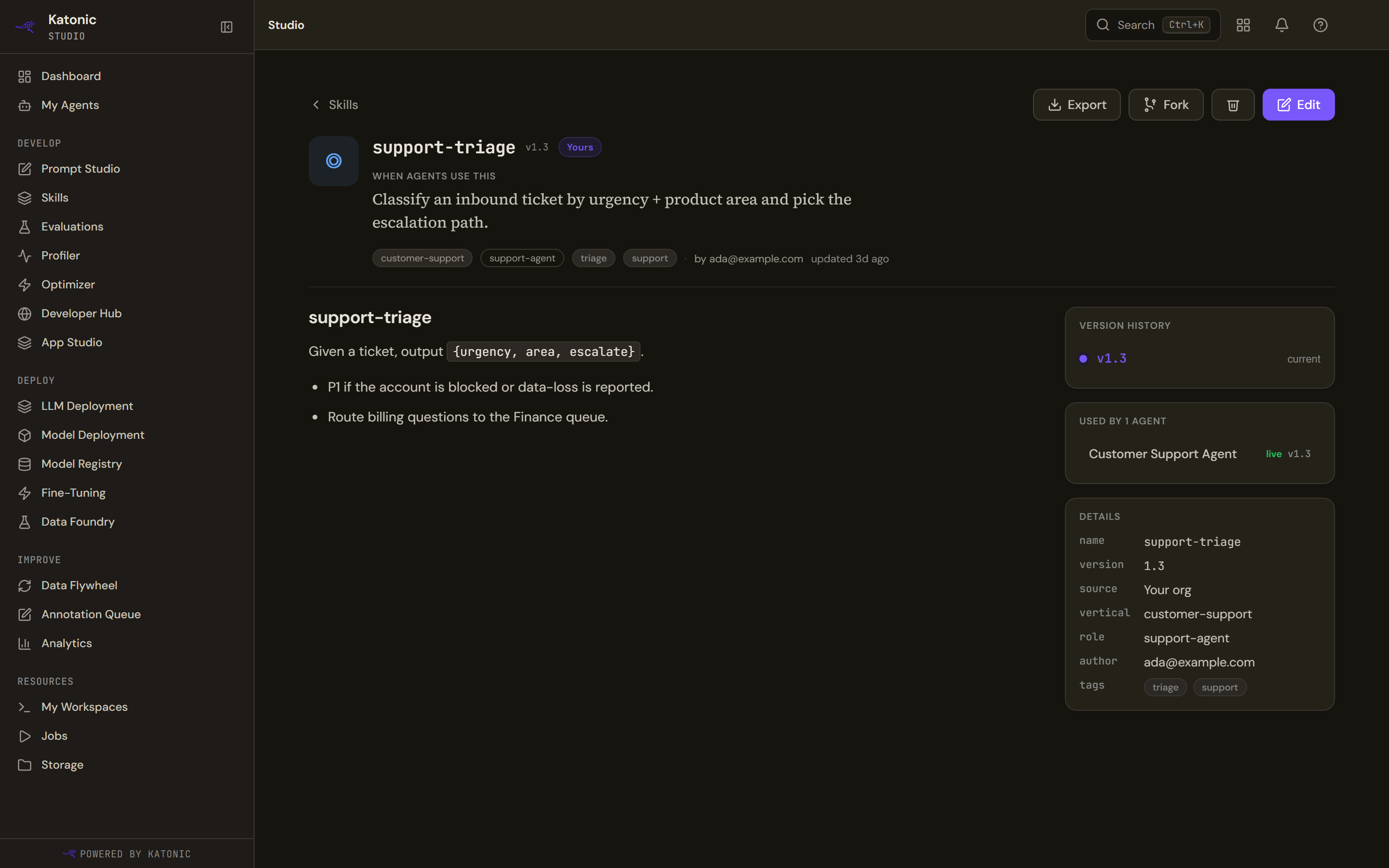
Saving with a different version number creates a new version rather than overwriting the old one. Editing without changing the version changes that version in place.
A skill's page shows its Version history, where each version opens on its own page, and Used by, which lists each agent using the skill and the version it is on. In the editor, editing an existing skill offers the next version number beside the field.
Neither editing nor versioning reaches a published agent by itself. A published agent carries the skill text it was built with until it is published again. See Attach a skill to an agent.
Fork a built-in
Platform built-ins ship with the platform and are read-only. Fork copies one into Your skills, where it can be changed. The copy keeps no link to the original, so a later platform change does not reach your fork, and your changes never reach the built-in.
Export and archive
Export downloads the skill as a Markdown file with its front matter, which is the same shape the importer reads. That is how a skill moves between tenants: export from one, import into the other. It is built in your browser, so it works whatever the service is doing.
Archive on a skill's page, and Delete in the library's row menu, both take a skill out of use. Each asks first, and the confirmation says the part that matters: agents already published with the skill keep the copy they were built with, and the skill can no longer be attached to new ones. Neither is offered for a platform built-in.
Troubleshooting
- The name is refused. Names take lowercase letters, digits and hyphens only, and the field slugifies what you type.
- A skill with that name and version already exists. Raise the version to save a new revision, which is what the message tells you.
- The name cannot be edited. It is fixed once the skill exists. Fork the skill to rename it.
- An agent does not load the skill. Read the trigger as an agent would. A trigger that describes the task rather than the situation gives the agent nothing to match a request against.
- Editing a built-in is not offered. Fork it first; the fork is editable.