Claude Code
Claude Code speaks the Model Context Protocol, and your tenant's MCP server speaks it back over streamable HTTP. One command registers the server with the key in a header; from then on Claude Code can list your agents, chat with a published agent, search your knowledge, run evaluations and call governed tools, each as an MCP tool it decides to use.
Who can use it: anyone holding an API key. Each tool needs the scope of the public API route it calls, listed on Tools; the Full access preset covers all of them, Coding agent (OpenCode) covers chat, search and completions.
Prerequisites
- Claude Code 2.1 or later. Verified with 2.1.79.
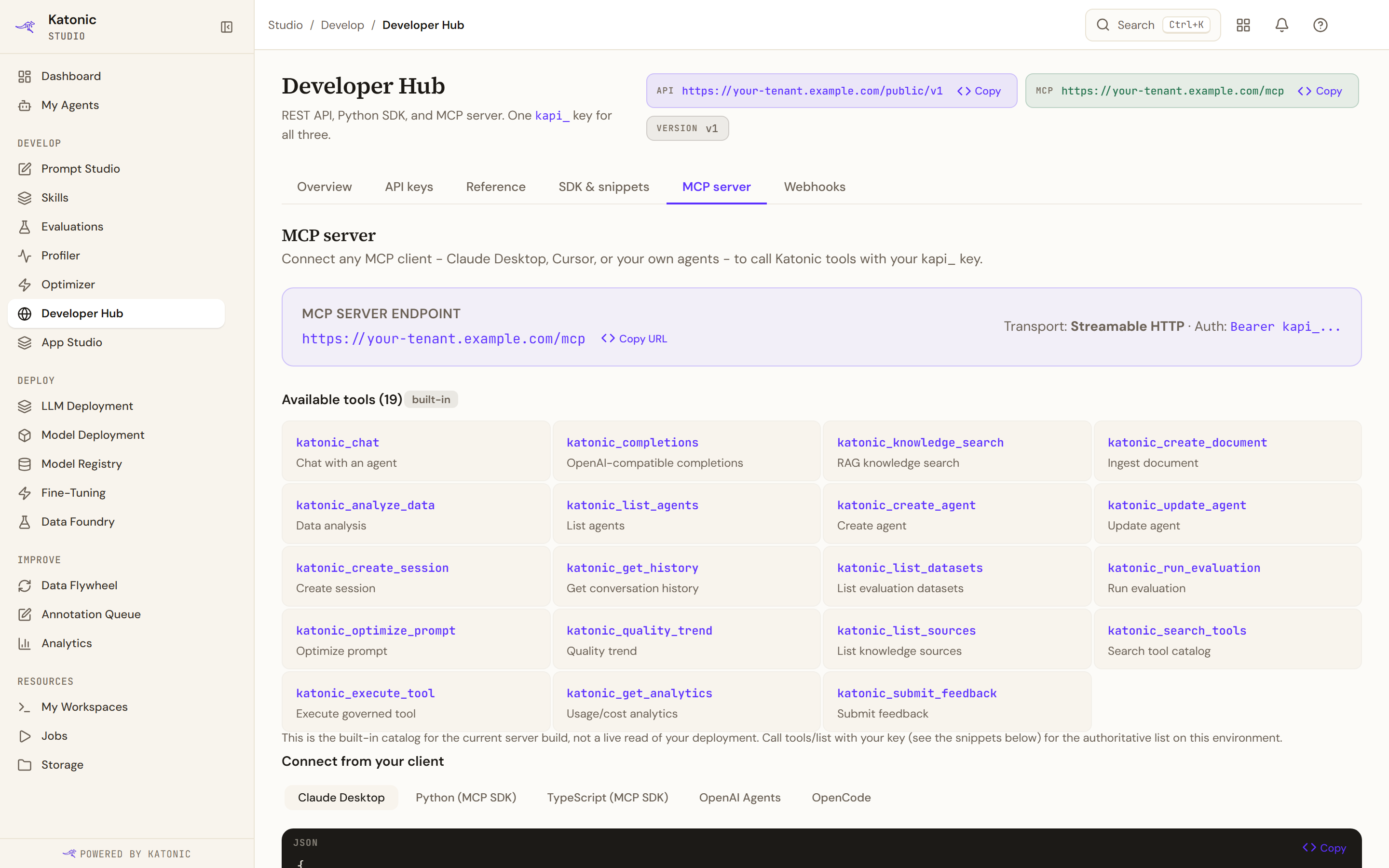
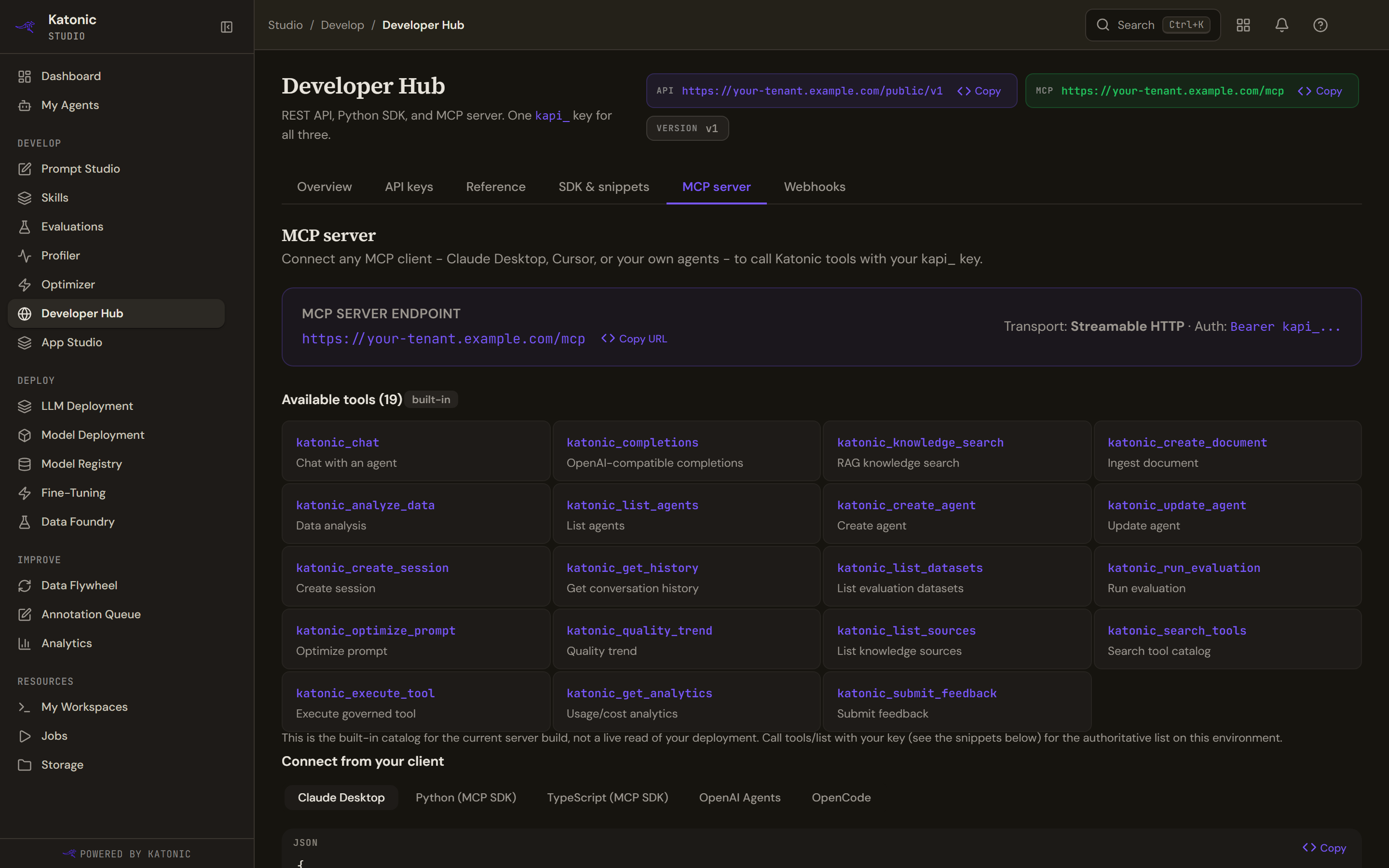
- Your tenant's MCP endpoint,
https://<your tenant host>/mcp. The MCP server tab of Studio's Developer Hub has a Copy URL button. - A key. Create it on the API keys tab of the same page; the value is shown once.
- At least one published agent, built in Studio, if you want the chat tool to answer. An agent created through the API's own create route cannot yet hold a conversation on the current build.
Connect
Register the server. The default scope is the current folder; add --scope user to make it available in every folder.
claude mcp add --transport http katonic https://<your tenant host>/mcp \
  --header "Authorization: Bearer kapi_YOUR_KEY"
For a team folder, --scope project writes a .mcp.json that is meant to be committed. Keep the key out of it with Claude Code's environment-variable expansion:
{
  "mcpServers": {
    "katonic": {
      "type": "http",
      "url": "https://<your tenant host>/mcp",
      "headers": { "Authorization": "Bearer ${KATONIC_API_KEY}" }
    }
  }
}
Then set KATONIC_API_KEY in the shell that starts Claude Code.
Verify
-
The handshake.
claude mcp listperforms it and reports one line per server:katonic: https://<your tenant host>/mcp (HTTP) - ✓ ConnectedConnected means the protocol handshake succeeded. It does not prove the key: the server accepts the handshake from any key that starts with
kapi_and refuses only the first tool call. -
The tools. Inside a Claude Code session,
/mcplists the server and its nineteen tools, namedmcp__katonic__katonic_list_agentsand so on. -
A first call. Ask Claude Code to list your Katonic agents. It calls
katonic_list_agentsand reads back the published agents of your tenant. Then ask it to send a message to one of them by name; it callskatonic_chatwith the agent's id and shows the reply. -
The record. The key's row on the Developer Hub's API keys tab shows a new last-used time. A chat or completion tool call also appears in the Control Room's AI Gateway under Logs as a line naming the model, tier, tokens, cost and latency.
To remove the server later:
claude mcp remove katonic
What does not carry over
- Claude Code's own model. Claude Code keeps reasoning with Anthropic's models on Anthropic's terms. Nothing it says to you goes through your tenant's AI Gateway; only the tool calls do, and only
katonic_chatandkatonic_completionsreach a model on your side. - Sign-in. There is no OAuth on the MCP endpoint on the current build; the key in the header is the whole of authentication.
- A server session. The server issues no session id, so each tool call stands alone. Conversation memory belongs to the platform's sessions: pass the
session_idthatkatonic_chatreturns back into the next call to continue a conversation. - Governance travels with the key. The tools can only reach routes the key's scopes allow, and the key's own rate limits apply to every call, whichever client made it.
Troubleshooting
claude mcp listshows the server as failed. The URL is wrong, the tenant is not licensed for the public API, or the network in front of you blocks the host. Confirm the address on the Developer Hub and thatcurl https://<your tenant host>/mcpreturns an HTTP status rather than a connection error.- Connected, but the first tool call fails with an internal error. The key is invalid, expired, revoked, or lacks the tool's scope; the server reports all four the same way on the current build. Check the key's row on the API keys tab and its scopes.
katonic_chatreturns an error on the first turn for a new agent. The agent was created through the API's create route rather than in Studio. Publish an agent from Studio and use its id.- The tools are missing from
/mcpafter a--scope projectadd. Claude Code asks once whether to trust a project's.mcp.json; answer yes, or re-add with the default scope.