Python MCP SDK
The mcp package is the reference Model Context Protocol client for Python. Point its streamable HTTP transport at your tenant's MCP endpoint with the key in a header, open a session, and the platform's tools become ordinary awaitable calls in your own program or agent framework.
Who can use it: anyone holding an API key. Each tool needs the scope of the public API route it calls, listed on Tools.
Prerequisites
- Python 3.10 or later and
pip install mcp. Verified withmcp2.2.0; the 1.x shape is noted below. - Your tenant's MCP endpoint,
https://<your tenant host>/mcp, and a key from the Developer Hub's API keys tab. - For the chat tool, the id of a published agent built in Studio.
katonic_list_agentsreturns the ids.
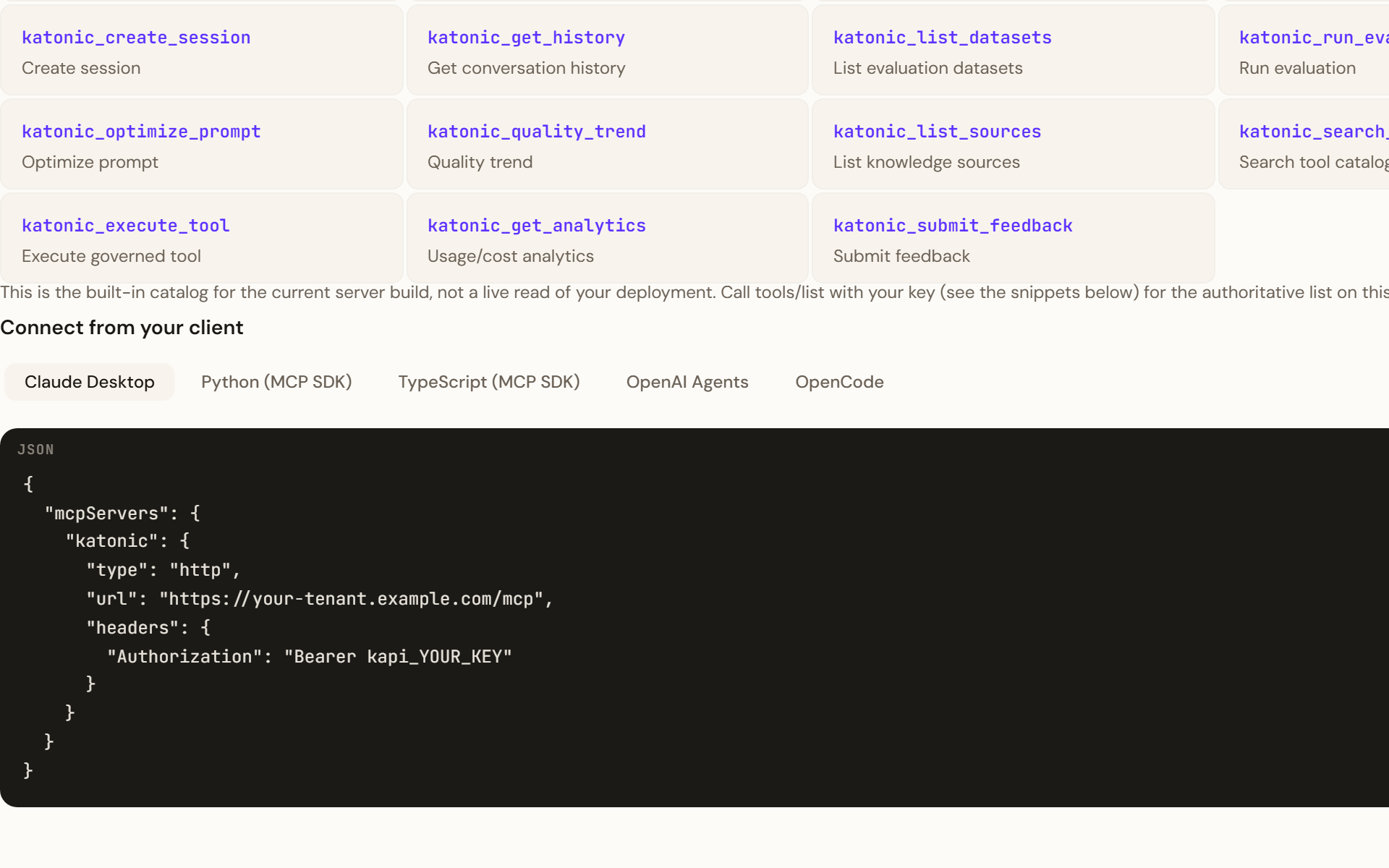
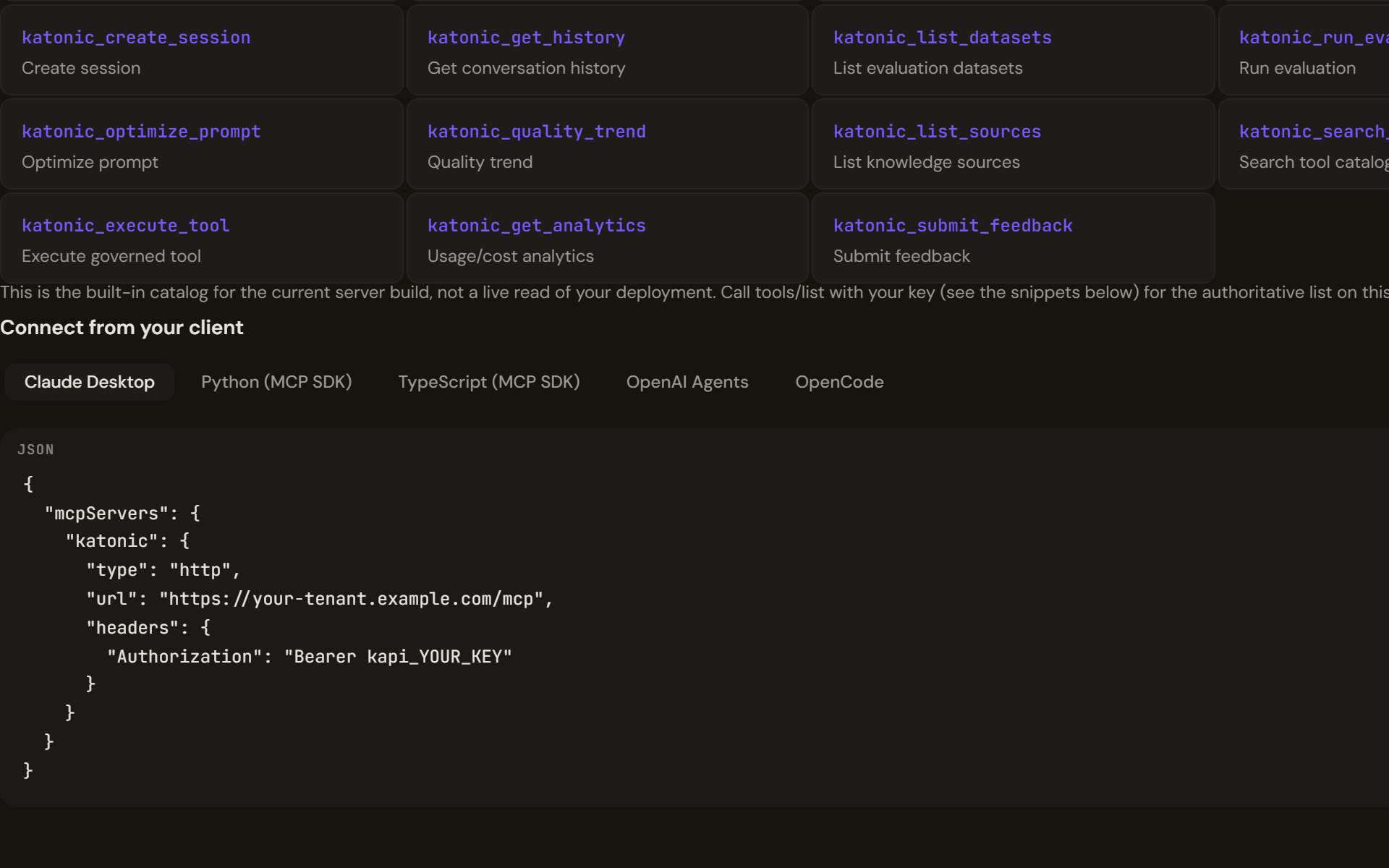
Connect
On mcp 2.x the key travels on an HTTP client that the SDK's own helper builds; the transport yields the read and write streams, and ClientSession speaks the protocol over them:
import asyncio
from mcp import ClientSession
from mcp.client.streamable_http import create_mcp_http_client, streamable_http_client

URL = "https://<your tenant host>/mcp"
KEY = "kapi_YOUR_KEY"

async def main():
    http = create_mcp_http_client(headers={"Authorization": f"Bearer {KEY}"})
    async with streamable_http_client(URL, http_client=http) as streams:
        read, write = streams[0], streams[1]
        async with ClientSession(read, write) as session:
            init = await session.initialize()
            print(init.server_info.name, init.server_info.version)
            tools = await session.list_tools()
            print([tool.name for tool in tools.tools])

asyncio.run(main())
On mcp 1.x the helper is streamablehttp_client(url, headers={...}), it yields (read, write, _) directly, and result fields are camel case (serverInfo). Neither name exists on the other major version, so pin the one you write against.
Call the tools
Every tool takes a dictionary of arguments and returns content blocks; the platform's tools answer with one text block carrying JSON.
import json

agents = await session.call_tool("katonic_list_agents", {})
data = json.loads(agents.content[0].text)
agent_id = data["agents"][0]["id"]

reply = await session.call_tool(
    "katonic_chat",
    {"agent_id": agent_id, "message": "Summarise our onboarding guide in three bullet points."},
)
turn = json.loads(reply.content[0].text)
print(turn["message"]["content"])
session_id = turn["session_id"]      # pass it back to continue the conversation

hits = await session.call_tool("katonic_knowledge_search", {"query": "onboarding", "top_k": 5})
print(json.loads(hits.content[0].text)["results"][0]["content"])
katonic_chat takes agent_id, message and an optional session_id; katonic_knowledge_search takes query, top_k and an optional source_ids list. A failed call sets is_error on the result (2.x) rather than raising.
Verify
initializereturns the server name and version, andlist_toolsreturns nineteen tools. That proves the endpoint and the protocol, not the key: the server accepts the handshake from any key that starts withkapi_.- The first
call_toolreturning content proves the key and its scope.katonic_list_agentsneeds only the agents read scope, so it is the cheapest check. - The key's row on the Developer Hub's API keys tab shows a new last-used time, and a
katonic_chatorkatonic_completionscall appears in the Control Room's AI Gateway under Logs as a line naming the model, tier, tokens, cost and latency.
What does not carry over
- A server session. The server issues no session id, so each
call_toolstands alone; conversation memory belongs to the platform's sessions, addressed by thesession_idthe chat tool returns. - Streaming. Tool results arrive whole. To stream a model's tokens, call the public API's chat completions route directly with an OpenAI client instead.
- Agents created through the API. An agent created with
katonic_create_agentor the API's create route cannot yet hold a conversation on the current build; chat with agents published from Studio. - Response headers. The MCP server answers JSON-RPC; nothing about rate limits reaches you as a header. A refused call comes back as a JSON-RPC error, an internal error on the current build, which the SDK raises.
Troubleshooting
ImportError: cannot import name 'streamablehttp_client'. You havemcp2.x; usestreamable_http_clientwithcreate_mcp_http_clientas above. The reverse error means 1.x.'InitializeResult' object has no attribute 'serverInfo'. Same cause: 2.x fields are snake case,server_info,input_schema,is_error.- Handshake and
list_toolssucceed, the firstcall_toolreturns an internal error. The key is invalid, expired, revoked, or lacks the tool's scope; the server reports all four the same way on the current build. Check the key's row and scopes on the API keys tab. katonic_chatfails on the first turn for a new agent. The agent was created through the API; publish one from Studio and use its id.- A
TaskGroupexception with no obvious cause. The SDK runs the transport in an anyio task group, which wraps the real error. Walkexc.exceptionsdown to the leaf; the leaf is the message worth reading.