TypeScript MCP SDK
The @modelcontextprotocol/sdk package is the reference Model Context Protocol client for TypeScript and JavaScript. Its streamable HTTP transport takes your tenant's MCP endpoint and a request initialiser carrying the key; the Client then lists and calls the platform's nineteen tools from any Node program, agent framework or server-side route.
Who can use it: anyone holding an API key. Each tool needs the scope of the public API route it calls, listed on Tools.
Prerequisites
- Node.js 18 or later and
npm install @modelcontextprotocol/sdk. Verified with 1.30.0. - Your tenant's MCP endpoint,
https://<your tenant host>/mcp, and a key from the Developer Hub's API keys tab. - For the chat tool, the id of a published agent built in Studio.
katonic_list_agentsreturns the ids.
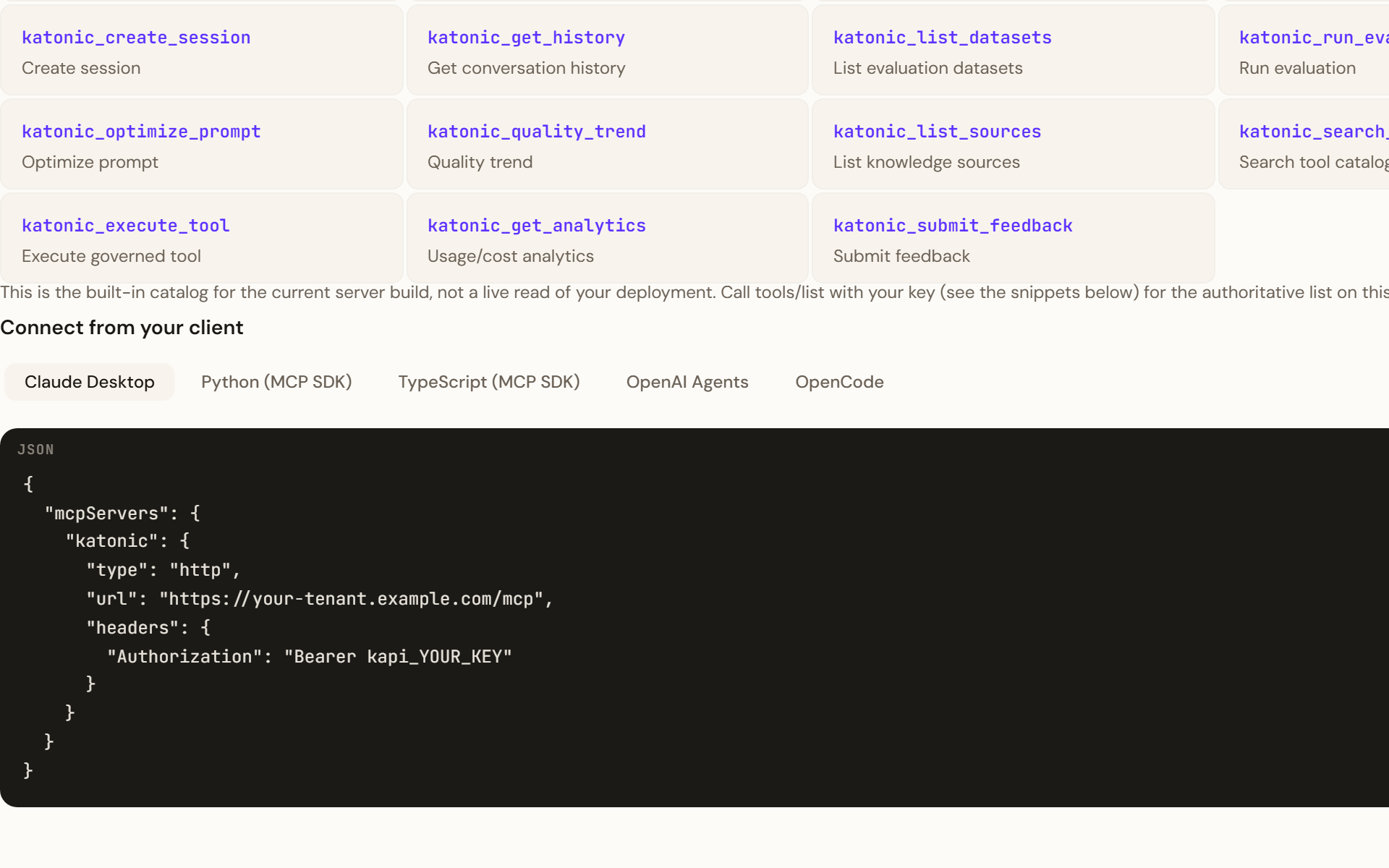
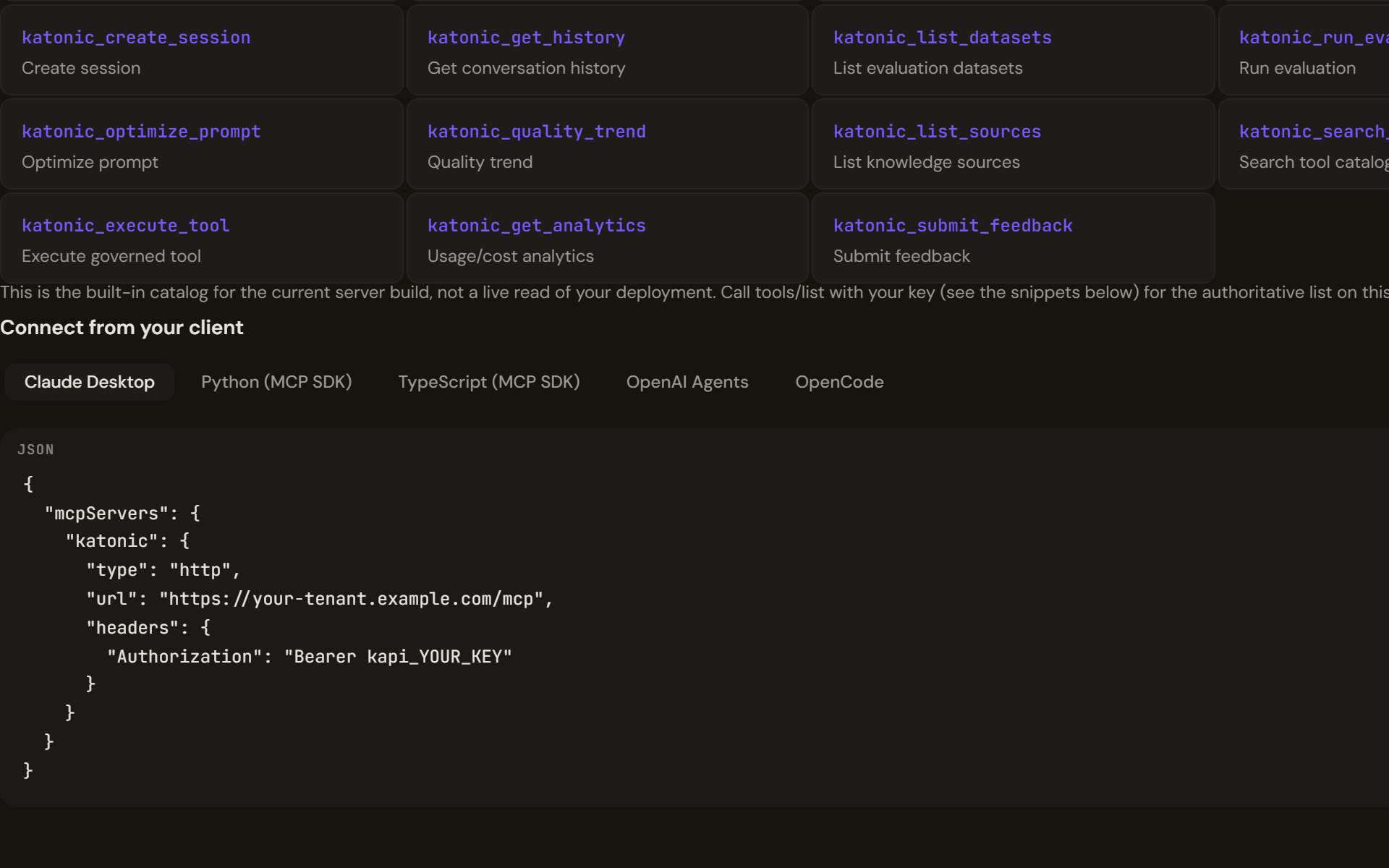
Connect
import { Client } from "@modelcontextprotocol/sdk/client/index.js";
import { StreamableHTTPClientTransport } from "@modelcontextprotocol/sdk/client/streamableHttp.js";

const transport = new StreamableHTTPClientTransport(
  new URL("https://<your tenant host>/mcp"),
  { requestInit: { headers: { Authorization: `Bearer ${process.env.KATONIC_API_KEY}` } } },
);
const client = new Client({ name: "my-app", version: "1.0.0" });
await client.connect(transport);

console.log(client.getServerVersion());          // { name: "katonic-mcp-server", version: "2.0.0" }
const { tools } = await client.listTools();
console.log(tools.map((tool) => tool.name));     // nineteen names, katonic_chat first
The file must be a module ("type": "module" in package.json, or a .mjs extension) for the top-level await.
Call the tools
Every tool takes an arguments object and returns content blocks; the platform's tools answer with one text block carrying JSON.
const agents = await client.callTool({ name: "katonic_list_agents", arguments: {} });
const agentId = JSON.parse(agents.content[0].text).agents[0].id;

const reply = await client.callTool({
  name: "katonic_chat",
  arguments: { agent_id: agentId, message: "Summarise our onboarding guide in three bullet points." },
});
const turn = JSON.parse(reply.content[0].text);
console.log(turn.message.content);
const sessionId = turn.session_id;              // pass it back to continue the conversation

const hits = await client.callTool({
  name: "katonic_knowledge_search",
  arguments: { query: "onboarding", top_k: 5 },
});
console.log(JSON.parse(hits.content[0].text).results[0].content);

await client.close();
katonic_chat takes agent_id, message and an optional session_id; katonic_knowledge_search takes query, top_k and an optional source_ids array. A tool that fails sets isError on its result rather than throwing; a refused key surfaces as a thrown JSON-RPC error.
Verify
connectresolves andgetServerVersion()names the server;listTools()returns nineteen tools. That proves the endpoint and the protocol, not the key: the server accepts the handshake from any key that starts withkapi_.- The first
callToolreturning content proves the key and its scope.katonic_list_agentsis the cheapest check. - The key's row on the Developer Hub's API keys tab shows a new last-used time, and a
katonic_chatorkatonic_completionscall appears in the Control Room's AI Gateway under Logs as a line naming the model, tier, tokens, cost and latency.
What does not carry over
- A server session. The server issues no session id, so each call stands alone; conversation memory belongs to the platform's sessions, addressed by the
session_idthe chat tool returns. - Streaming. Tool results arrive whole. To stream a model's tokens, call the public API's chat completions route directly with an OpenAI client.
- Agents created through the API. An agent created with
katonic_create_agentor the API's create route cannot yet hold a conversation on the current build; chat with agents published from Studio. - Browser use. The transport runs in a browser too, but the key would then live in the page. Keep the client server-side and let your own backend hold the key.
Troubleshooting
connectrejects with a fetch error. The URL is wrong, the tenant is not licensed for the public API, or a proxy in front of you blocks the host. Confirm the address on the Developer Hub.connectandlistToolssucceed, the firstcallToolthrows an internal error. The key is invalid, expired, revoked, or lacks the tool's scope; the server reports all four the same way on the current build. Check the key's row and scopes on the API keys tab.katonic_chatfails on the first turn for a new agent. The agent was created through the API; publish one from Studio and use its id.SyntaxError: Cannot use import statement outside a module. Add"type": "module"topackage.jsonor rename the file to.mjs.