Connect a client to the Katonic MCP Server
Public API
Connecting takes an endpoint, a key and a client configuration. The MCP server tab of Studio's Developer Hub carries a ready-made snippet for each client with your tenant's endpoint filled in; the snippets below are the same ones with placeholders, so you can write the configuration without opening Studio.
Who can use it: anyone holding an API key for a tenant licensed for the public API. Creating a key needs the Builder role or higher.
Before you start
- The endpoint.
https://<your tenant host>/mcp. In Studio, open Developer Hub, select the MCP server tab and use Copy URL; the same address is the MCP chip in the page header. - A key with the right scopes. A tool needs the scope of the public API route it calls, listed for each tool on Tools and for each route in the reference. Full access covers every tool; Read only covers listing and reading; a key created with the Coding agent (OpenCode) preset holds the chat, completions, knowledge search and read models scopes that OpenCode needs. See Authentication for creating a key.
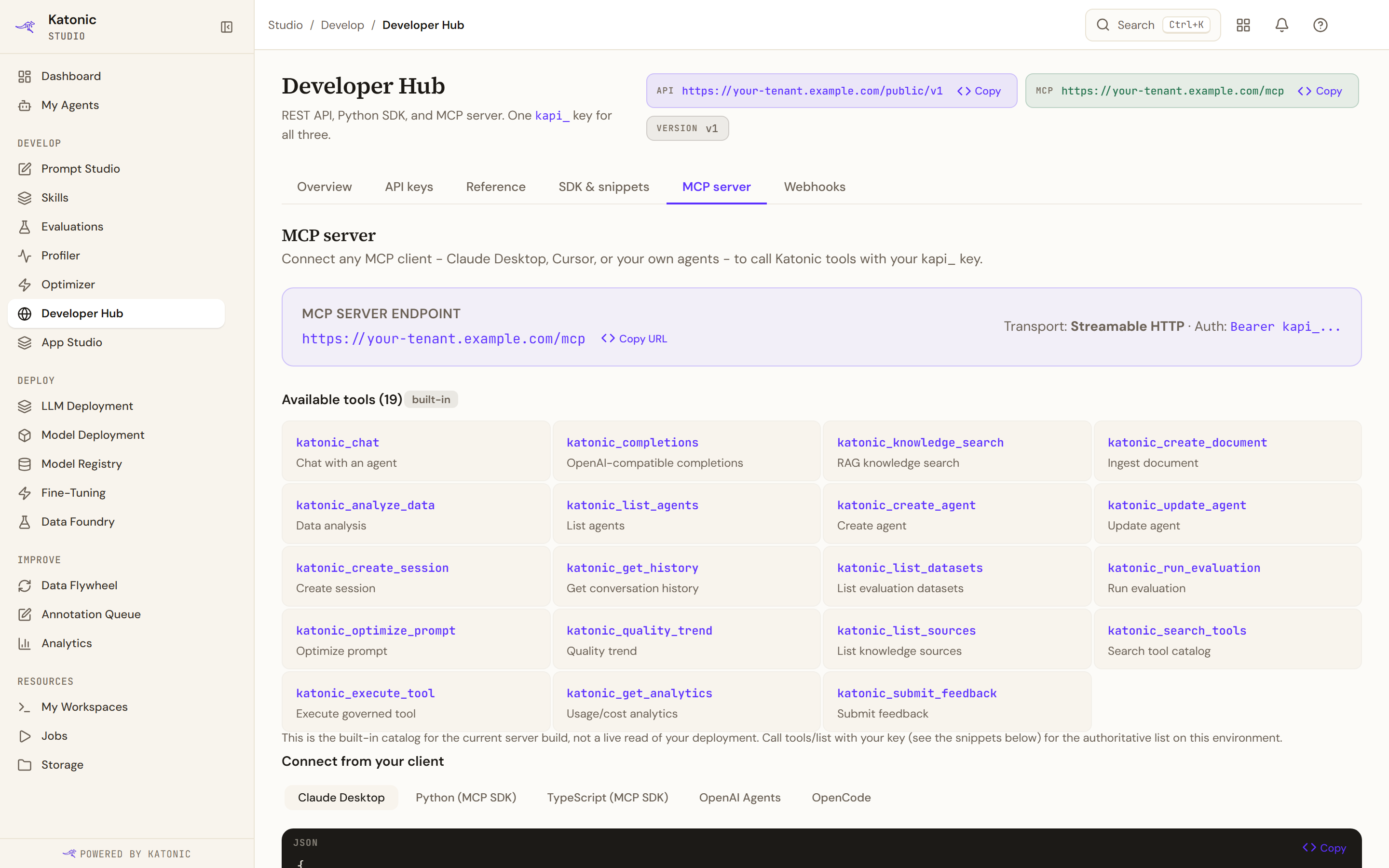
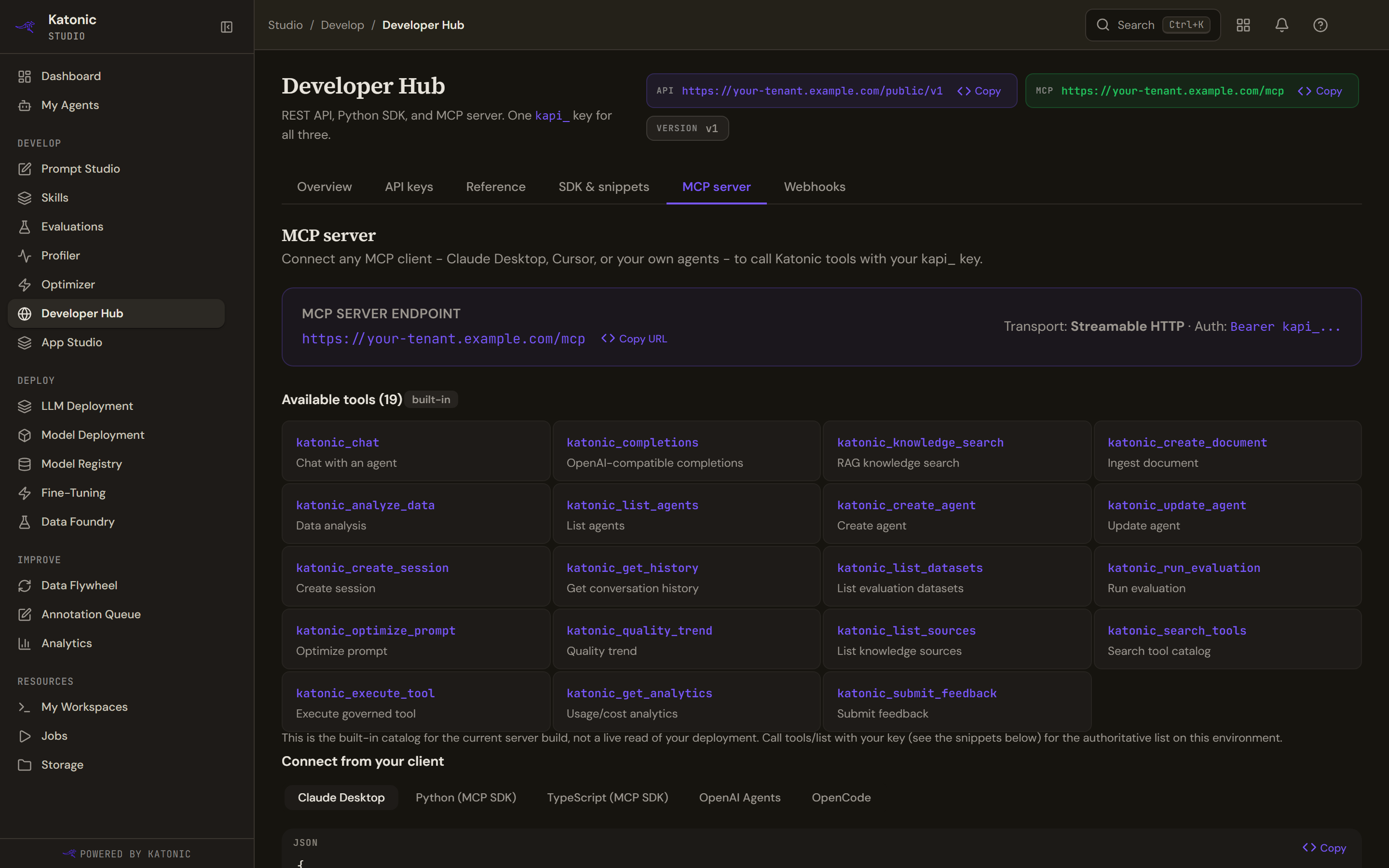
Under Connect from your client, the tab shows the same snippets as below with your endpoint filled in.
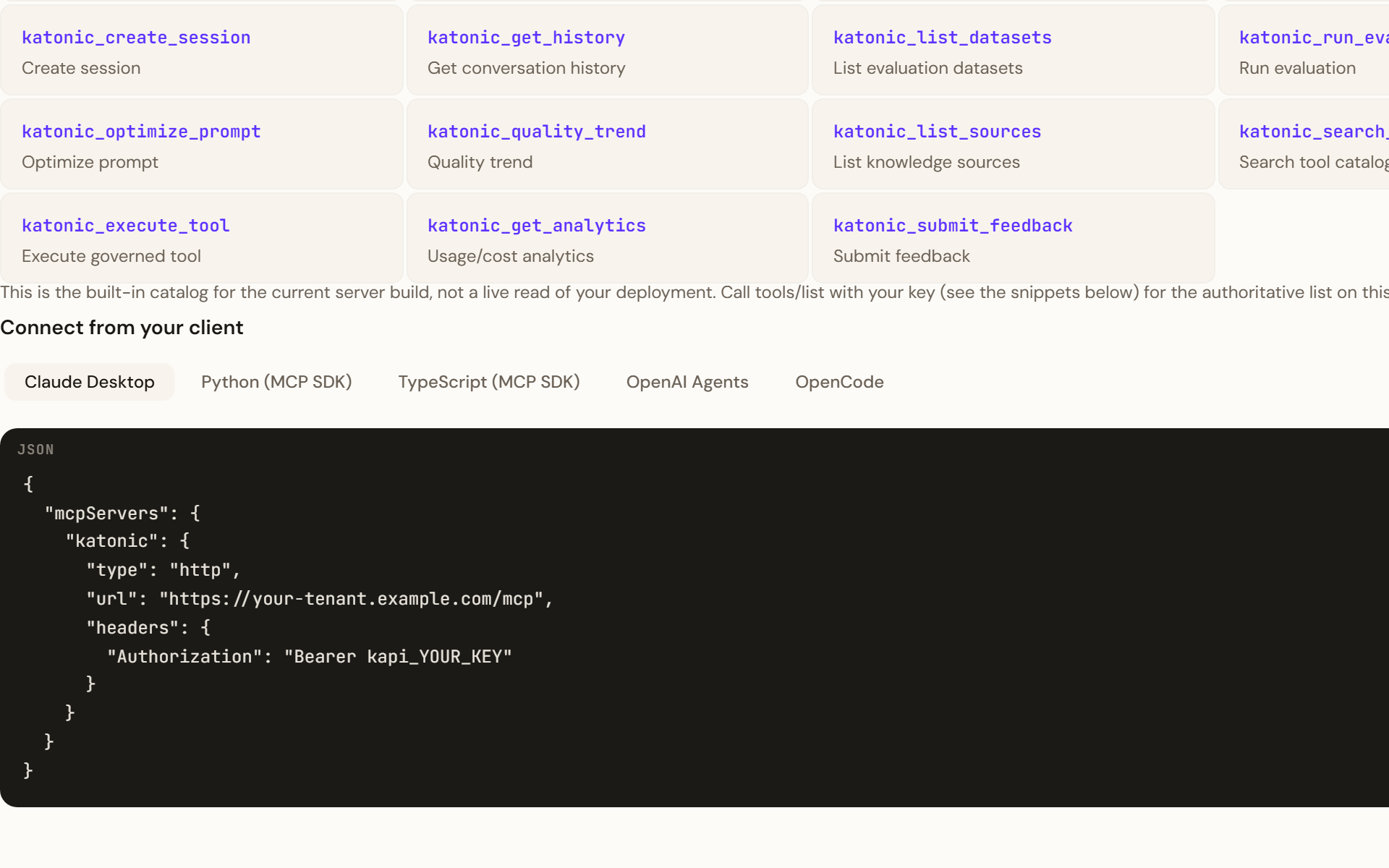
Claude Desktop
Add the server to the mcpServers block of Claude Desktop's configuration file, then restart the application:
{
  "mcpServers": {
    "katonic": {
      "type": "http",
      "url": "https://<your tenant host>/mcp",
      "headers": {
        "Authorization": "Bearer kapi_YOUR_KEY"
      }
    }
  }
}
Python (MCP SDK)
Open a streamable HTTP session with the mcp package and list the tools. On mcp 2.x the key travels on an HTTP client the SDK's own helper builds:
from mcp import ClientSession
from mcp.client.streamable_http import create_mcp_http_client, streamable_http_client

http = create_mcp_http_client(headers={"Authorization": "Bearer kapi_YOUR_KEY"})
async with streamable_http_client("https://<your tenant host>/mcp", http_client=http) as streams:
    read, write = streams[0], streams[1]
    async with ClientSession(read, write) as session:
        await session.initialize()
        tools = await session.list_tools()
        print([tool.name for tool in tools.tools])
On mcp 1.x the helper is streamablehttp_client(url, headers={...}) and yields (read, write, _) directly. Neither name exists on the other major version, and 2.x result fields are snake case (server_info, input_schema, is_error).
TypeScript (MCP SDK)
import { Client } from "@modelcontextprotocol/sdk/client/index.js";
import { StreamableHTTPClientTransport } from "@modelcontextprotocol/sdk/client/streamableHttp.js";

const transport = new StreamableHTTPClientTransport(
  new URL("https://<your tenant host>/mcp"),
  { requestInit: { headers: { Authorization: "Bearer kapi_YOUR_KEY" } } }
);
const client = new Client({ name: "my-app", version: "1.0.0" });
await client.connect(transport);

const { tools } = await client.listTools();
console.log(tools);
OpenAI Agents
The Agents SDK can run an agent on the tenant's own OpenAI-compatible gateway with the same key, so no other provider key is needed. Name a model your tenant serves; the models route lists them.
import asyncio
from agents import Agent, Runner, OpenAIChatCompletionsModel, set_tracing_disabled
from agents.mcp import MCPServerStreamableHttp
from openai import AsyncOpenAI

API_KEY = "kapi_YOUR_KEY"
MCP_URL = "https://<your tenant host>/mcp"
BASE_URL = "https://<your tenant host>/public/v1"

set_tracing_disabled(True)
model = OpenAIChatCompletionsModel(
    model="<a model your tenant serves>",
    openai_client=AsyncOpenAI(base_url=BASE_URL, api_key=API_KEY),
)

async def main():
    katonic = MCPServerStreamableHttp(
        name="katonic",
        params={"url": MCP_URL, "headers": {"Authorization": f"Bearer {API_KEY}"}},
        client_session_timeout_seconds=30,
    )
    async with katonic:
        agent = Agent(
            name="My Agent",
            instructions="Use Katonic tools to answer questions.",
            mcp_servers=[katonic],
            model=model,
        )
        result = await Runner.run(agent, "Search for the Q3 revenue figures")
        print(result.final_output)

asyncio.run(main())
OpenCode
OpenCode reads an opencode.json in your project root. The Developer Hub's snippet is generated for your deployment: its models block carries each model's real context and output limits from the AI Gateway's catalog, and its plugin entry adds the Katonic harness, which retrieves internal context on every turn. Copy that snippet from the tab rather than writing the file by hand, export KATONIC_API_KEY in your shell, and create the key with the Coding agent (OpenCode) preset: a chat-only key authenticates but gets 401 on knowledge retrieval. Download starter on the tab gives a ready-to-run folder that bundles the plugin and loads it by path, so no package registry is needed.
Verify
List the tools with one request and call one. The list is the authoritative catalog for your deployment.
curl -X POST "https://<your tenant host>/mcp" \
  -H "Authorization: Bearer kapi_YOUR_KEY" \
  -H "Content-Type: application/json" \
  -d '{"jsonrpc": "2.0", "id": 1, "method": "tools/list"}'
curl -X POST "https://<your tenant host>/mcp" \
  -H "Authorization: Bearer kapi_YOUR_KEY" \
  -H "Content-Type: application/json" \
  -d '{"jsonrpc": "2.0", "id": 2, "method": "tools/call", "params": {"name": "katonic_list_agents", "arguments": {}}}'
The first call returns the tool definitions; the second returns one text content item whose text is the JSON list of agents the key may see.
Troubleshooting
- HTTP 401 with error -32001. The
Authorizationheader is missing or the token does not start withkapi_. The server checks only the prefix; a revoked or expired key fails later, on the tool call. - A tool call returns error -32603. The tool failed. The message carries the public API's own error: a missing scope reads as forbidden, a spent limit as rate limited, a bad argument as the service's validation message.
- A tool you expected is missing. Your deployment runs an older server build than the console's catalog; the list your client receives is the truth for your environment.
- OpenCode answers but never uses internal knowledge. The key lacks the knowledge search scope; create one with the Coding agent (OpenCode) preset.
- Developer Hub is locked in Studio. The tenant is not licensed for the public API; ask your administrator.
Related
- Integrations, one verified page per client
- Katonic MCP Server
- Tools
- Authentication
- The Developer Hub