Metadata on knowledge documents
Metadata is what a document carries besides its text: a department, an owner, a product, a review date. The platform keeps it in three places, and knowing which one you are in saves a lot of confusion.
| Surface | Where it lives | What it decides |
|---|---|---|
| Metadata fields | The Settings tab | Which fields exist for the whole organisation, and what shape each takes |
| A document's metadata | A source's Documents tab | The values on one document |
| Filterable metadata keys | A source's Overview | Which keys a search of that source may filter by |
Who can use it: the Builder role, or a Member holding the Knowledge Admin grant. Metadata can be switched off for the organisation, and it can be made read-only; both are set in Settings, and both hide or disable the controls below.
Define the fields
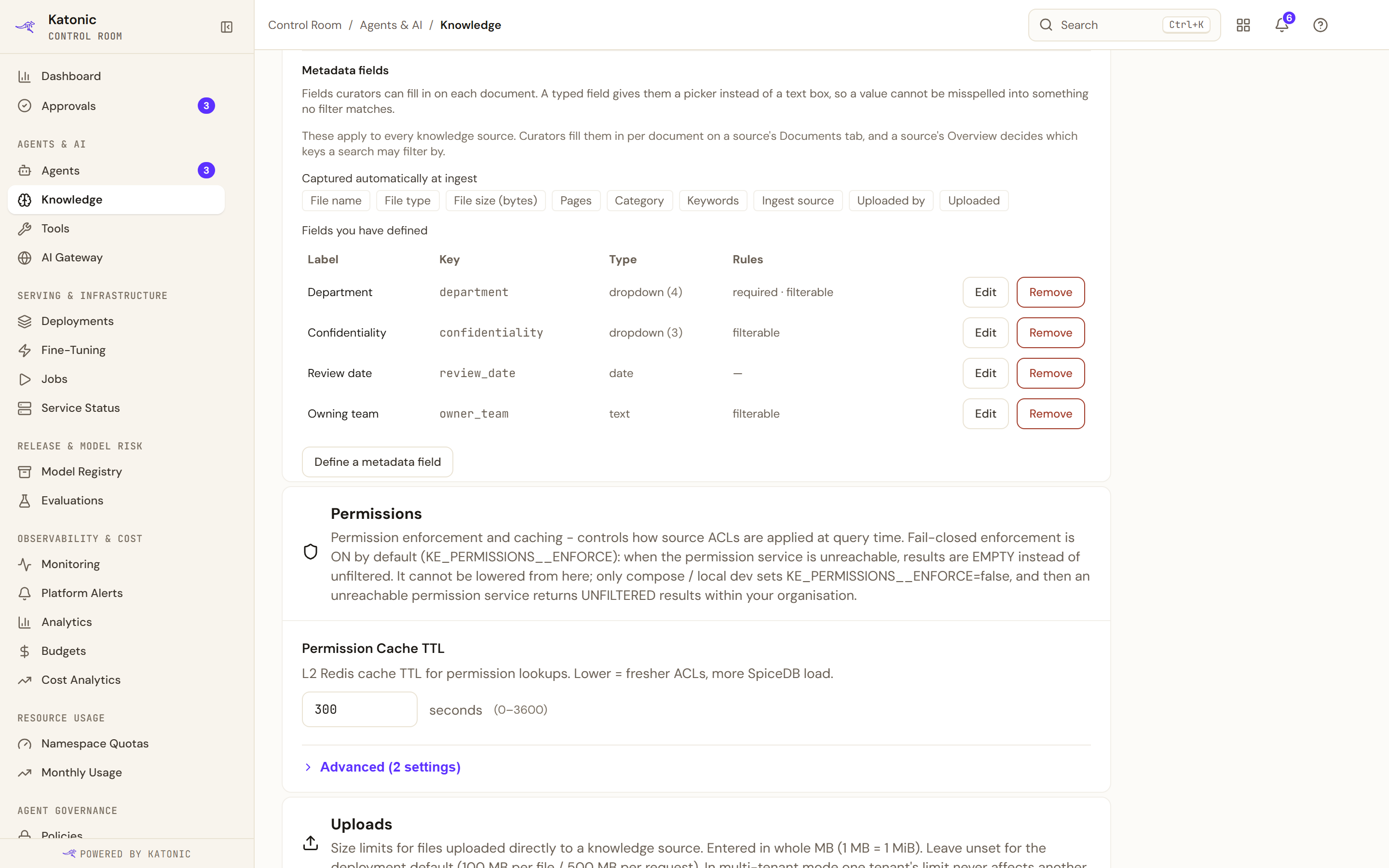
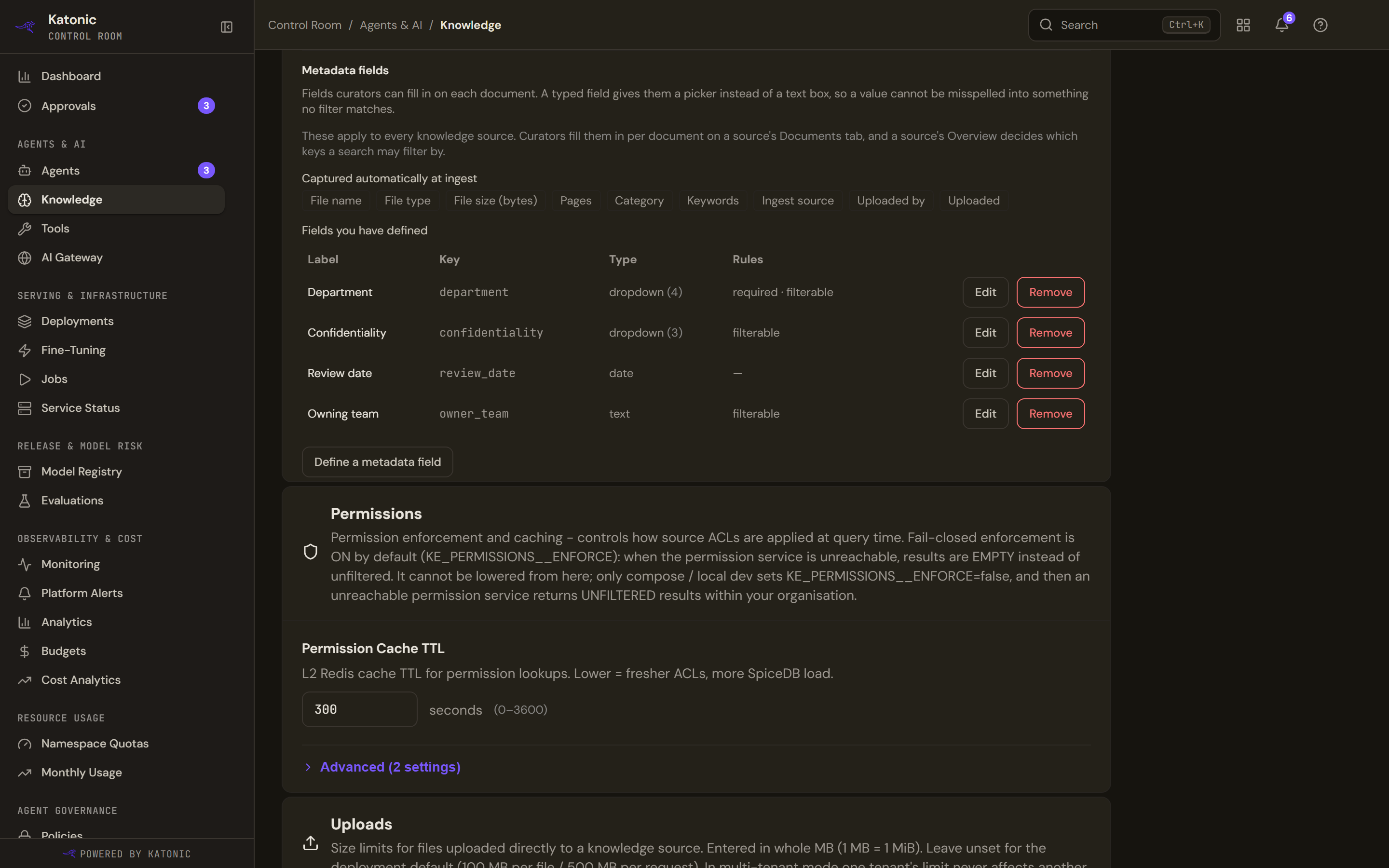
Metadata fields, inside Settings, lists the custom fields and the fields the platform captures by itself. A field has a key, a label, a type, and two switches: whether it is required, and whether it is filterable.
Creating one validates as you go. The key takes letters, numbers, dots, dashes and underscores; a label is required; and a dropdown or multi-select needs its allowed values, because otherwise there is nothing to pick.
Editing one is deliberately narrow. The key and the type are shown but cannot be changed, each saying why: every value already stored is filed under that key, and the type decides how those stored values are read. To change either, make a new field.
Making a field filterable reaches further than it looks: it makes that key usable as a search filter on every knowledge source in the organisation, without each source declaring it.
Removing a field is soft. Curators stop seeing it, the values already on documents are kept, and re-creating the field shows them again.
If metadata is switched off for the organisation, this panel says so and shows nothing else.
Set values on a document
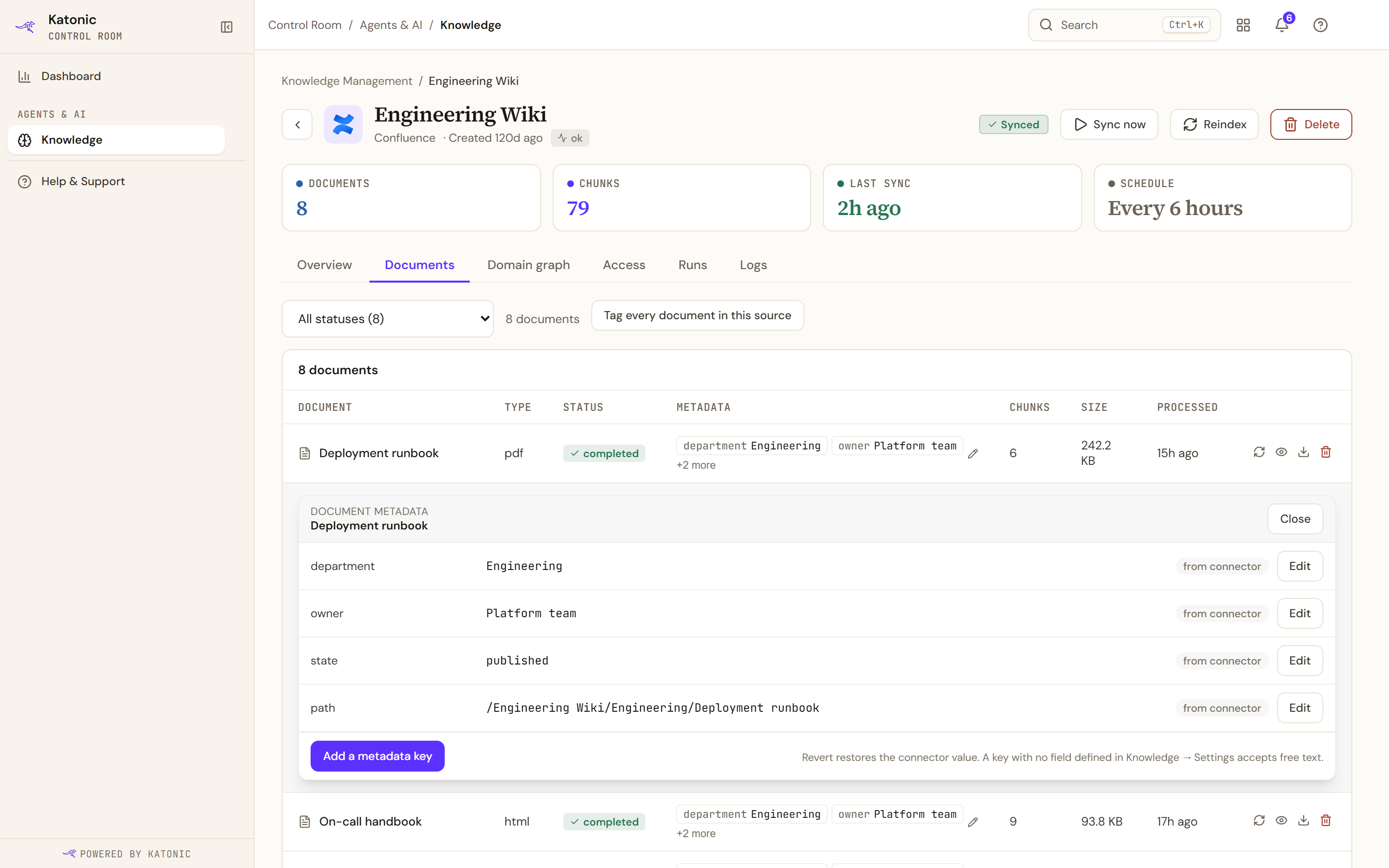
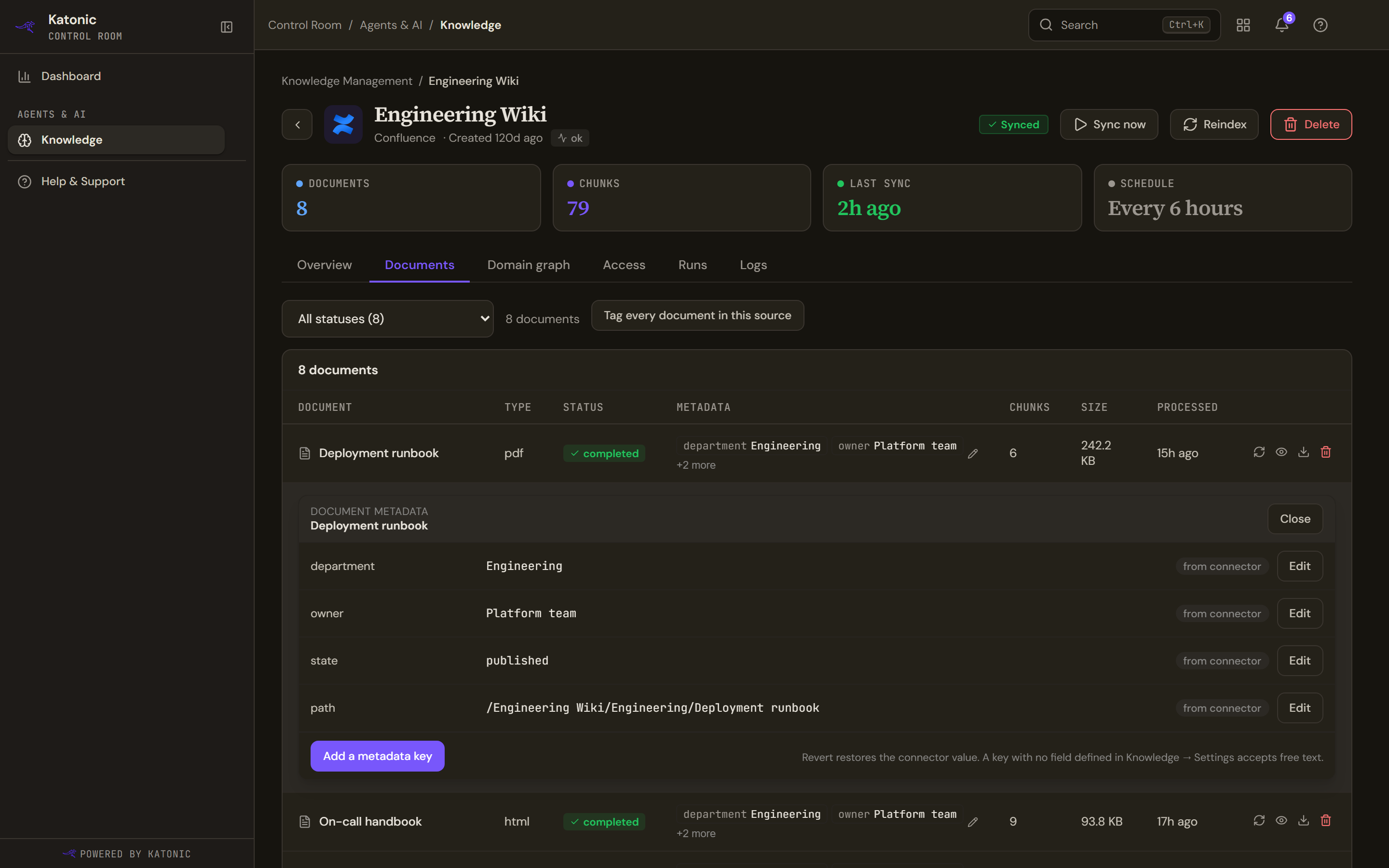
A source's Documents tab has a Metadata column of chips. Selecting the cell opens an editor under that document's row.
Each key shows where its value came from: from connector for what the sync brought in, or edited for a value you set, which is kept when the document is synced again. Revert drops your edit and shows the connector's value once more.
Add a metadata key takes a key and a value. Keys are limited to 64 characters and values to 256, with the same character rule as a field key. Fields that are defined for the organisation but not set on this document are listed separately, each with a Set button, so you can see what is missing rather than having to remember it.
A key with no field defined accepts free text; defining a field is what turns it into a picker.
Tag every document in this source, above the table, sets one key and value across the whole source. It confirms the count first, and the toast afterwards reports what the platform actually changed rather than what you asked for, because documents can move under a bulk write.
Where the organisation has made metadata read-only, the editor says so and names the connector as the writer of record.
Declare what a search may filter by
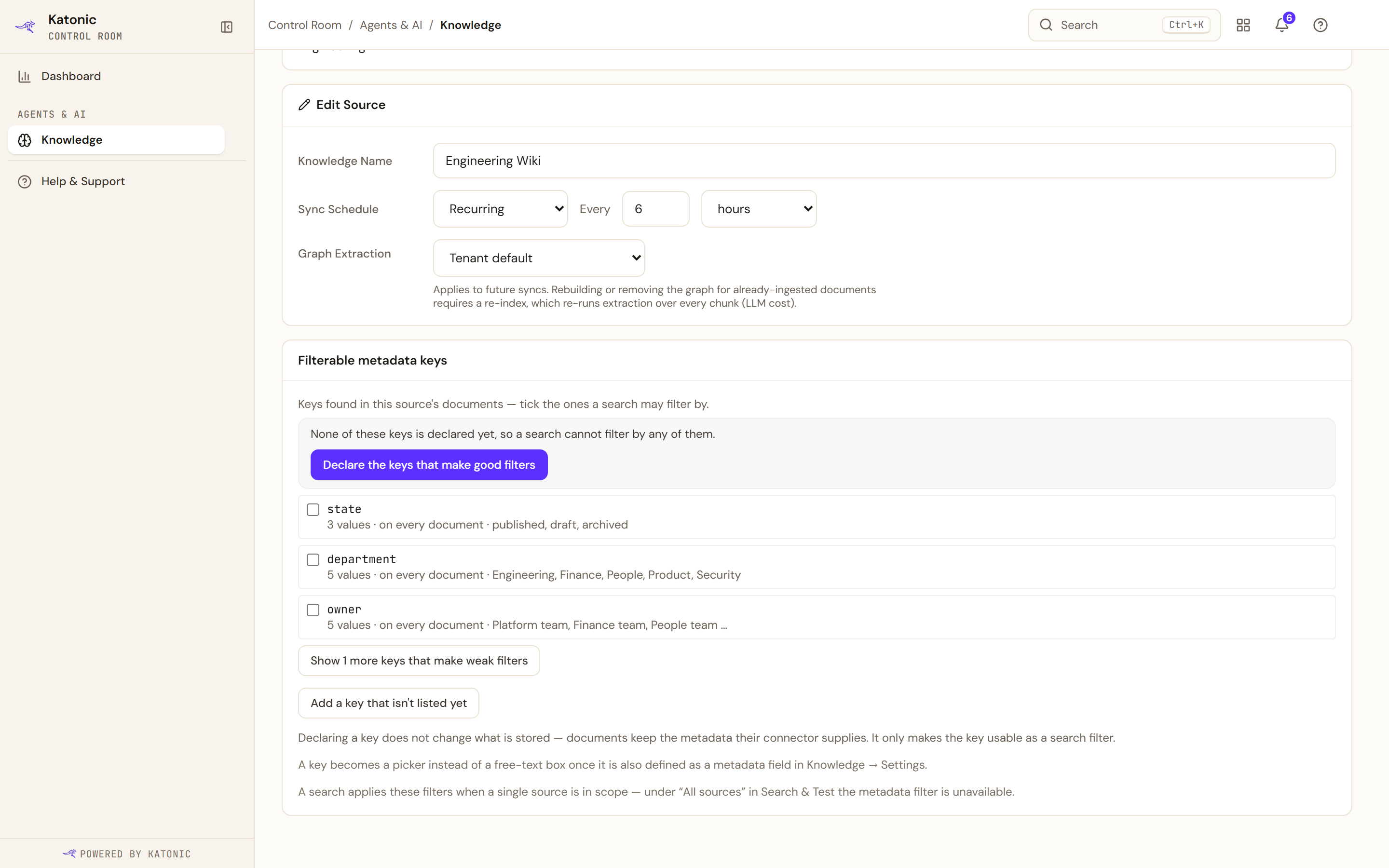
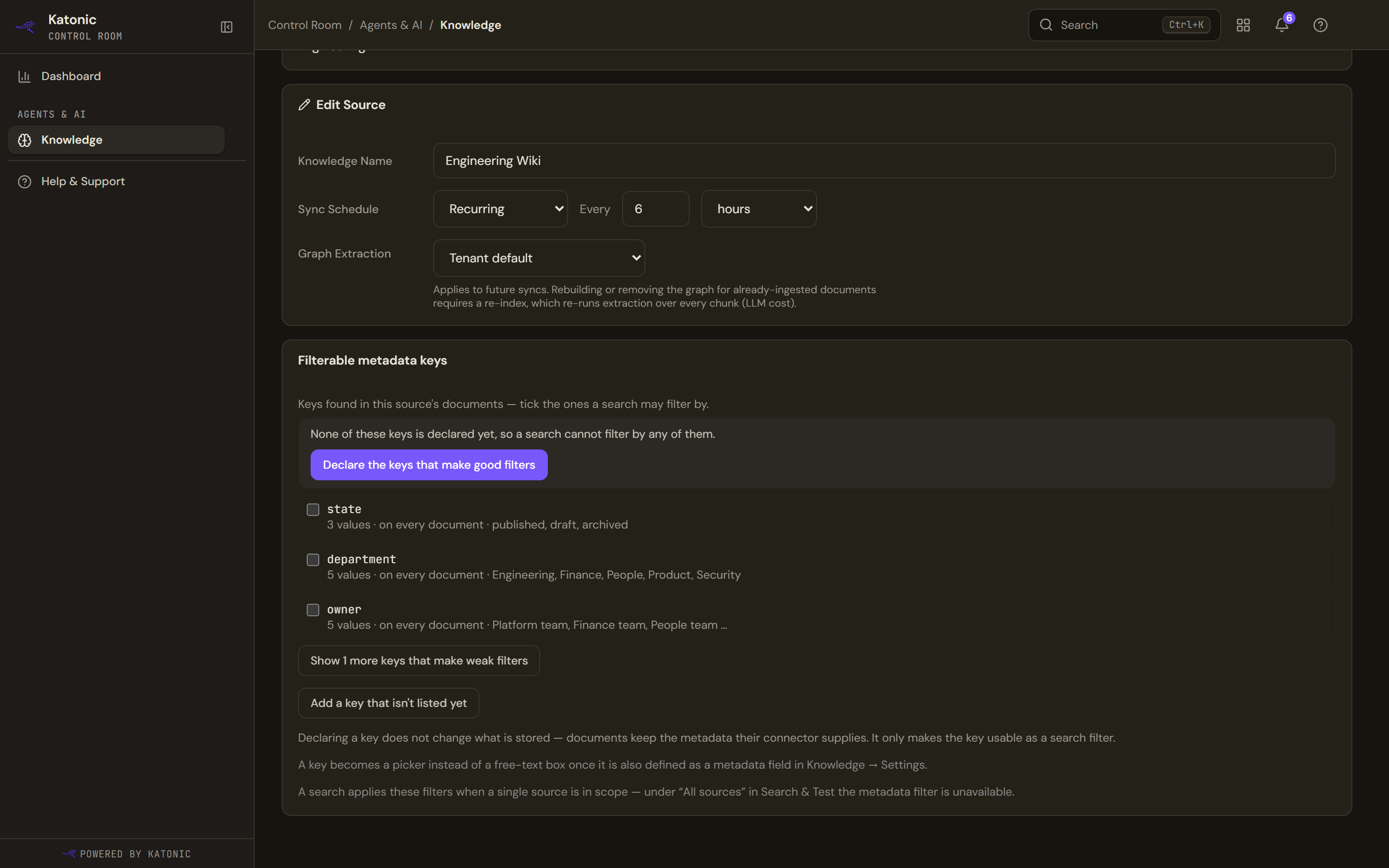
Filterable metadata keys, on a source's Overview, decides which keys a search of that source can filter on. The list is not free text: it comes from the keys the source's own documents actually carry, with a sample of values and how much of the corpus has them.
Each candidate is sorted by how good a filter it would make: a handful of repeated values is useful, a single value will not narrow anything, and a key with many distinct or numeric values rarely matches exactly. The weak ones are folded away behind a link. Where good candidates exist and nothing is declared yet, one action declares them.
A source can declare up to 32 keys. A key that is also defined as a field in Settings becomes a picker rather than a free-text box.
Filters apply only when a single source is in scope. Under All sources in Search & Test the metadata filter is unavailable, and the panel says so.
Troubleshooting
- Use letters, numbers, dots, dashes or underscores. A key contains something else.
- A dropdown or multi-select needs allowed values. Add them, or choose a different type.
- This source declares no filterable metadata keys. Declare one on that source's Overview; the search filter links there.
- None of this source's documents carry metadata. There is nothing to filter by yet. Metadata arrives with the connector that syncs the documents.
- Could not read the metadata field configuration. The registry did not answer. The controls stay available, because the service refuses anything you are not allowed to do anyway.