Check knowledge quality
Knowledge
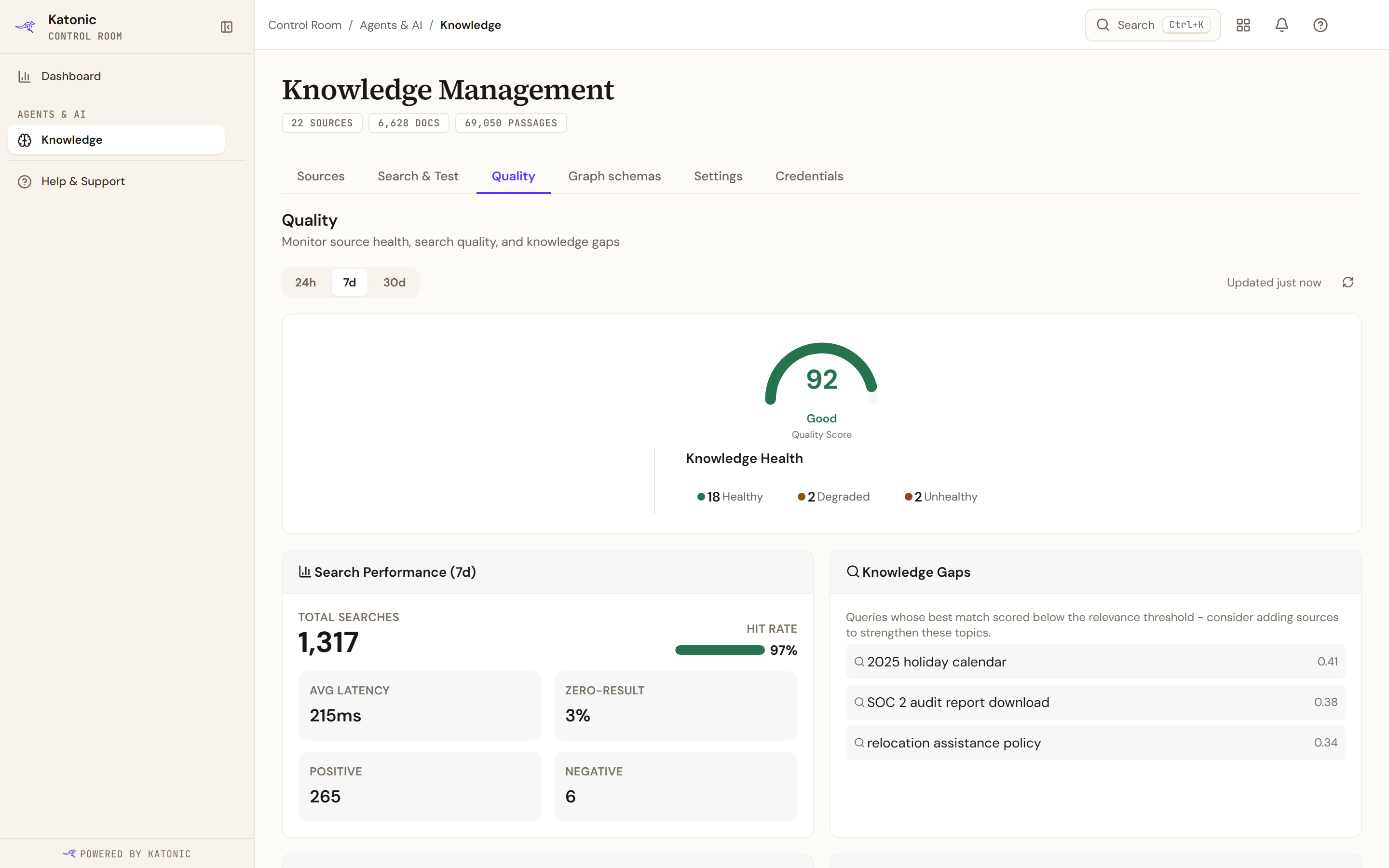
The Quality tab of Knowledge Management tells you how your knowledge sources hold up under real use: whether searches find what people ask for, where the gaps are, and which sources are unhealthy. Everything on it derives from search activity and sync health, so it fills in as people and agents start searching.
Who can use it: the Admin role or the Knowledge Admin grant, in a tenant licensed for knowledge. Open the Control Room, select Knowledge, then Quality.
How it works
Time range and refresh
The chips 24h, 7d and 30d set the window for the search metrics and the trending queries; 7d is the default, and the chosen range appears in those blocks' titles. Updated says when the page last fetched its data, and Refresh (the circular arrows) fetches it again. The page also refreshes itself every minute while its browser tab is visible.
Quality Score and Knowledge Health
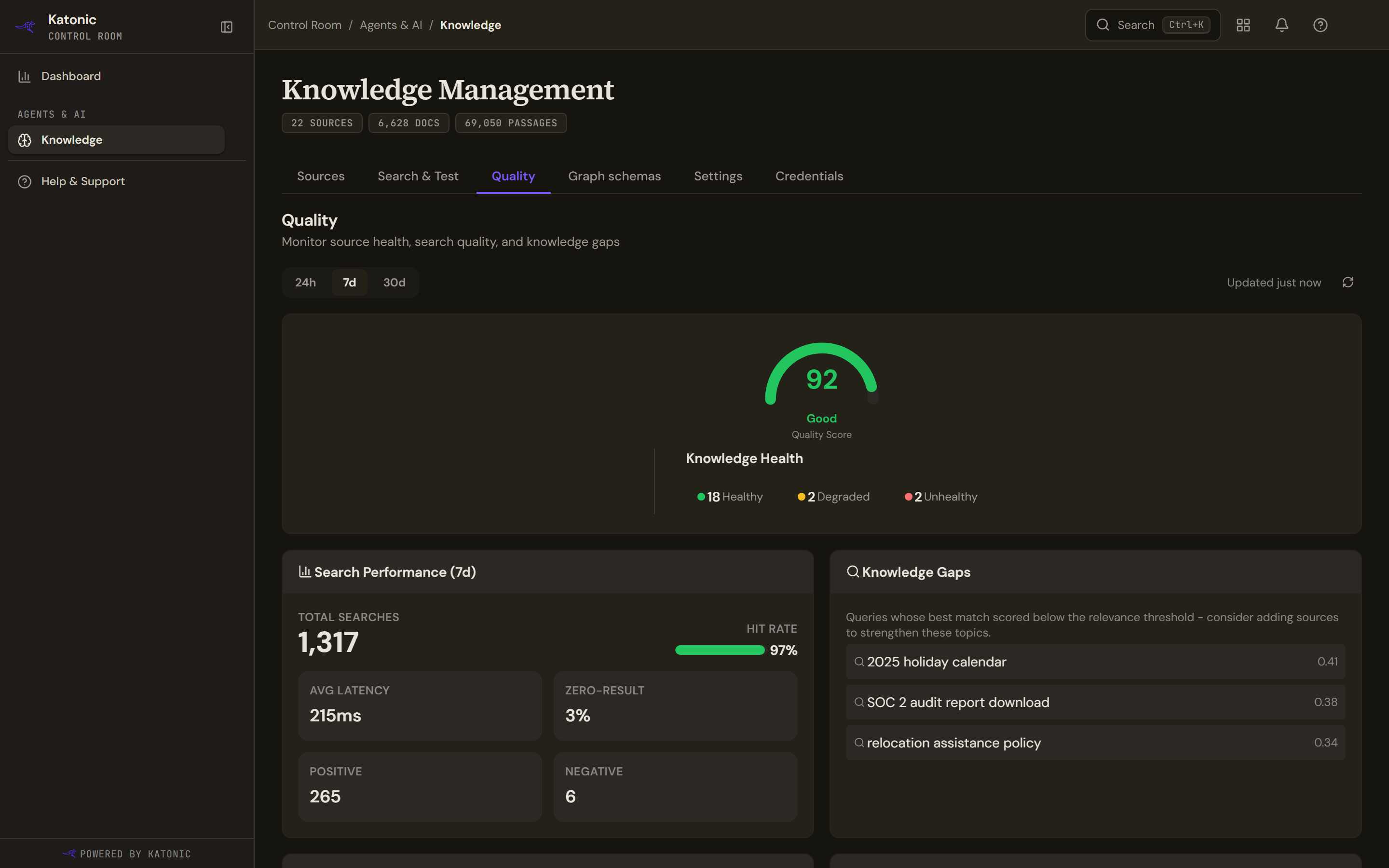
The gauge shows the Quality Score from 0 to 100, averaged across your sources, with a verdict: Good above 80, Fair above 50, otherwise Poor. N/A means nothing has been scored yet. Knowledge Health counts your sources as Healthy, Degraded or Unhealthy, and adds Unknown for sources that have never synced. When more than a tenth of your documents may be out of date, a line under the counts gives the percentage.
Active Alerts
Active Alerts (N) appears while the knowledge engine has open alerts. Each shows its message, any detail, how long ago it was raised and a severity chip; alerts from more than one source are grouped under the source. Dismiss alert (the cross) clears one and Dismiss all clears them together, confirmed by Alert dismissed or All alerts dismissed; if some could not be dismissed, the message says how many were. The block disappears when no alert remains.
Search Performance
Search Performance covers the selected range: Total Searches, Hit Rate, Avg Latency, Zero-Result, Positive and Negative. Hit Rate and Zero-Result are two views of one figure and add up to 100 percent: a zero-result search returned nothing. Positive and Negative count the Mark as relevant and Mark as not relevant ratings given in Search & Test. Before any search has been recorded the block says No search metrics available yet and offers Run a test search.
Knowledge Gaps
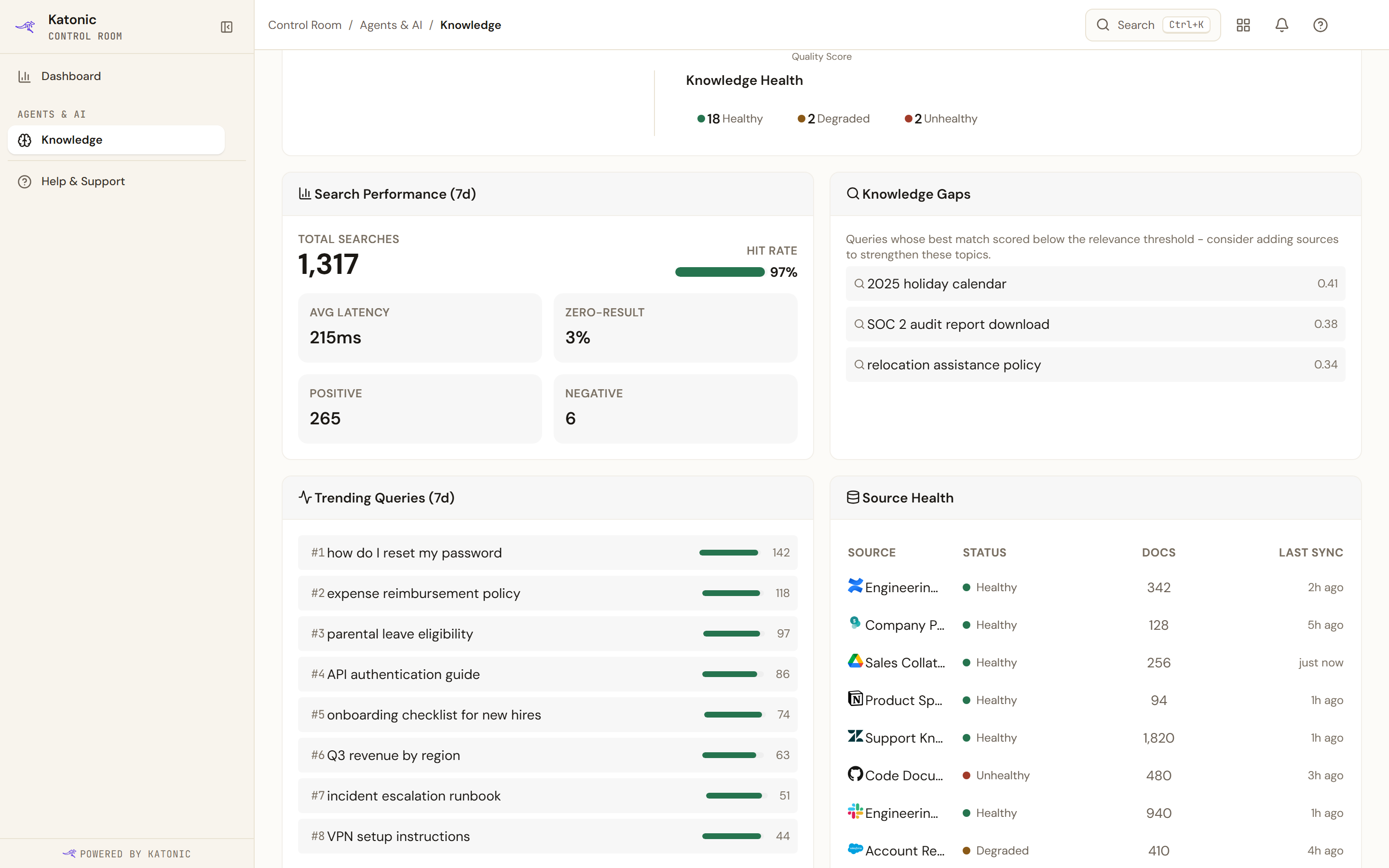
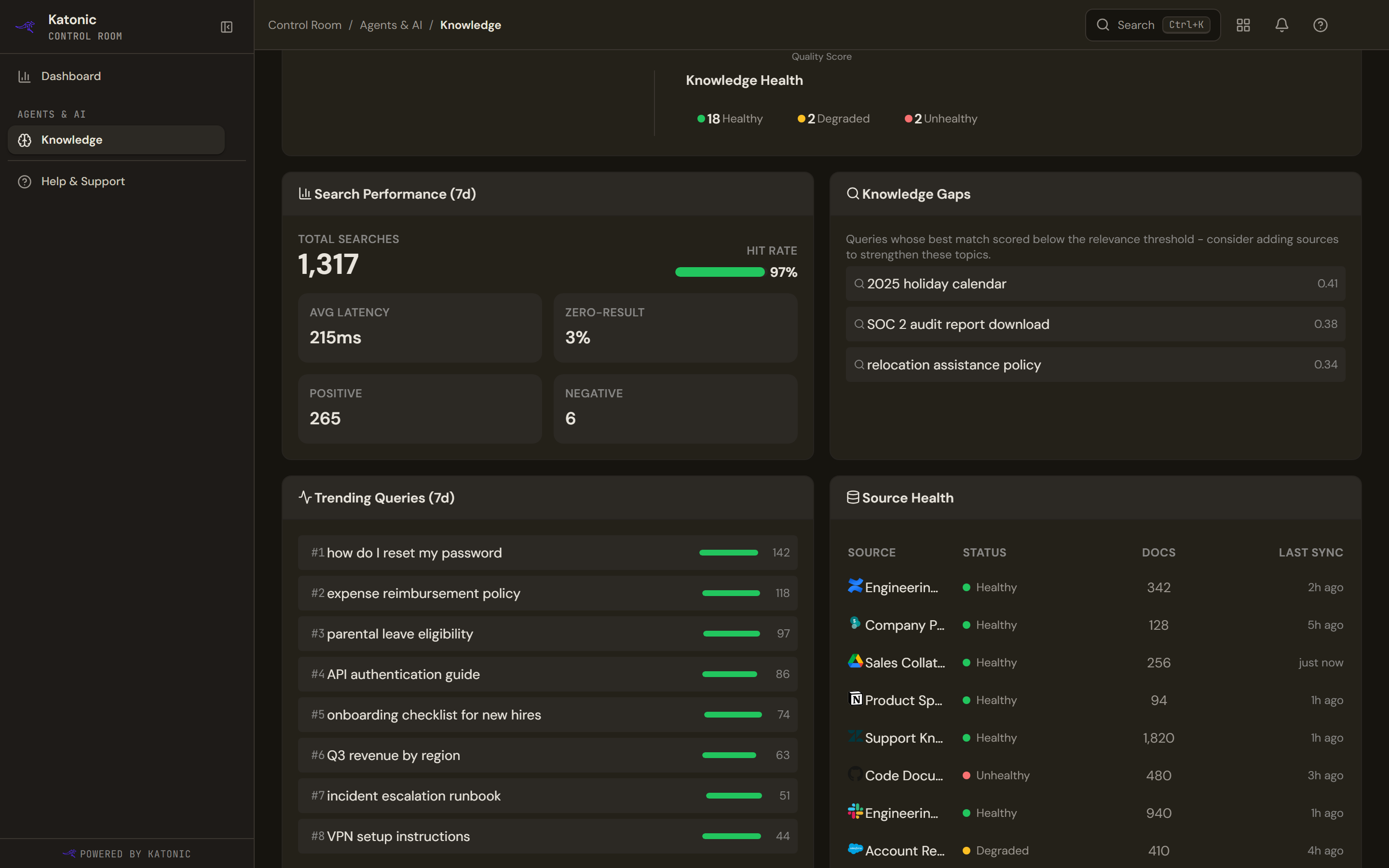
Knowledge Gaps lists the questions whose best match scored below the relevance threshold, up to eight, each with the best score it reached. A gap means people asked and the index held nothing close enough. To close one, add a source that covers the topic or extend an existing one, then reproduce the question in Search & Test. When there are none the block reads No knowledge gaps detected.
Trending Queries
Trending Queries ranks the most searched questions in the range, up to eight, with how many times each was asked and, where the engine reports it, a hit-rate bar. A popular question with a low hit rate deserves a source. Until searches exist it says No trending queries yet.
Source Health
Source Health lists up to ten sources with Status, Docs and Last Sync. The status comes from each source's health check: Healthy, Degraded or Unhealthy. A source that has synced before but has no health reading shows as Healthy; one that never synced shows its own status or Unknown. For a degraded or unhealthy source, select View all N sources to return to the Sources tab, open the source and read its Runs and Logs tabs. Without any source the block offers Connect Source.
Next steps
The strip at the bottom leads on: Connect a source covering a gap → opens the Sources tab, Adjust retrieval in Settings → opens Settings, and Reproduce a query in Playground → opens Search & Test. Playground is this tab's other name for Search & Test.
Limits and behaviour
- Before any search has happened, the whole tab is replaced by Quality data starts when users start searching, with Open Playground and Connect a source. Metrics need real searches, from people or from agents.
- Stale content is acted on elsewhere. When the embedding model has changed, the Sources tab shows a banner with Re-embed all; a single source is re-embedded with Reindex; and in a source's Documents tab, the refresh control on a row re-indexes that one document (Re-index this document, or Retry indexing this document for a failed one).
- Source Health shows the first ten sources; the Knowledge Health counts cover all of them.
- The score, health counts, alerts and gaps do not depend on the selected range; only Search Performance and Trending Queries do.