Preferences
Preferences is where you shape your own Work Room: your account details and languages, how agents answer you, how they read aloud, the theme, and what shows on Home. The page is titled Settings and opens on the Profile tab.
Who can use it: any signed-in user, from the Member role up. The Style and Voice tabs appear only for roles that can chat; a read-only role sees Profile, Appearance and Home.
Recorded on .
Open Preferences
- From the top bar
Select Account (the person icon) and then Preferences. Profile in the same menu opens the page on its Profile tab.
- From the keyboard
Press Ctrl+, (Cmd+, on a Mac) from anywhere. The command palette (Ctrl+K) also lists Preferences under Actions.
Profile
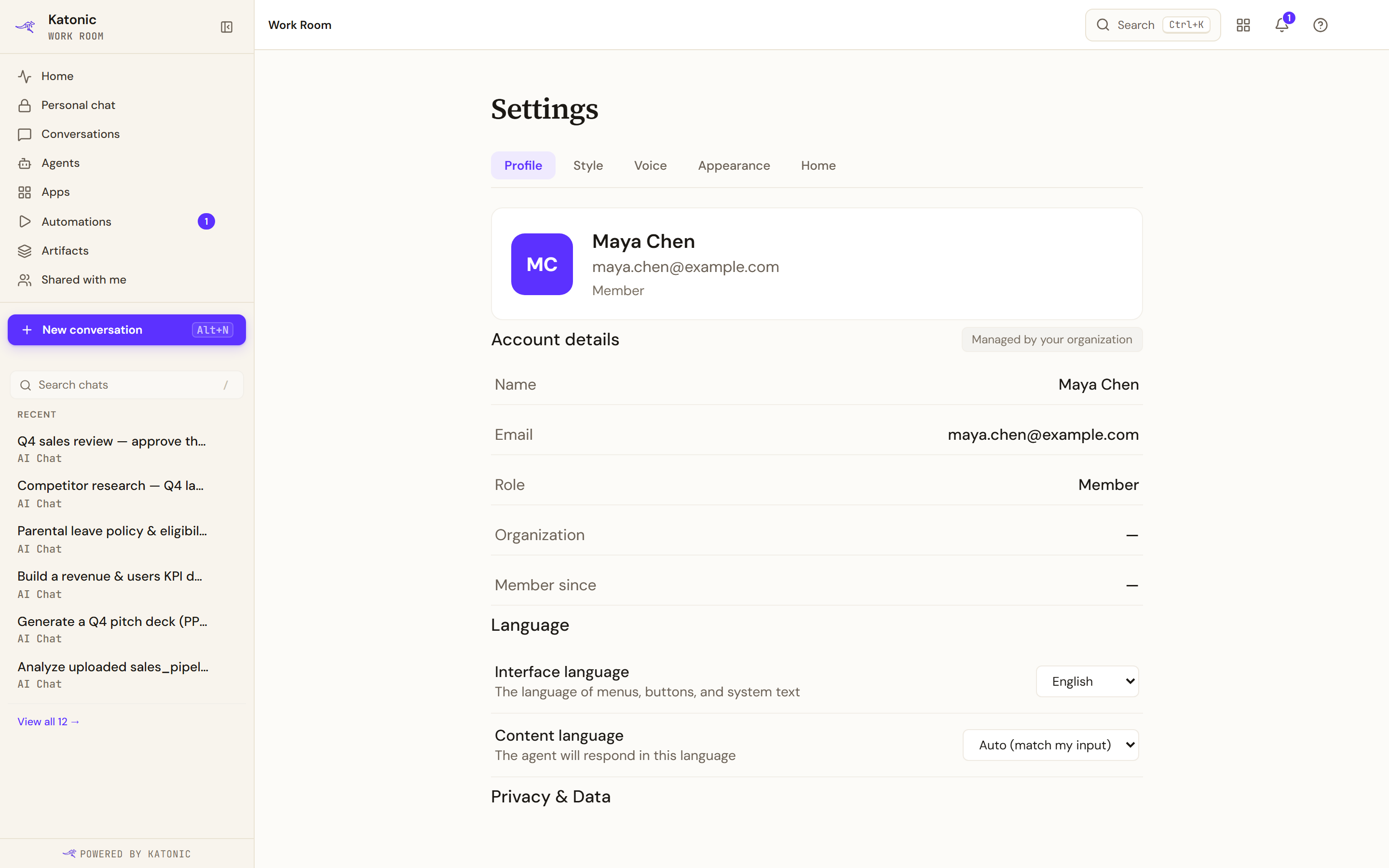
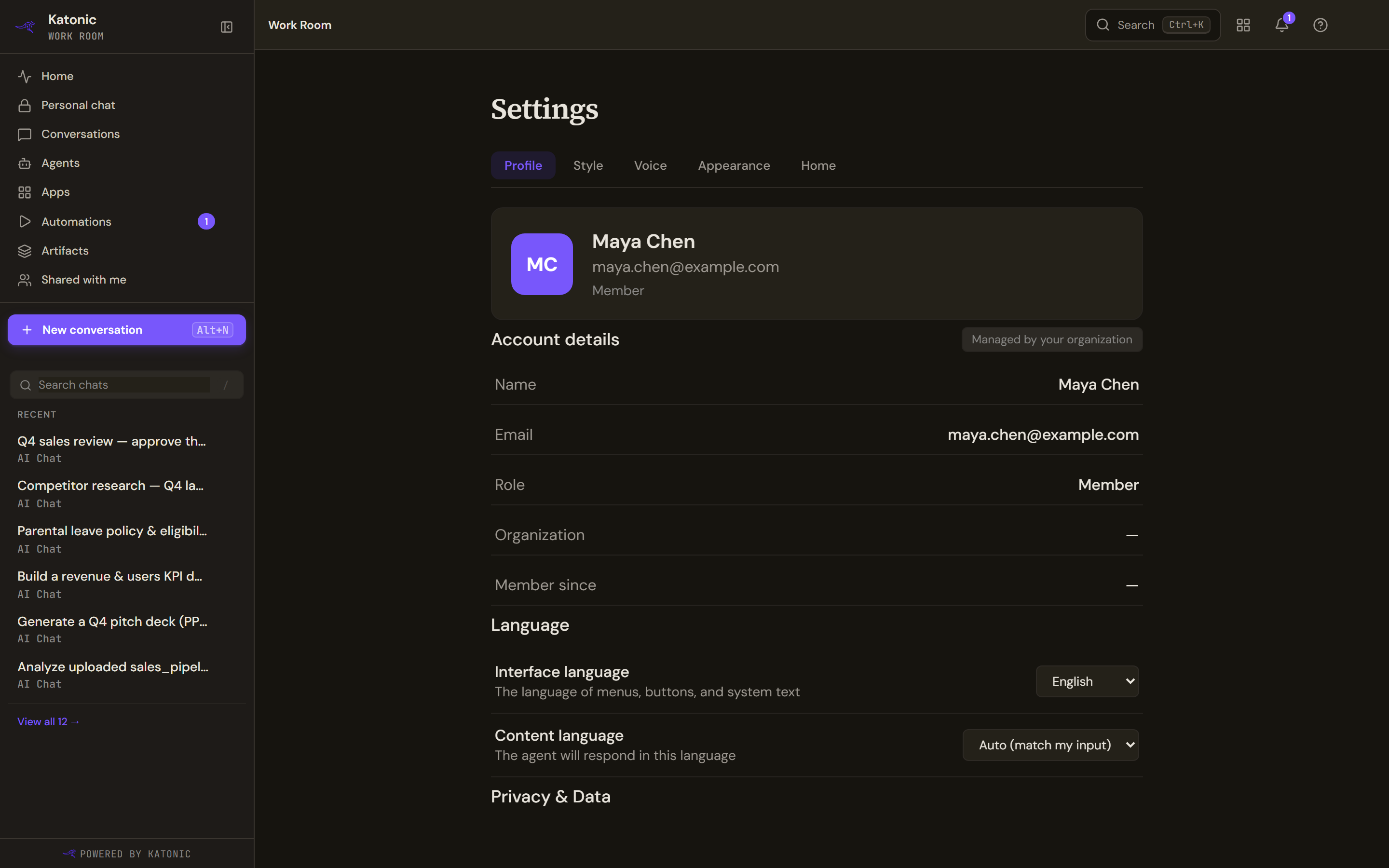
- Account details is marked Managed by your organization: Name, Email, Role, Organization and Member since are shown for reference and cannot be edited here. On the current build Organization and Member since read a dash for everyone: the page does not yet pick up the organisation and joining date your account carries.
- Language has two settings. Interface language is the language of menus, buttons and system text; the list holds the languages your administrator has enabled. Content language is the language agents answer in: Auto (match my input) or English, Arabic, Chinese, French, German, Hindi, Japanese, Korean, Portuguese or Spanish. Each change saves at once and shows Language preference saved.
- Privacy & Data holds two rows. Export my conversations downloads all your conversations as one JSON file when you select Export; the page confirms when the download is done, tells you if some older messages were not included, or says No conversations to export yet.
- Request data deletion shows a confirmation that the request was sent to your administrator. Nothing is sent. The button records nothing and notifies nobody, so if you need your data removed, ask your administrator directly rather than relying on this control.
Style
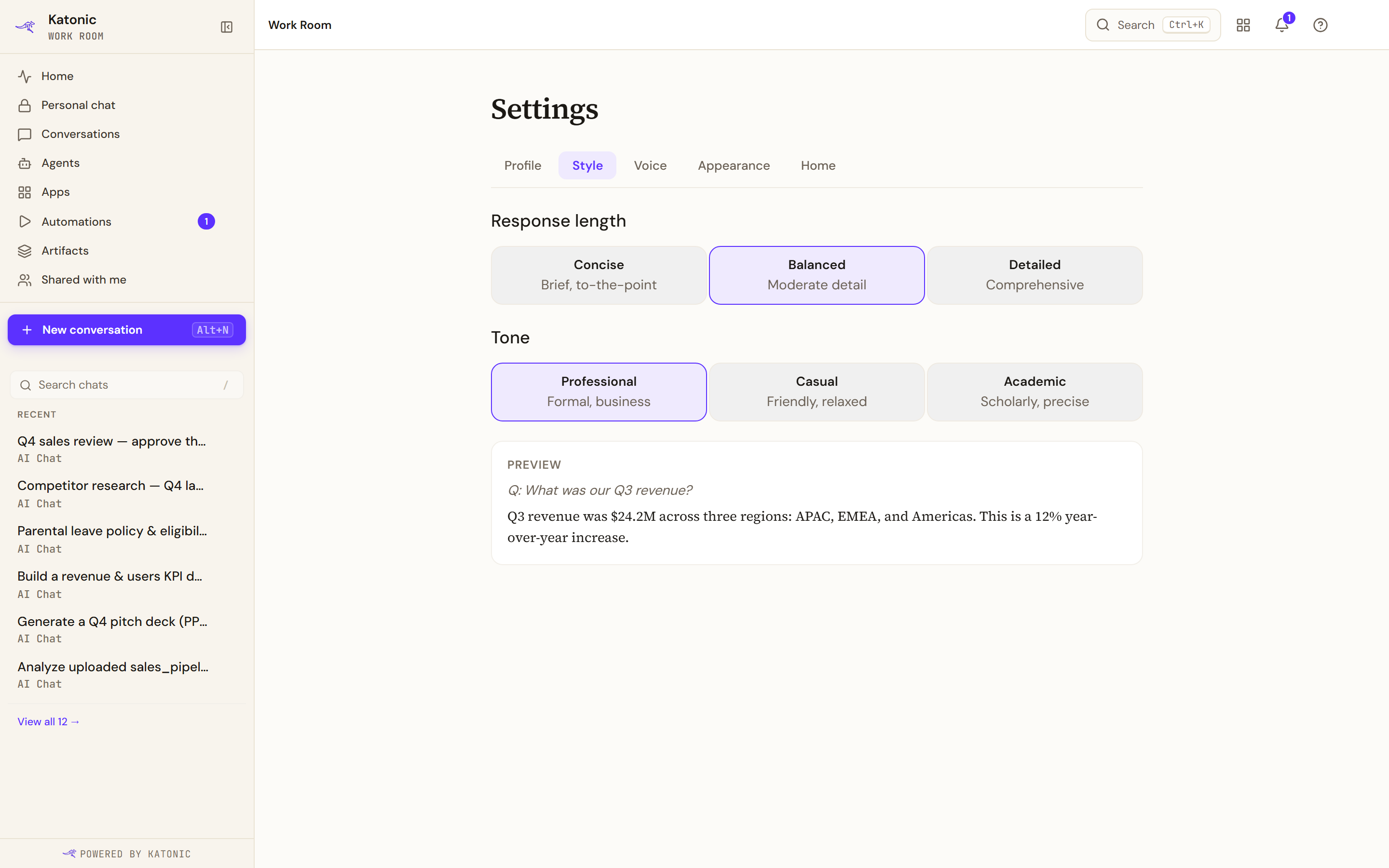
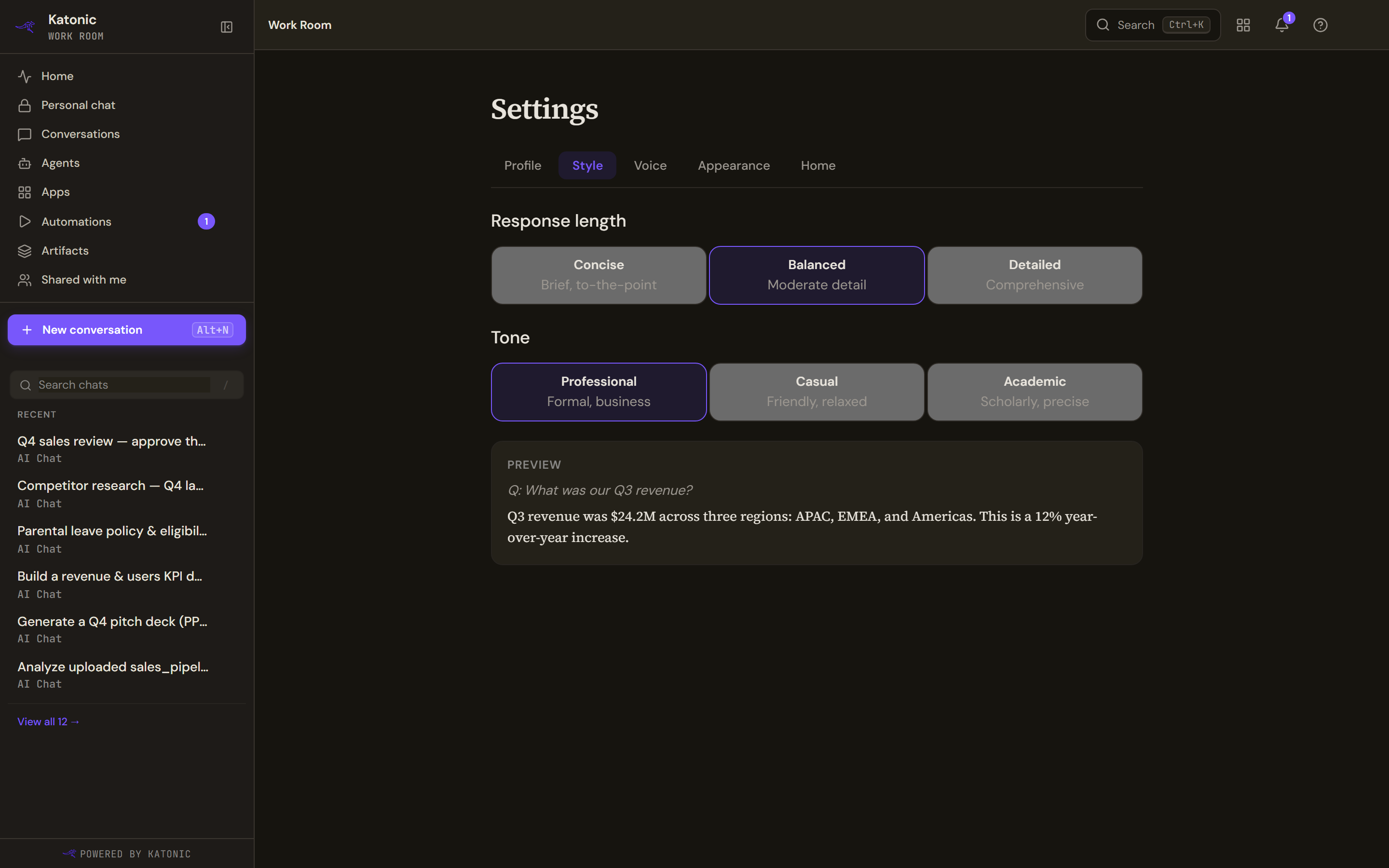
- Response length: Concise (brief, to the point), Balanced (moderate detail) or Detailed (comprehensive).
- Tone: Professional (formal, business), Casual (friendly, relaxed) or Academic (scholarly, precise).
Each choice saves as soon as you select it and shows Style preference saved. The Preview panel rewrites a sample answer in the chosen style, and Reset to defaults appears whenever you have moved away from Balanced and Professional. Agents apply the style to their answers from your next message.
Voice
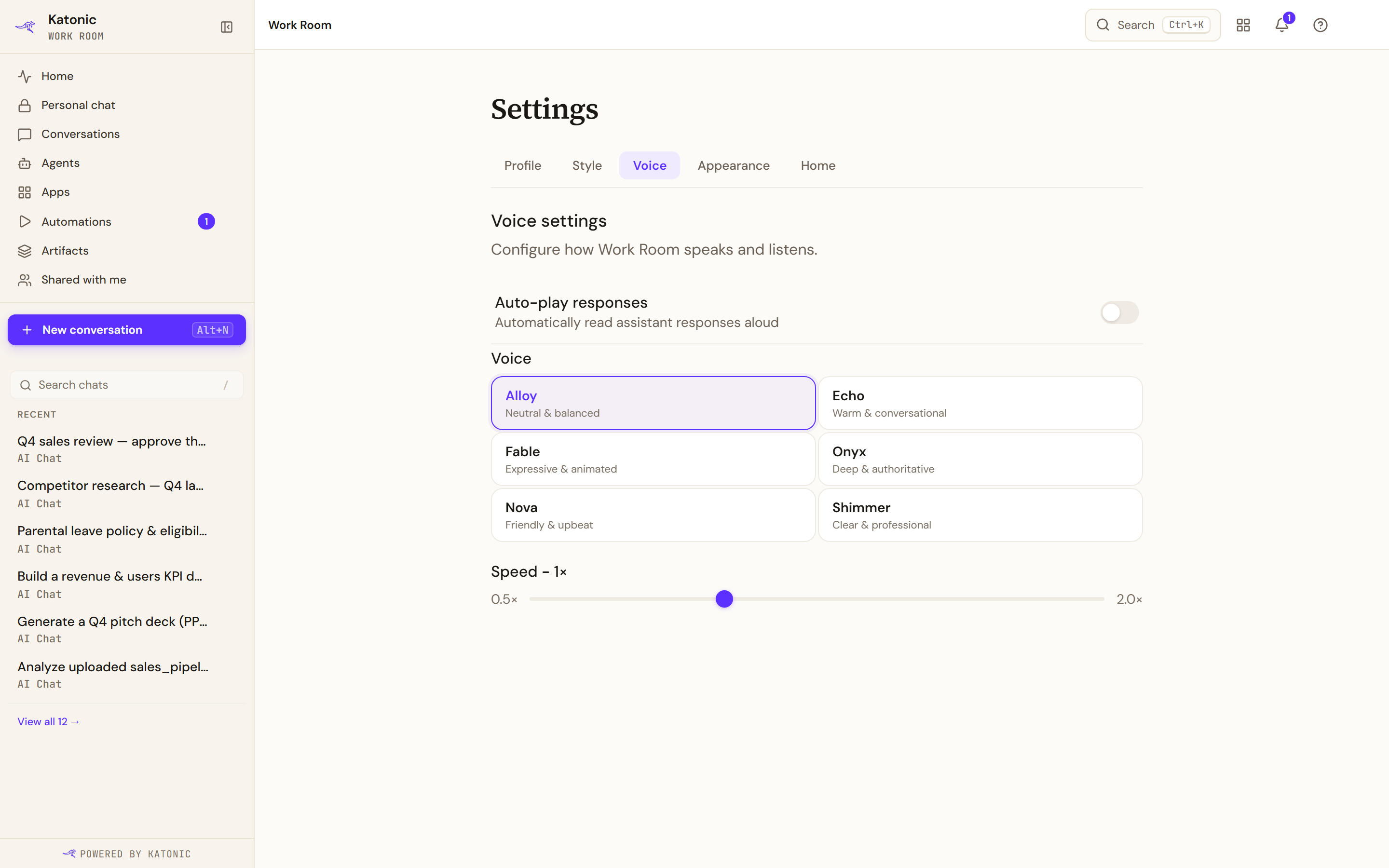
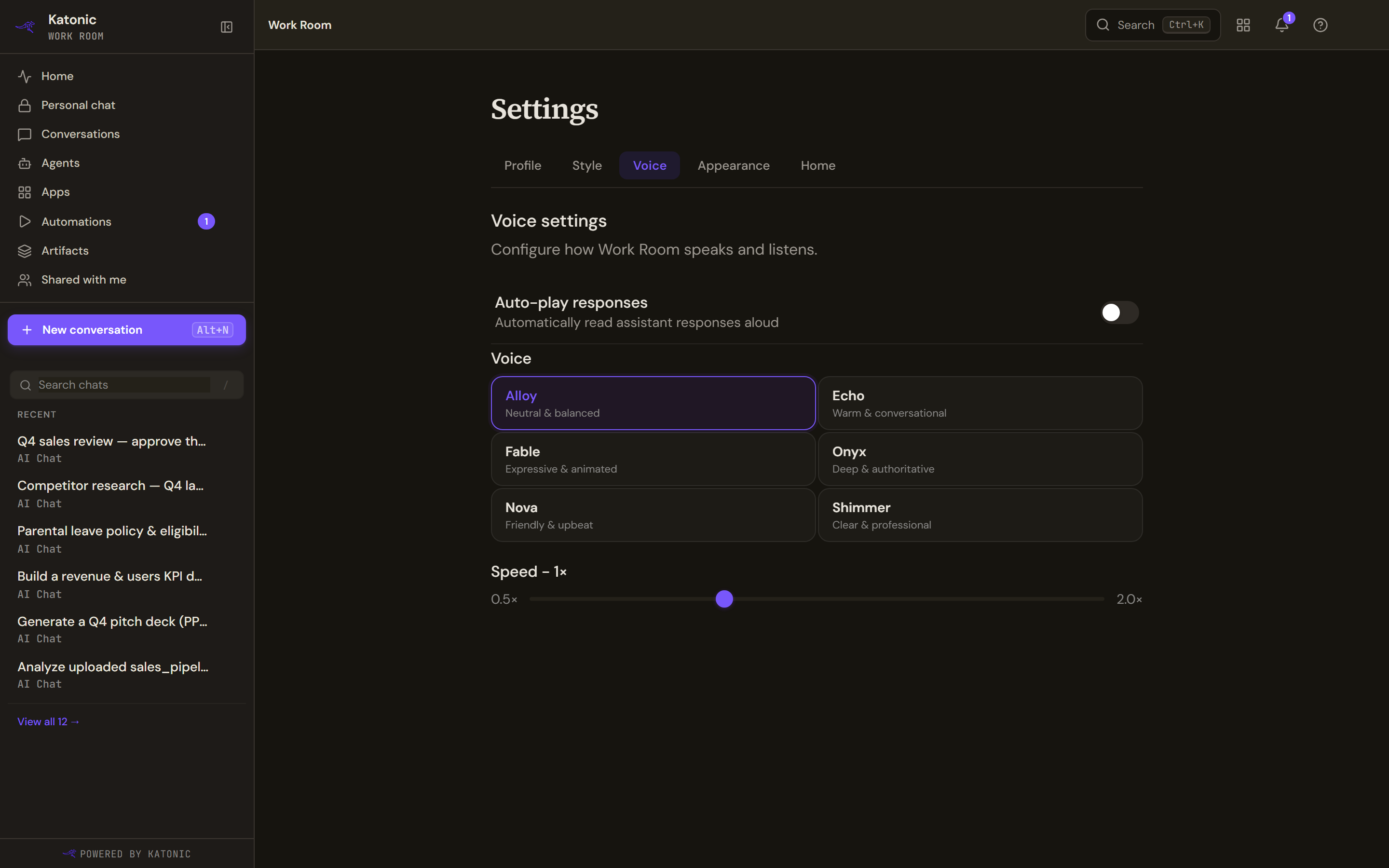
- Auto-play responses reads every answer aloud as it arrives. The page confirms with Auto-play enabled or Auto-play disabled.
- Voice offers Alloy (neutral and balanced), Echo (warm and conversational), Fable (expressive and animated), Onyx (deep and authoritative), Nova (friendly and upbeat) and Shimmer (clear and professional).
- Speed is a slider from 0.5× to 2.0× in steps of 0.25.
The voice and speed you pick apply both to auto-play and to Read aloud under an answer.
Appearance
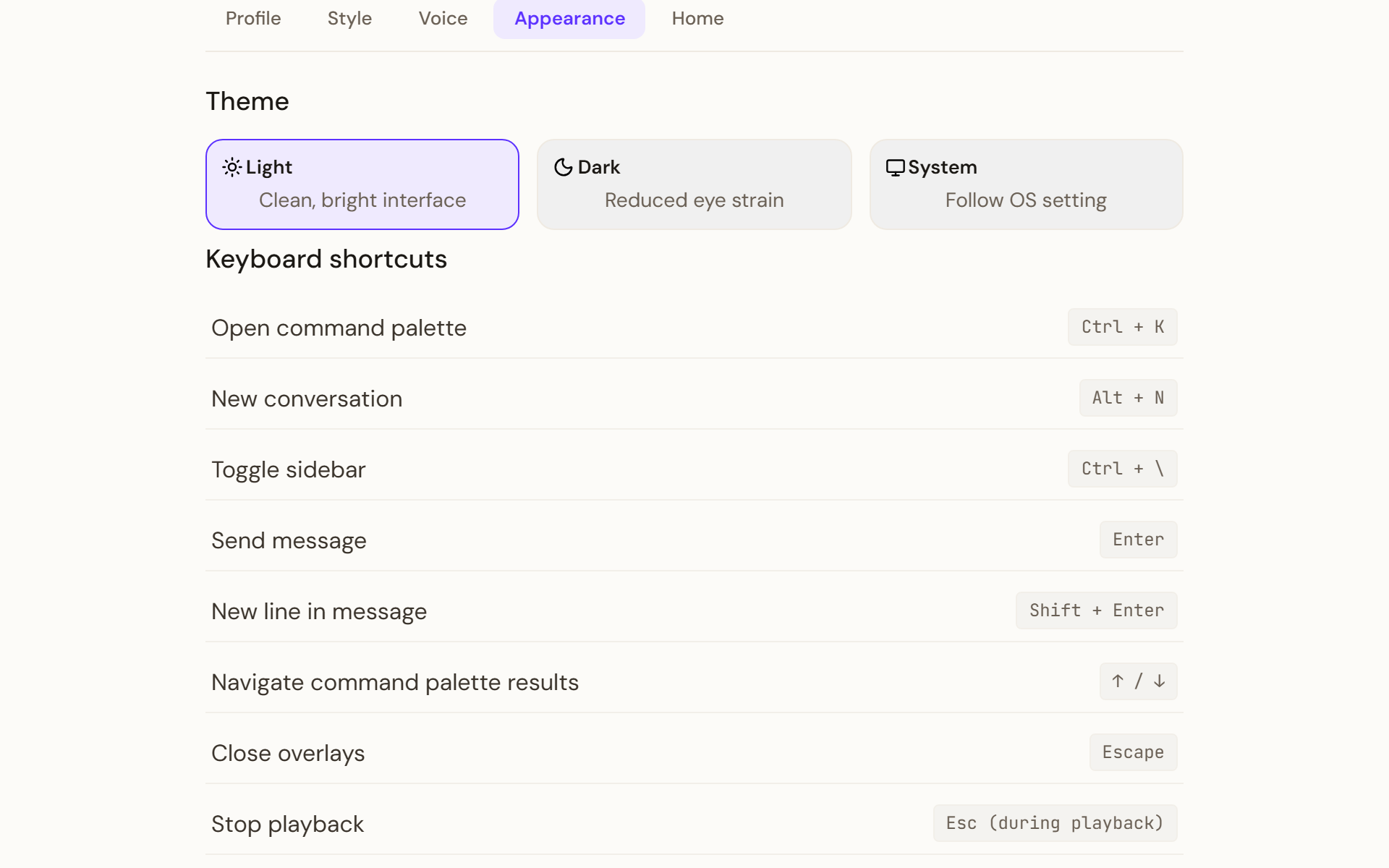
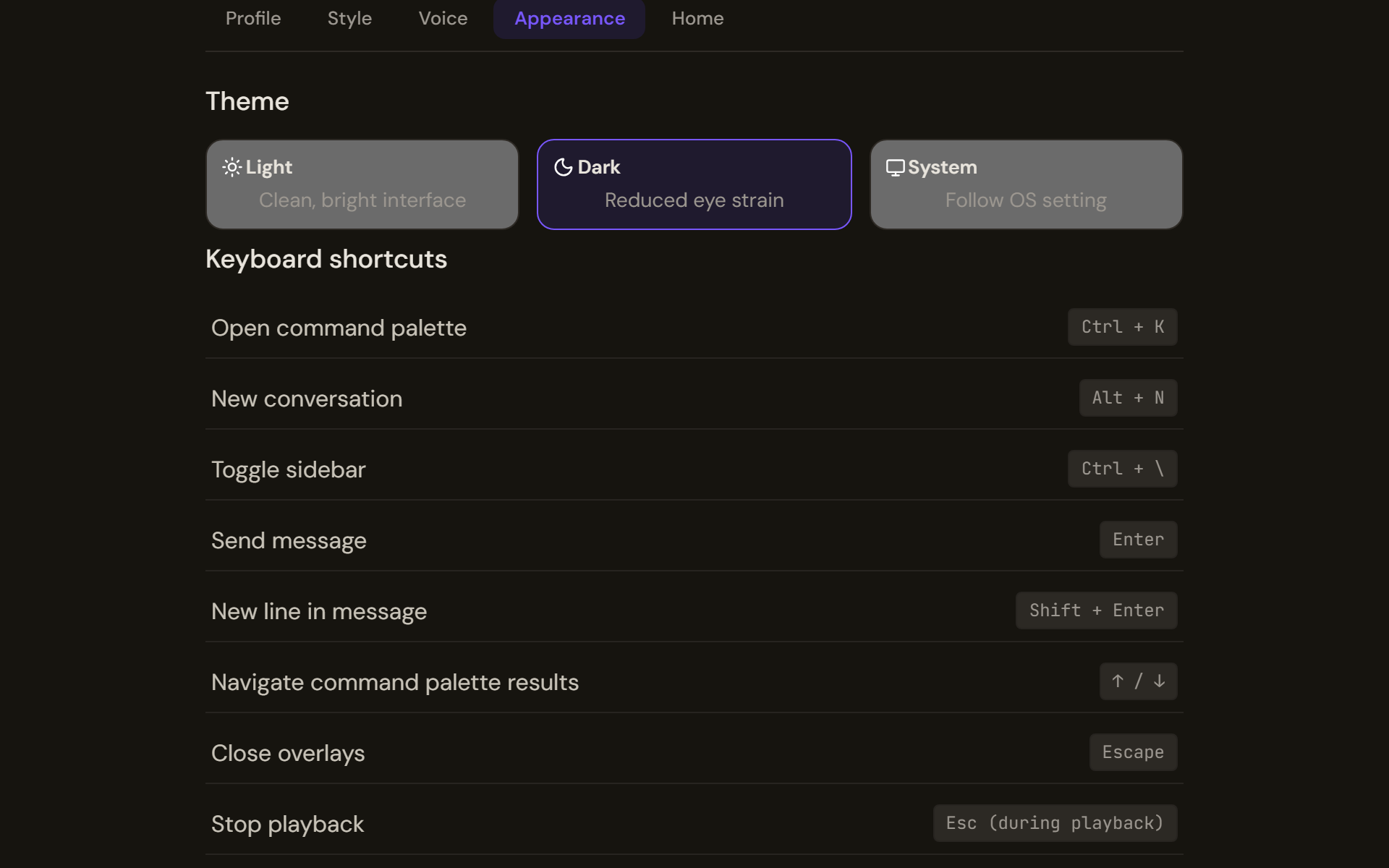
- Theme: Light (clean, bright interface), Dark (reduced eye strain) or System, which follows your operating system setting. The change applies at once. Toggle theme in the Account menu switches between light and dark as well.
- Keyboard shortcuts lists the shortcuts for reference. They are explained in Keyboard shortcuts.
Home
Home sections decides which sections appear on your Work Room home: Recent (your recent conversations), Recent artifacts and Quick start. Turn a section off and it stays hidden until you turn it back on.
Verify
The option you chose is highlighted on its tab, and a short confirmation appears for language, style and voice changes. Open Home to see the sections you kept, and start a conversation to hear the voice and see the response style.
What is not here, and why
Earlier versions had Memory and Notifications tabs and a display-density setting. All three were removed because nothing stood behind them: the memory tab's service did not exist, no notification was ever generated or delivered, and the density buttons changed nothing. The five tabs that remain each do what they say.
Troubleshooting
- Style and Voice are missing: your role cannot chat, so there is nothing for those settings to affect.
- Export says it failed and nothing was downloaded: try Export again. Nothing partial is saved on failure.
- Interface language offers fewer languages than you expected: the list is what your administrator has enabled.
- A section is missing from Home: check the Home tab; a section switched off stays off until you switch it on again.