What is Katonic
Katonic is an enterprise AI platform that runs on your organisation's own infrastructure. It puts your organisation's knowledge, agents and models behind one sign-in, so people can ask questions and get work done in plain language while administrators keep control of what is connected, who can use it and what it costs.
Recorded on .
Who can use it: any signed-in user. The base role is Member, which opens the Work Room and the Catalog. What you can reach beyond that depends on your role, on any grants your administrator has added, and on which features your organisation is licensed for.
New here? Your first day in the Work Room is the order to do things in.
What the video shows
The video follows two agents through the platform: an HR assistant that answers a policy question, and a contract reviewer that pauses for a person to approve its work.
- Ask
Start in the Work Room. An employee asks the HR agent a question in plain language.
- Check
The answer comes from the company's own handbook, and the receipt shows which documents it used.
- Automate
But agents do more than answer. This one has a job: reviewing every new supplier contract. When a contract arrives, the agent reads every clause, checks it against the procurement policy, and drafts a memo.
- Approve
Before the memo goes anywhere, the agent stops and asks a person. The procurement lead reads the three flagged clauses, and approves. The agent carries on: all five steps finish, and the memo lands in Artifacts. A job done end to end, with a person making the decision that matters.
- Build
Colleagues built both agents in Studio: on a canvas, in code, or in plain words to Copilot. When it is ready, the builder publishes it and chooses who can use it. Only then do those people see it in the Work Room.
- Control
In the Control Room, administrators set the rules: which actions need a person, and which are blocked. Every decision lands in the audit trail. They choose the AI models every agent runs on, and see what each one costs. Change a model, and no agent has to be rebuilt.
- Catalog
And you do not start from nothing: the Catalog has ready-made agents and connections to add.
The four zones
Katonic is organised into four zones. You switch between them with Switch workspace (the grid icon) in the top bar. Its menu lists only the zones your role allows and marks the one you are in as Current. The sidebar names the zone you are in and lists its entries.
| Zone | What it is for | Who uses it |
|---|---|---|
| Work Room | Ask questions, chat with agents, run automations, keep the files agents produce. | Everyone |
| Studio | Build agents, prompts, skills and knowledge sources; test, version and publish them. | Builders |
| Control Room | Govern and operate the platform: approvals, policies, the AI Gateway, users, budgets, audit. | Administrators |
| Catalog | Discover agent templates, skills, apps, MCP servers and connectors, and take them into use. | Everyone, with installs gated by role |
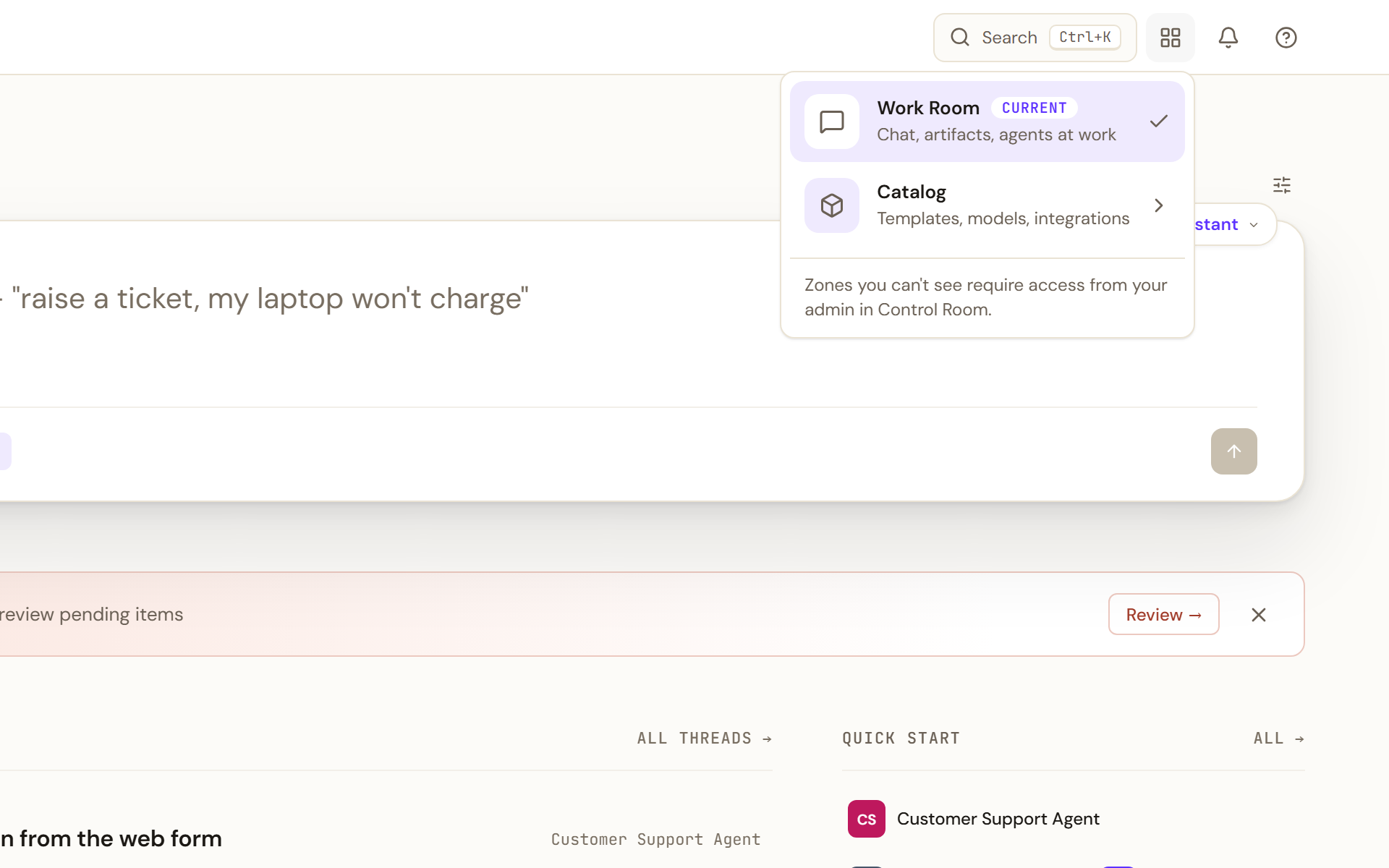
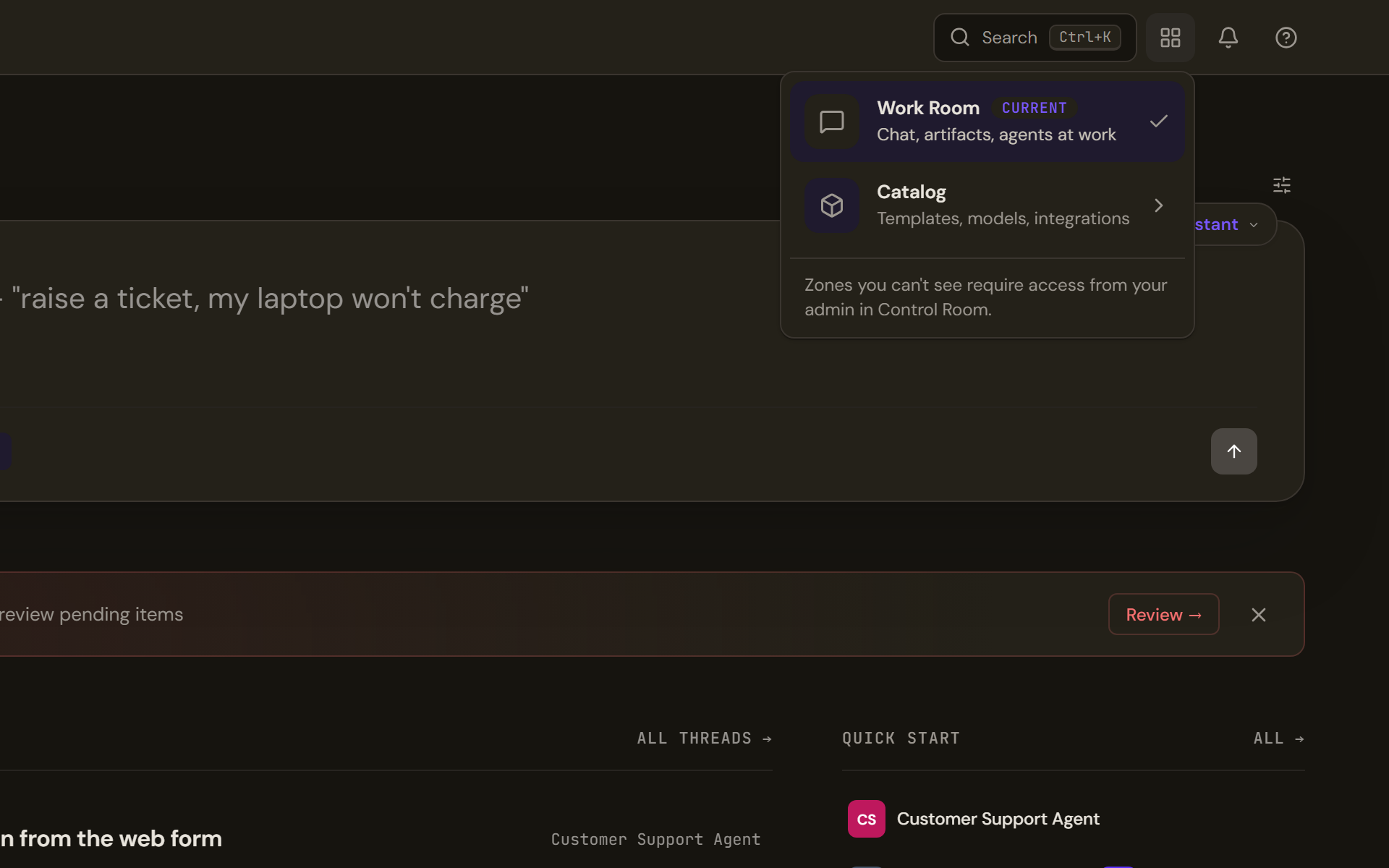
Most people spend their time in the Work Room. Its sidebar has eight entries: Home, Personal chat, Conversations, Agents, Apps, Automations, Artifacts and Shared with me. The rest of the User Guide walks through each of them.
Roles and grants
Four roles nest strictly, so each one includes everything below it.
- Member uses the Work Room and browses the Catalog.
- Builder adds Studio: creating and publishing agents, prompts, skills and knowledge sources.
- Admin holds everything in the tenant except deciding who else holds admin roles.
- Super Admin manages roles and the tenant itself.
A grant hands one slice of Admin to someone who is not an Admin. There are seven: User Admin, Operator, Release Approver, Auditor, Security, Knowledge Admin and Model Risk Approver. If you can see one Control Room area but not the others, a grant is why.
Editions and licensed features
Katonic ships in two editions. AI Platform is single-tenant: one organisation, one deployment. AI Cloud is multi-tenant: a distributor operates one deployment and provisions isolated tenants for several organisations. This guide applies to both and says so where behaviour differs.
Within a tenant, features are licensed individually. An item can be visible in the navigation but locked until your organisation's licence includes it. When a page in this guide depends on a licensed feature, the Who can use it line names it.
How the pieces fit together
- Knowledge is content your organisation connects: files you upload and systems synced through connectors. It is indexed so that agents can retrieve and cite it, and access follows the permissions of the source.
- Agents are published assistants with their own instructions, knowledge, tools and model. Some answer in a conversation; some run as automations; some coordinate other agents.
- Automations are agent runs that start on a schedule, from a connected app or by hand, and can pause for a person to approve.
- Artifacts are the files agents produce for you: documents, data and decks.
Every answer in the Work Room carries a receipt line saying where it came from, for example that the agent searched the knowledge sources and how many it used, or that the answer came from the model's general knowledge alone.