Files and documents
You can hand an agent your own files in any conversation, and an agent grounded in company knowledge shows you the documents it used. This page covers both directions.
Who can use it: the Member role. Whether an agent can read images depends on the model behind it.
Recorded on .
Attach a file to a message
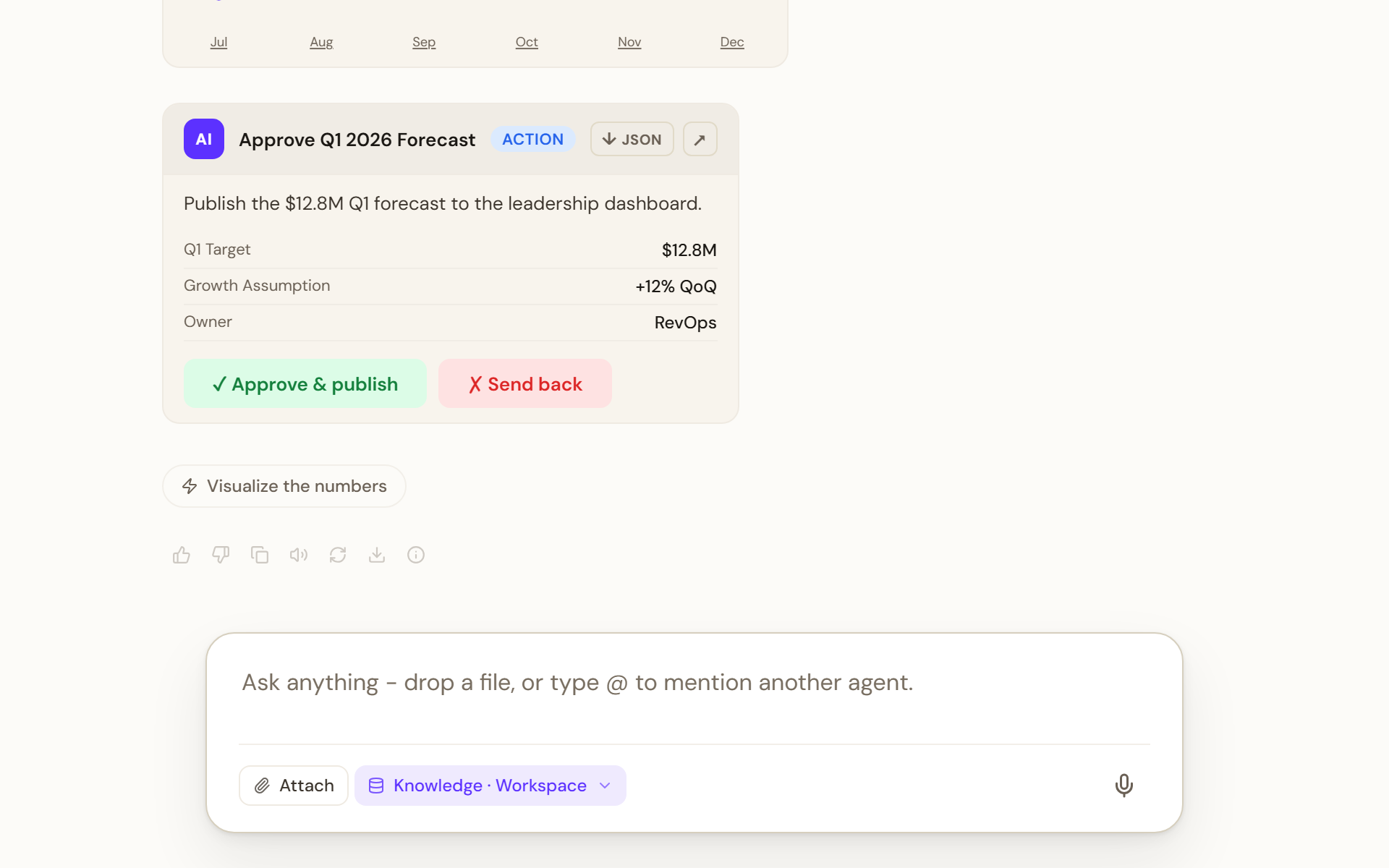
- Add files
Select Attach (the paperclip) in the composer, or drag files onto the conversation. The drop zone says Drop files here and lists what it accepts: PDF, Word documents, images, spreadsheets and code, up to 25 MB each.
- Wait for the upload
Each file appears as a chip marked Uploading… until it is ready. There is no time limit while data is moving. A failed upload offers Retry; Remove takes a file out of the message.
- Ask about it
Type your question and press Send. The agent reads the attached files for that turn.
Limits
| Limit | Value |
|---|---|
| Files per message | 8 |
| Size per file | 25 MB |
| Document types | pdf, docx, doc, txt, md, html, pptx, ppt |
| Data types | xlsx, xlsm, xlsb, xls, csv, tsv, json, xml, yaml, yml |
| Image types | png, jpg, jpeg, gif, webp, svg |
| Code and other | js, ts, py, java, cpp, go, rs, sql, sh, rb, php, swift, zip |
When you reach eight files the composer says Maximum files reached. A file over 25 MB is rejected with File too large. If the agent's model cannot read images, image types disappear from the picker and an image drop is refused with a message asking for a document instead.
When an upload fails
An upload stops only when it makes no progress, and each case has its own message on the chip, with Retry:
| Message | When it appears | What to do |
|---|---|---|
| "The upload stalled: no data could be sent for 60 seconds." | No data moved for 60 seconds | Check your connection, then select Retry |
| "The file was sent, but the server had not confirmed saving it after 2 minutes." | The whole file was sent but the server did not confirm in time. The wait grows with file size, about 2 minutes for a 25 MB file | Select Retry. If it repeats, tell your administrator |
The same rules apply to attachments on Home, in an agent's Playground chat and in file fields of a trigger.
Files in workflow inputs
Workflow agents can ask for a file as one of their inputs. The input card extracts text from the file before the run starts and tells you how it went: Extracting text…, then Text extracted. Two warnings matter:
- A large file is truncated: only the first roughly 50,000 characters, and a limited number of sheets, reach the agent.
- A scanned or image-only file yields No text extracted and will not reach the agent at all.
Read the sources an answer used
When an agent answers from connected knowledge, the receipt under the answer says Searched knowledge base with the number of sources, and numbered citation chips point at them. Select Inspect sources to open the Sources card, which lists each document and passage the agent used, with View and Download source file where your permissions allow.
Access follows the source system. Two people asking the same question can legitimately see different sources, because each only sees documents they are allowed to read.
Open a cited source
Under a grounded answer, each numbered citation is a card: Source and its number, the document's title, the knowledge source it came from after Knowledge base:, and a Relevance percentage marked High, Medium or Low. When a specialist agent did the retrieval, the card says Retrieved by the specialist agent and names it. Two controls sit on the card:
- Preview slides up the passage the agent used, with how relevant it was to your question, so you can check the claim without leaving the conversation. Close preview dismisses it. If the passage cannot be shown, the drawer says No preview content available for this source.
- Open shows the original in a new browser tab, where your permissions allow. For a synced source the label reads Open in followed by the source system.
Limits and behaviour
- Files attached to a message belong to that conversation. They are not added to your organisation's knowledge sources; that is a Builder task described in Add a knowledge source.
- A receipt saying the knowledge base could not be searched means the search failed, not that the information is missing.