Using agents
Agents
An agent is a published assistant with its own instructions, knowledge, tools and model. The Agents page lists every agent your organisation has published to you; an agent's detail page tells you what it can do before you use it.
Who can use it: the Member role, in a tenant licensed for agents. Building agents needs the Builder role and happens in Studio.
Recorded on .
Browse your agents
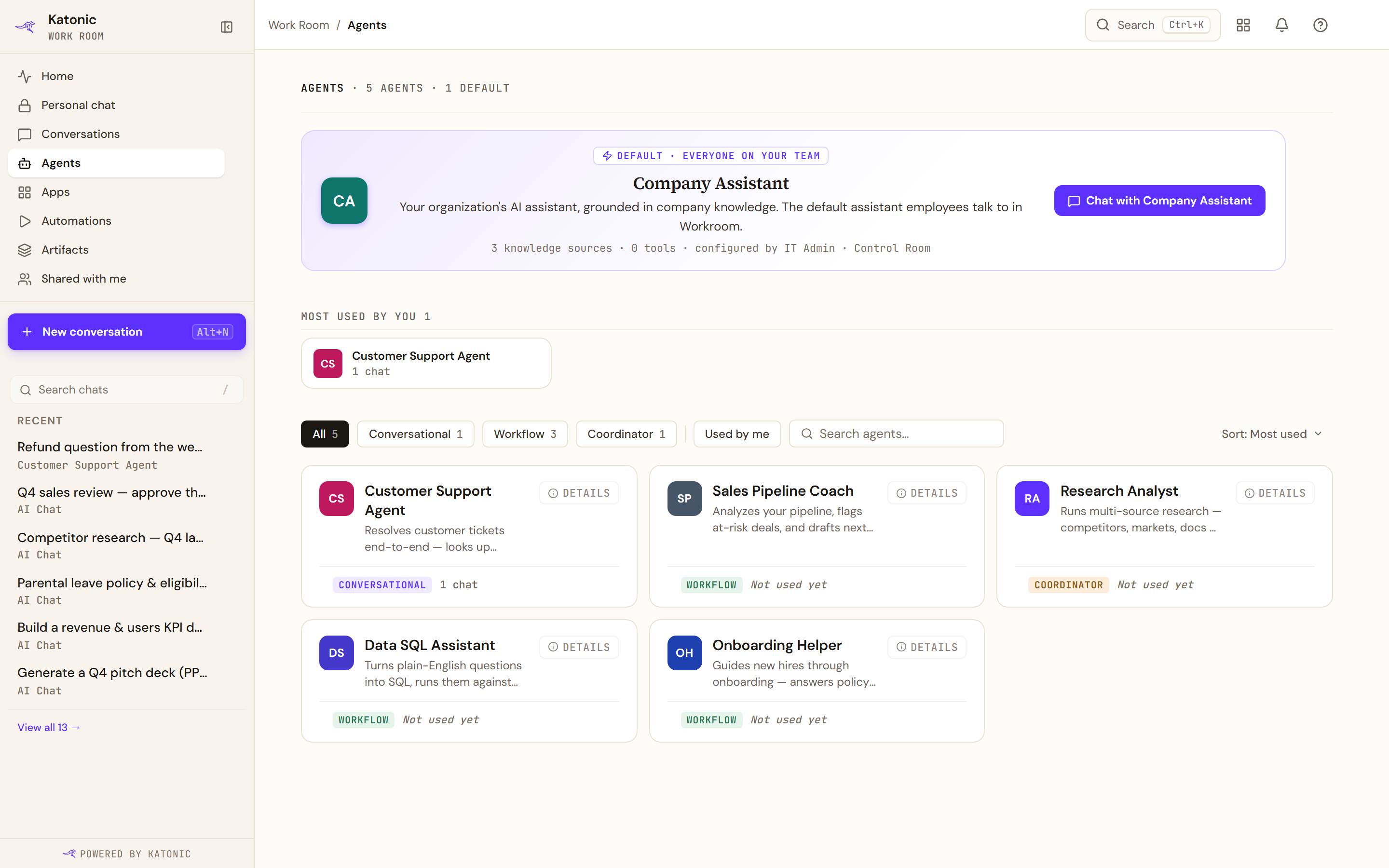
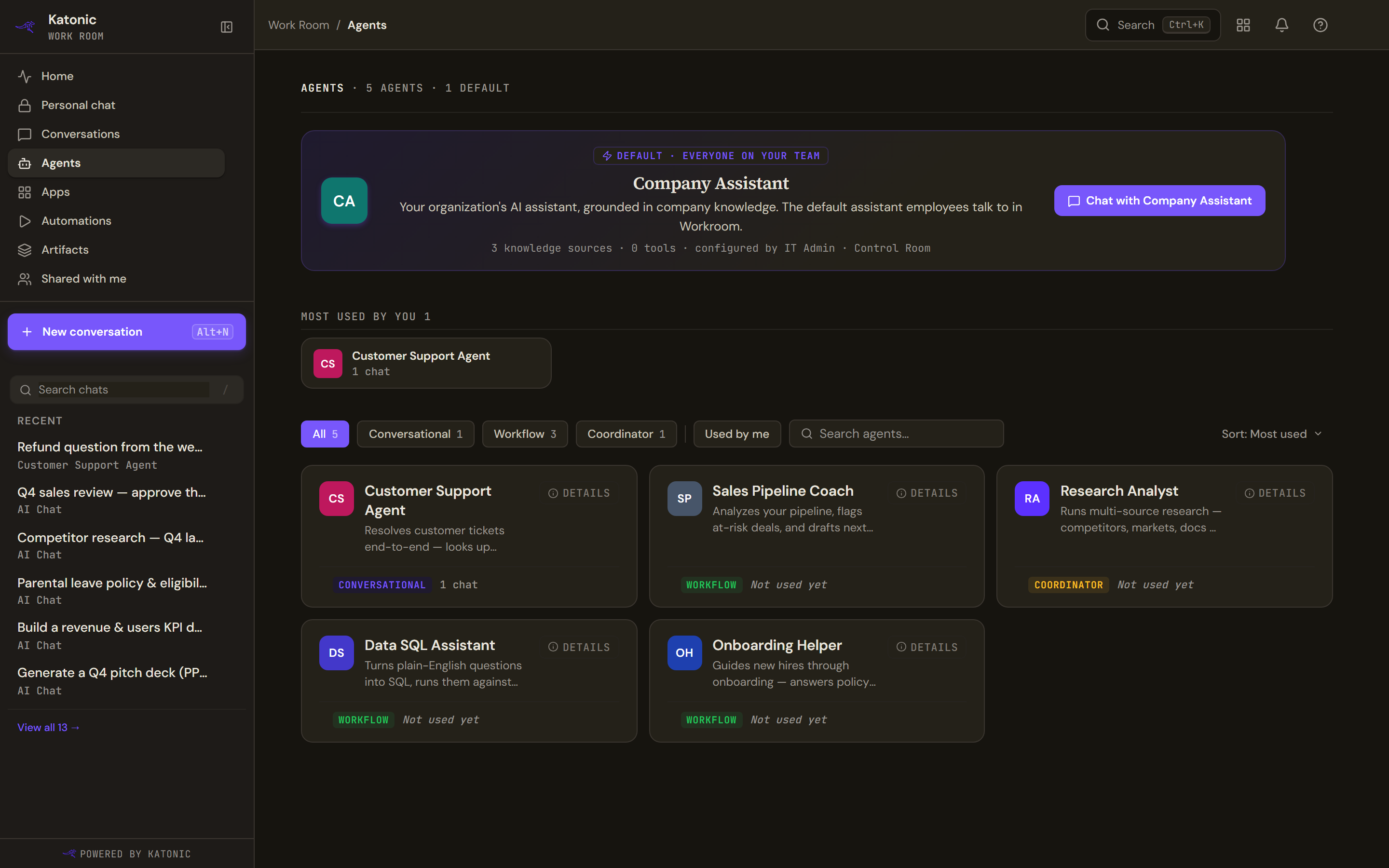
- The default agent sits at the top, marked Default · everyone on your team. It is the one that answers when you do not choose another. Chat with it directly from the card.
- The chips filter by type: All, Conversational, Workflow, Coordinator, and Used by me.
- Sort offers Most used, Name (A-Z) and Most tools. The search box finds agents by name.
- Each card shows the agent's name and description, a Details link, its type and whether you have used it. The default agent's card also shows how many knowledge sources and tools it has and who configured it.
Three kinds of agent
| Type | What happens when you use it |
|---|---|
| Conversational | You chat. The agent answers, searching its knowledge sources and calling its tools as needed. |
| Workflow | You start a run. The agent works through its steps and the run appears under Automations, where it may pause for approval. |
| Coordinator | You chat, and the agent hands parts of the task to specialist agents. The receipt on its answers says how many specialists it called. |
Open an agent's detail page
- Select Details on a card
The detail page opens with Back to agents and Start Conversation at the top; Share appears only on an agent you own.
- Read what it can do
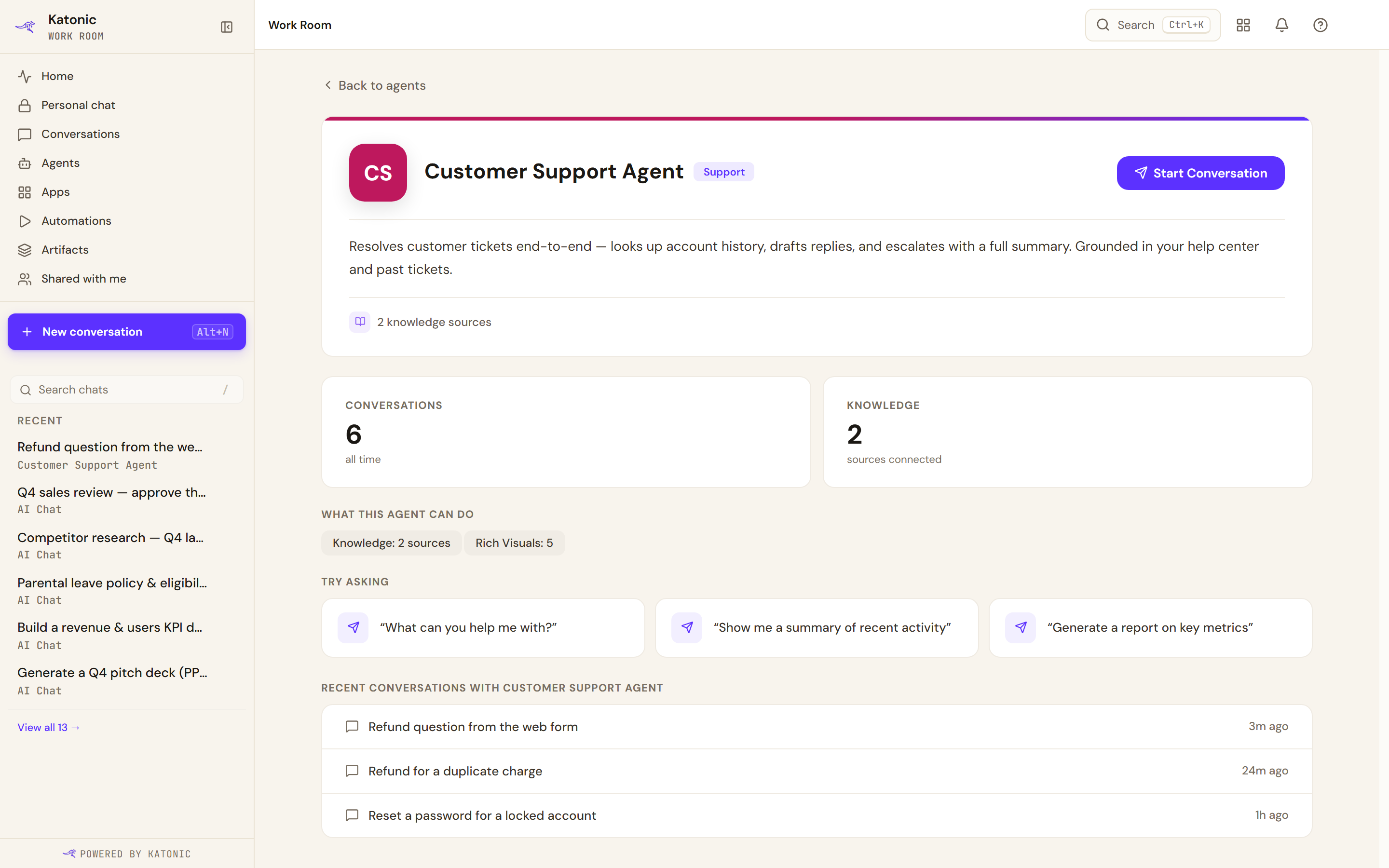
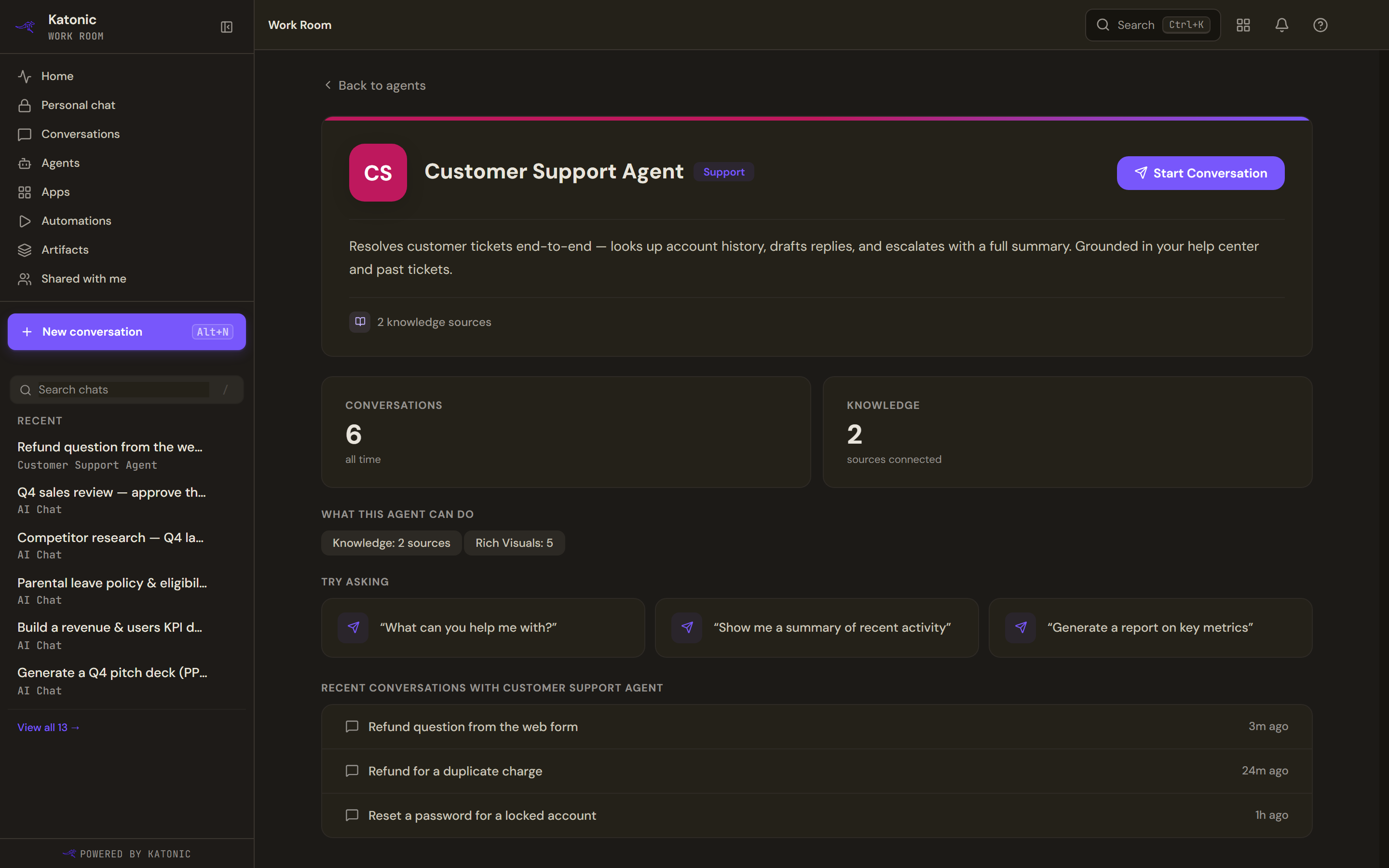
An agent's detail page: What this agent can do, Try asking, and your recent conversations with it. Start Conversation opens a new thread. What this agent can do lists the skills its builder described. If none are set yet, it shows what the agent has bound: Knowledge with a source count, Tools, A2A Agents, Rich Visuals and Interactive UI. Try asking offers example prompts; select one to start with it.
- Start
For a conversational or coordinator agent, Start Conversation opens a new thread. For a workflow agent, Run workflow shows the run's inputs; add any input or leave them blank to use the agent's defaults, then run it. Your Recent conversations with the agent are listed at the bottom.
What changes when you choose an agent
Once an agent answers, the conversation takes on that agent's knowledge sources, tools, model and the cards it may use, all read from the version the agent was published with. The knowledge and tools chips in the composer become read-only lists of what it is bound to. After the first message the room is locked: the composer will not switch between an agent and a plain model in place, and offers to start a new chat instead.
Handing a thread to another agent
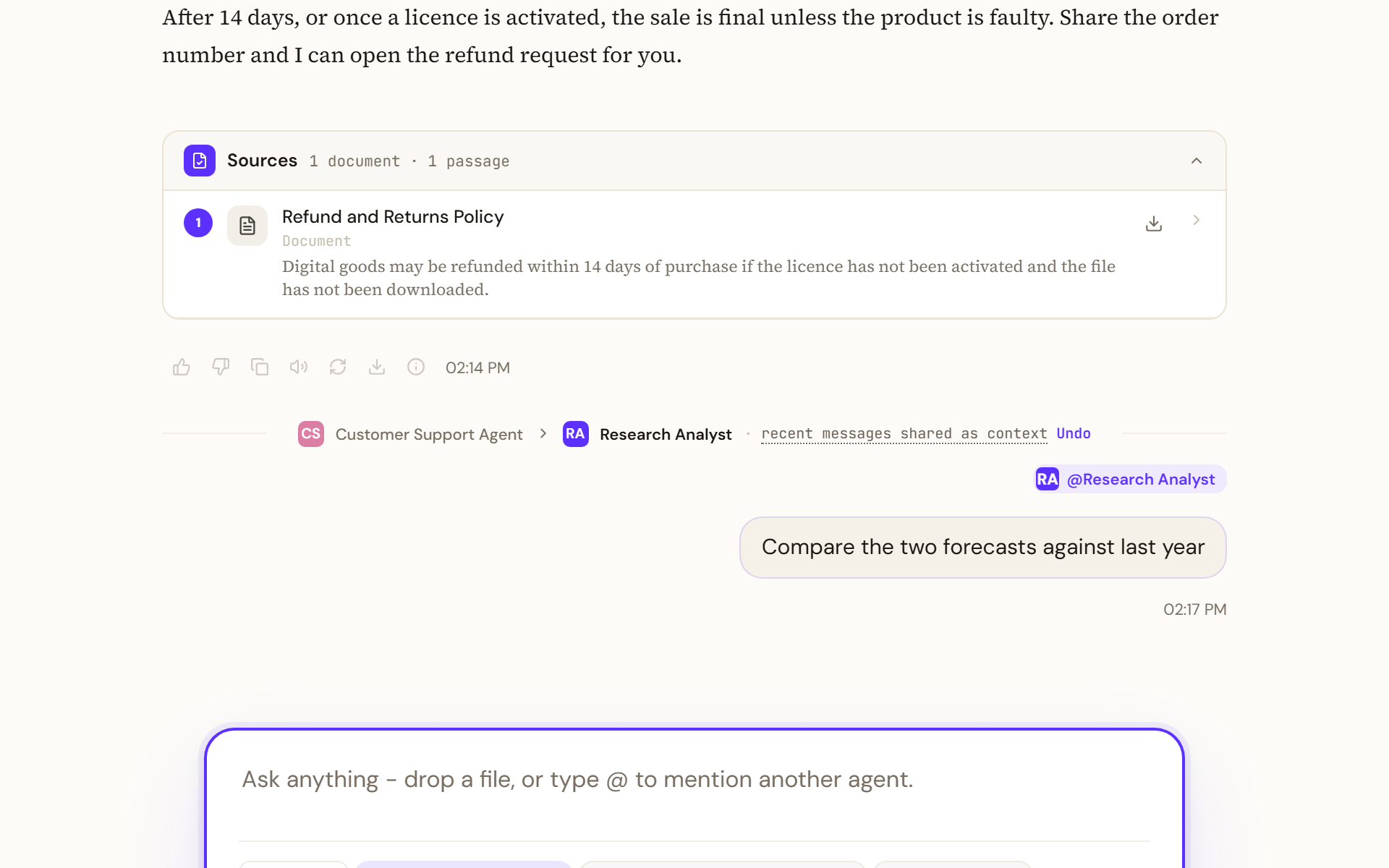
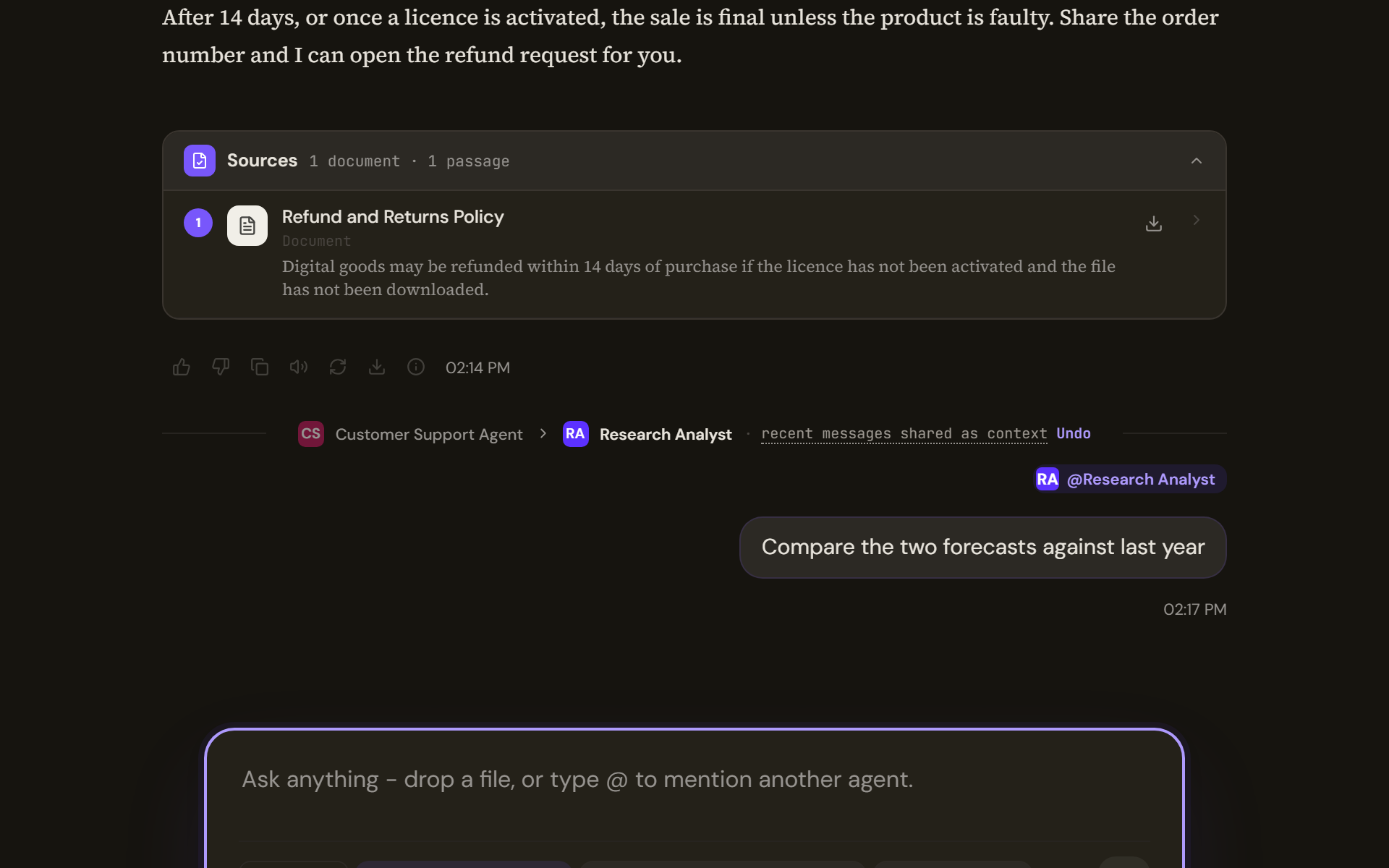
Mentioning a different agent mid-thread hands the conversation over. A marker appears in the timeline naming the two agents, with recent messages shared as context and an Undo beside it. The new agent receives the conversation's recent messages as context; in a long conversation only the most recent part is passed. Undo puts the previous agent back and removes the marker from your view; it does not rewrite what was already said. The new agent's first answer is captioned as its first reply.
Where no particular agent applies, the header, the empty state and the answer all fall back to your organisation's default assistant by name, so the three never disagree.
Coordinators and their teams
A coordinator's answer says how many specialists it called, and a citation can name the specialist that retrieved it. The full roster, with each specialist's role, is on the Agents page rather than inside the thread, and it distinguishes a team it has not loaded yet from an agent that has no team.
Build your own
Build a new agent on the Agents page takes Builders to Studio. Members see the link only if their role allows Studio. See Agents for the building side.
Limits and behaviour
- An agent that has been unpublished or removed shows Agent not found when you open an old link to it.
- An agent card that says Not used yet has no conversations from you; usage counts are yours, not the team's.
- If starting a workflow run fails, the page tells you why and nothing is queued.