Build an answer agent
Agents
Answer & assist builds one conversational agent that answers questions, searches your documents, queries a database or writes research. This page covers the wizard for the Answer questions and Search your docs kinds; the database and research kinds add sections of their own and have their own pages.
Who can use it: the Builder role or higher, in a tenant licensed for agents. Publishing needs an Owner team.
Recorded on .
- Start
New agent opens the chooser. We pick Answer & assist. Then the kind: Search your docs, for an Expense Policy Assistant grounded in finance policy. We start Blank, to see every section ourselves, and Continue to build.
- Identity
The builder opens on Identity: Setup, Test and Deploy at the top, the eight sections down the left. The Agent draft rail on the right sums the agent up as you build. A Display name. The slug comes from it and becomes the API path and the Slack mention. One sentence of description. Under Ownership & routing, the Owner team is required. We pick Finance Ops.
- Behavior
Behavior. Generate from Identity & template drafts a starter prompt from the name and description. Edit it here, Browse Prompt Studio for a versioned prompt, or Preview merged prompt the model receives. Then the Model tier: Fast, Balanced or Smart. The AI Gateway resolves the concrete model at run time, so the prompt stays portable.
- Tools
Tools come from MCP servers an administrator registered. None is connected here yet, and a policy assistant needs none. Agents attaches other agents this one can call inside a turn.
- Skills
Skills are versioned instructions from your library. We attach support-triage. Each published version freezes the skill text it was built with; edits reach this agent at the next publish.
- Knowledge
Knowledge is where the answers come from. Each source shows its connector, size and freshness, and a stale one is marked. We attach Company Policies, the Employee Handbook and Finance Documents. At run time the retriever grounds every answer in the closest passages.
- Memory
Memory. Persistent keeps history across sessions and expires on a schedule. Per user keeps each person's memory separate.
- Guardrails
Guardrails. A profile binds the rails an administrator created in the Control Room to every turn. Without one, the agent publishes ungoverned. We pick PII-strict: five of five rails on. Mask is what happens when a rail trips.
- Advanced
Advanced overrides the tier's Sampling and picks the Execution strategy: tool calling, or ReAct.
- Verify
Back on Identity: five of eight sections started, green dots on the rail, three knowledge bases and one skill in the Agent draft. Next, open Test to run the draft.
Prerequisites
- A team you belong to, chosen as the agent's owner.
- Anything the agent should use: knowledge sources synced in Knowledge, MCP servers registered by an administrator, skills in your library. You can attach them later.
The wizard, section by section
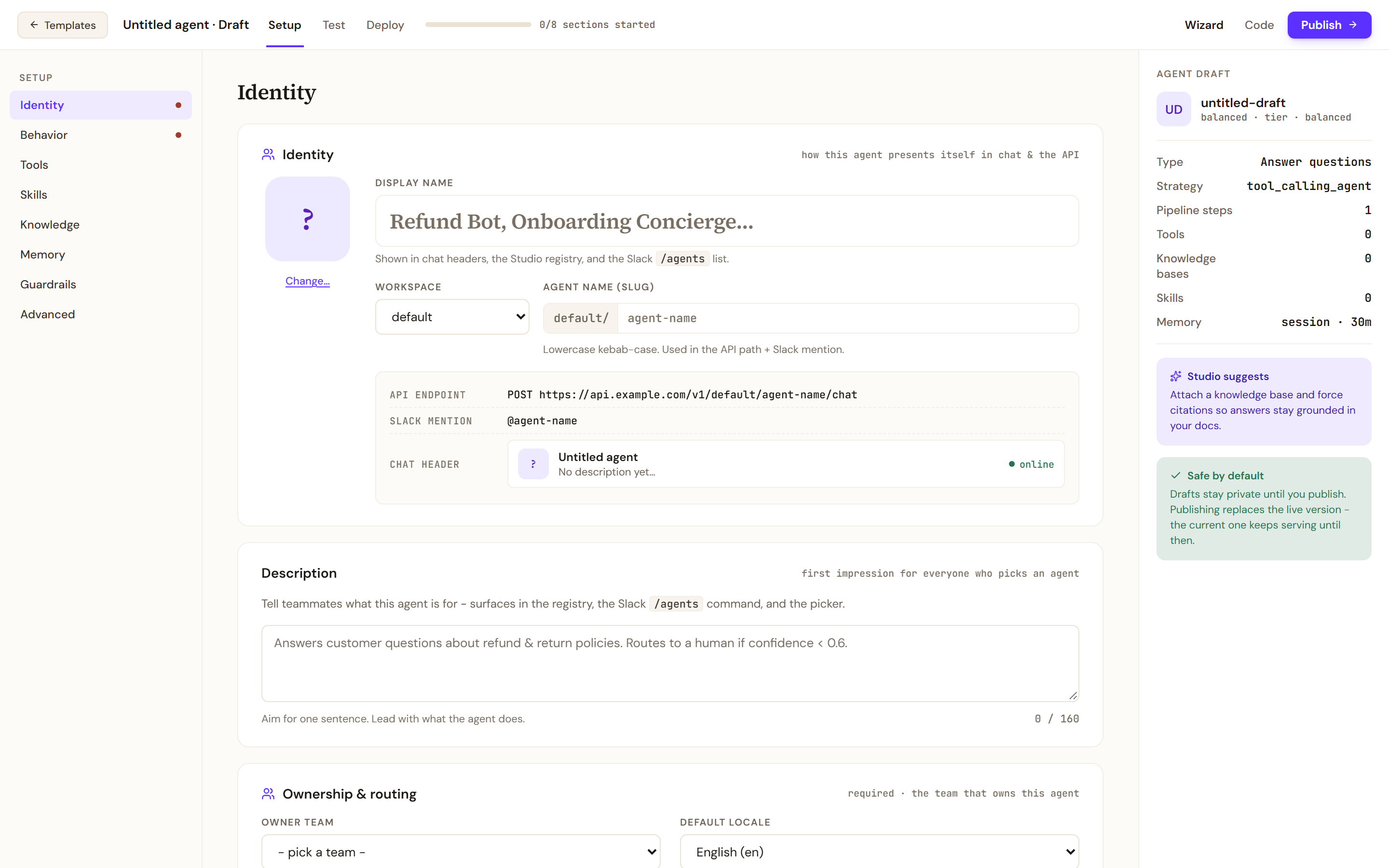
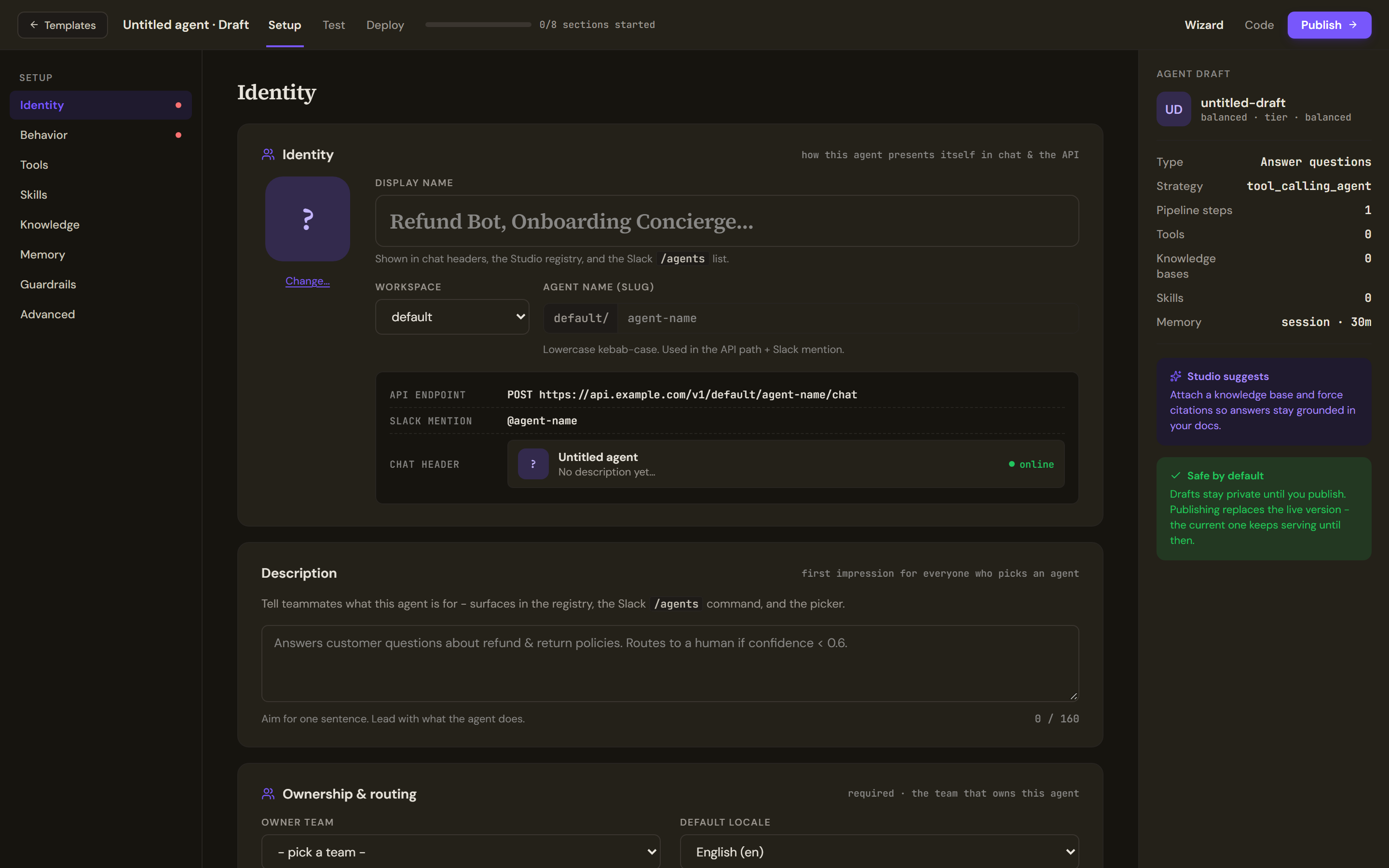
The build header shows the draft's name and status, the Setup, Test and Deploy tabs, how many of the eight sections you have started, the Wizard and Code lenses and Publish. A dot on the Setup rail marks a section that still needs attention. The Agent draft rail carries Studio suggests and the Safe by default note: drafts stay private until you publish, and the current version keeps serving until then.
Identity
Display name is what chat headers, the registry and the Slack agents list show. Agent name (slug) is lowercase with hyphens. Description is one sentence of up to 160 characters, shown wherever people pick an agent. An empty Owner team list means you are in no team yet; ask an administrator, and the list refreshes on its own. Default locale hints downstream surfaces or detects the language per turn; Tags takes suggested chips or your own.
Behavior
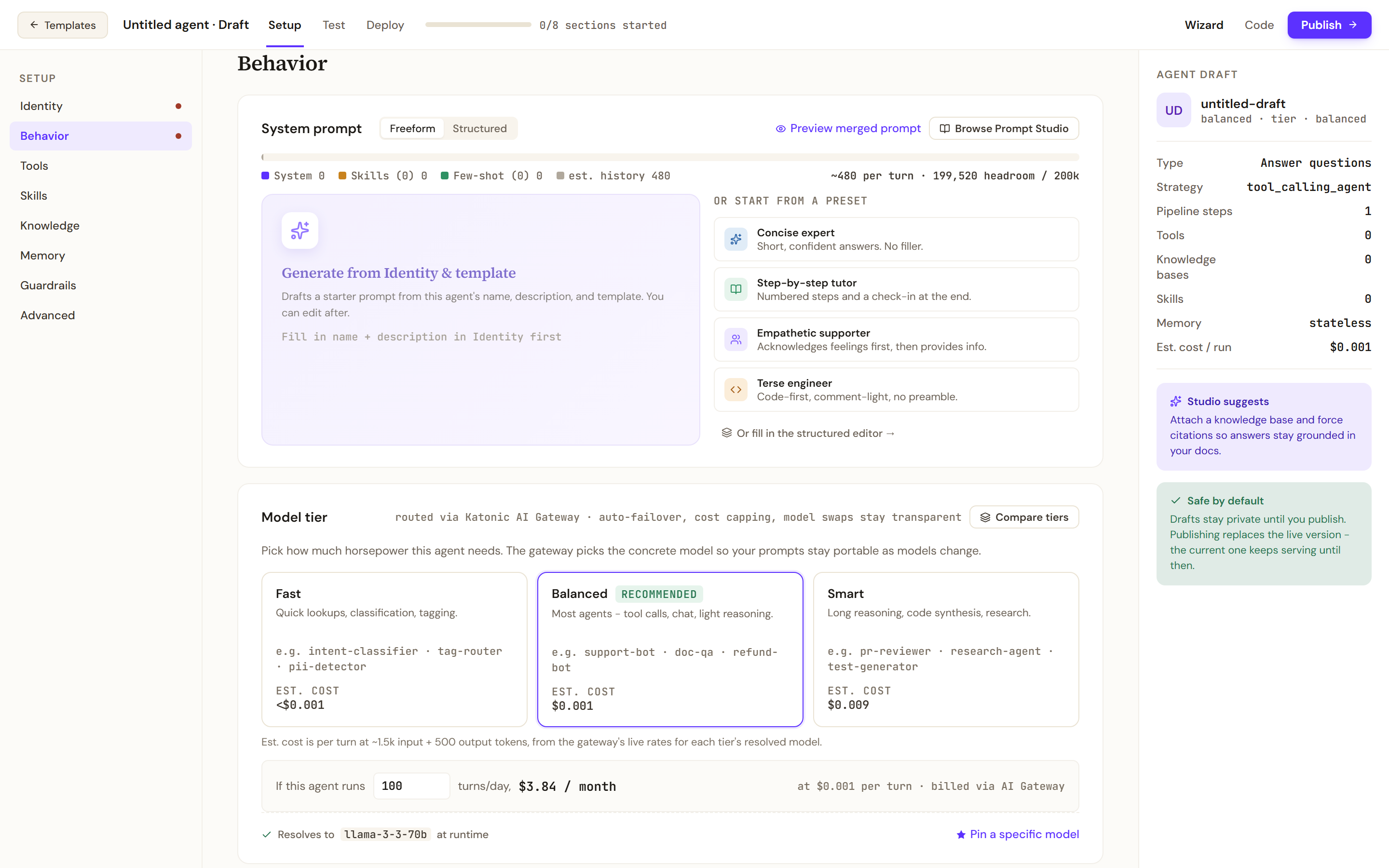
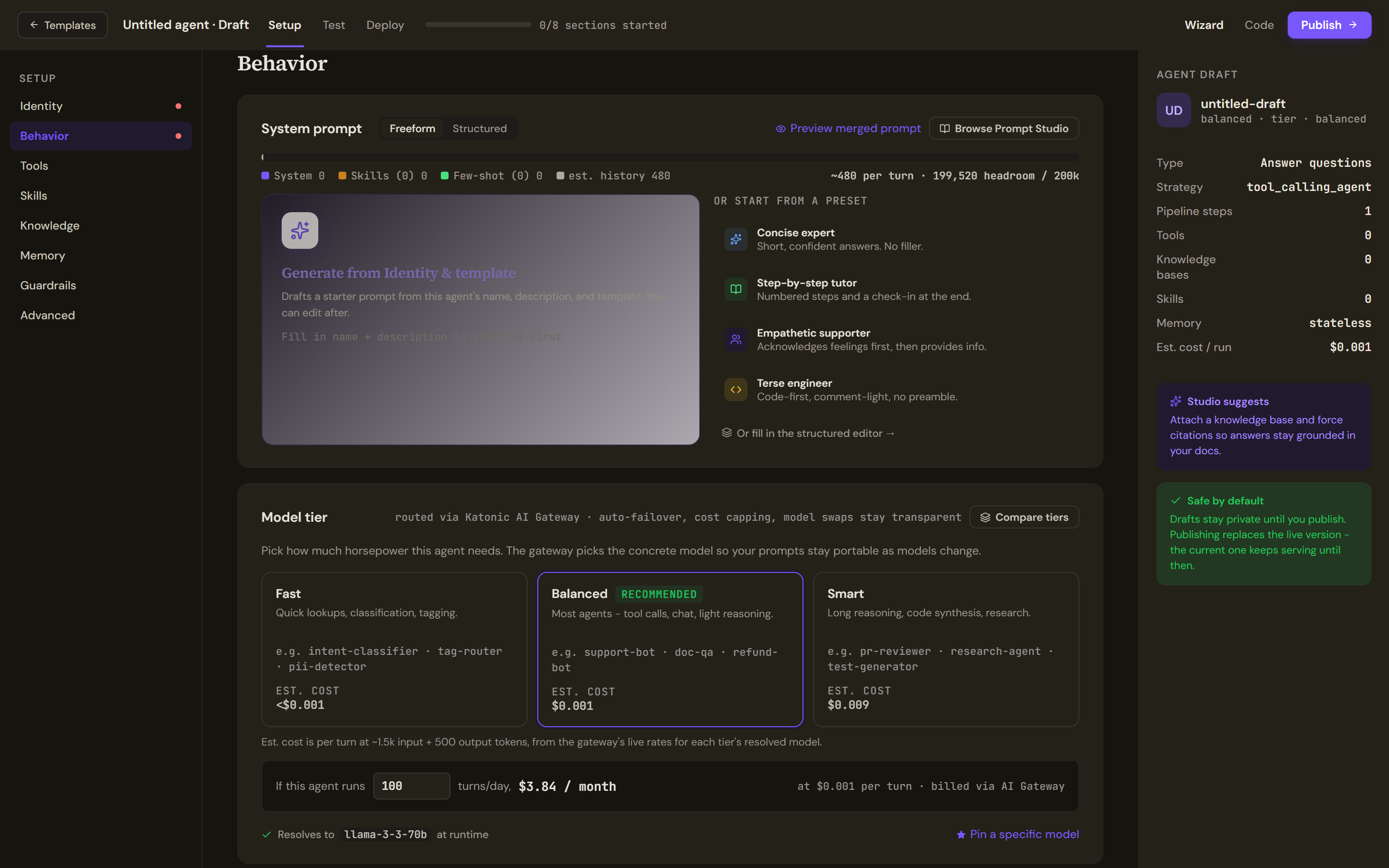
The System prompt card takes a Freeform or Structured prompt, and the bar above the editor shows how the token budget is spent between prompt, skills, examples and history. Generate from Identity & template needs the name and description filled in; four presets start from a style. Compare tiers explains the three model tiers and Pin a specific model fixes one when you need it.
Tools
Connected servers lists the MCP servers registered in the Control Room; pick the tools this agent may call, and note that write actions get an approval gate by default. Function tools run inside Katonic. An attached Agent answers inside your turn, unlike a coordinator, which hands the whole turn to one specialist.
Skills
Pick skills offers Attached only, sort and vertical filters. Attached skills are added to the agent's instructions when it is published, or loaded on demand when progressive skills are enabled.
Knowledge
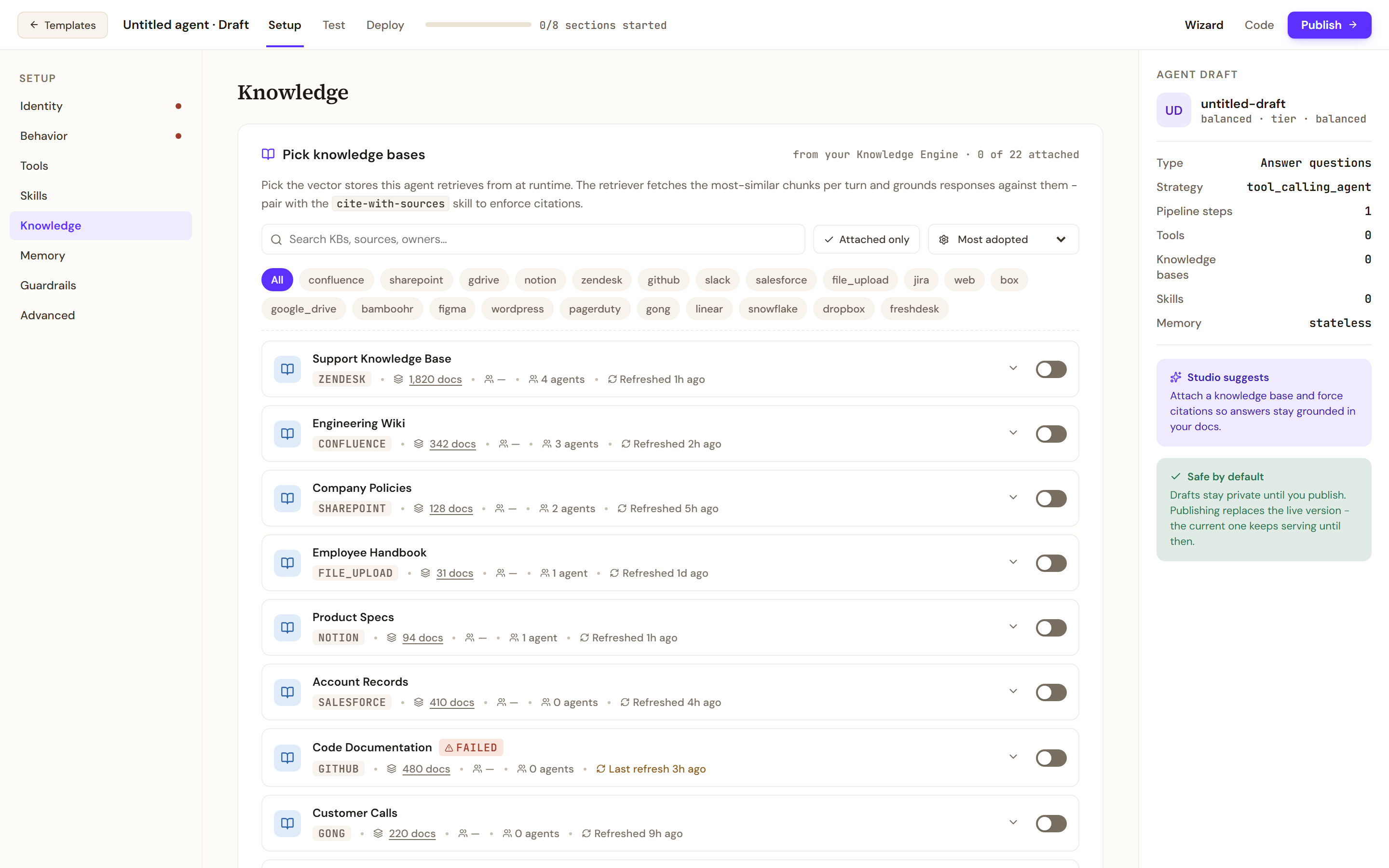
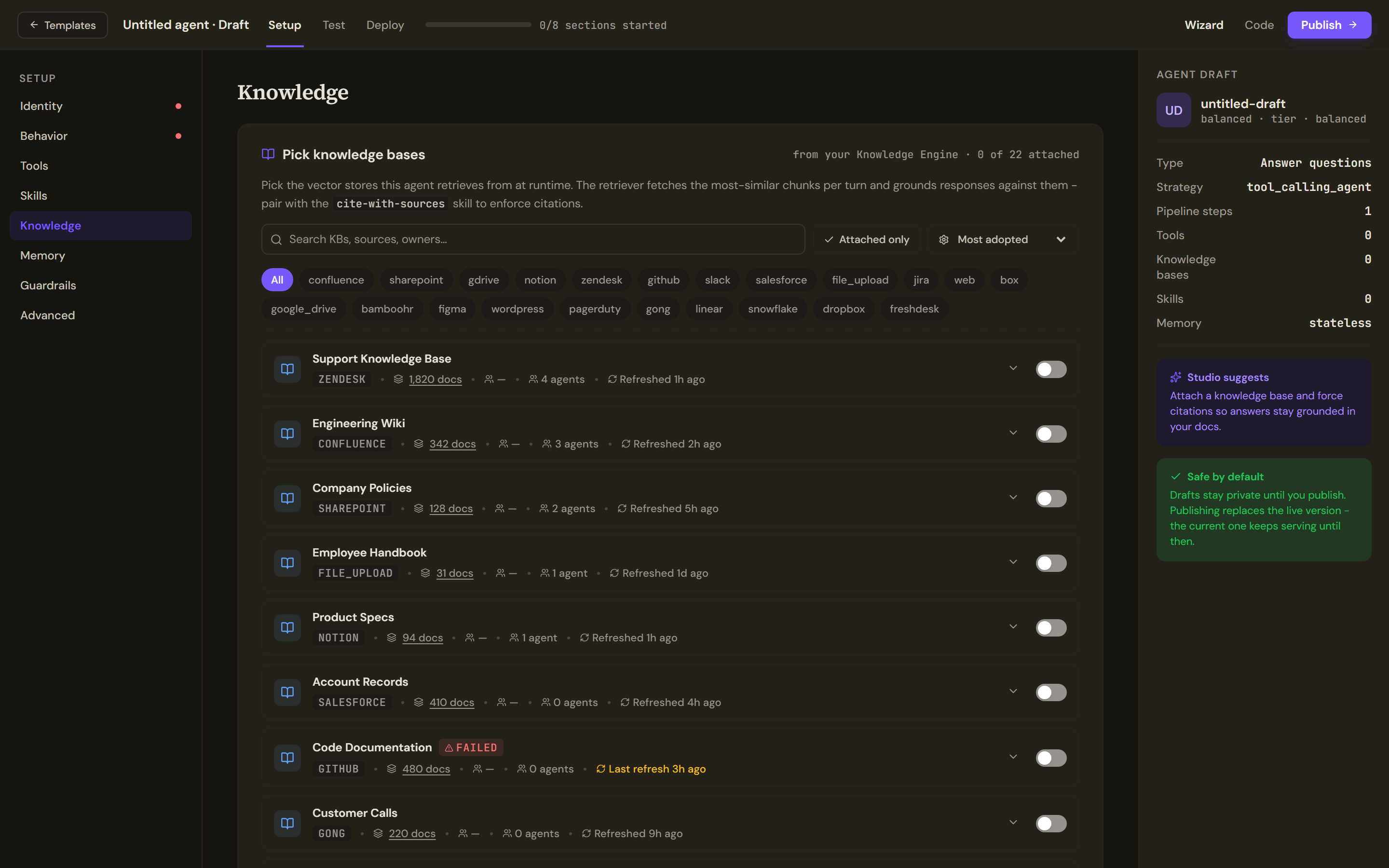
Filter the sources by connector chip, sort by adoption, freshness, size or name, and switch a source on to attach it. Pair the retriever with the cite-with-sources skill to enforce citations.
Memory
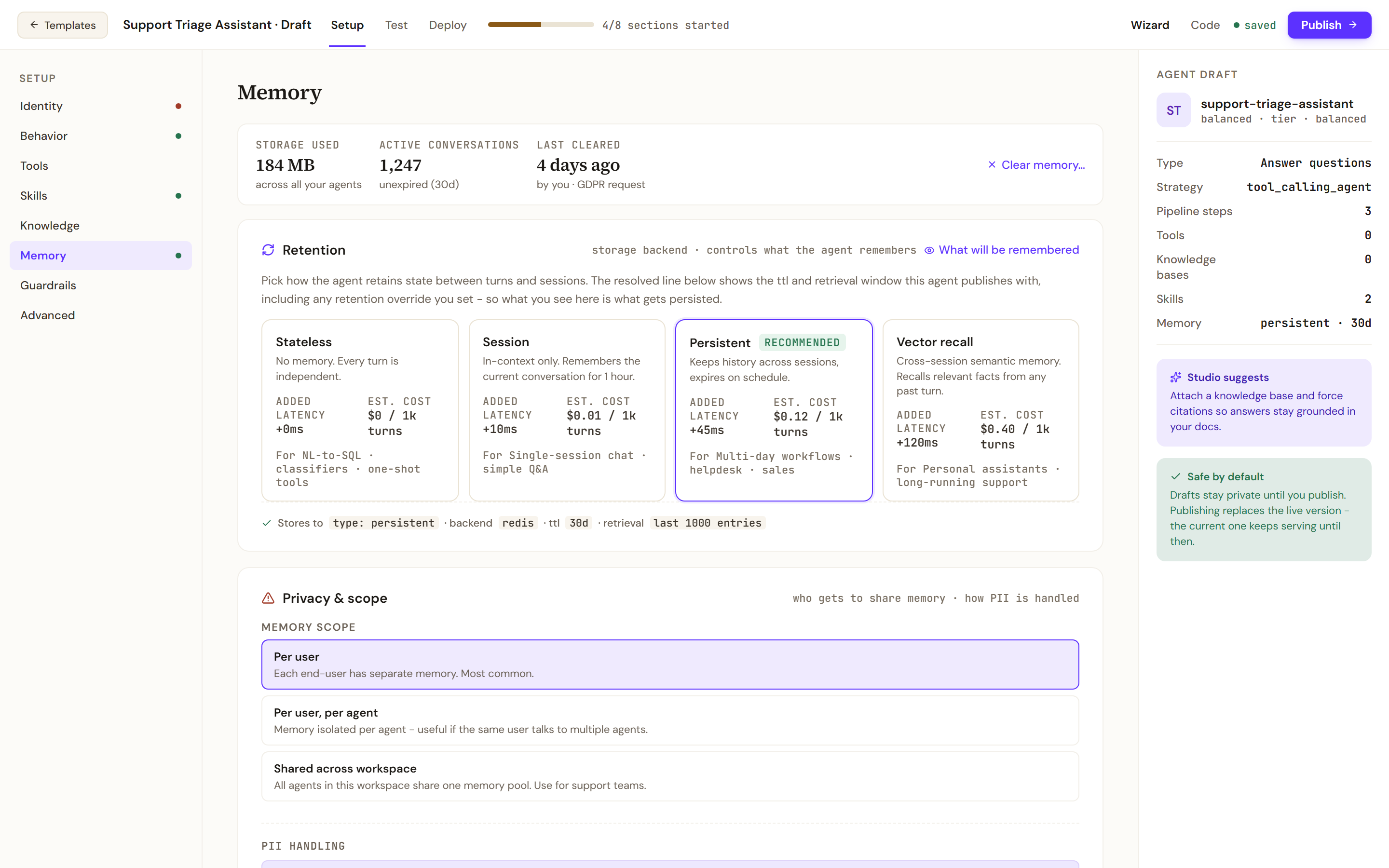
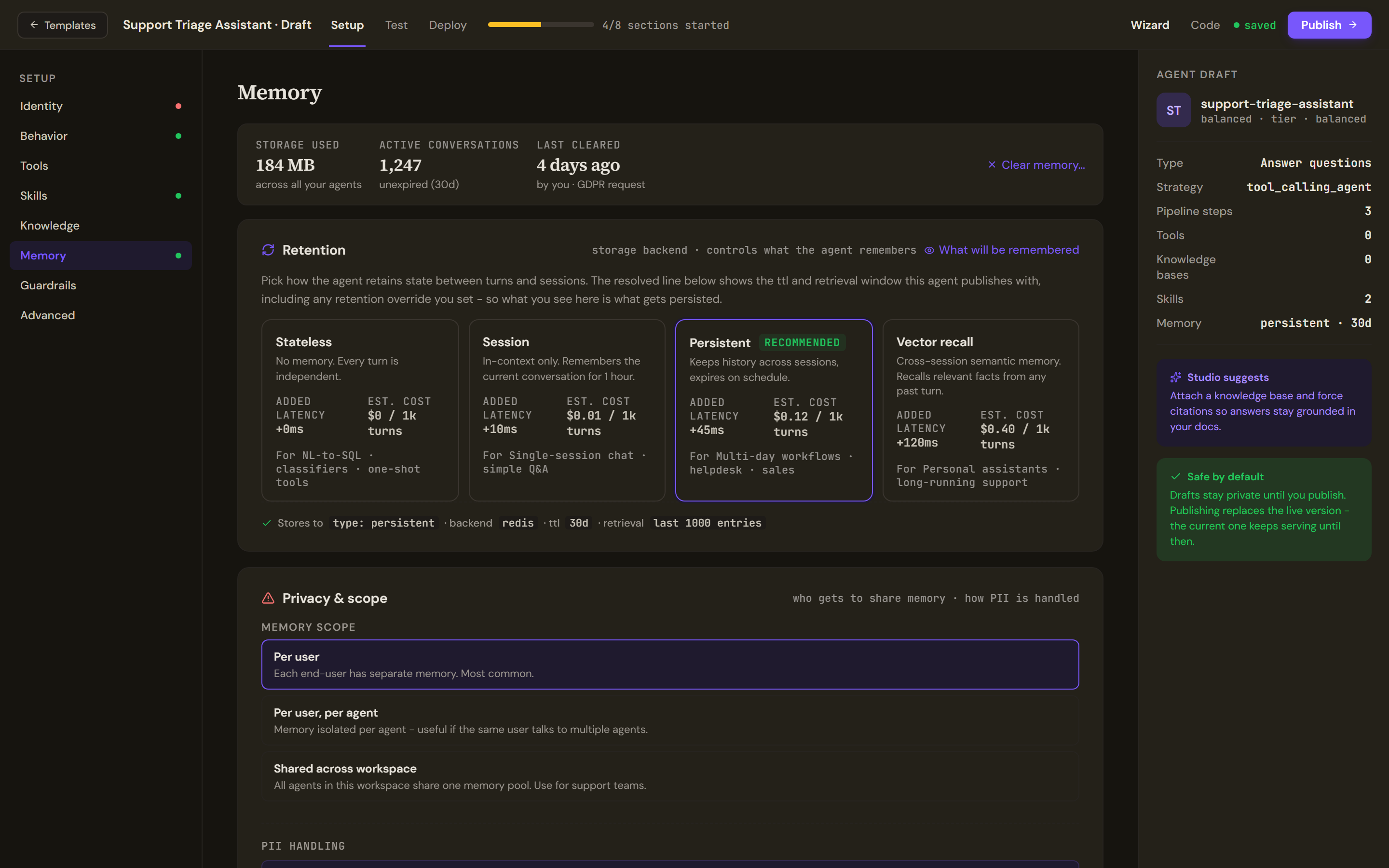
The tiles show storage used, active conversations and the last clear, with Clear memory. Retention is Stateless, Session, Persistent (recommended) or Vector recall, each with its added latency and estimated cost; the Stores to line shows the retention and retrieval window the agent will publish with. Privacy & scope is Per user, Per user, per agent or Shared across workspace. PII is scrubbed by the guardrails and the pii-scrubber skill, not by a switch here.
Guardrails
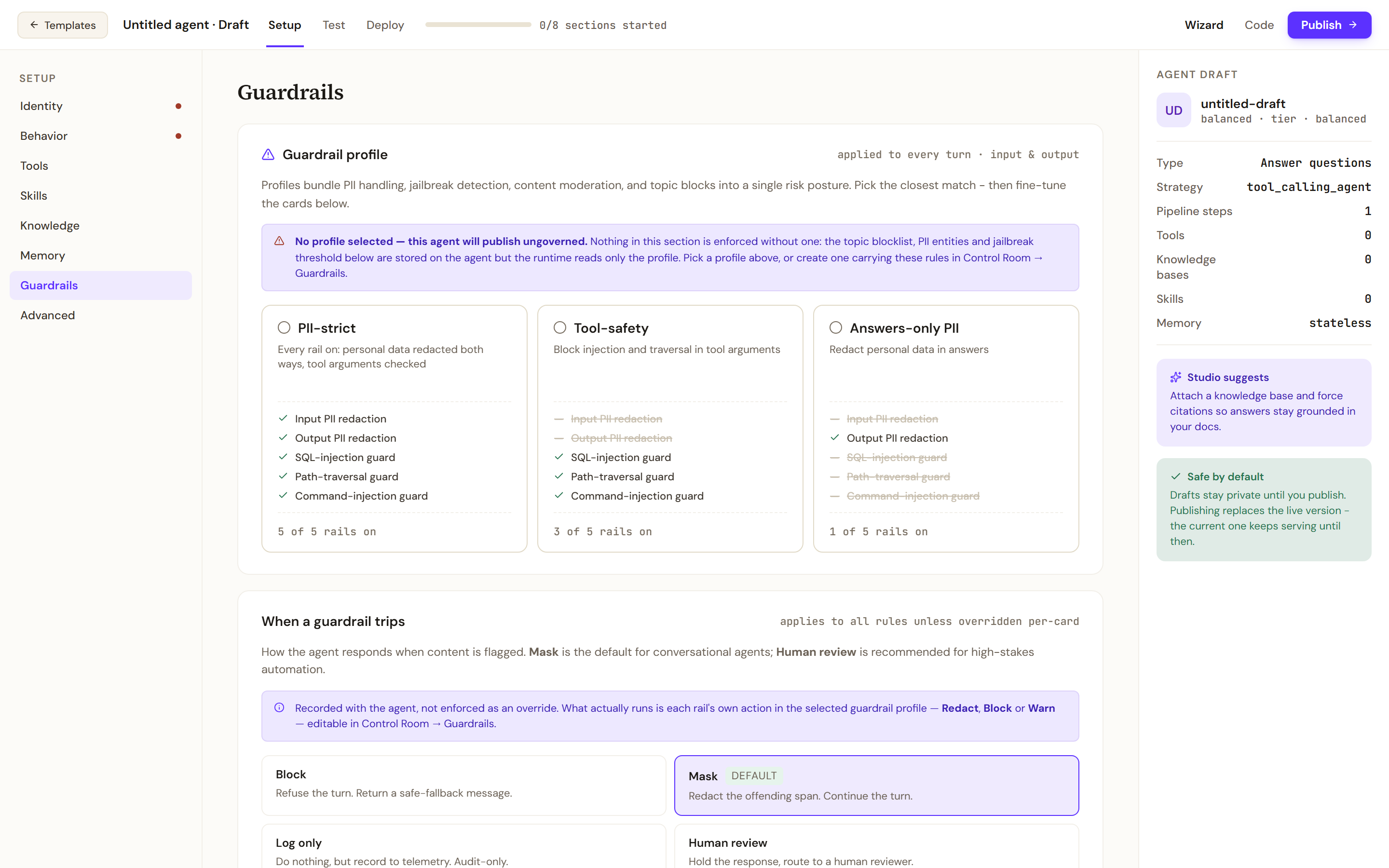
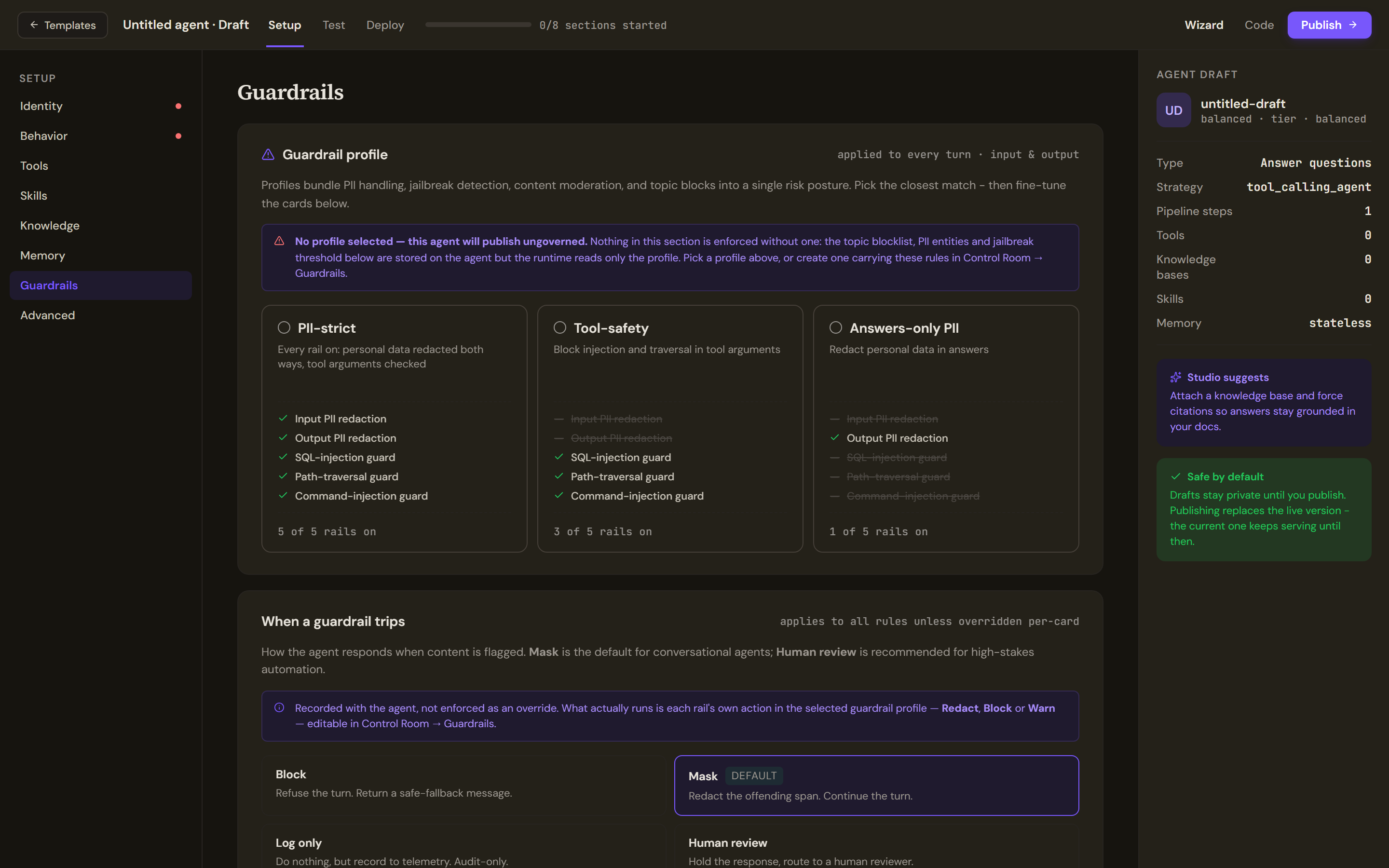
The cards under the profile (When a guardrail trips, PII handling, Prompt injection, Topic blocklist, Custom rules) are saved with the agent and used by Test against a prompt, but at run time only the selected profile's rails and their actions are enforced.
Advanced
Sampling overrides the tier's temperature and maximum output tokens. Tool-calling lets the model decide when to call tools and when to answer; ReAct is a reason-then-act loop. Suppress chat hints for this agent hides the first-use coaching tooltips. Environment variables are saved as plain text and not yet delivered to the running agent, so put no secrets here.
Verify
The header count moves as you fill sections in, and the rail dots turn from red to green. Open Test to run the draft; see Test, publish and versions.
Troubleshooting
- Fill in name + description in Identity first. Generate from Identity & template needs both.
- No MCP servers connected yet. An administrator registers servers in the Control Room's Tools page first.
- No profile selected. Pick a guardrail profile, or create one in the Control Room's Guardrails page, before you publish.