Create an agent
Agents
New agent opens the chooser: the screen that asks what kind of agent you want, offers a template or a blank start, and opens the right builder. This page covers the chooser. Each builder has its own page.
Recorded on .
Recorded on .
Who can use it: the Builder role or higher, in a tenant licensed for agents.
Prerequisites
- A team you belong to. Every agent needs an Owner team before it can be published. If you are in no team, the builder says so and tells you to ask an administrator to add you to one in the Control Room.
- Whatever the agent should use: knowledge sources synced in Knowledge, MCP servers registered by an administrator, databases connected in the Control Room. You can build first and attach them later.
Choose a kind
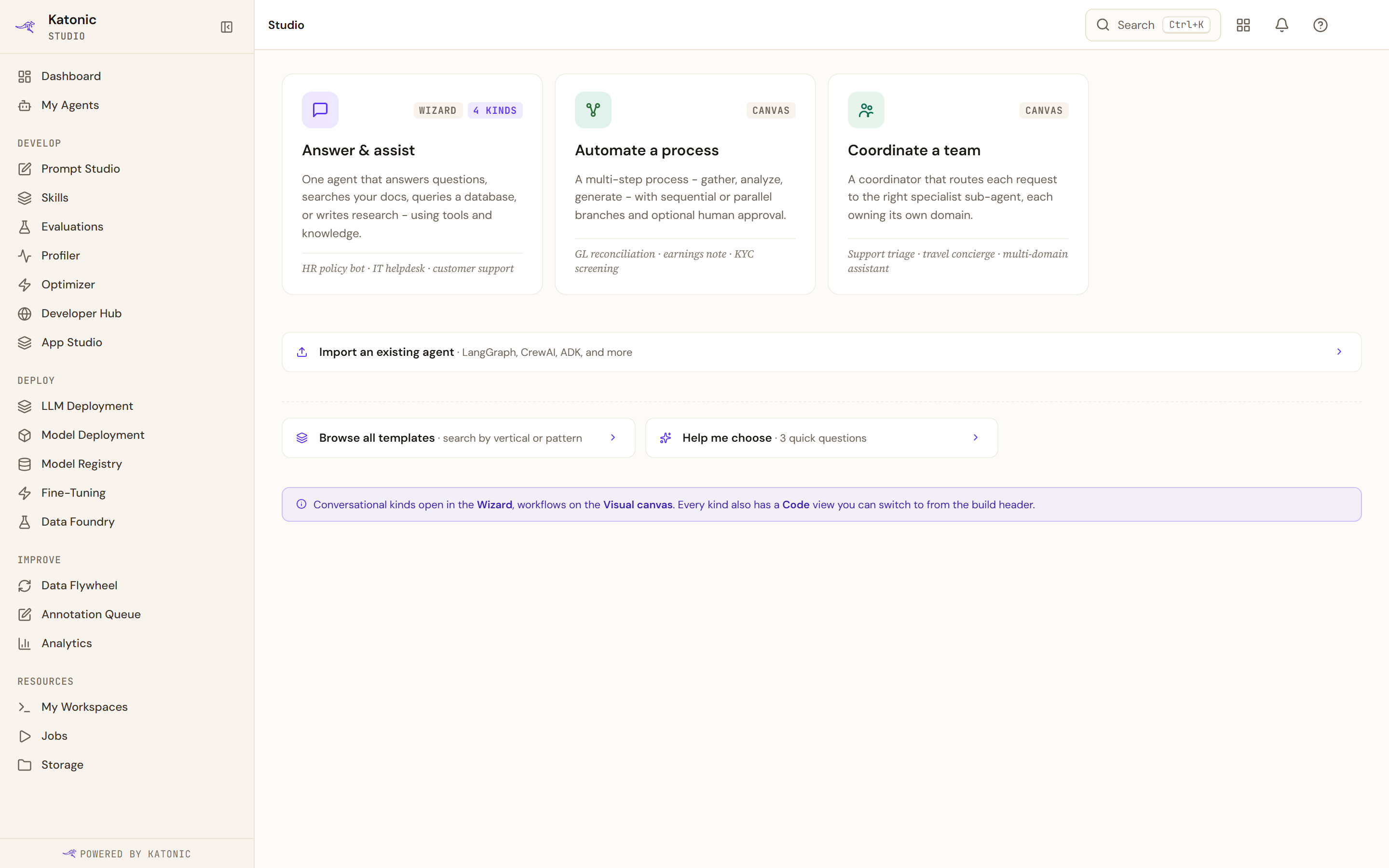
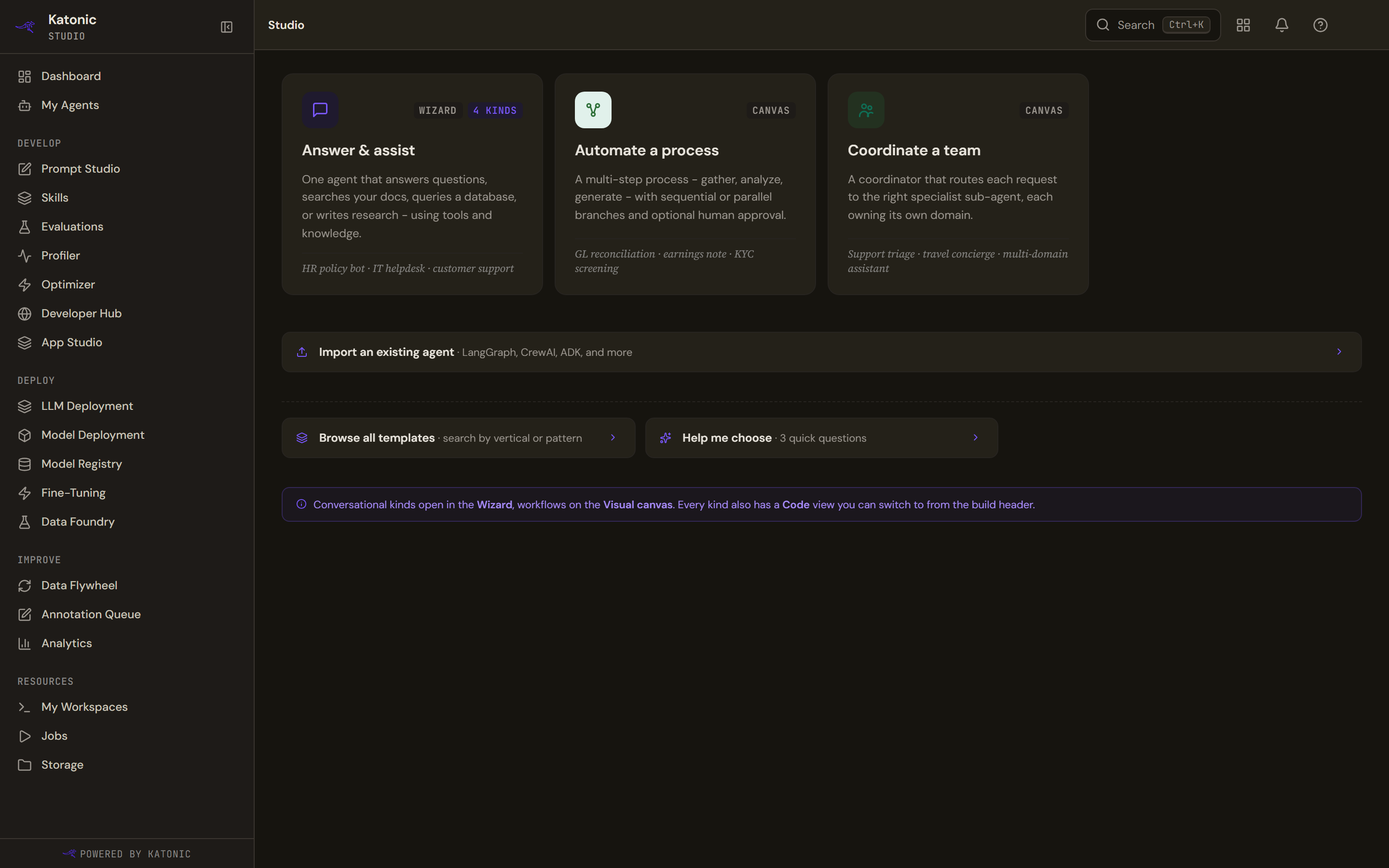
The chooser shows three cards and three links.
| Card | What it builds | Where it opens |
|---|---|---|
| Answer & assist | One agent that answers questions, searches your documents, queries a database or writes research, using tools and knowledge | The wizard, after you pick one of four kinds |
| Automate a process | A multi-step process that gathers, analyses and generates, with sequential or parallel branches and optional human approval | The workflow builder, as a wizard or on the Visual canvas |
| Coordinate a team | A coordinator that routes each request to the right specialist agent, each owning its own domain | The team wizard |
The note under the cards says it plainly: conversational kinds open in the Wizard, workflows on the Visual canvas, and every kind also has a Code view you can switch to from the build header.
- Pick the card
Select a card. Answer & assist first asks Which kind of specialist? and offers Answer questions, Search your docs, Query your databases and Research report; pick one.
- Pick a template or start blank
The next screen is headed Templates for the kind you chose, or start blank. Each template card names the template, its role and its source, with a one-line description; selecting one fills the Agent draft rail with what the agent will look like: its steps, knowledge sources, tools, MCP servers, tier and estimated cost per run. The Blank card starts with an empty configuration and is marked advanced. Type goes back to the cards.
- Continue to build
Select Continue to build. It reads Setting up… while the template is installed, then the builder opens on the new draft. From here on the rail's Safe by default note applies: drafts ship to a sandbox, and nothing reaches production until you publish.
Let Studio recommend a kind
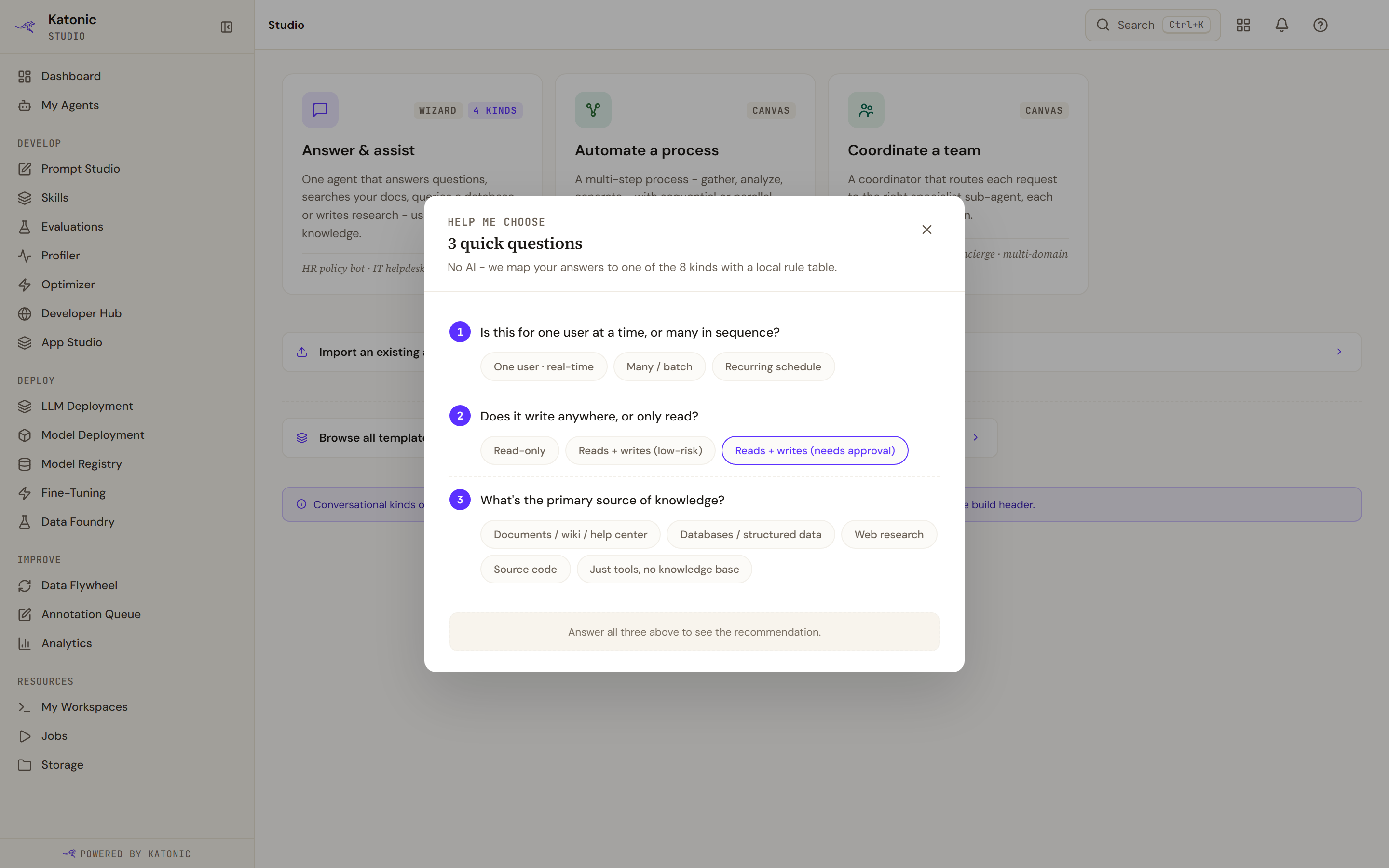
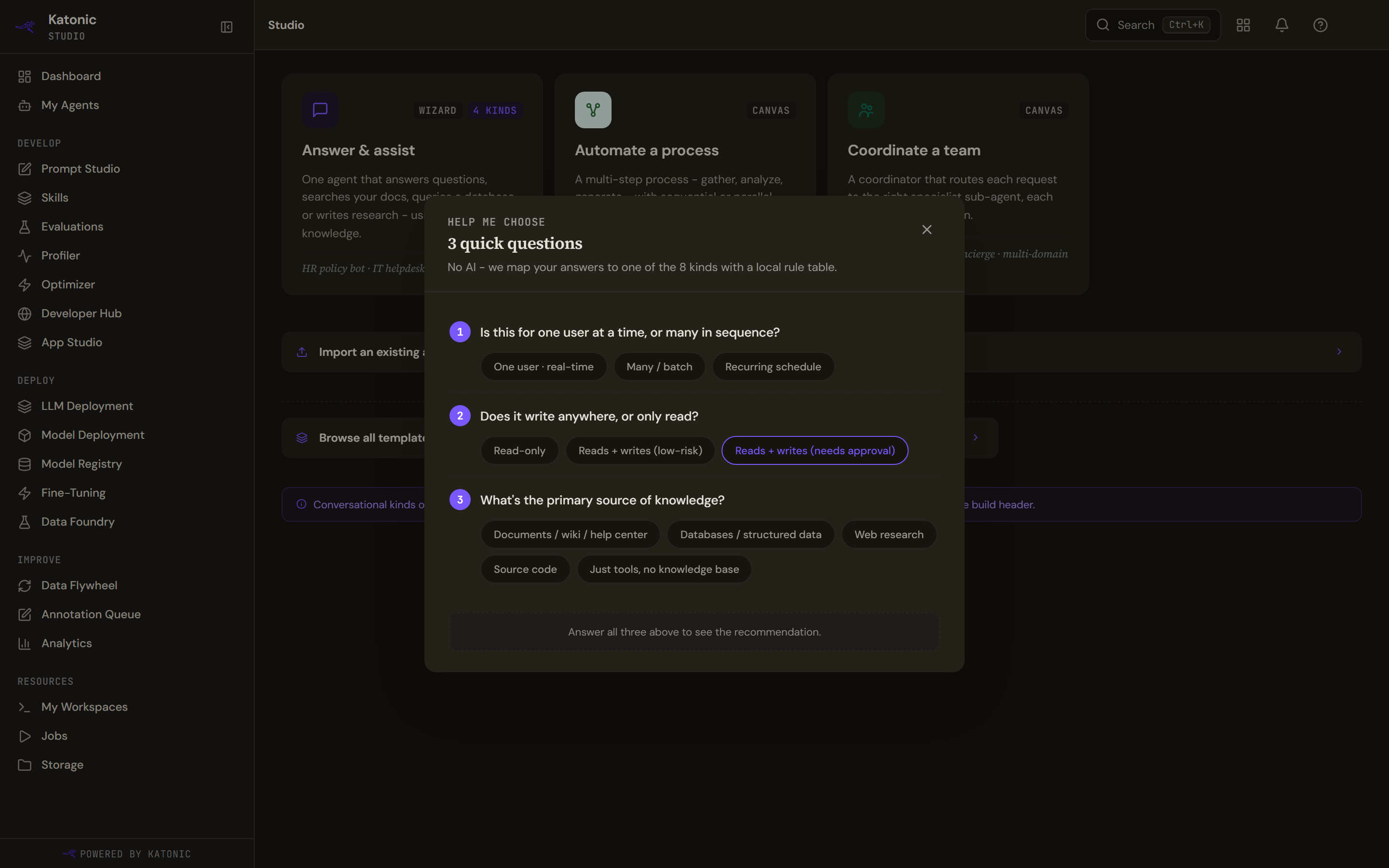
Help me choose asks 3 quick questions: whether the agent serves one user in real time, many in a batch or a recurring schedule; whether it only reads or also writes, with or without approval; and where its knowledge mainly comes from (documents, databases, web research, source code, or just tools). Once all three are answered, a Recommended kind appears with a one-line reason and a Use button. The mapping is a fixed rule table with no model involved: a schedule, a batch or a need for approval points to a workflow; databases to Query your databases; web research to Research report; documents to Search your docs; source code to Answer questions with the code execution tool.
Start from a template
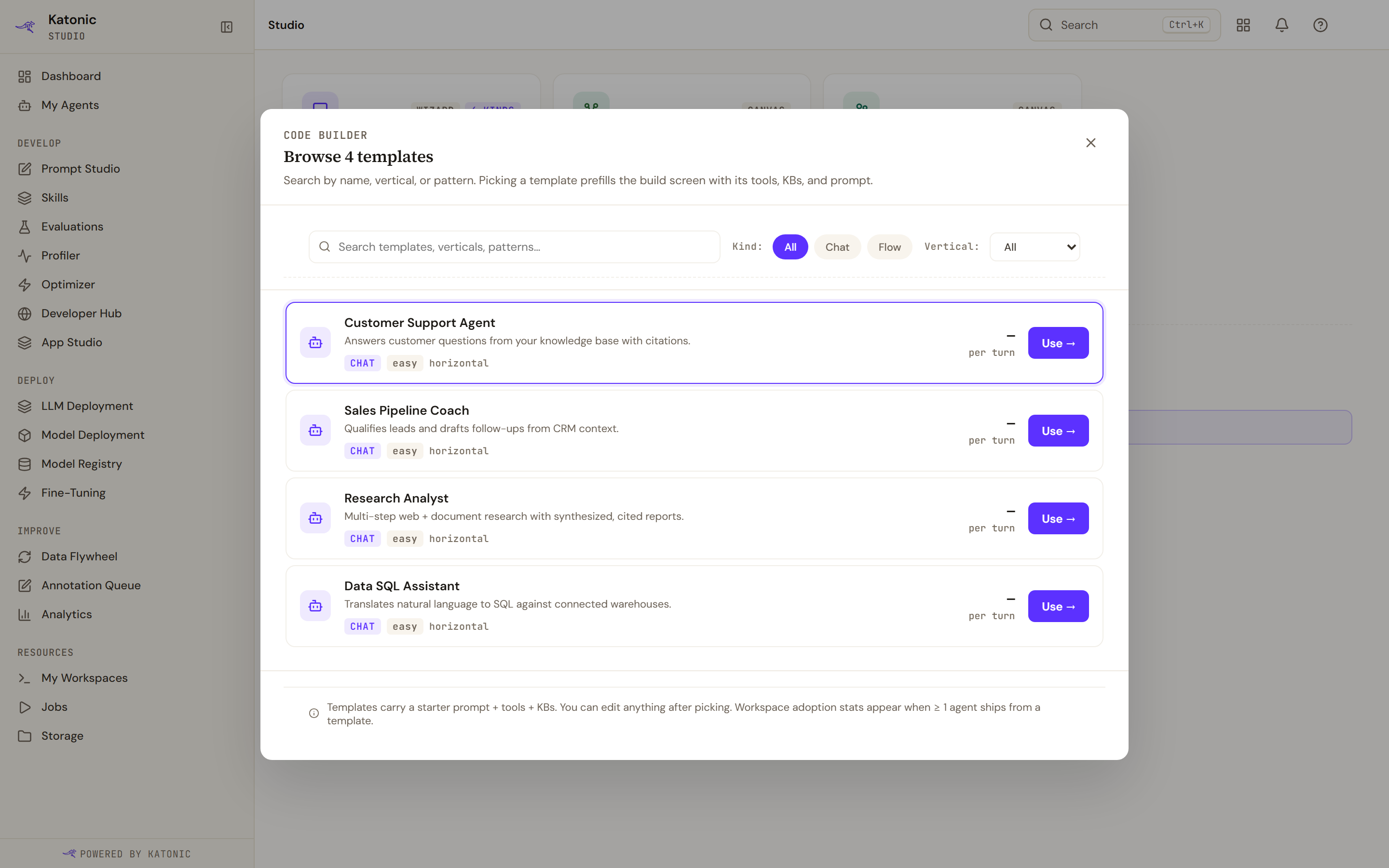
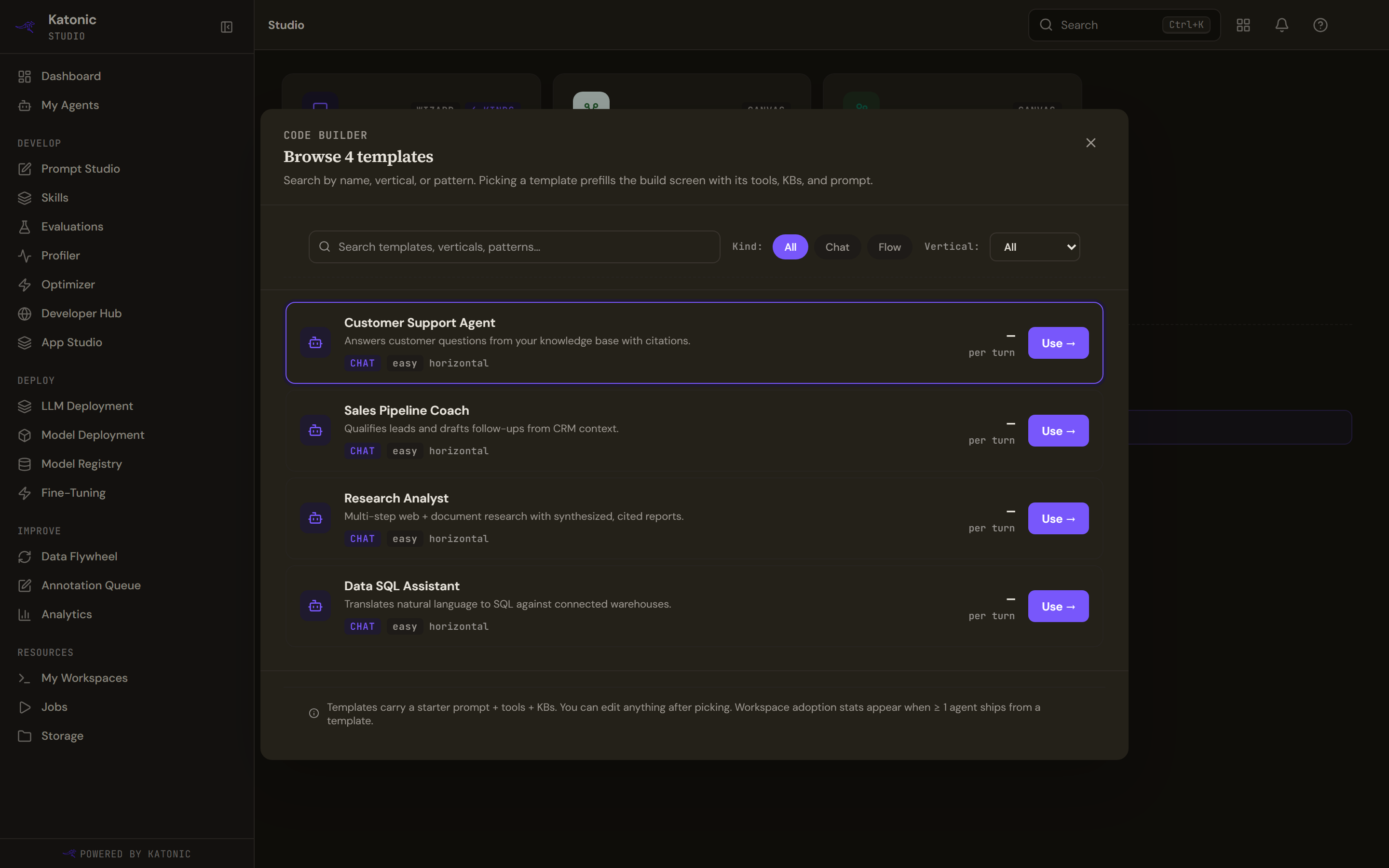
Browse all templates lists every template regardless of kind. Search by name, vertical or pattern, and filter by Kind (All, Chat or Flow) and Vertical. Each card shows the description, a kind badge, a difficulty, the vertical, a cost per turn and Use. The template list does not carry a template's pattern, category or size, so every card reads Chat, easy and horizontal, the cost reads a dash, and the two filters have nothing to separate; search by name or description instead. Templates carry a starter prompt, tools and knowledge sources; you can edit anything after picking. Adoption statistics appear on a template once at least one agent has shipped from it.
Verify
The builder opens with the draft's name, or Untitled agent · Draft for a blank start. Back in My Agents the draft appears with the Draft status and among the In progress cards, where Resume reopens it.
Troubleshooting
- Couldn't load templates. Refresh, or start with a blank agent.
- Couldn't install that template. Try again, or start blank.
- Pick a .zip file to upload or Couldn't analyse that archive. Make sure the file is a valid zip under 50 MB.
- The Owner team list is empty. You are not in a team yet. Ask an administrator to add you; the list refreshes on its own.
Do this from your own code