Compare two versions of an agent
Agents
Compare answers whether the new version actually answered better, and whether that was worth the cost. It diffs two cohorts of traces in the same window, so it compares versions rather than periods.
Who can use it: the Builder role or higher, in a tenant licensed for agents.
Recorded on .
Compare in four steps
The video above walks the view; the sections below go deeper on each part.
- Pick the pair
Two pickers choose the baseline and the current version, each listed with its trace count; the window is the service's default of twenty-four hours. Picking the same version twice warns, and a pair with no overlapping traffic says so instead of showing a diff.
- Read the verdict
A Judge score before and after tops the page, on the loop's 0 to 100 scale with each cohort's trace count and the difference in points. The verdict states the change in one sentence and commits to a reading. Its actions are Suggest a fix in Optimizer, keeping the current version, and reverting to the baseline.
- Read the numbers
Each cohort gets a header card. Answer quality stacks the helpful, partial, wrong and refused shares of both versions with the change per bucket. What changed lists the metric differences in groups, each row with the baseline value, the change and the current value. By node gives each node's average in both versions, the change and a relative sparkline.
- Know what it cannot show
A line-level prompt diff is not part of the payload; the page says so and offers Open in Prompt Studio to read the versions there.
Prerequisites
Two versions of the agent, both with traffic in the window. Publishing a second version is not enough on its own.
Pick the pair
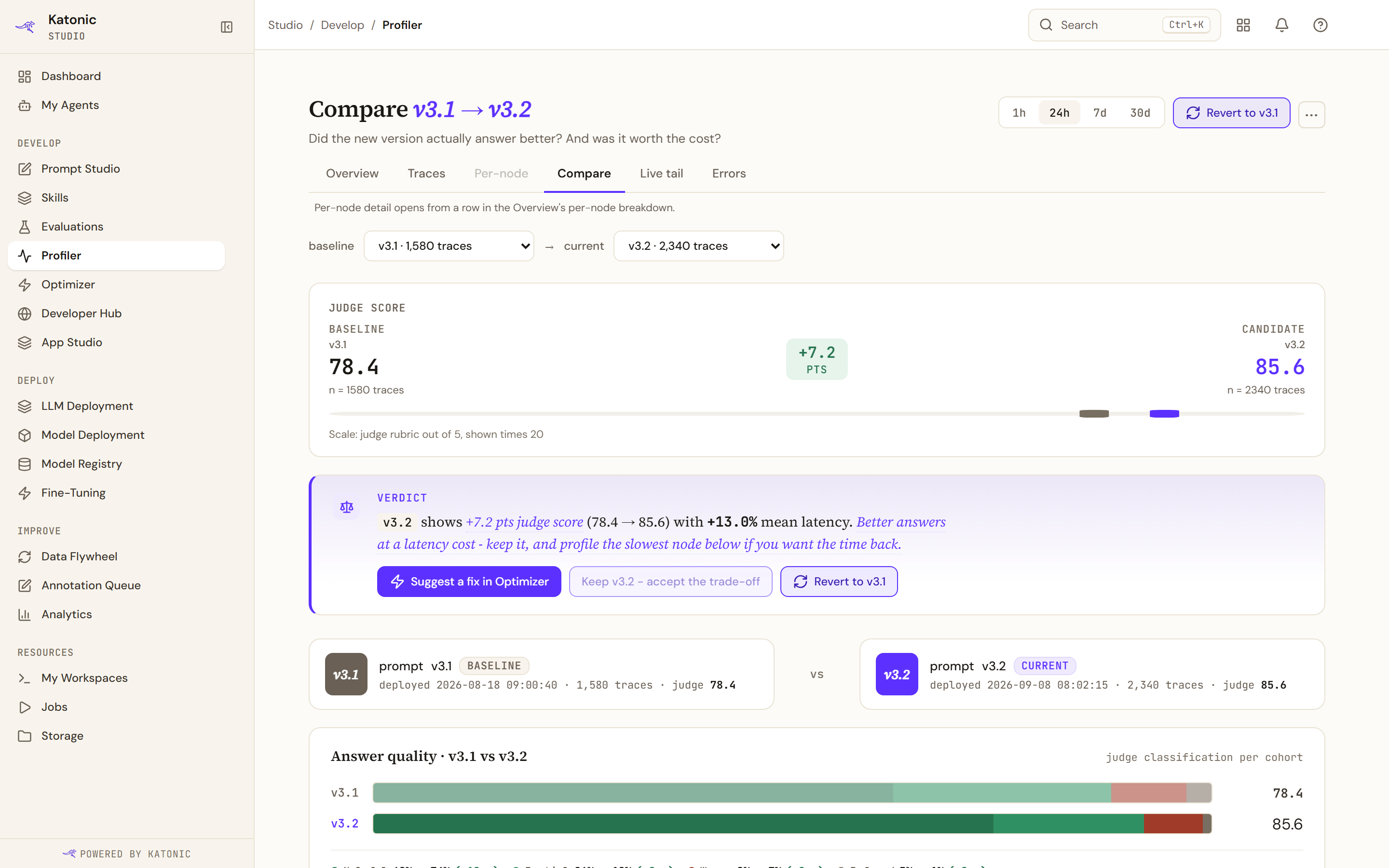
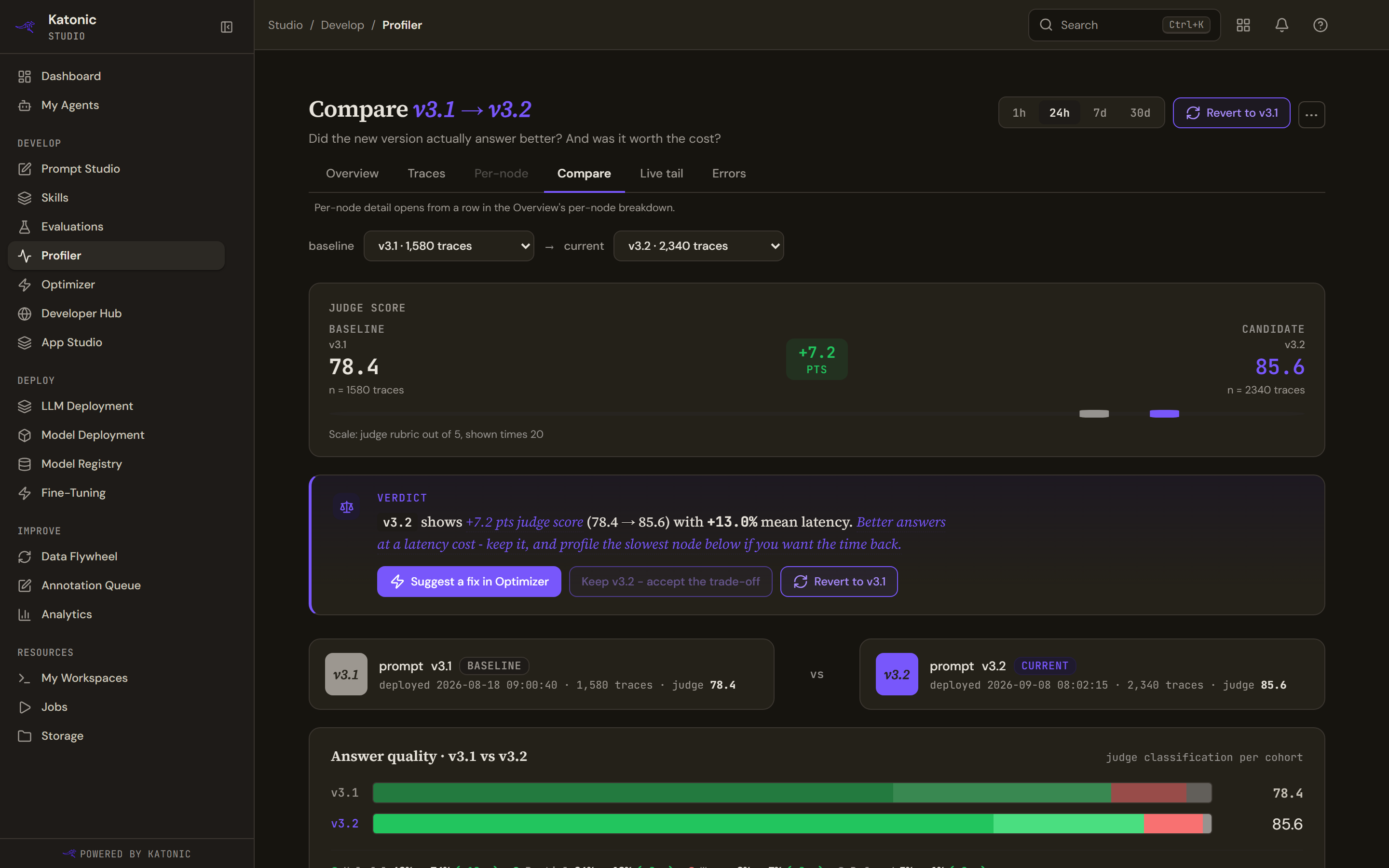
Two pickers choose the baseline and the current version. They list the versions the traces have seen, each with its trace count, and the registry's versions beside them, so a version published a minute ago is already there reading no traces yet. A candidate still awaiting approval is listed but cannot be picked. They warn if you pick the same version twice. The window is the service's default of twenty-four hours; there is no range control on this view.
Until two traced versions exist the page says so and tells you how to get there: publish the agent, run conversations, publish a second version, and the diff fills in by itself. A pair with no overlapping traffic says that instead.
The verdict
A Judge score before-and-after tops the verdict: each cohort's score on the loop's 0 to 100 scale with its trace count, the difference in points, and a note that the judge marks out of five and the figure is shown times twenty. The verdict card then states the change in one sentence, as points of judge score with both figures and what happened to mean latency. Then it commits to a reading: not enough traces to be confident; a clear win with no latency cost; better answers at a latency cost, with a pointer to the slowest node if you want the time back; or a quality drop, with a pointer to the diffs below or to reverting.
Its actions are Suggest a fix in Optimizer, and reverting to the baseline version, which opens the agent's versions. Keeping the current version is dimmed, because you are already serving it.
What the numbers say
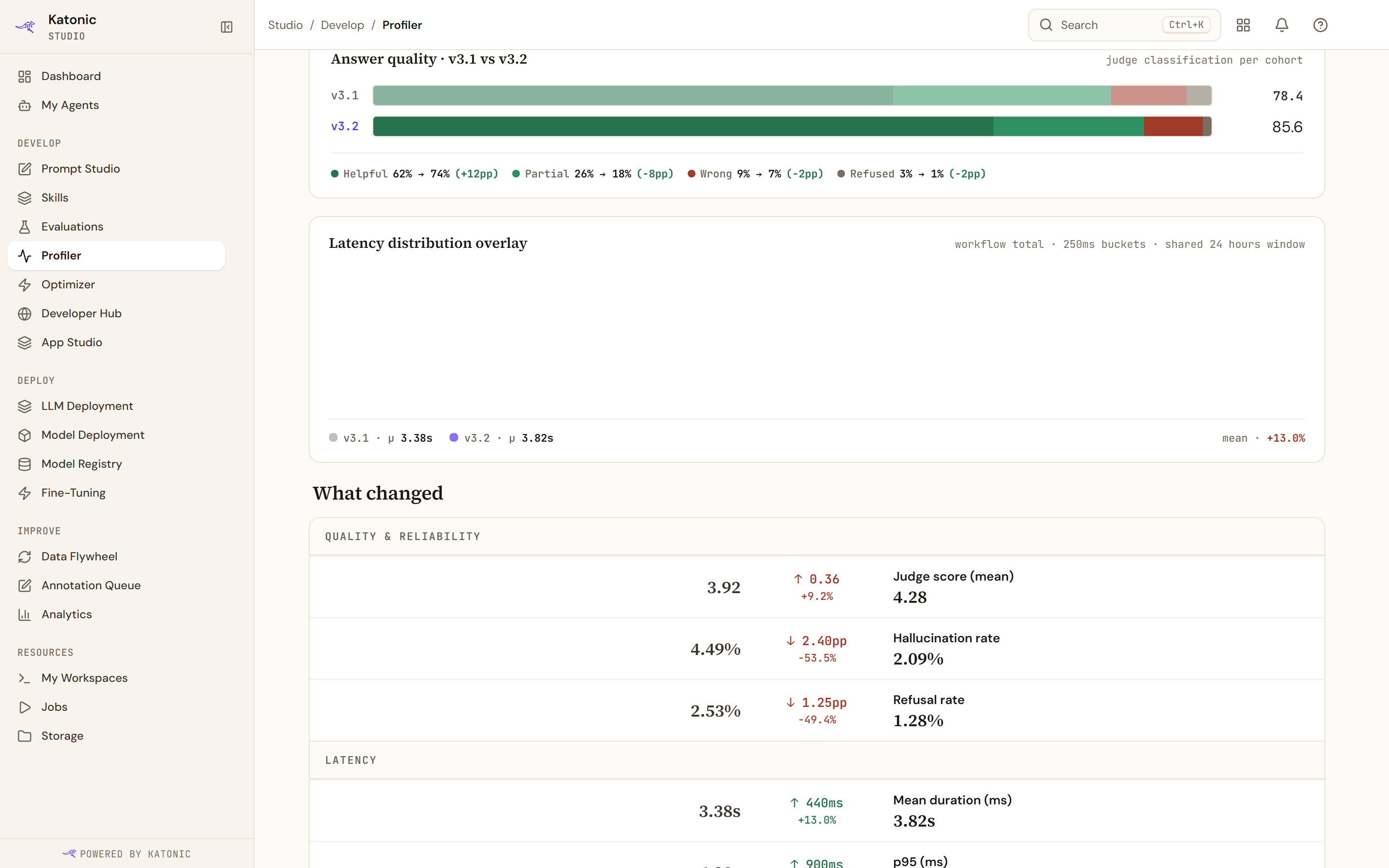
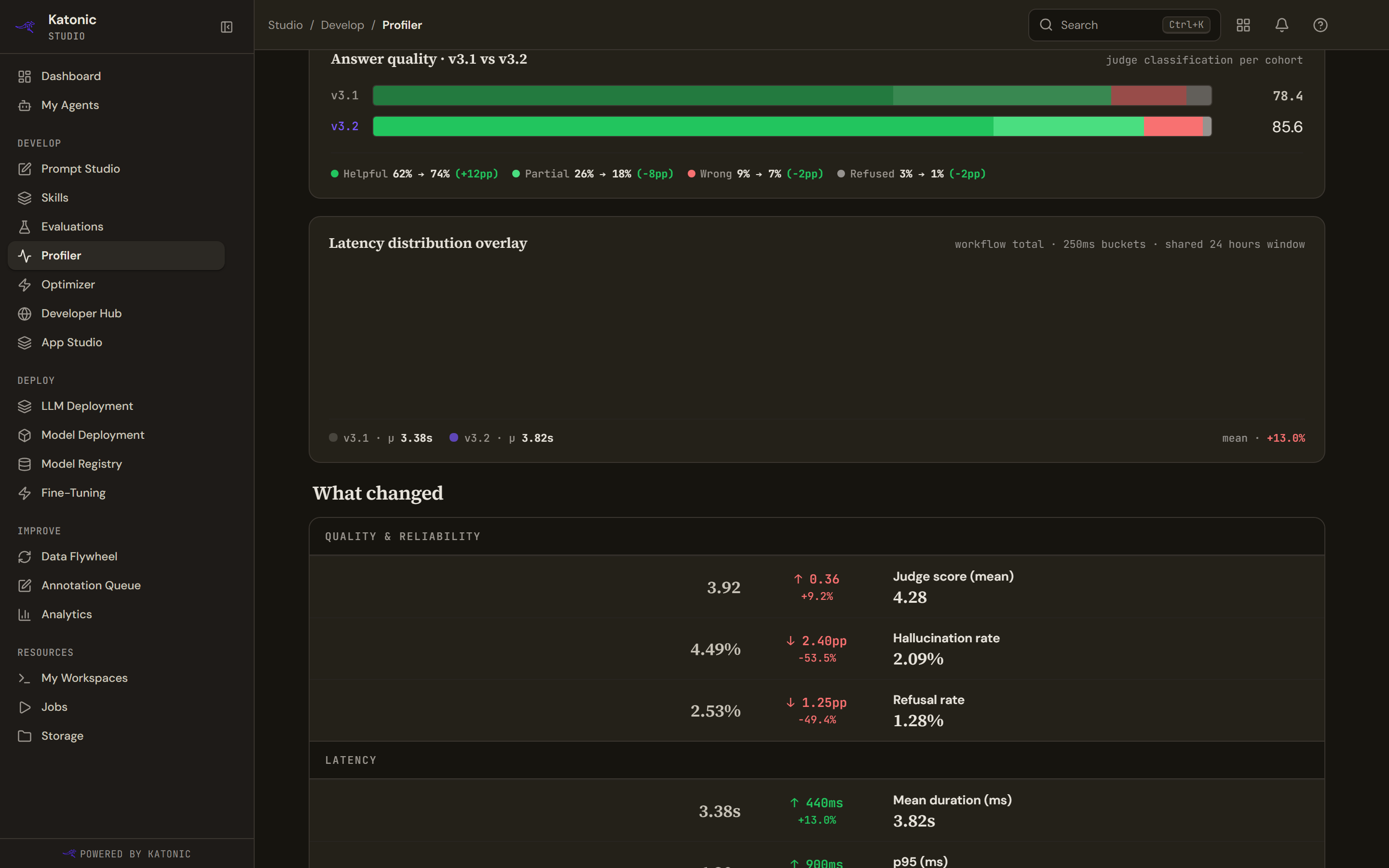
Each cohort gets a header card with its version, when it was deployed, its trace count and its judge score.
Answer quality stacks the two versions' helpful, partial, wrong and refused shares against each other, with the mean score beside each, and prints the change per bucket in percentage points.
Latency distribution overlays the two cohorts as paired bars in 250 millisecond buckets, with each cohort's mean and the difference between them.
What changed lists the metric differences in groups, each row giving the baseline value, the change and the current value.
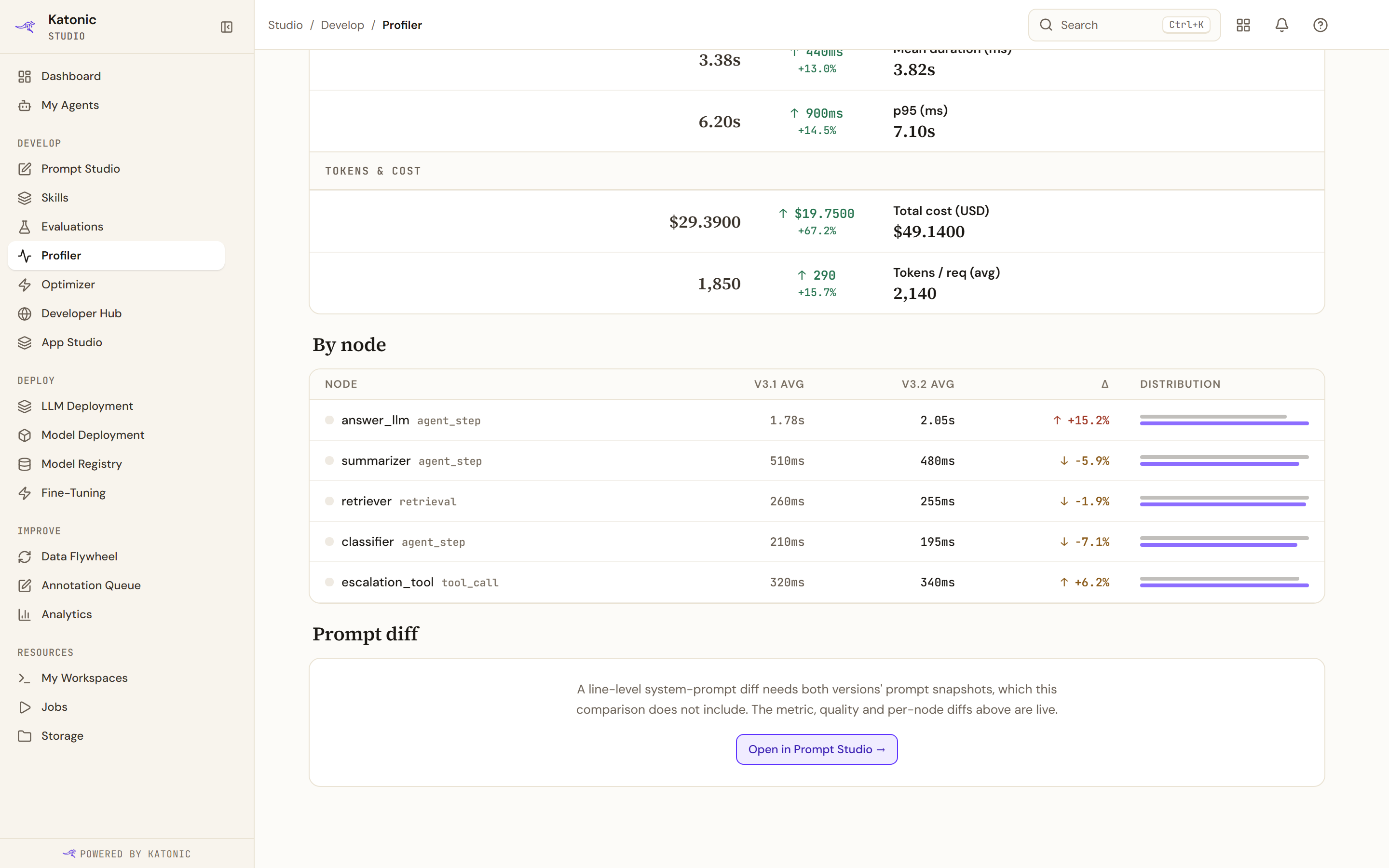
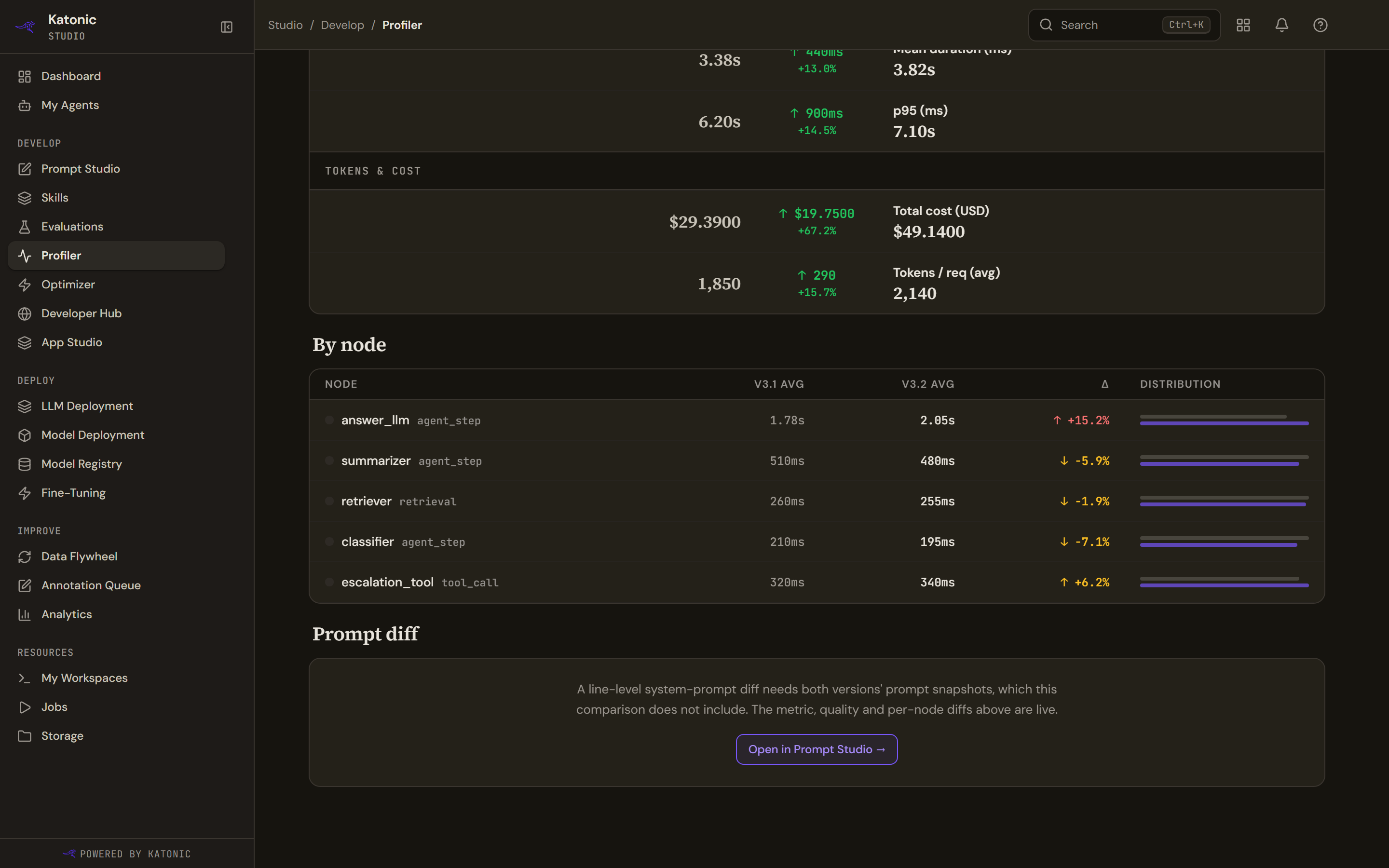
By node is the per-node difference: the node, its average in each version, the change, and a two-bar sparkline scaled to the larger of the two so the comparison is relative rather than absolute.
What Compare cannot show
A line-level diff of the system prompt is not part of the comparison payload, so the page says so plainly and offers Open in Prompt Studio to read the versions there. The per-node bars are derived from the averages the service returns, not from a grade the service supplies.