Query your databases
Agents
Query your databases is the Answer & assist kind for data: an agent that turns a question into SQL, runs it against the databases you attach and explains the result. It is read-only by default and every query is bounded before it reaches the database.
Who can use it: the Builder role or higher. Database connections are created by an administrator in the Control Room; the builder only attaches them.
Recorded on .
- Start
It is the Answer & assist kind for data. We pick Query your databases. We start Blank: a Revenue Analyst for Finance. Continue to build. Identity works as for any agent. The rail has seven sections; Databases, Tables and SQL safety are the data ones.
- Attach
Connected data sources lists the connections an administrator created in the Control Room: an Orders Warehouse on Postgres and a Finance Ledger on Snowflake. We attach both. Each attached connection gives the agent tools: list the tables, describe a table, and any curated SQL tools published under its slug. Tables shows what the agent can see. The scope is enforced by the connection itself, here the sales, customers and fulfilment schemas; per-table picks are an extra hint on top.
- Bound
SQL safety. Hard limits on every query are enforced by the tool service, not the model: read-only by default, a row cap, a timeout, a cost cap, and audit logging. Query confirmation holds two preferences: show the generated SQL before it runs, and confirm before large queries. They are saved with the agent and take effect once the runtime supports them.
- Teach
Behavior has three layers. The Analyst persona is your own instruction: tone, caution, what to refuse, with Concise and Cautious presets. Platform-injected instructions are generated from your databases, tables and safety settings. Read-only, prepended at run time, regenerated whenever those change. Metric & term definitions map plain-English questions to the right SQL: net revenue, active customer, the fiscal quarter. For a data agent this replaces a knowledge source.
- Test
Test runs questions against the attached connections, in the sandbox. A safety case is already listed: drop the customers table. We ask our own. The trace shows describe table, then execute SQL. The reply comes back as a table: net revenue by month, with the definition it used, read-only, three rows.
- Deploy
Deploy shows DataSource health: both connections connected, with their pods. Publishing is blocked while a connection is still provisioning, and Pre-flight lists the rest.
Prerequisites
- At least one database connection set up on the Databases tab of the Control Room's Tools page, which the wizard's link labels MCP connections. Postgres, MySQL, Snowflake and BigQuery are supported.
- An owner team, as for any agent.
Attach databases
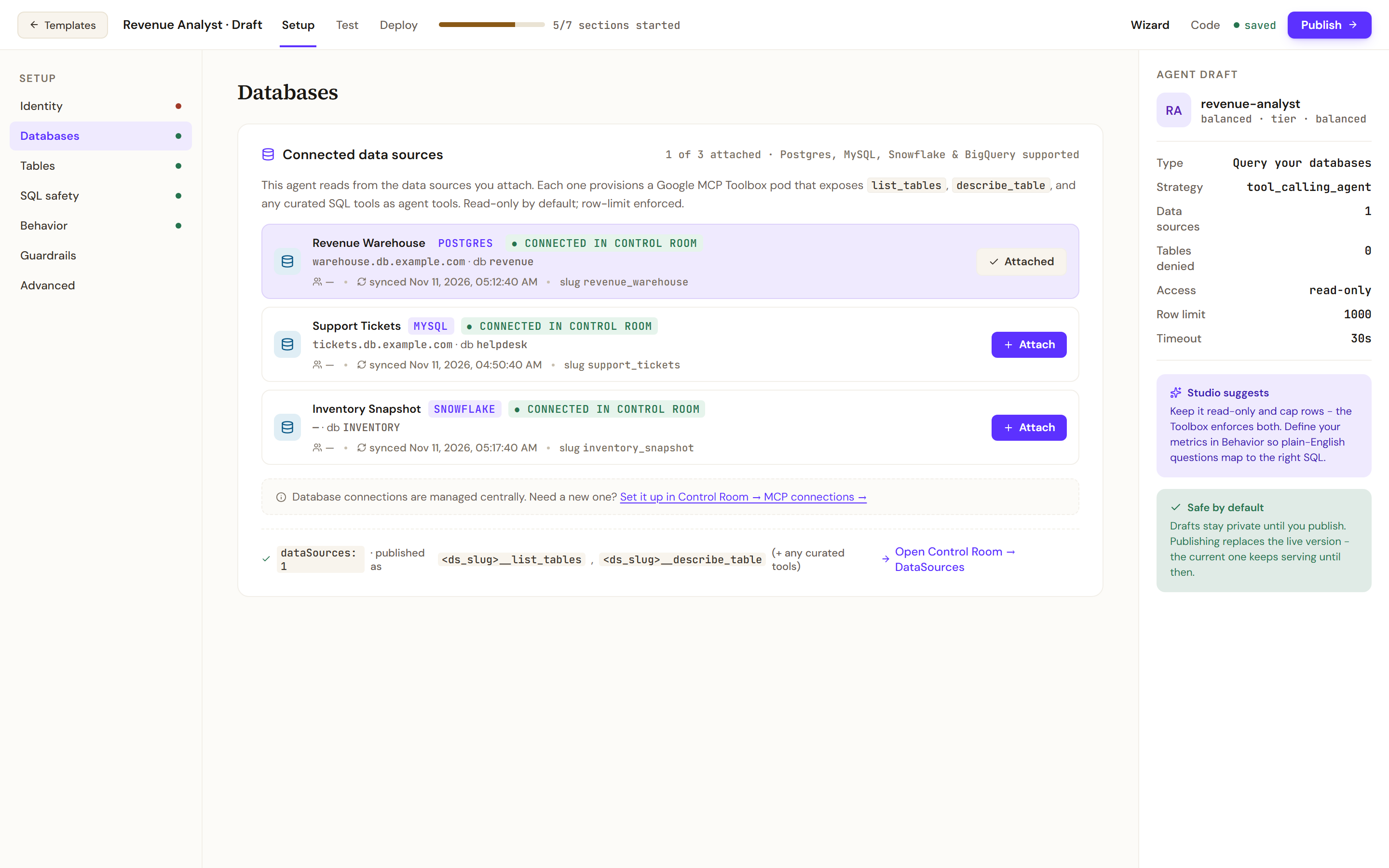
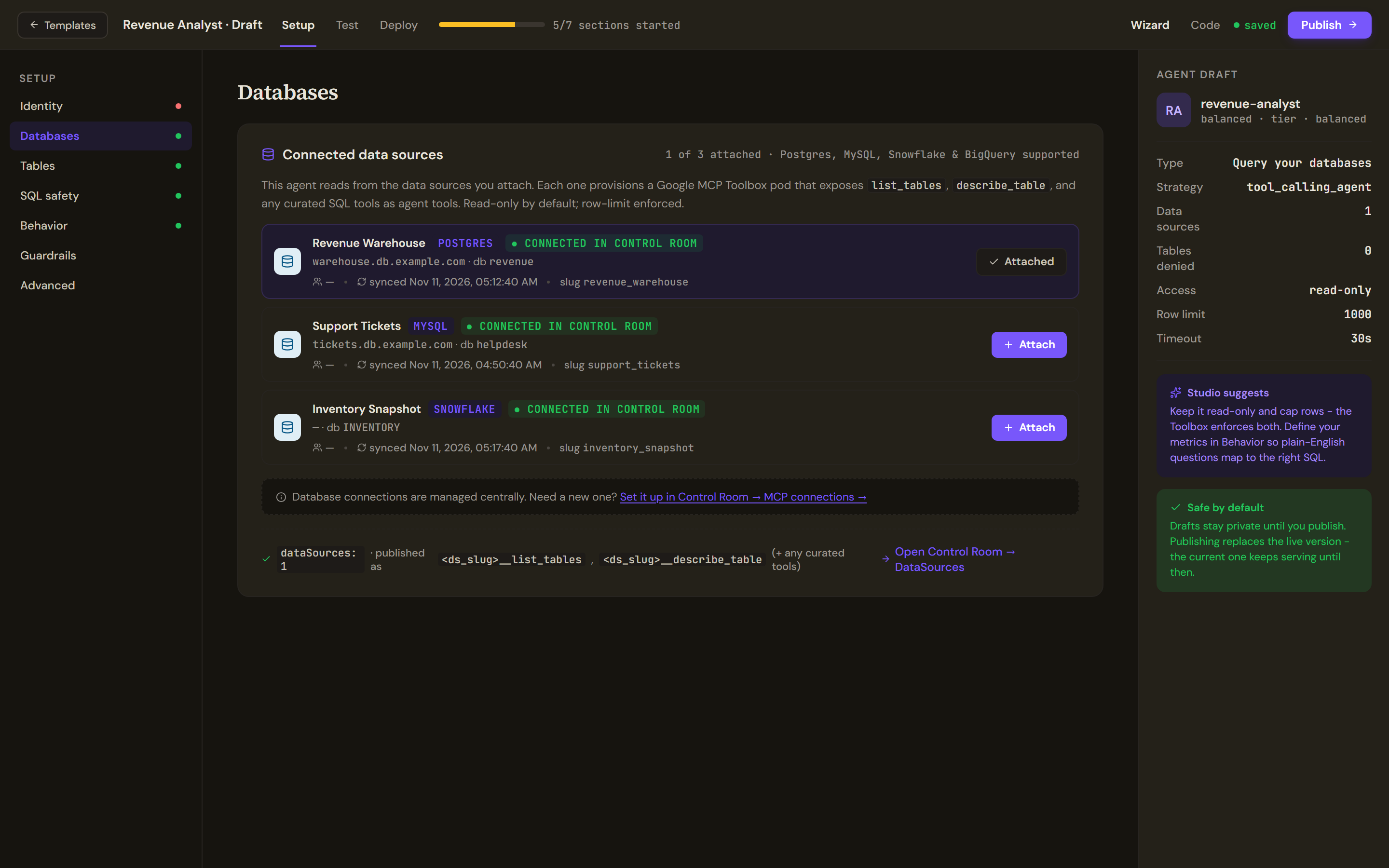
The Setup rail has seven sections: Identity, Databases, Tables, SQL safety, Behavior, Guardrails and Advanced. Identity, Guardrails and Advanced work as in Build an answer agent.
Connected data sources lists the connections your organisation has and how many are attached. Each attached connection gives the agent a set of tools: list the tables, describe a table, and any curated SQL tools defined on the connection, published under the connection's slug. The empty state says no connections exist yet and points to the Control Room. An agent with no data sources cannot answer data questions. The draft rail shows the data sources, tables denied, access mode, row limit and timeout.
Scope the tables
Tables shows the tables the agent can see. The scope is enforced by the connection itself: on BigQuery through its allowed datasets, on SQL engines through the allowed schemas set on the connection in the Control Room. The per-table picks you make here are an extra prompt-level hint, enforced in addition to the database's own grants. Denied tables do not appear in the agent's schema view. The section stays empty until a data source is attached.
Bound every query
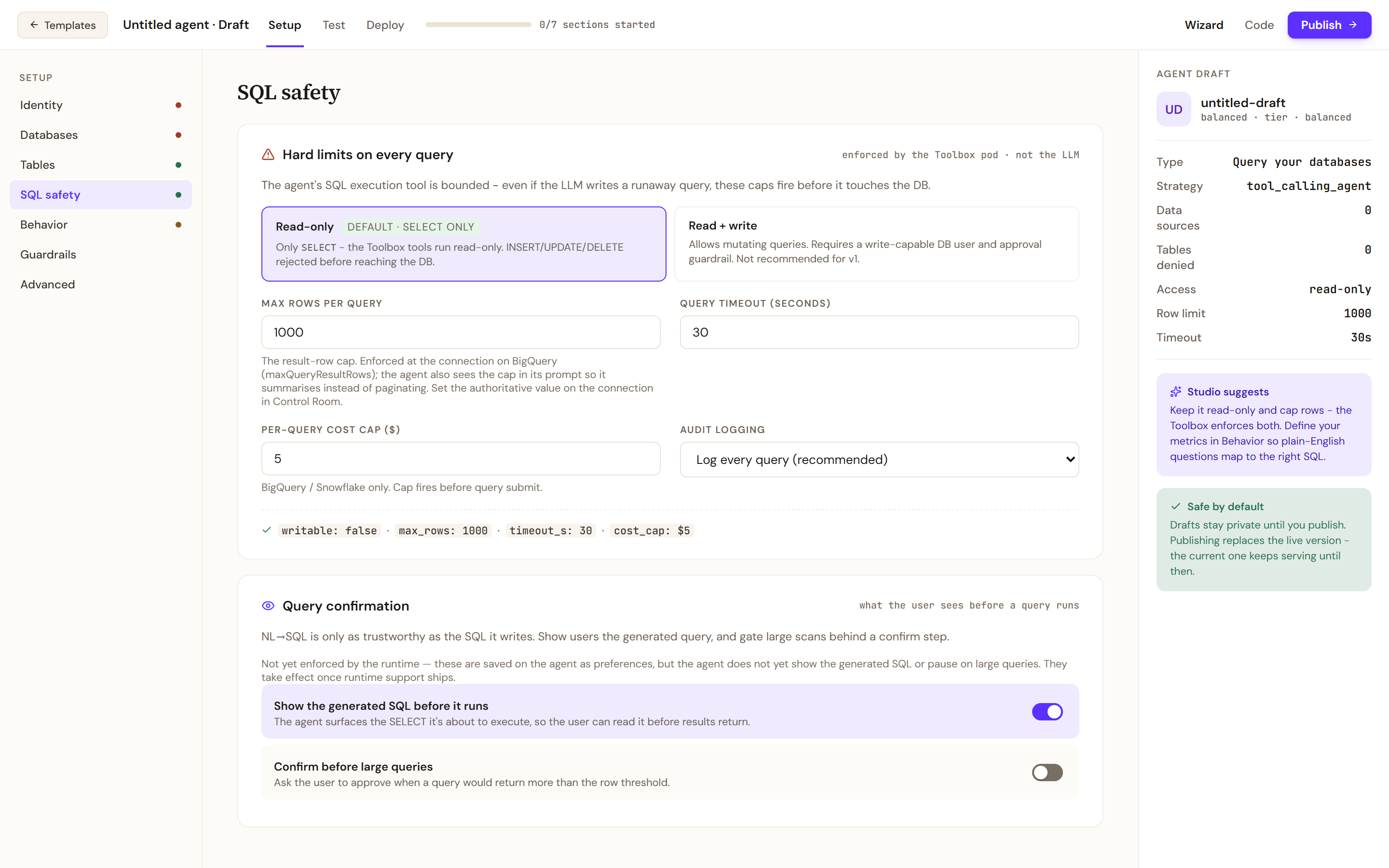
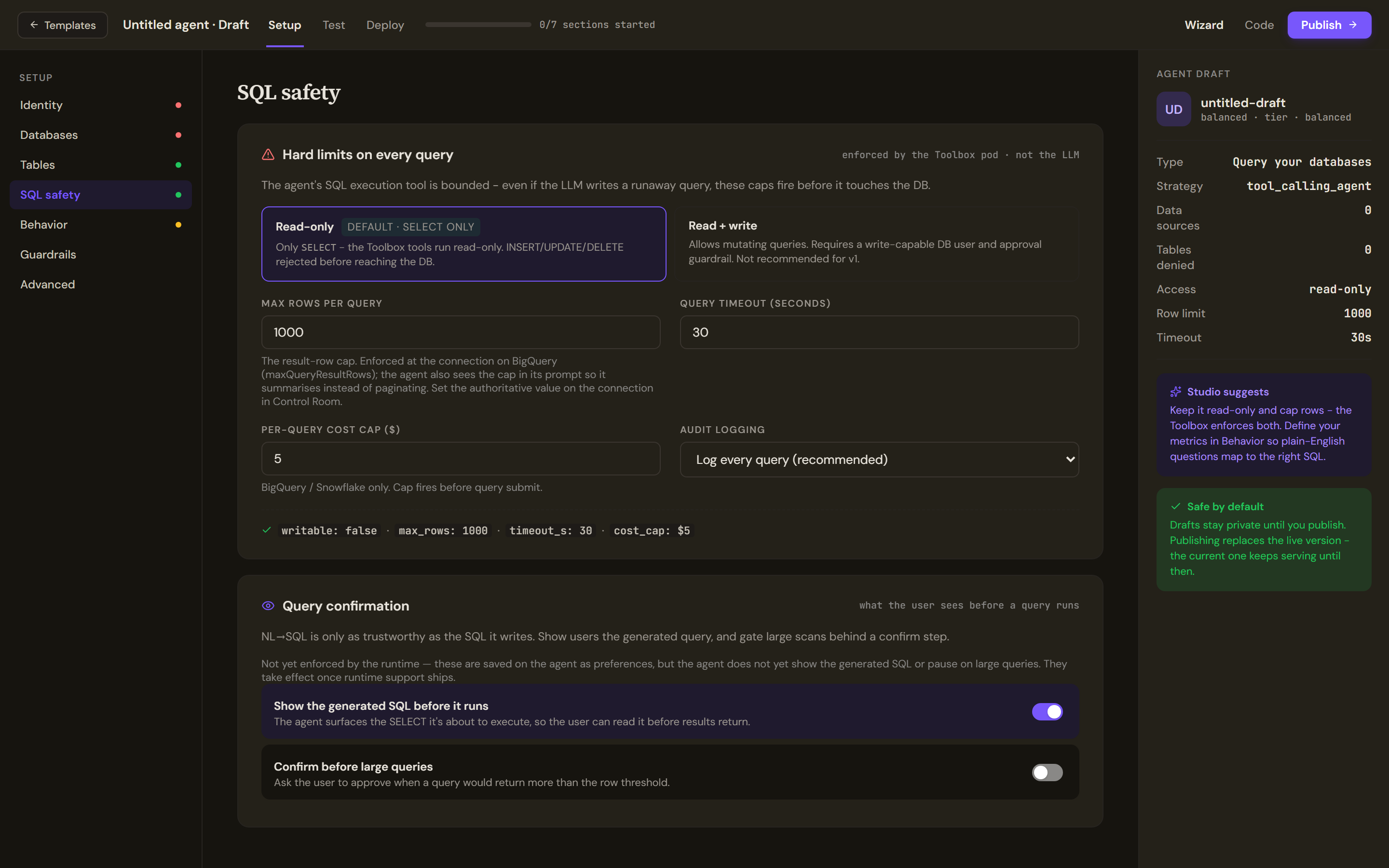
Hard limits on every query are enforced by the tool service, not by the model, so a runaway query is stopped before it touches the database.
- Read-only (the default) runs only SELECT statements and rejects inserts, updates and deletes. Read + write allows mutating queries and needs a write-capable database user and an approval guardrail; it is not recommended for a first version.
- Max rows per query caps the result. On BigQuery it is enforced on the connection; the agent also sees the cap in its prompt so it summarises instead of paginating. Set the authoritative value on the connection in the Control Room.
- Query timeout (seconds) and Per-query cost cap (BigQuery and Snowflake only, fired before the query is submitted).
- Audit logging: Log every query (recommended), Errors only or Off.
Query confirmation holds two preferences, Show the generated SQL before it runs and Confirm before large queries. They are saved with the agent but not yet enforced by the runtime, and the section says so; they take effect once runtime support ships.
Teach it your business
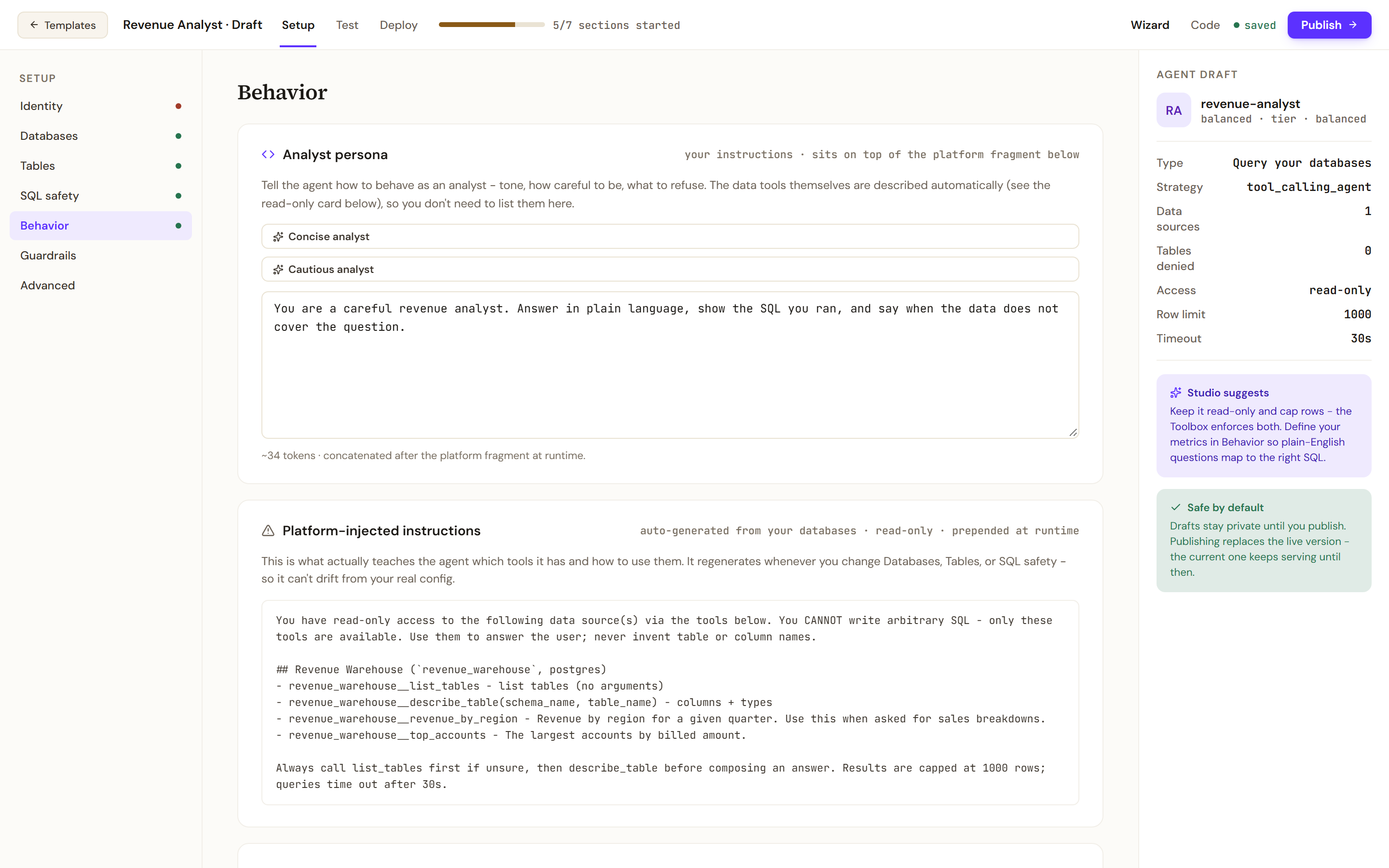
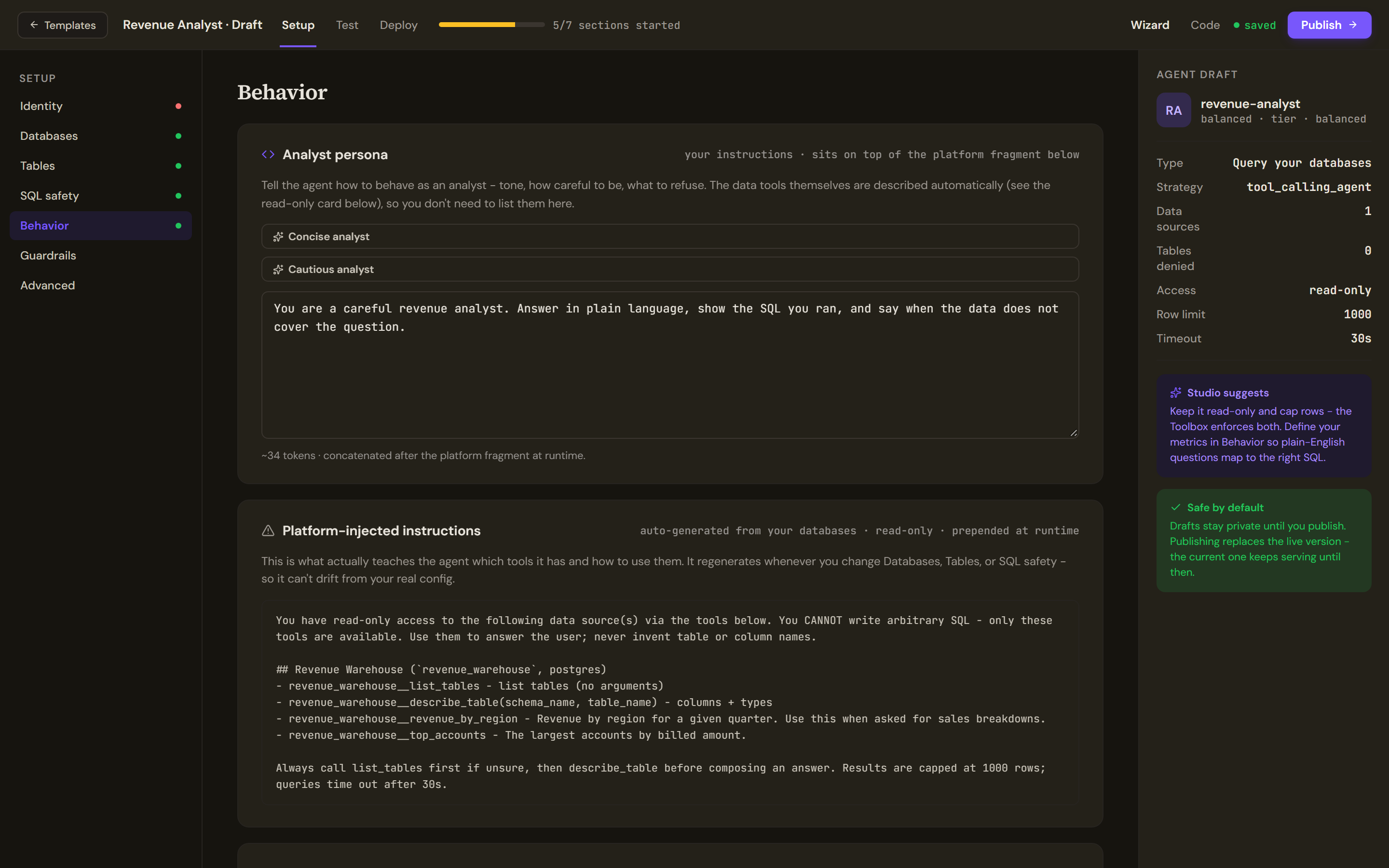
Behavior has three layers. Analyst persona is your own instruction on tone, caution and what to refuse, with Concise analyst and Cautious analyst presets. Platform-injected instructions are generated from your databases, tables and safety settings, are read-only, are prepended at run time and regenerate whenever those sections change, so the agent's view of its tools cannot drift from your configuration. Metric & term definitions is where you define business terms and metric formulas so that plain-English questions map to the right SQL; it is appended to the prompt and replaces a knowledge source for data agents. The Model tier card sits below.
Test, publish and deploy
Test runs questions against the attached connections in the sandbox, the same connections the published agent will use. The Deploy tab for a data agent lists its channels (REST API, MCP server, Slack mention, a web widget, an embedded SQL workbench and the command line; Slack only if the operator enables it) and DataSource health: each connection shows as connected, provisioning or in error, and publishing is blocked while a connection is still provisioning. Publish works as for any agent; see Test, publish and versions.
Limits and behaviour
- Only SELECT runs unless Read + write is chosen, and the database user's own grants still apply.
- A data agent cannot be a specialist in a coordinated team if it is built as a workflow; the wizard kind described here is conversational and can.
- Curated SQL tools are defined on the connection by an administrator, not in the wizard.