Research report
Agents
Research report is the Answer & assist kind for long-form research: an agent that turns a question into a plan, searches your sources and writes a cited report. A run takes minutes rather than seconds and produces a document, not a chat reply.
Who can use it: the Builder role or higher. Web search, knowledge sources, databases and connectors run only when they are connected in the Control Room.
Recorded on .
- Start
It is the Answer & assist kind for long-form research. We pick Research report.
- Brief
Brief comes first. Agent name gives the agent its API slug, and Owner team is required to publish, as for any agent. Research question is the single most important input: state the question and what a good answer looks like. Scope & constraints keeps the agent on target.
- Sources
Where the agent looks has a switch per source: web search, knowledge sources, a database, a connector. A source that is not connected in the Control Room contributes nothing to the run. Web search settings narrow the open web: a recency window, denied domains, or an allow-list of the only domains to search.
- Budget
Depth & budget. How hard to dig picks Focused or Wide, then a follow-depth and a source cap per run. Run budget is advisory: a time budget, a cost budget, and Stop & summarize at budget. They are targets saved with the agent, not enforced by the runtime yet.
- Report
Report structure lists the sections the agent writes into, in order. Citations & format picks Numbered, Inline or Academic citations, the length, and where the report exports: a Google Doc, PDF, Notion page or Markdown. Guardrails. Ask the agent to cite every claim, and Refuse uncited claims. Both instruct the model; independent verification is not computed yet.
- Test
Test is the research run screen. Start research run begins an asynchronous run that plans, searches your sources and drafts the report; it runs for minutes. Draft ready. The report follows our sections, every claim carries a numbered citation, and the Sources section lists them. Export sends it where you chose.
- Deploy
Deploy asks how runs are triggered: On demand is available; Scheduled and API are not wired yet. Pre-flight checks the brief, sources, citations and budget before you publish.
Prerequisites
- The sources you want searched, connected in the Control Room: a web-search MCP server, knowledge sources, databases or connectors.
- An owner team, as for any agent.
Write the brief
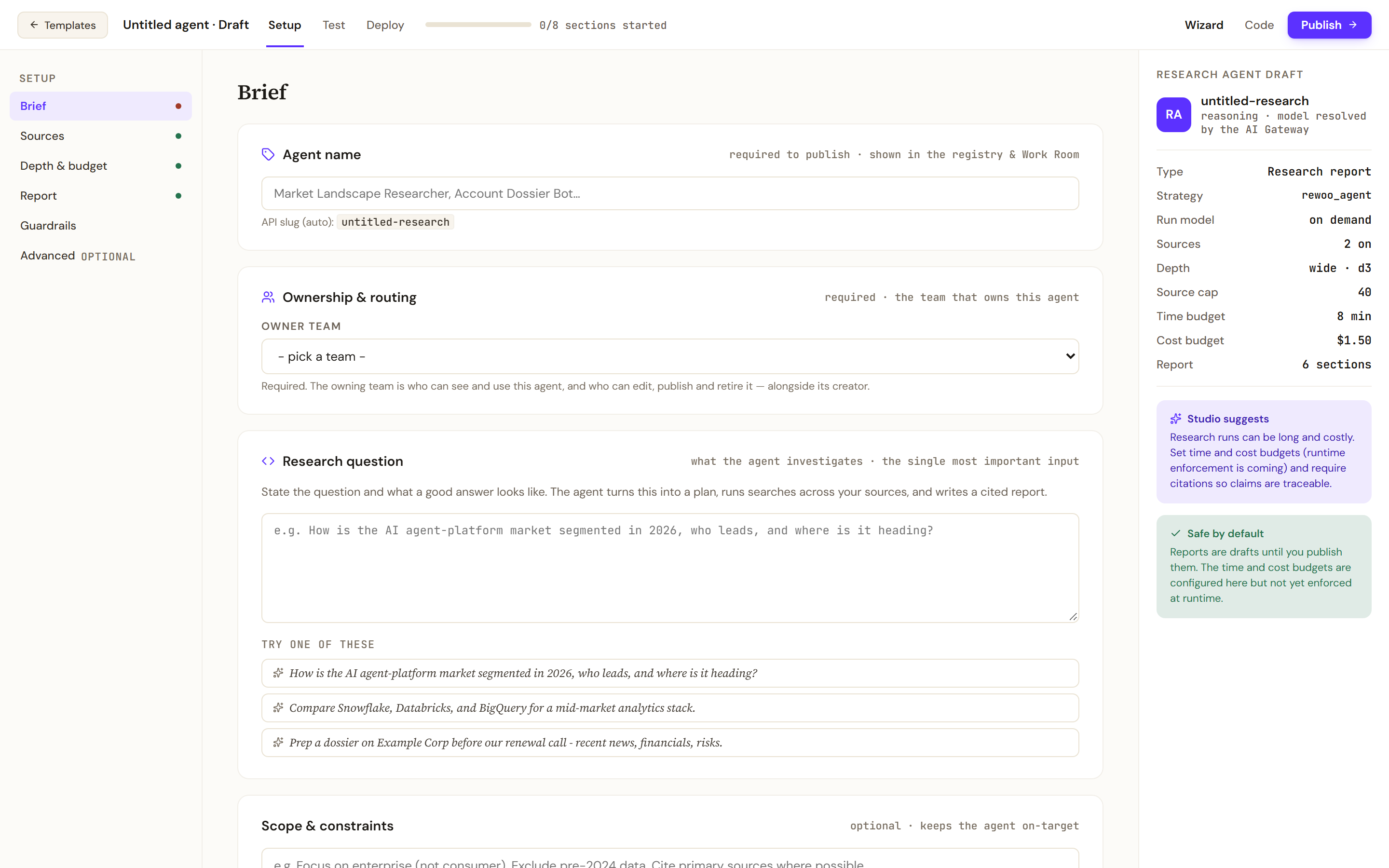
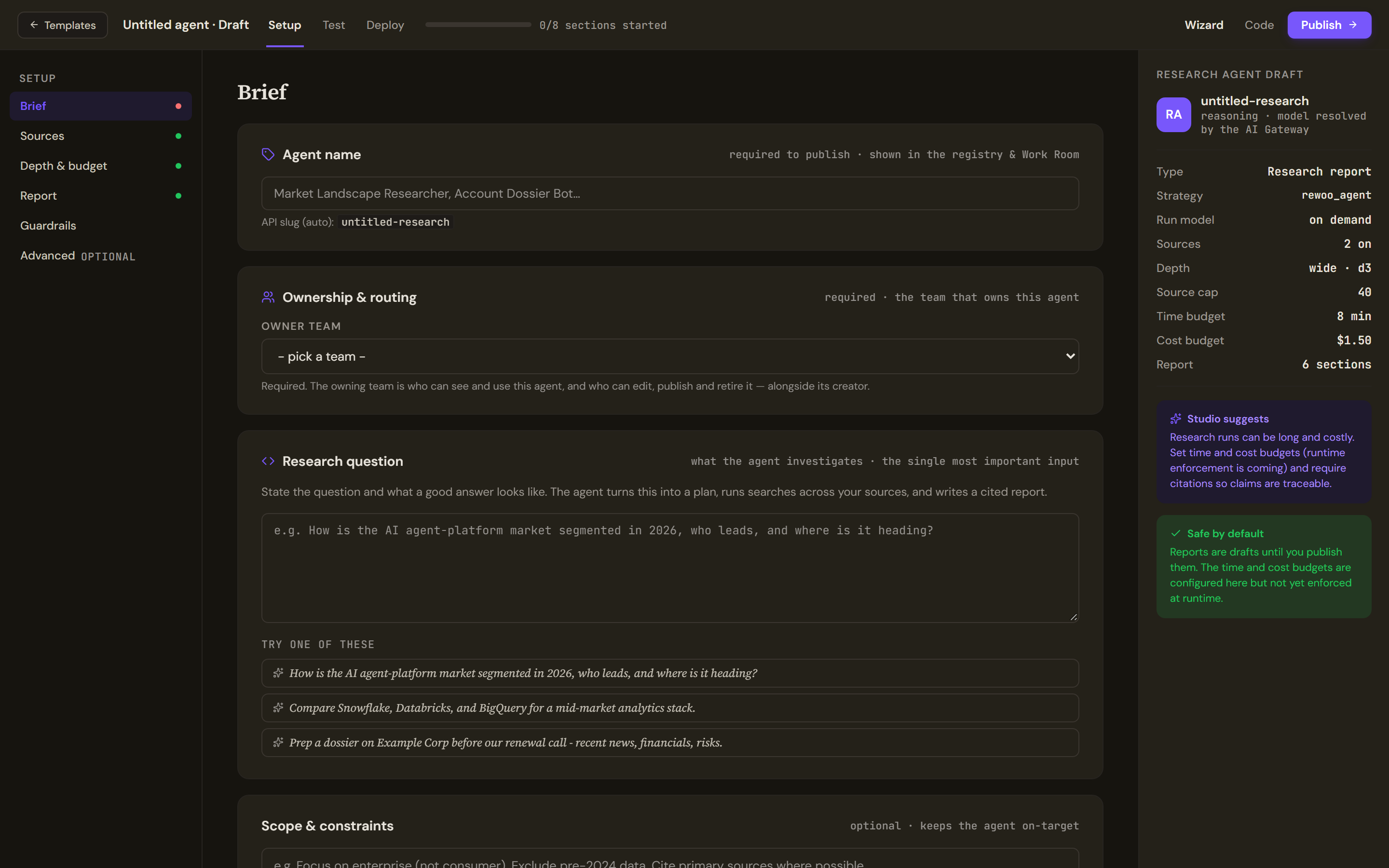
The Setup rail has Brief, Sources, Depth & budget, Report, Guardrails and an optional Advanced section. Agent name is required to publish and gives the agent its API slug; Owner team is required too. Research question is the single most important input: state the question and what a good answer looks like, or start from one of the example questions. Scope & constraints is optional and keeps the agent on target, for example a market segment to focus on, dates to exclude or a preference for primary sources. The Research agent draft rail on the right tracks the type, strategy, sources, depth, source cap, budgets and report sections as you set them.
Choose the sources
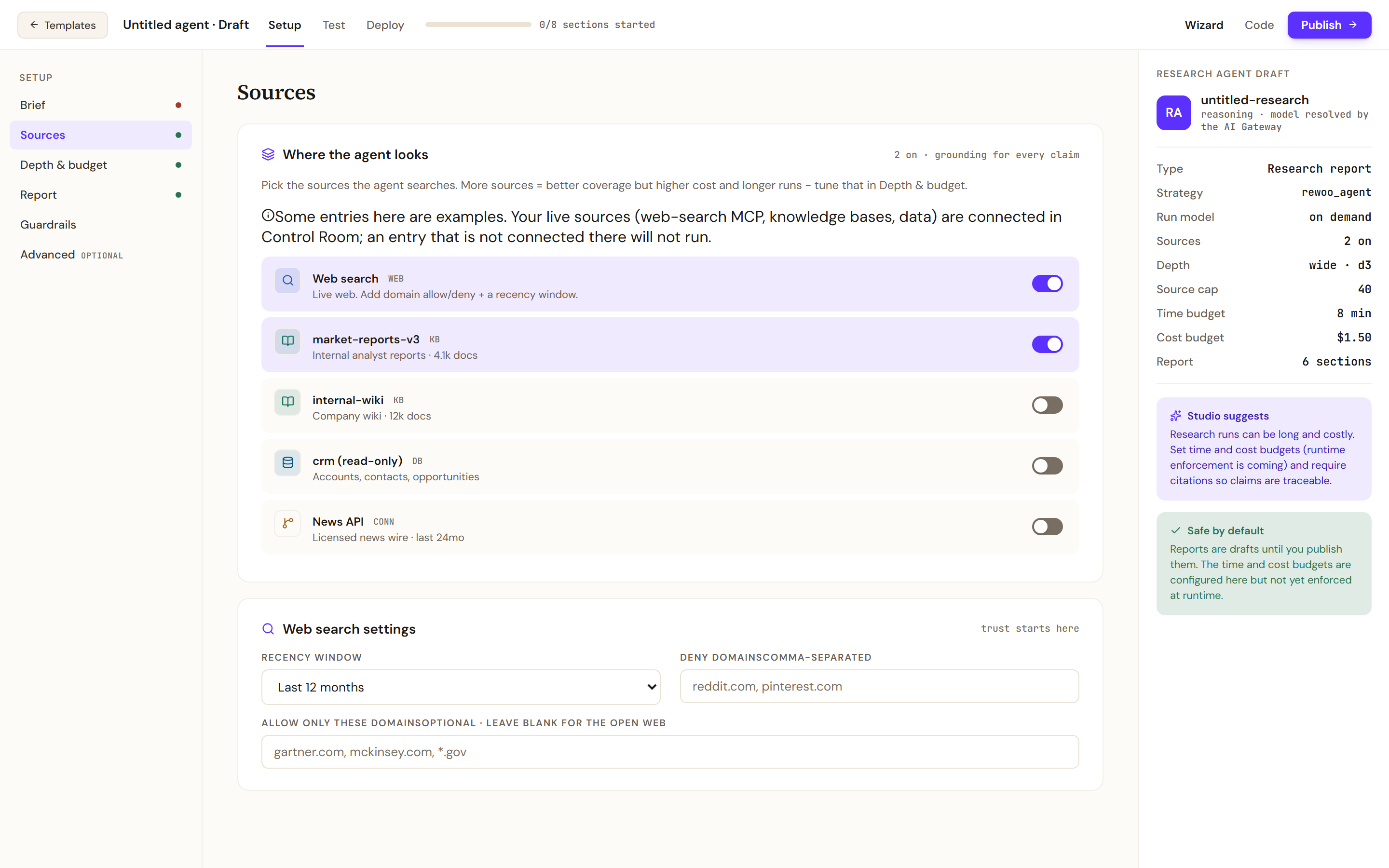
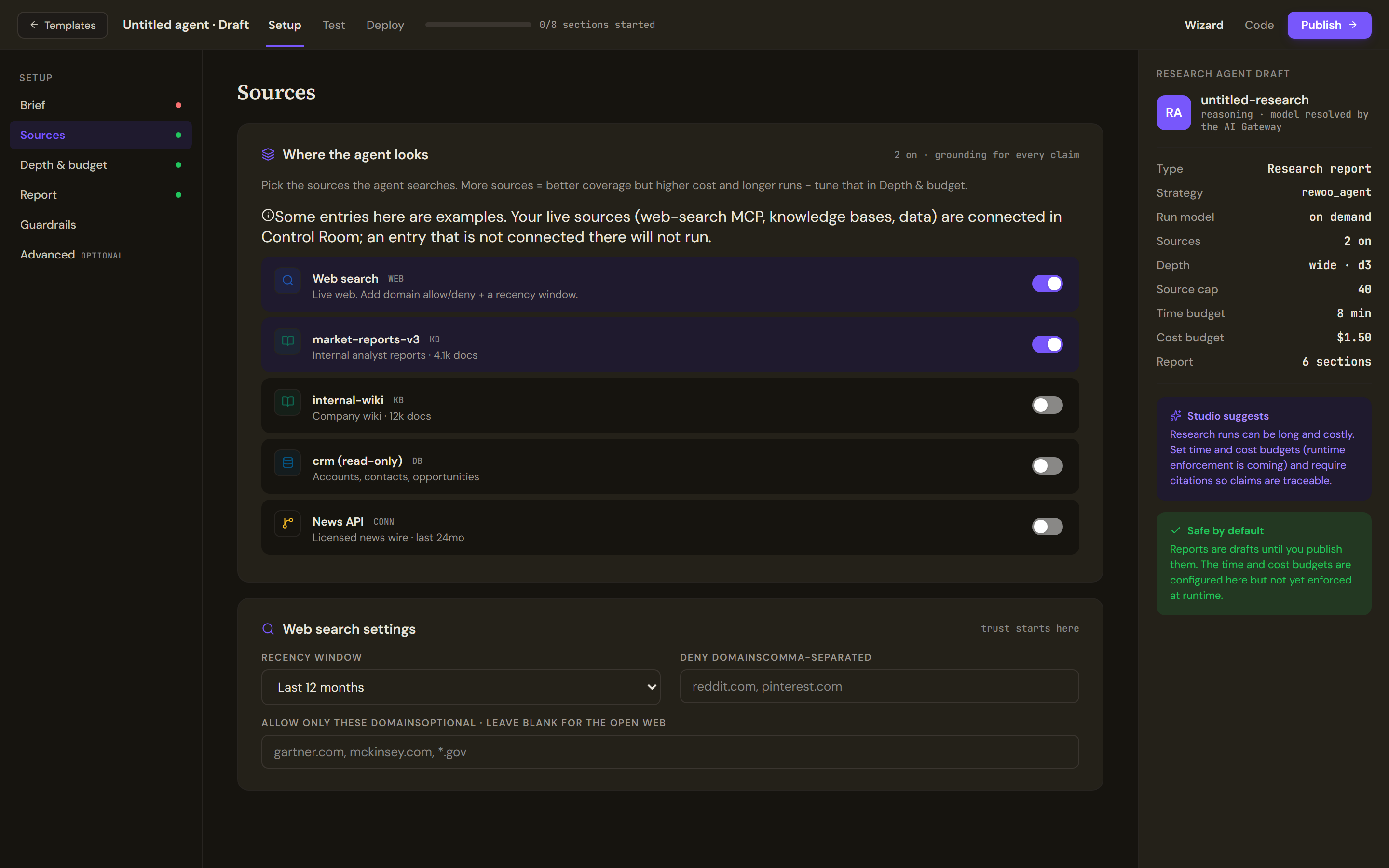
Where the agent looks has a switch per source: web search, knowledge sources, a database, a connector. Some entries shown are examples; an entry that is not connected in the Control Room will not run. Web search settings narrow the open web with a Recency window (the last 3, 6 or 12 months, or any time), Deny domains and Allow only these domains. More sources mean better coverage but longer, costlier runs.
Set depth and budget
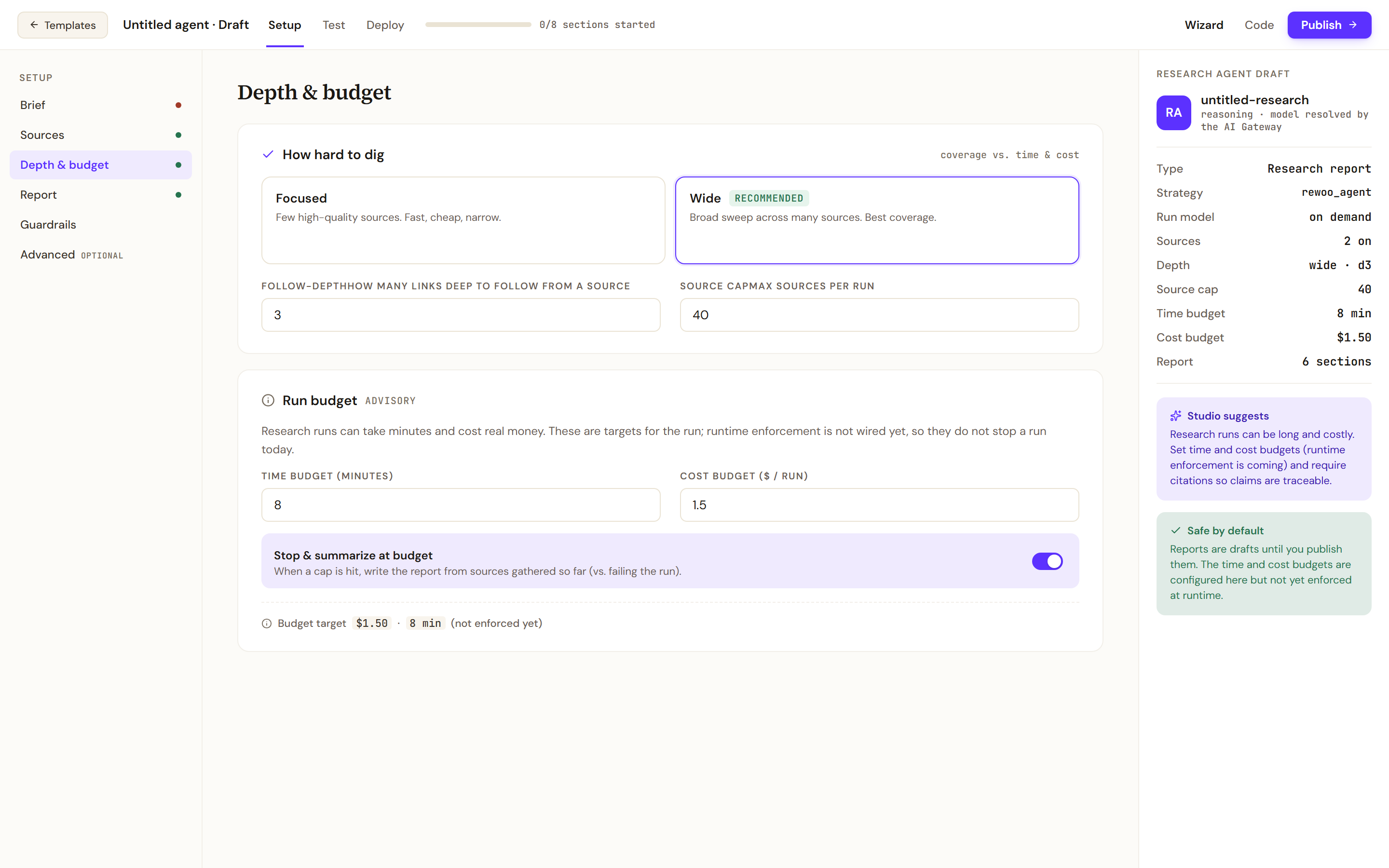
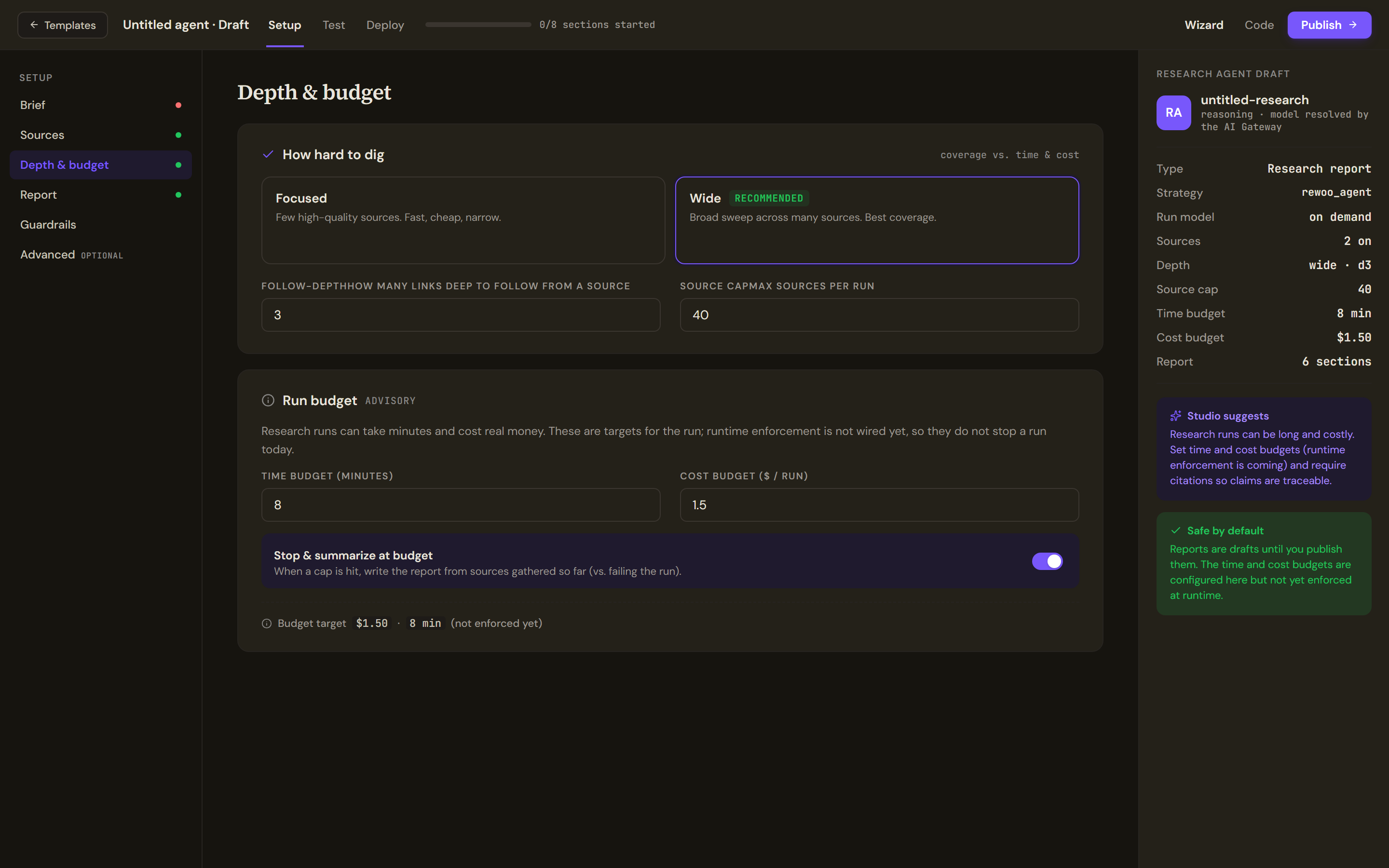
How hard to dig picks Focused (few high-quality sources, fast and cheap) or Wide (recommended, a broad sweep), with Follow-depth (how many links deep to follow from a source) and Source cap (the maximum sources per run). Run budget is marked advisory: Time budget (minutes), Cost budget ($ / run) and Stop & summarize at budget are targets recorded with the agent, and the section says the runtime does not yet stop a run when they are reached.
Shape the report
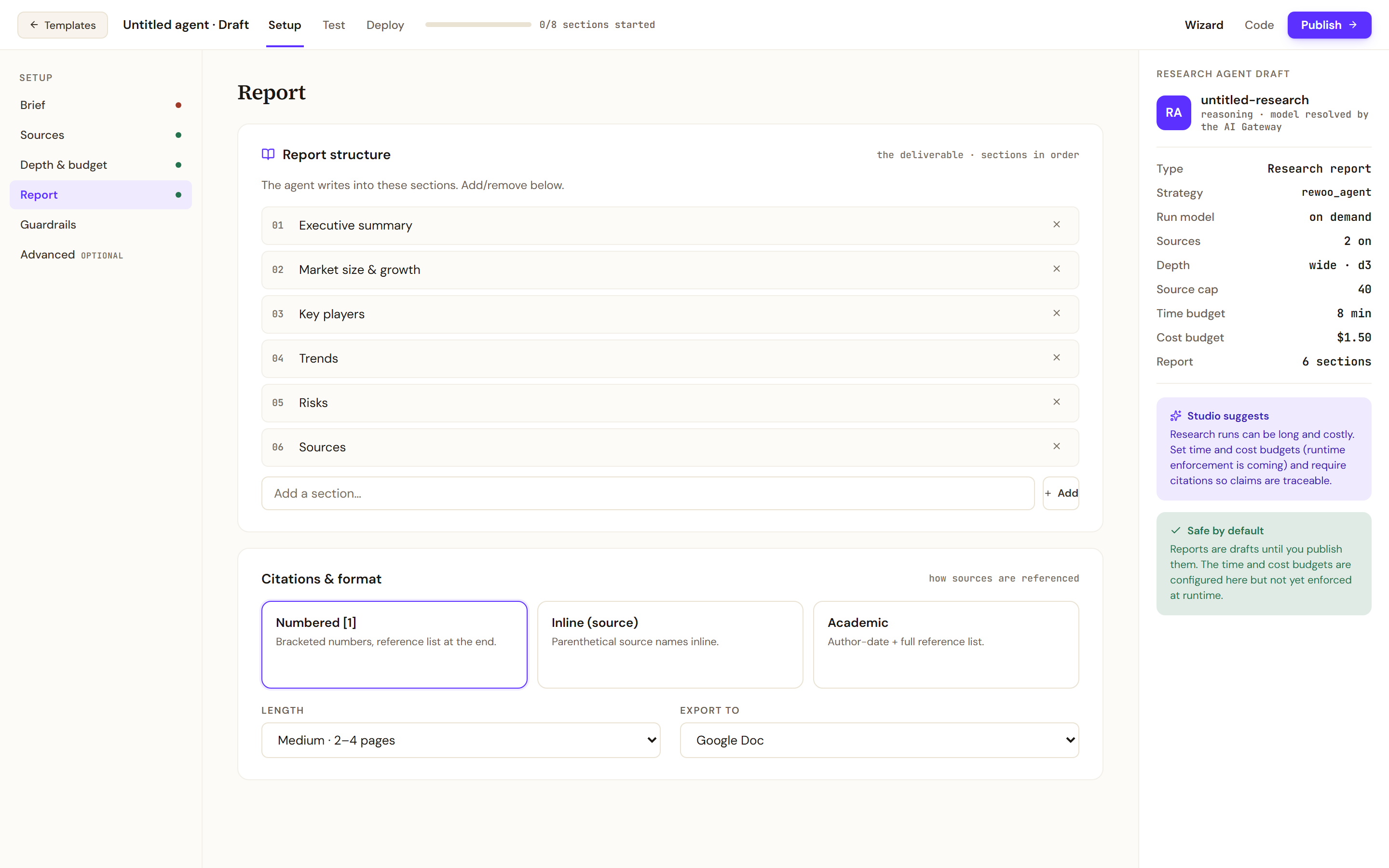
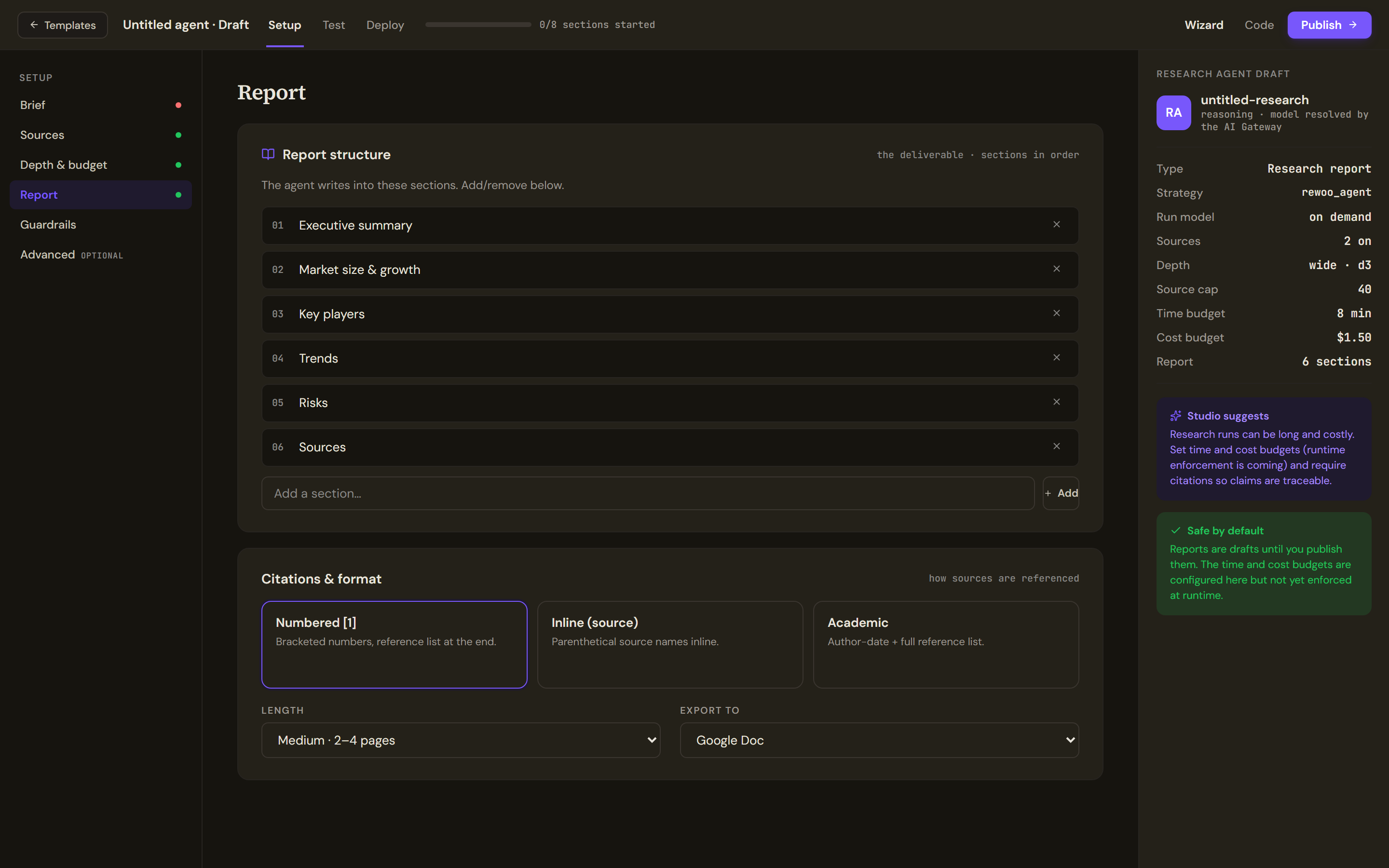
Report structure lists the sections the agent writes into, in order; remove one with its cross or Add your own. Citations & format picks Numbered (bracketed numbers with a reference list), Inline (source) or Academic (author and date with a full reference list), the Length (short, medium or long) and where to Export to: a Google Doc, PDF, a Notion page or Markdown.
Guardrails
Source trust & citations has two switches. Ask the agent to cite every claim instructs the model to attach a source to each claim; automatic verification of those citations is not computed yet. Refuse uncited claims instructs the model not to state anything it cannot cite; it is not enforced by a verifier yet. PII redaction, toxicity and prompt-injection filters come from the shared safety profile and apply to the final report before delivery.
Run it
The Test tab is the research run screen. Start research run begins an asynchronous run that plans, searches your sources and drafts the report; it runs for minutes and notifies you on completion. The screen shows the run phases, elapsed time, estimated cost against the budget target, the source count and, when it finishes, the report with Export and Run again. Citations are asserted by the model and listed in the report's Sources section; independent verification is not yet computed. If no report text comes back, check that web search is configured.
Deploy
Ship this research agent asks how runs are triggered. On demand, where a user submits a brief from the Work Room or a widget, is available; Scheduled (a standing brief on a cron) and API / webhook are not wired yet. Budget repeats the per-run time and cost targets as targets, not enforcement. Pre-flight checks that the brief is set, sources are attached, citation guidance is on and budget targets are set. Run once in sandbox tries the agent before Publish to production; see Test, publish and versions.
Limits and behaviour
- Reports are drafts until you publish the agent; the budgets are configured here but not yet enforced at run time.
- The model is resolved by the AI Gateway from the reasoning tier.
- A source switched on here but not connected in the Control Room contributes nothing to the run.