Skills
Agents
A skill is a set of reusable, versioned instructions that an agent loads for a specific task: a ticket triage routine, a comparables table, a one-page research brief. Write it once, attach it to as many agents as you like, and the same procedure behaves the same way everywhere.
Who can use it: the Builder role or higher, in a tenant licensed for the agent builder. Anyone in the workspace can read the library; creating, editing and deleting a skill are Builder rights.
Recorded on .
Skills in four steps
The video above walks the library, a skill's page, the editor and the agent wizard; the pages under What to do with it go deeper on each part.
- Read the library
Import and New skill sit in the header, then the filters: source (All, Yours, Platform), vertical, role and a sort. Your skills are editable; Platform built-ins are read-only and can be forked. Each card carries the name, version, the description agents read to decide when to load it, tags and the last update. The card's menu opens the skill, attaches it to an agent, edits it or archives it.
- Open a skill
The header holds Attach to agent, Export, Fork, Archive and Edit; the trigger sits under When agents use this, then the instructions as written. Version history lists each saved version and Used by groups the agents on it as live, then drafts, with the version each is on. A built-in offers Fork in place of Edit and no Archive. Import takes a folder of skill files at once and says what it did with each.
- Write one
New skill opens the form. The first field is the trigger: describe the situation, not the task. Name is lowercase letters, digits and hyphens, fixed once the skill exists; Version is yours to set; Vertical, Role and Tags feed the filters. Instructions is the body, in Markdown, with a preview beside it; end with an output format. Create skill saves it under Your skills.
- Attach it to an agent
The wizard's Skills tab lists the library with a switch per row. The version pill beside an attached skill sets its policy: pinned, follow latest minor or follow latest, resolved when the agent is published. Expanding a row shows the instructions the agent will get. Publishing freezes that text into the version; an edit reaches the agent only when it is published again.
What a skill is, against what it is not
| What it is | Where it lives | |
|---|---|---|
| A skill | A procedure an agent follows, versioned and shared across agents | Skills |
| A prompt | The instructions that define one agent's behaviour | Prompt Studio |
| A tool | Something the agent can call to act or fetch | Tools |
A skill changes how the agent does something. A tool changes what it can reach. An agent's prompt is its own; a skill is borrowed by many.
The library
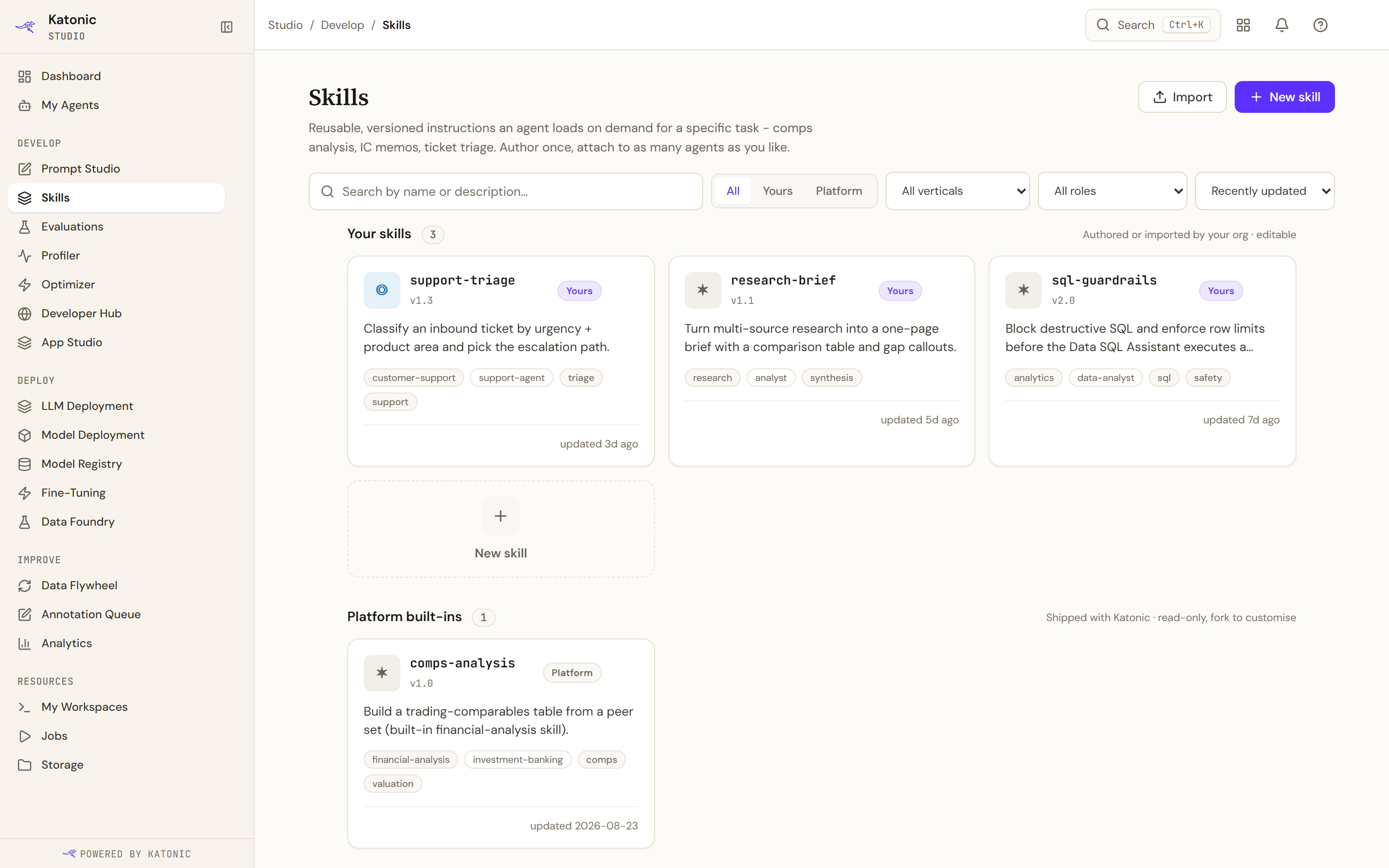
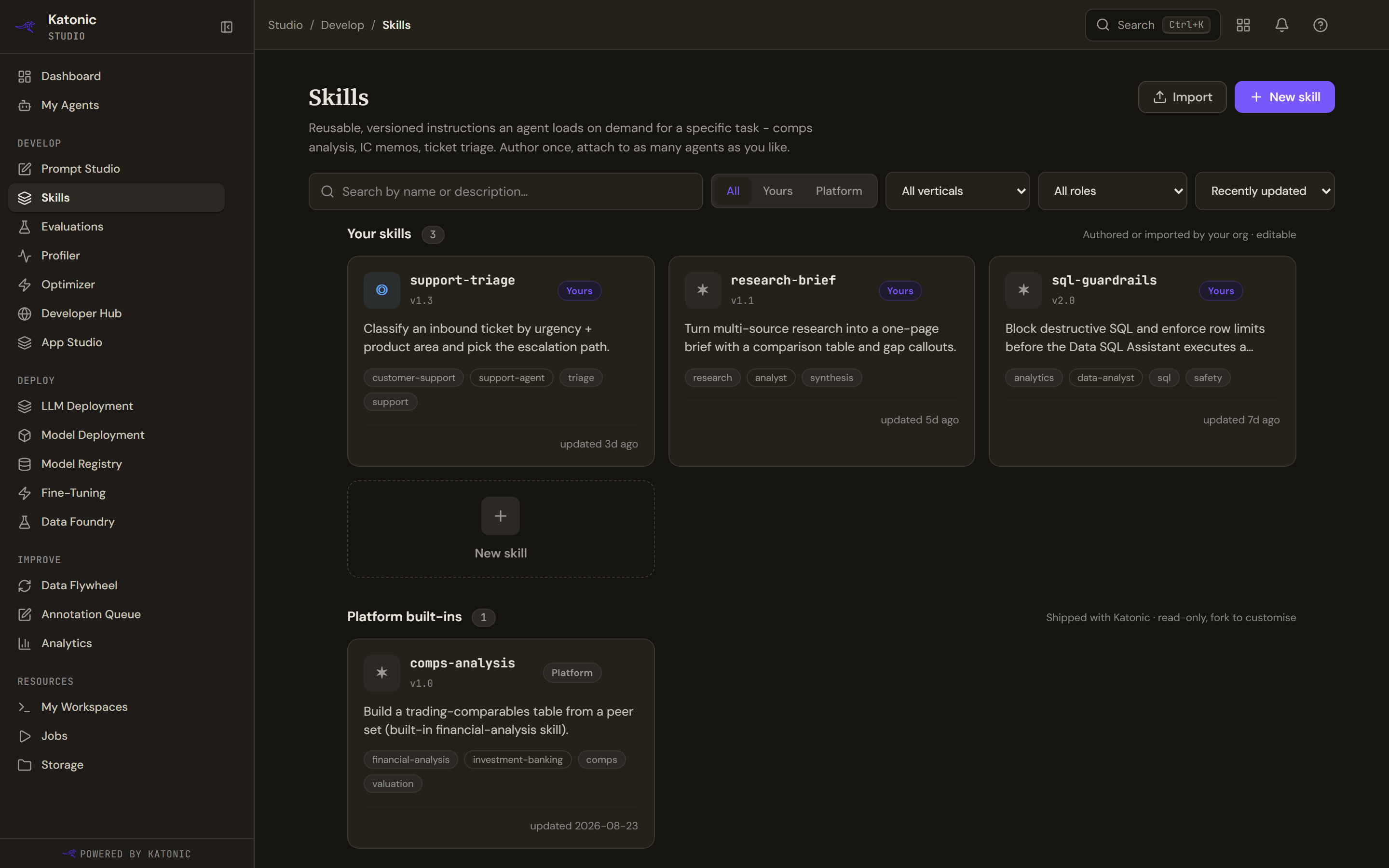
Skills, under Develop in Studio, is the library, with Import and New skill in the header. Filter by source (All, Yours, Platform), by vertical and by role, and sort by Recently updated or Name A to Z.
Two groups follow. Your skills are the ones your organisation wrote or imported, and are editable. Platform built-ins ship with the platform, are read-only, and can be forked.
Each card carries the skill's name, its version, its source, the description agents read to decide when to load it, its tags and when it was last updated. That description is the most important line on the card, because it is the one an agent reads.
A skill's page
Selecting a skill opens it: Export, Fork, Archive and Edit in the header, then When agents use this with the trigger, the tags, the author and the last update, and the instructions themselves, rendered as the Markdown document their author wrote, tables and all. Below them, Version history, where each version carries a note saying what changed and who saved it; Used by, grouped as live agents then drafts, each with the version it is on and a note where it is behind the current one; and Details.
A platform built-in shows Fork to edit in place of Edit, and no Archive. That is enforced by the platform, not just hidden here.
What to do with it
Limits and behaviour
- Platform built-ins cannot be edited or archived. Forking makes a copy you own, with no link back.
- A published agent keeps the skill text it was built with. Editing a skill reaches an agent the next time that agent is published, and not before.
- Exporting produces a Markdown file with front matter, which is what the importer reads, so a skill moves between tenants as a file.
- The card, the skill's own page and the agent builder all count the same way now, and label it, so a skill used by three agents reads 2 live · 1 draft everywhere. Where only the published side can be counted it reads Used by N agents, and a skill nothing uses reads Not attached yet, which is a state rather than a count.