Keep a knowledge source current
Knowledge
A source is only as useful as its last sync. This page covers the four actions on a source, the confirmations they ask for, and the one case where the platform asks you to re-embed everything.
Who can use it: the Builder role, or a Member holding the Knowledge Admin grant, in a tenant licensed for knowledge. Every action here affects the source for everyone.
Recorded on .
What a status is telling you
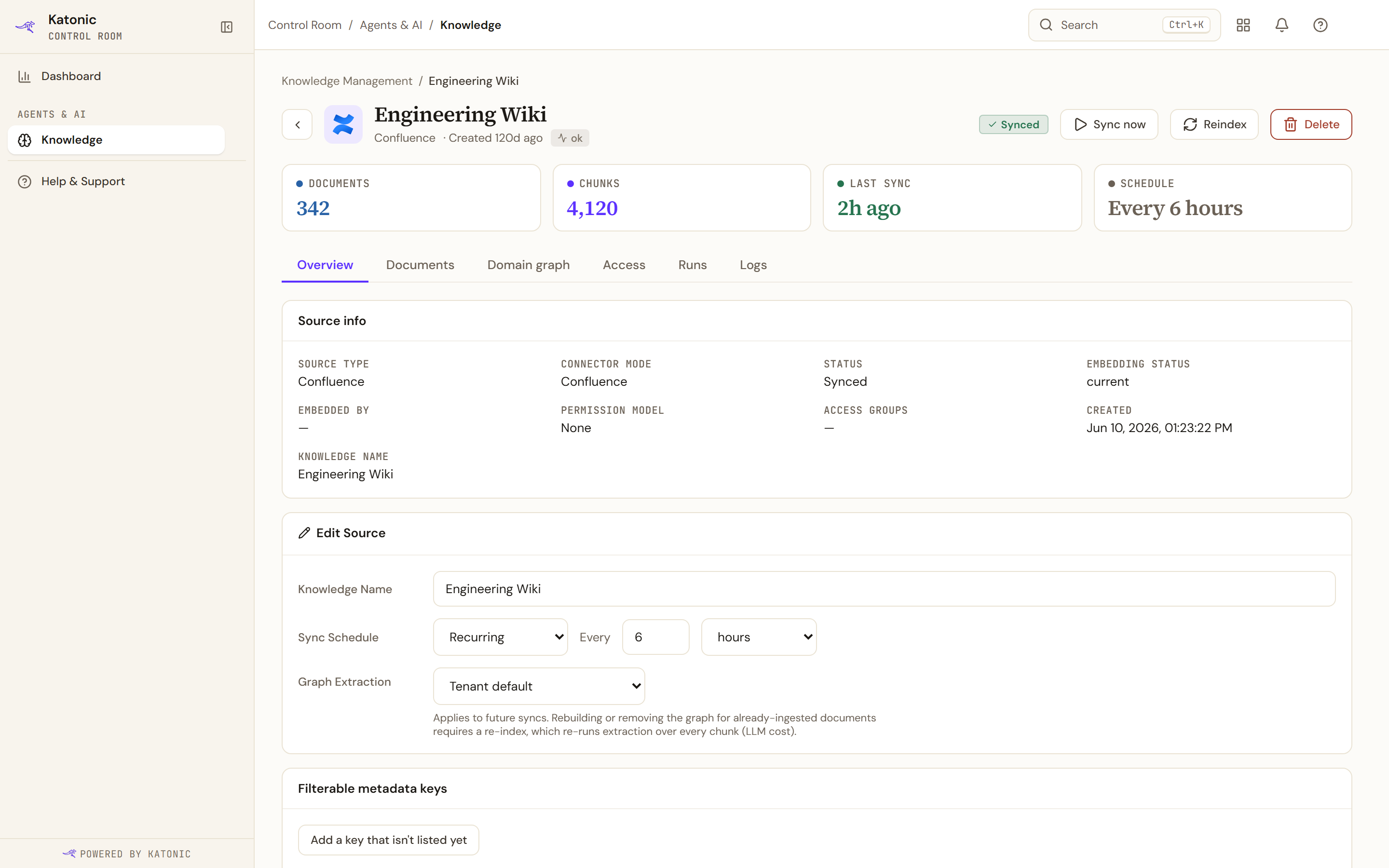
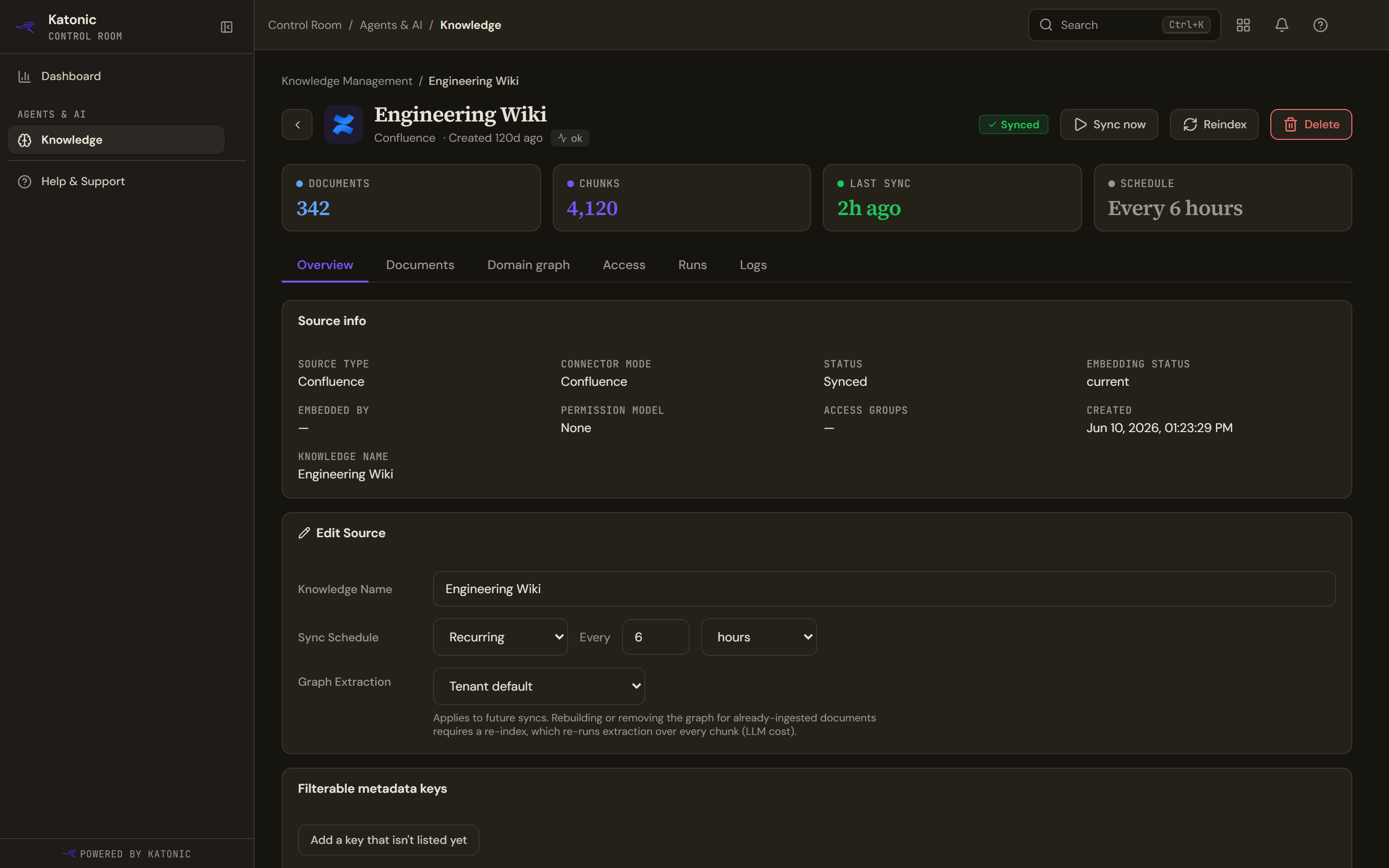
Most statuses come straight from the last run, but three are worked out rather than reported, and they are the ones worth knowing.
| Status | What it means |
|---|---|
| Pending | Created; the first sync has not started. |
| Syncing / Running | A run is in progress. |
| Synced | The last run finished and the content is searchable. |
| Never synced | The source has finished a run but has never actually had one complete, so it is not claiming to be synced. |
| Partial | The source holds fewer documents than the connected system reports, or the last run reported failures. |
| Empty | A run completed and produced nothing to index. |
| Failed | The last run failed. Open the source for the error. |
| Paused | Syncs are suspended until you start it again. |
Partial is the one that catches people out. It compares what the source holds against the size of the corpus the connector reports, not against how many documents the last run touched, because a healthy re-sync of a fully ingested source touches nothing.
A separate Stale pill is not a status at all: it means the embedding model changed after this source was indexed. See below.
The four actions
A row's icons, and the same controls in the source's own header, do this:
- Sync now
Runs an incremental sync: only new, changed and deleted documents. A paused source is enabled first. This is what the schedule does on its own.
- Reindex
Re-embeds every passage from scratch with the current embedding model. Use it after changing chunking or the embedding model, or to clear vectors you no longer trust.
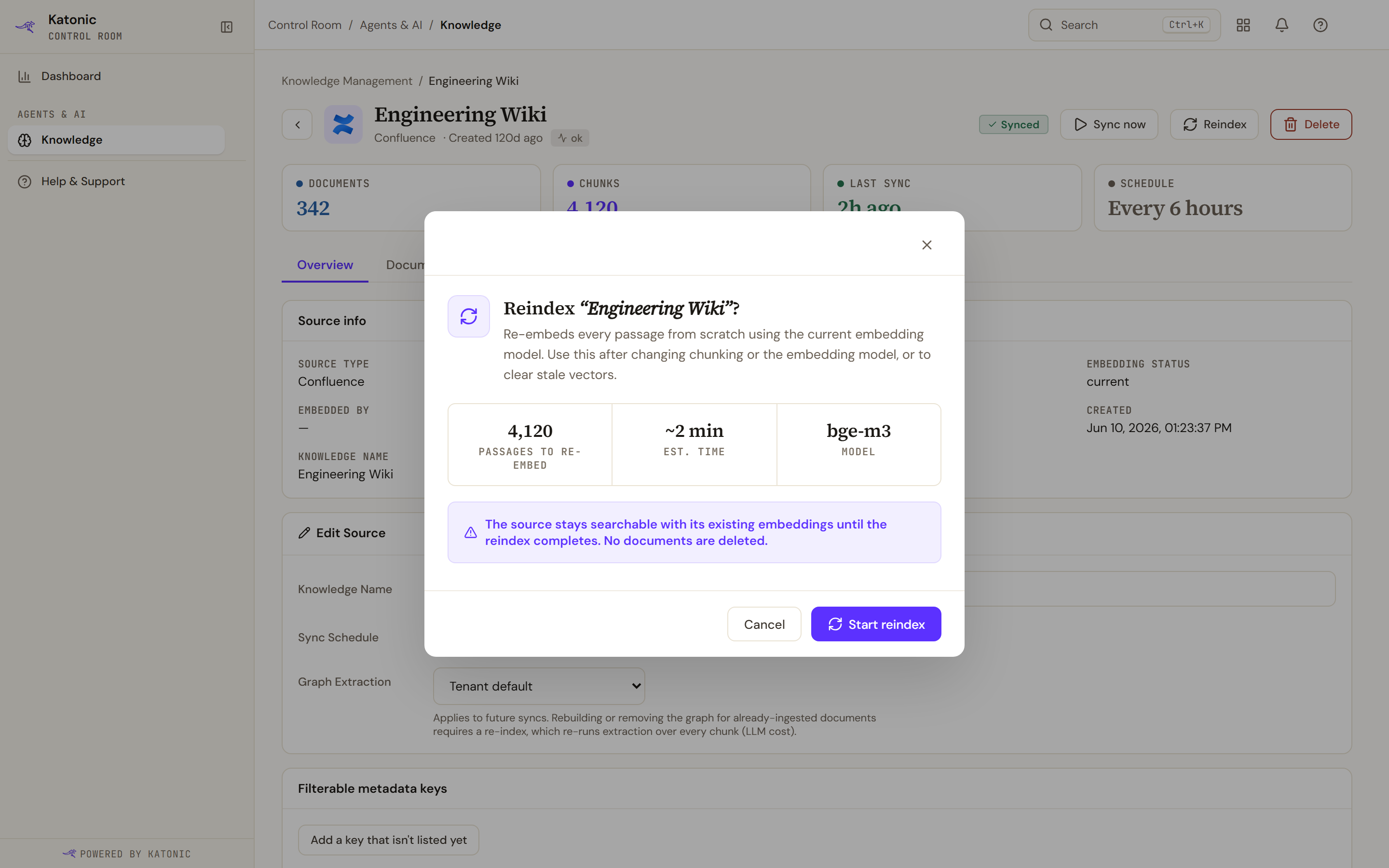
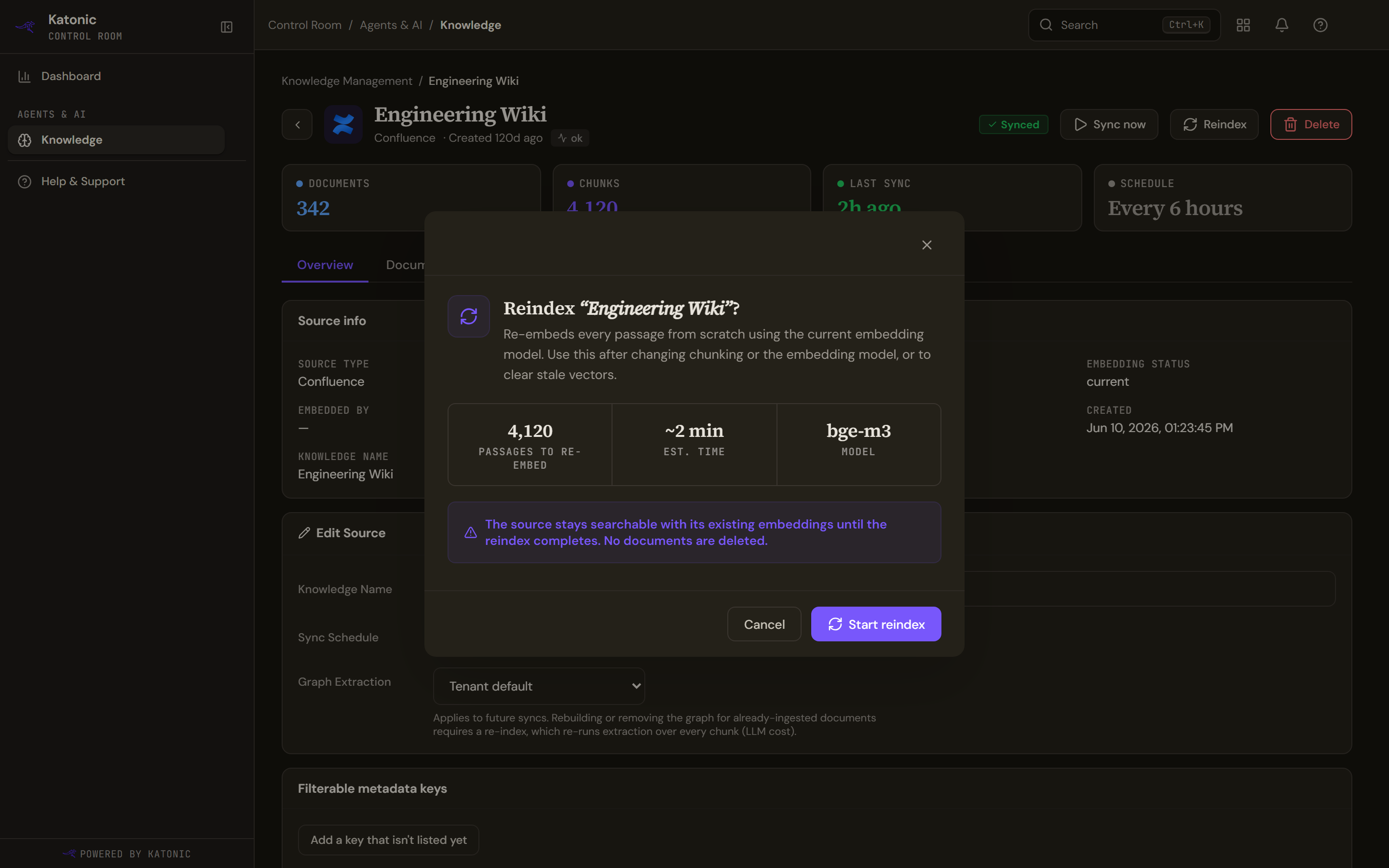
Reindexing asks first, and says what it will and will not do: the source stays searchable on its existing embeddings until the re-embed finishes, and no documents are deleted. The confirmation counts the passages to re-embed, estimates the time and names the model. The estimate is the platform's own rough arithmetic, not a measurement from the service. It also promises the important part: the source stays searchable on its existing embeddings until the reindex finishes, and no documents are deleted.
- Pause
Suspends syncing without losing anything. The status reads Paused and the control becomes Start.
- Delete
Removes the source and its embeddings permanently. The confirmation shows the document count, the passage count and the status, and asks you to type the source's name before it will proceed. Deleting a source while it syncs stops that sync: nothing the sync was writing stays searchable, and the run is not reported as a success.
Re-embed after a model change
Changing the embedding model in Settings does not re-embed anything by itself. Sources indexed with the old model keep vectors the new model cannot compare against, and they are marked Stale.
A banner above the list counts them and offers to re-embed them all. Its confirmation is deliberately blunter than a single reindex: it warns that searches against those sources return degraded results until re-embedding finishes, and lists the sources affected, naming the first eight and counting the rest.
Where the source's own overview shows an Embedded By line, that is the model the vectors came from, recovered from the stamp on the index. A source indexed before the platform started stamping shows a dash rather than a guess.
Verify
The row's status moves to Syncing, then to Synced once the run finishes, and Last Sync updates. The source's Runs tab lists the run; see Follow sync runs and logs.
The list refreshes itself every few seconds while anything is running, and keeps watching for two minutes after you start a sync by hand, so a run that takes a moment to begin still shows up. It stops refreshing while the browser tab is in the background.
Troubleshooting
- Couldn't start sync or Couldn't start reindex. The knowledge service refused the request. The message carries the reason.
- A bulk re-embed reports fewer started than asked. Each source is started separately, and the result counts the ones that did start rather than hiding the failures.
- Couldn't pause source. The source may already have finished; refresh the list.
- Couldn't delete. Deleting a large source can take time; the request allows two minutes before giving up.
Do this from your own code