Connect an MCP client to the Katonic MCP Server
Public API
Katonic is also an MCP server. Any MCP client, a desktop assistant, a coding agent or an agent you write yourself, can call the platform's built-in tools over the Model Context Protocol with the same kapi_ key that the REST API uses. The MCP server tab of Studio's Developer Hub gives you the endpoint, the tool catalog and a ready-made snippet for each client.
Who can use it: the Builder role, in a tenant licensed for the public API. Without the licence, Developer Hub shows in the Studio sidebar as locked.
Recorded on .
What the server offers
The tab opens with a line inviting you to connect any MCP client to call Katonic tools with your key, then the MCP server endpoint with Copy URL, and the transport and authentication: Transport: Streamable HTTP, Auth: Bearer kapi_.... The same endpoint is shown in the page header as the MCP chip beside the API chip, each with Copy.
Available tools lists the built-in catalog, marked built-in, with a short description each. The current build lists 19:
| Tool | What it does |
|---|---|
| katonic_chat | Chat with an agent |
| katonic_completions | OpenAI-compatible completions |
| katonic_knowledge_search | RAG knowledge search |
| katonic_create_document | Ingest document |
| katonic_analyze_data | Data analysis |
| katonic_list_agents | List agents |
| katonic_create_agent | Create agent |
| katonic_update_agent | Update agent |
| katonic_create_session | Create session |
| katonic_get_history | Get conversation history |
| katonic_list_datasets | List evaluation datasets |
| katonic_run_evaluation | Run evaluation |
| katonic_optimize_prompt | Optimize prompt |
| katonic_quality_trend | Quality trend |
| katonic_list_sources | List knowledge sources |
| katonic_search_tools | Search tool catalog |
| katonic_execute_tool | Execute governed tool |
| katonic_get_analytics | Usage/cost analytics |
| katonic_submit_feedback | Submit feedback |
The note under the grid matters: this is the built-in catalog for the current server build, not a live read of your deployment. A deployment on an older build can serve fewer tools, so call tools/list with your key for the authoritative list on your environment; the snippets already do.
Connect a client
- Open the MCP server tab
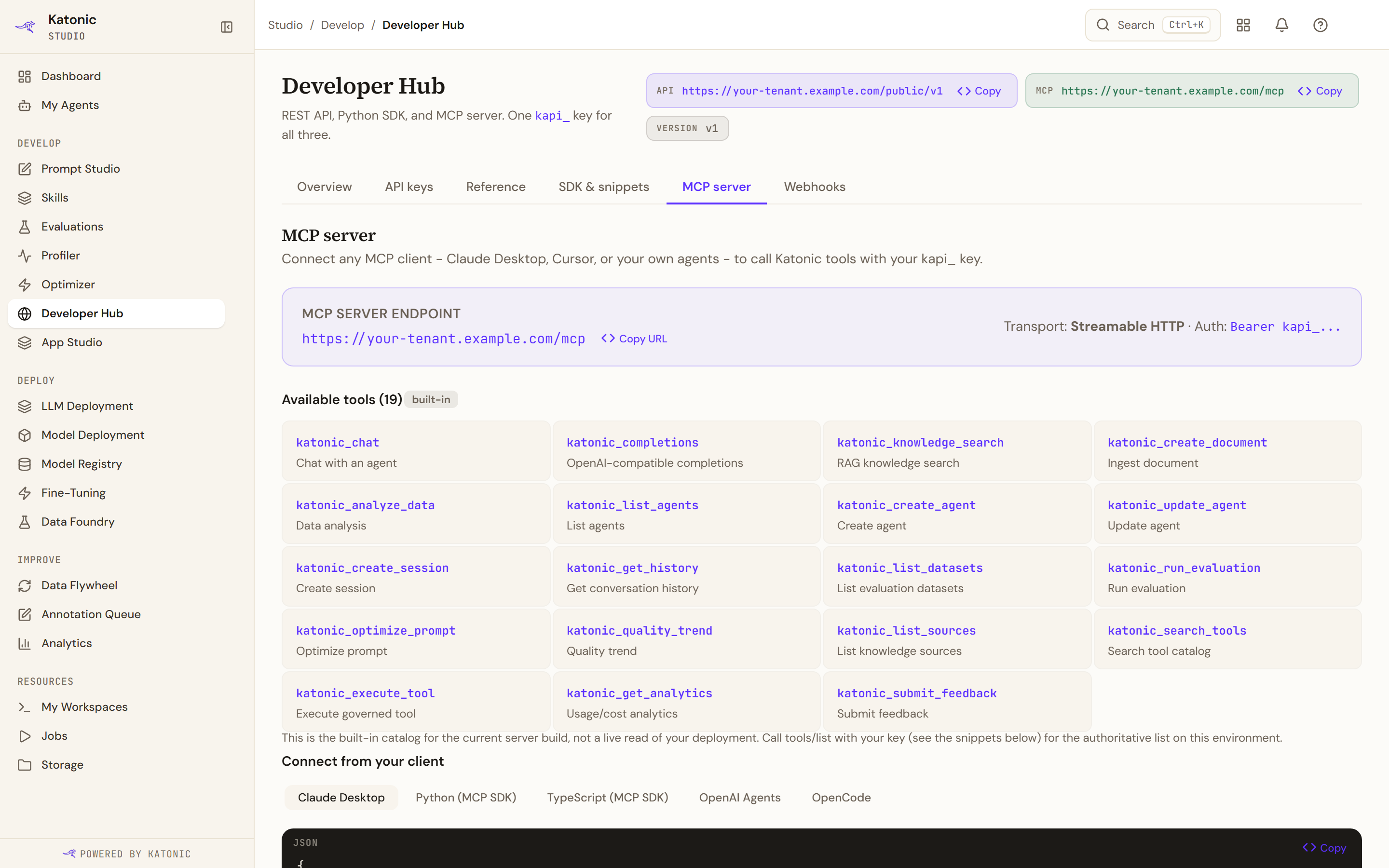
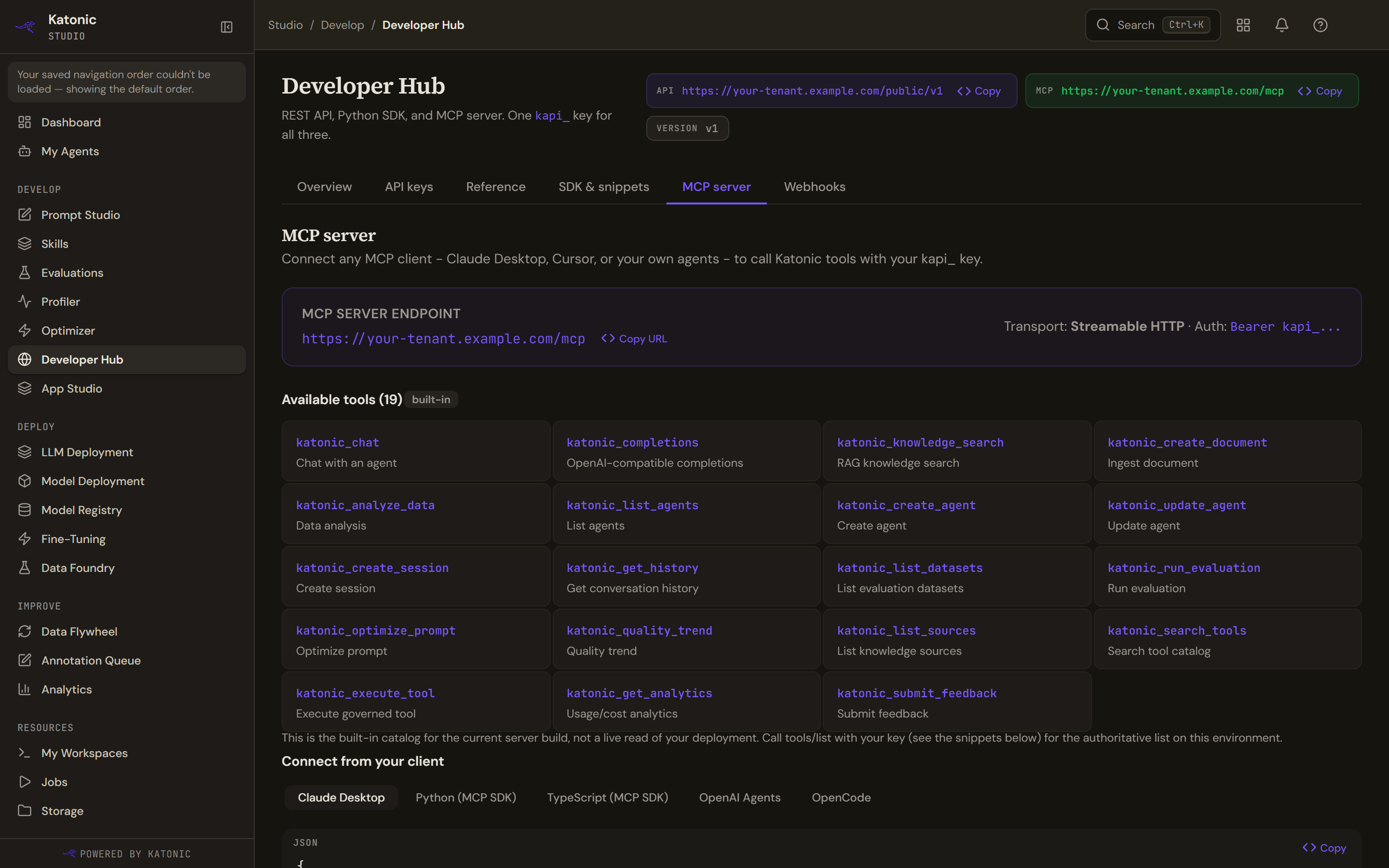
The MCP server tab: copy the endpoint, read the built-in tool catalog and pick your client under Connect from your client. The grid shows the catalog for the current server build; tools/list from your client is the authoritative list for your deployment. In Studio, open Developer Hub and select the MCP server tab. Select Copy URL on the endpoint.
- Create an API key
On the API keys tab, select Create key. Give it a Key name, choose its Scopes, either a preset such as Full access, Read only, Chat only, Coding agent (OpenCode) or Eval & optimize, or individual scopes, and optionally a rate limit in Requests / min and Requests / day and an Expiry. Select Create key. The key is shown once, with Copy and the warning that you will not see it again; store it securely, because it cannot be recovered. A key's scopes decide what it may do across the REST API, the SDK and the MCP server alike.
- Pick your client and use its snippet
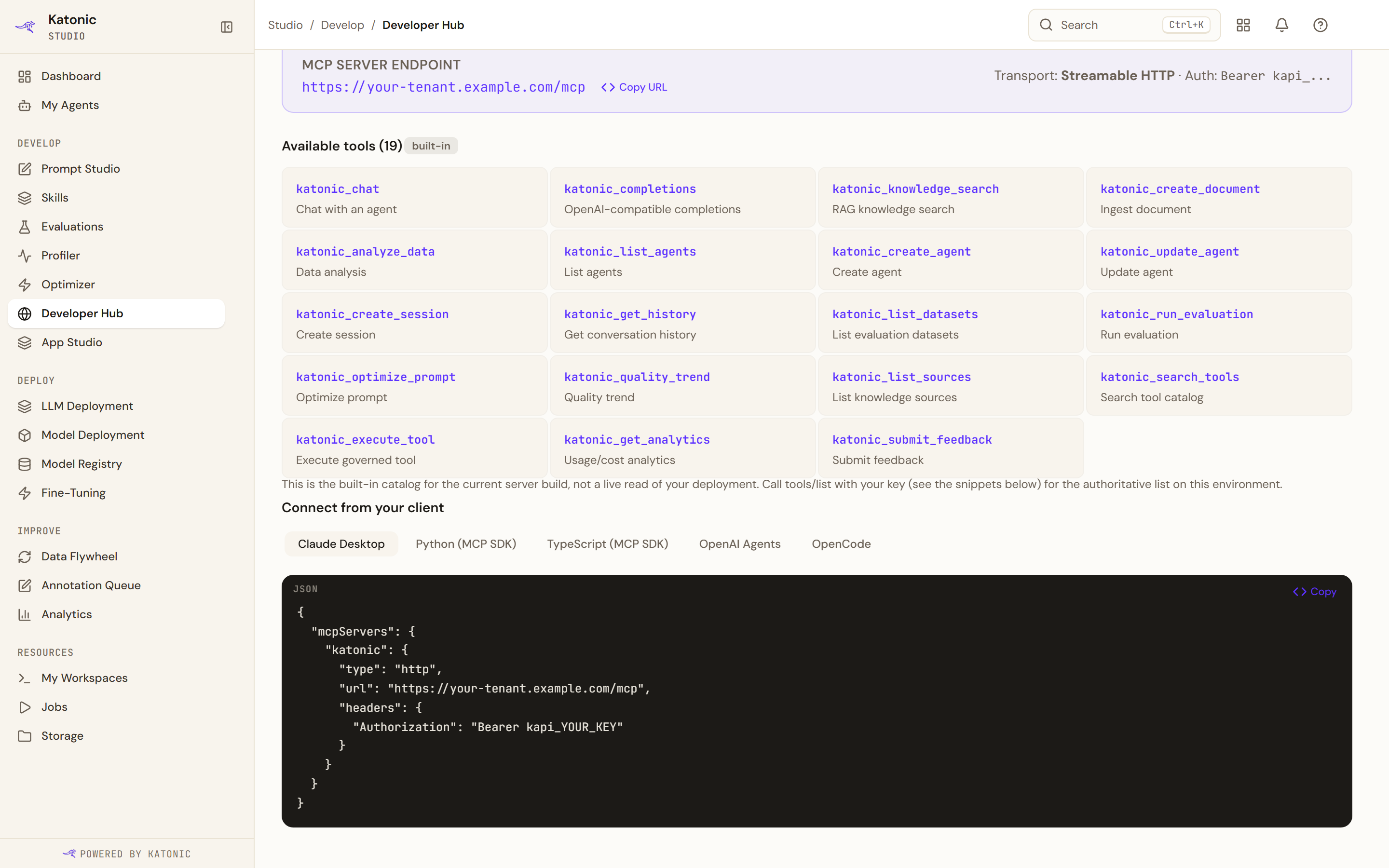
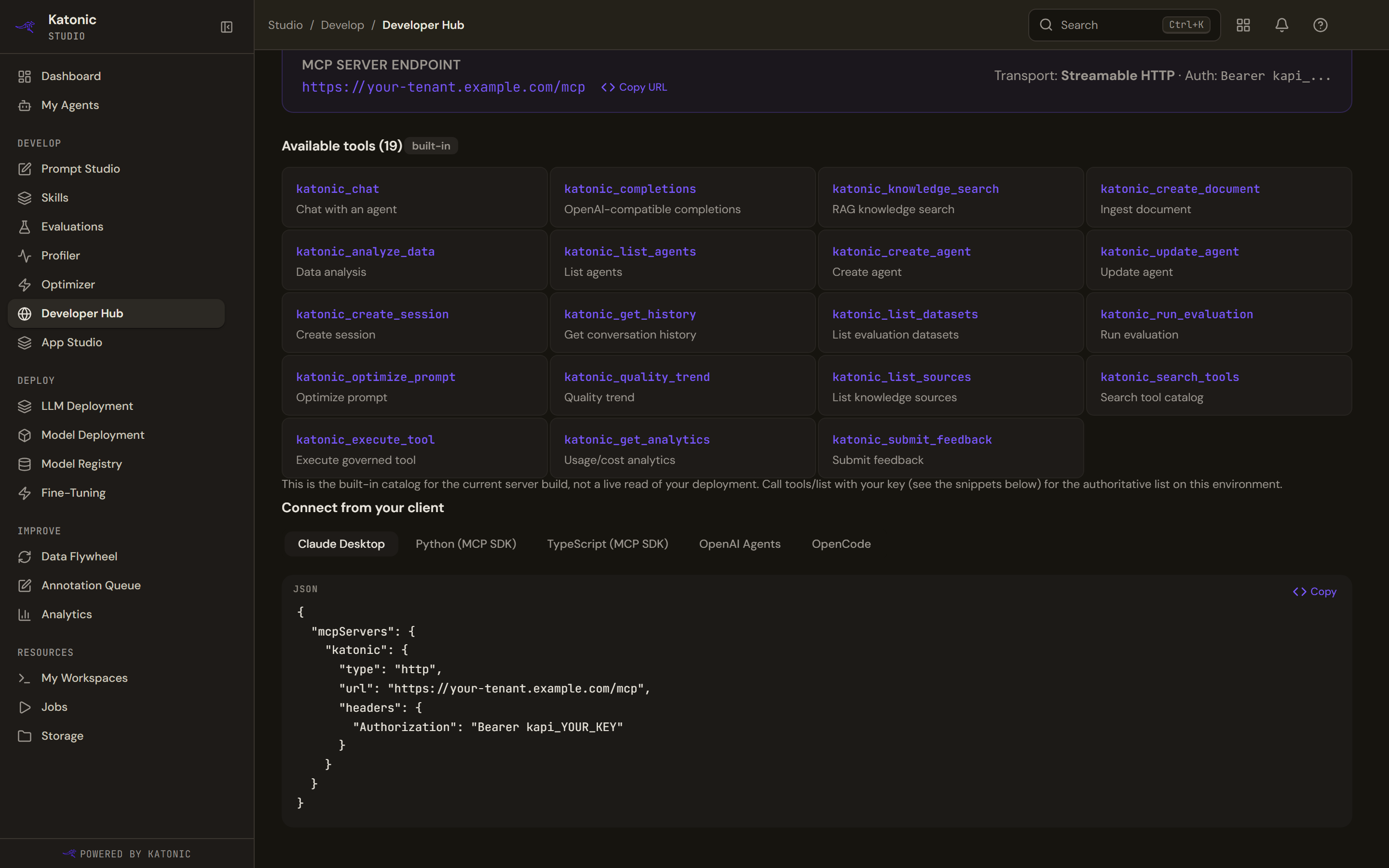
Connect from your client: pick the client, select Copy on its snippet and replace the kapi_ placeholder with your key. Under Connect from your client, choose Claude Desktop, Python (MCP SDK), TypeScript (MCP SDK), OpenAI Agents or OpenCode. Select Copy on the snippet and replace the placeholder key with yours. The Claude Desktop snippet is a JSON block for its configuration file naming the endpoint and the bearer header; the SDK snippets open a streamable HTTP session; the OpenCode entry is a configuration file for your project root, with a note to create the key with the Coding agent (OpenCode) preset and a Download starter button for a ready-to-run folder wired to this deployment.
- List the tools from the client
Connect, then list the tools from your client. What comes back is the authoritative catalog for your deployment; compare it with the grid on the tab if a tool you expected is missing.
Verify
The client lists the Katonic tools, and a call to katonic_list_agents returns the agents your key may see. On the API keys tab the key's row shows its calls under Usage.
Troubleshooting
- Developer Hub is locked. The public API is not licensed for your organisation; ask your administrator.
- The client is refused. The key is missing from the bearer header, revoked, expired, or lacks the scopes the tool needs. The key's row on API keys shows Active or Expired, its Scopes and Revoke; create a key with the right scopes.
- A tool is missing. Your deployment runs an older server build than the console's catalog. The list your client gets from tools/list is the truth for your environment.
- The key is gone. Keys are shown once at creation. Revoke the old one and create another.
Do this from your own code
Related
- The tool catalog
- Add an MCP server
- Govern the platform day to day
- Roles and access
- The Developer Hub on the developer site
- The Katonic MCP Server on the developer site: protocol, authentication, client configuration and every tool