Run the tenant
The Control Room is where a tenant is set up, governed and operated. This path takes an administrator from the first look at the dashboard to the housekeeping settings, in four stages: set up, govern, govern what agents use, operate. The first stage is the launch set for a new tenant, taken in order and filmed end to end; the rest follow as the tenant fills with people, agents and spend, and can be taken as your tenant needs them.
Who this path is for: the Admin role or higher, and the holders of the grants each page names (User Admin, Operator, Release Approver, Auditor, Security, Knowledge Admin, Model Risk Approver).
For Admins
01Set up9 steps · 22 min of video
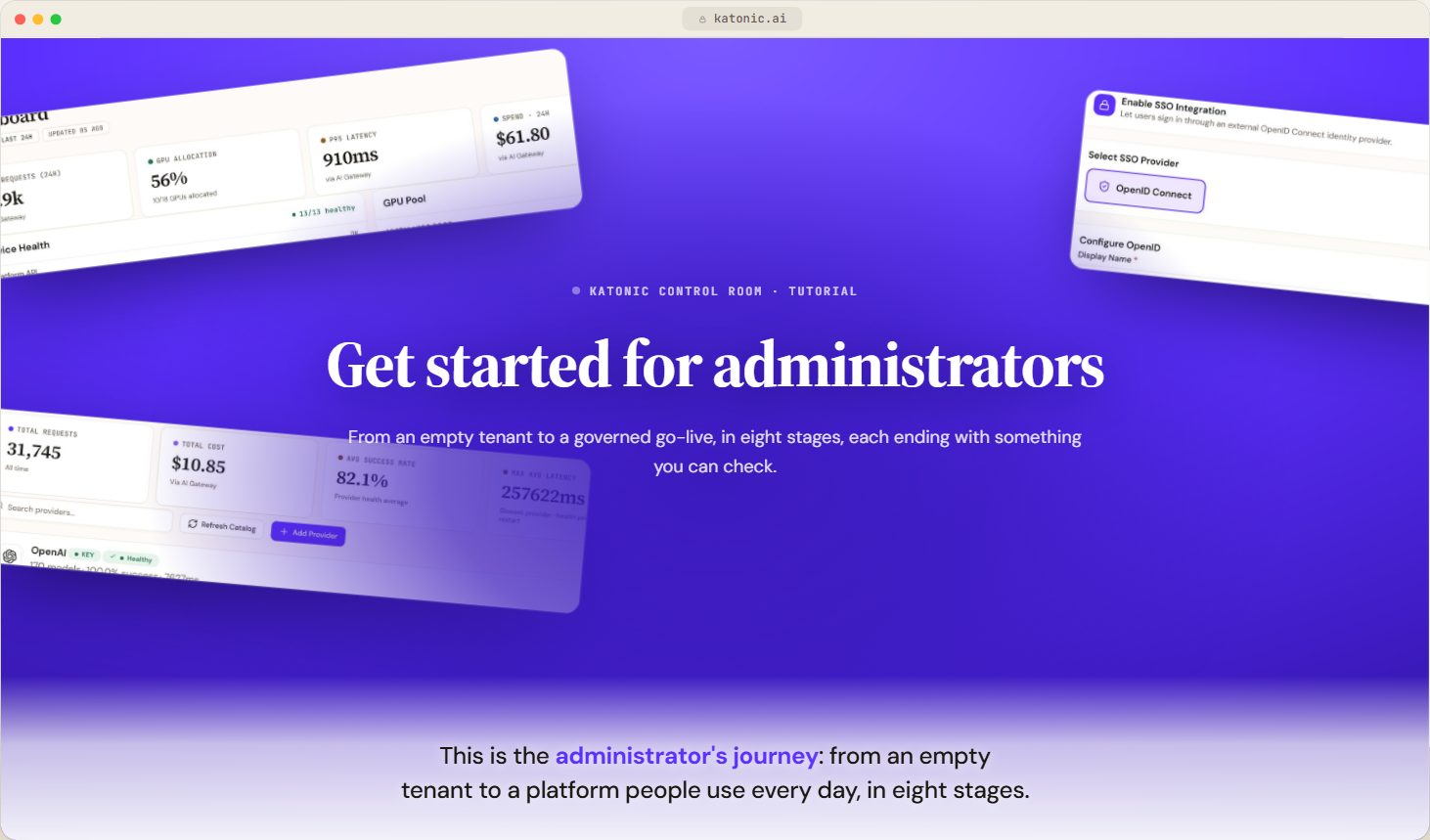
- Get started for administratorsVideoThe staged journey from a new Katonic tenant to a governed go-live, in the order an administrator actually does it.
 3:08
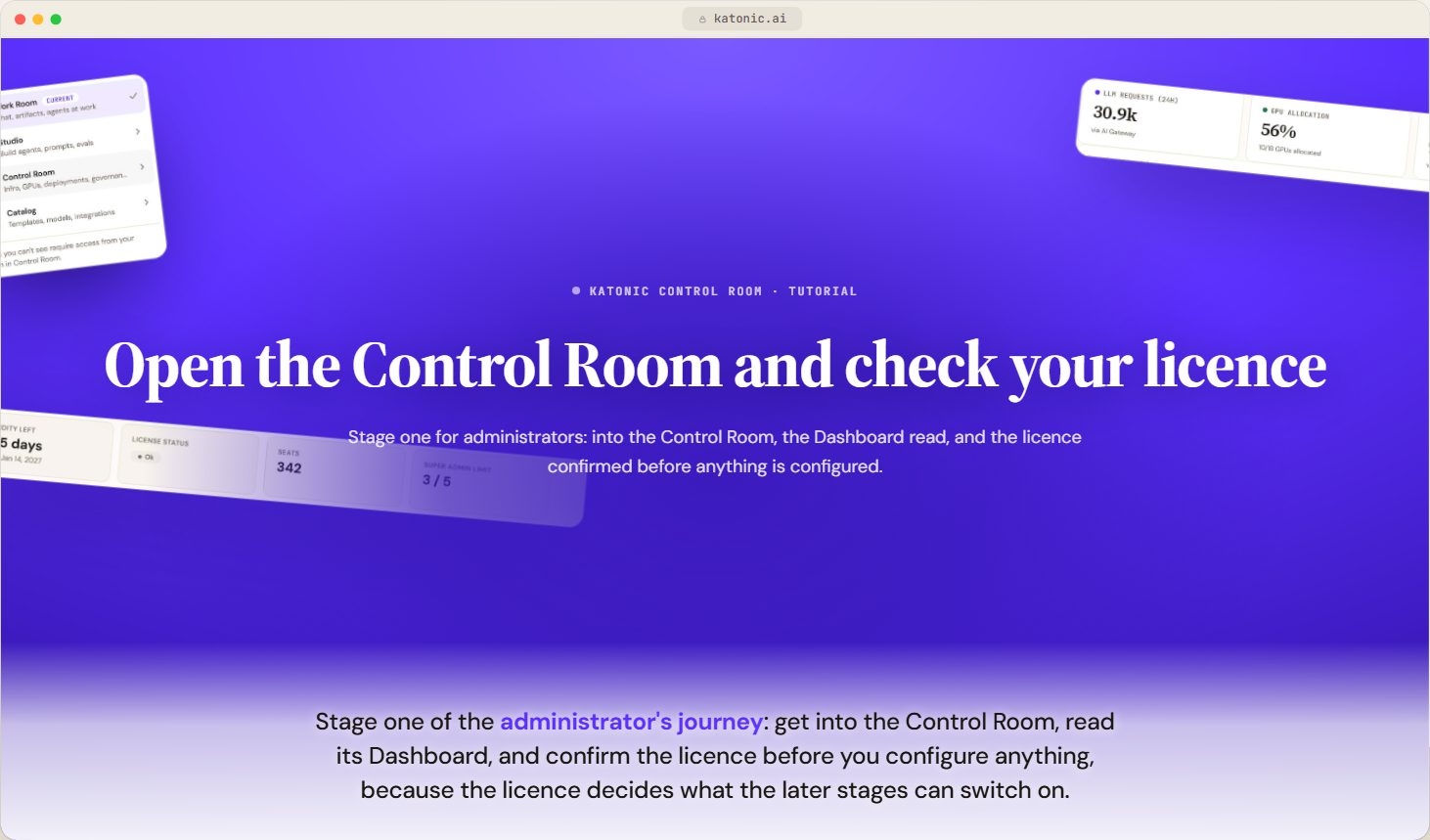
- Open the Control Room and check your licenceVideoSign in for the first time, switch to the Control Room, read its Dashboard, and confirm the licence your organisation runs on before you configure anything.
 2:50
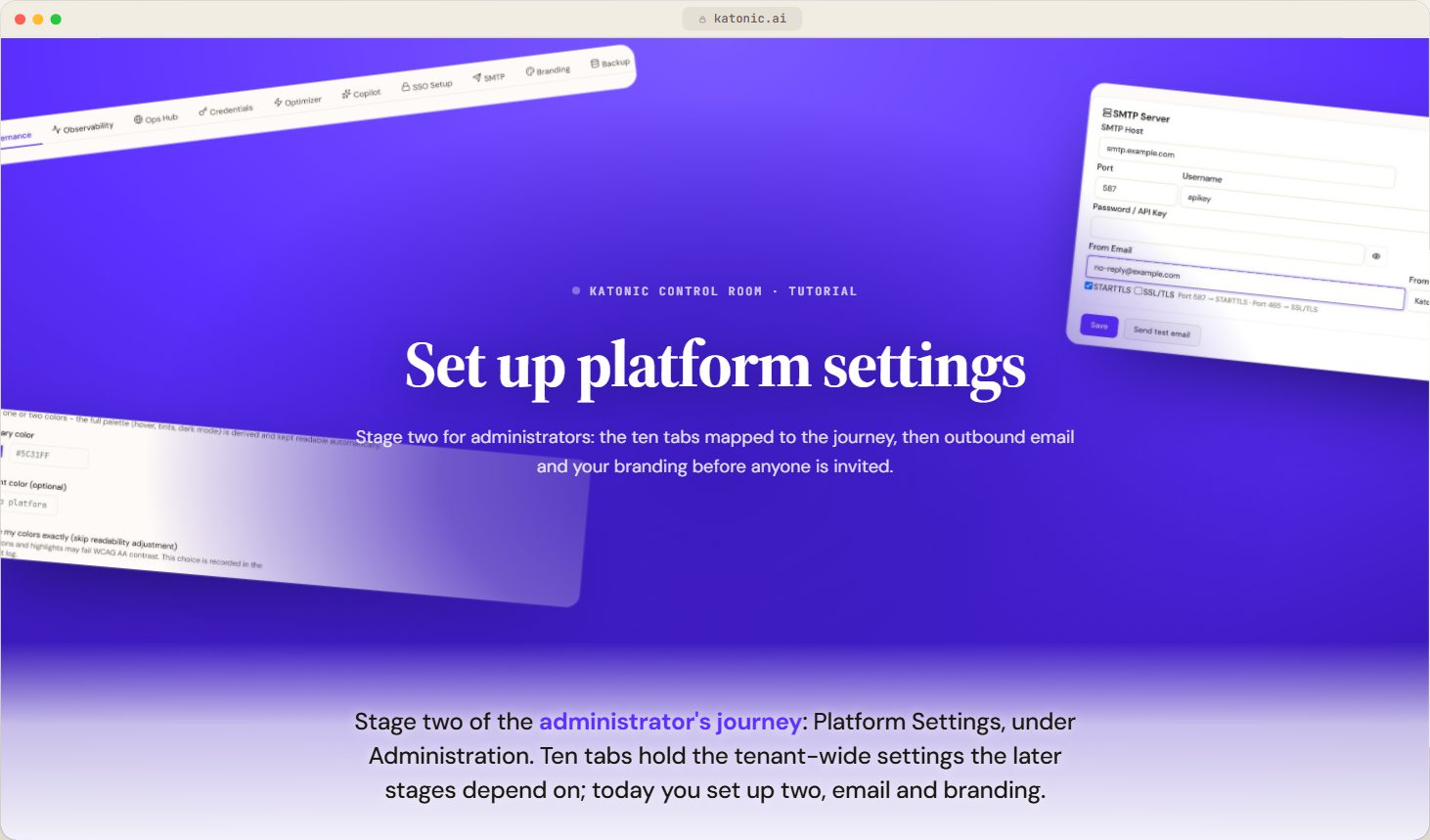
- Set up platform settingsVideoLearn what each Platform Settings tab configures and when the journey needs it, then set up outbound email and your branding before you invite anyone.
 2:40
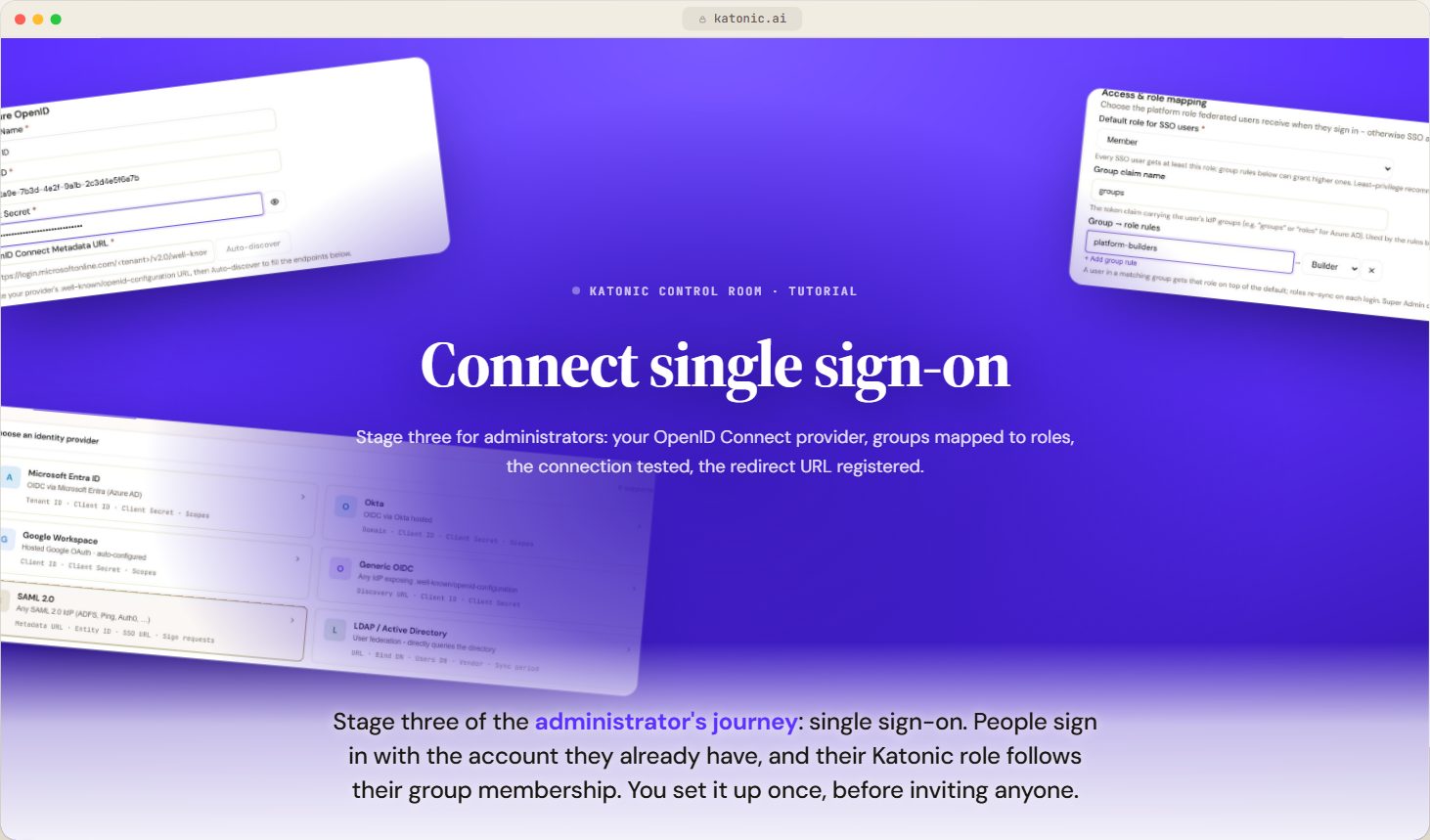
- Connect single sign-onVideoLet people sign in to Katonic through your OpenID Connect identity provider, map their groups to roles, test the connection and register the redirect URL.
 2:36
- Invite people and assign rolesVideoInvite the first people one at a time or in bulk, give each a role, add grants where one slice of Admin is enough, and organise them into teams.
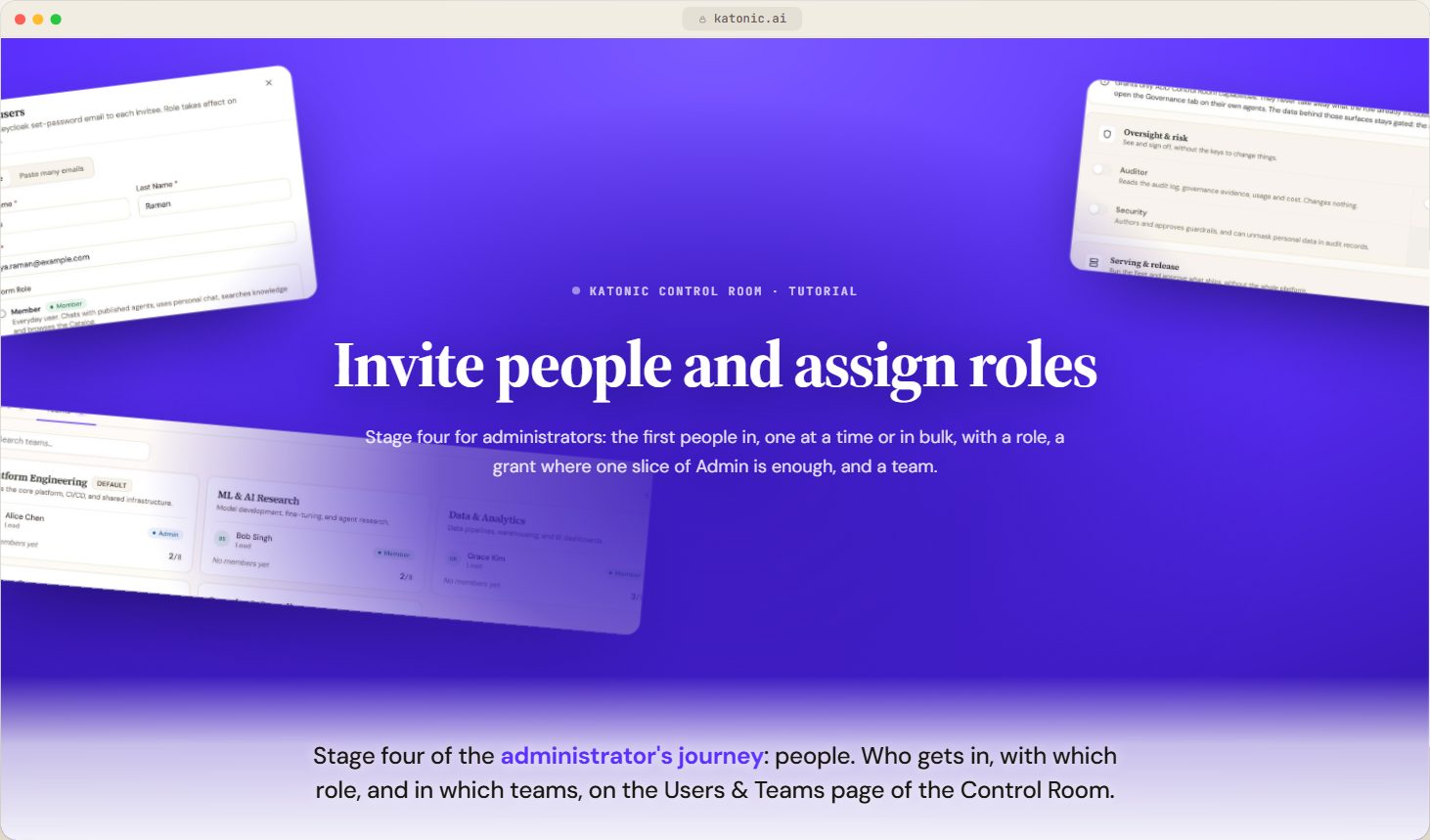 2:32
- Connect your organisation's knowledgeVideoChoose the embedding model, connect the first knowledge source, follow its first sync, decide who can use it and check what agents retrieve.
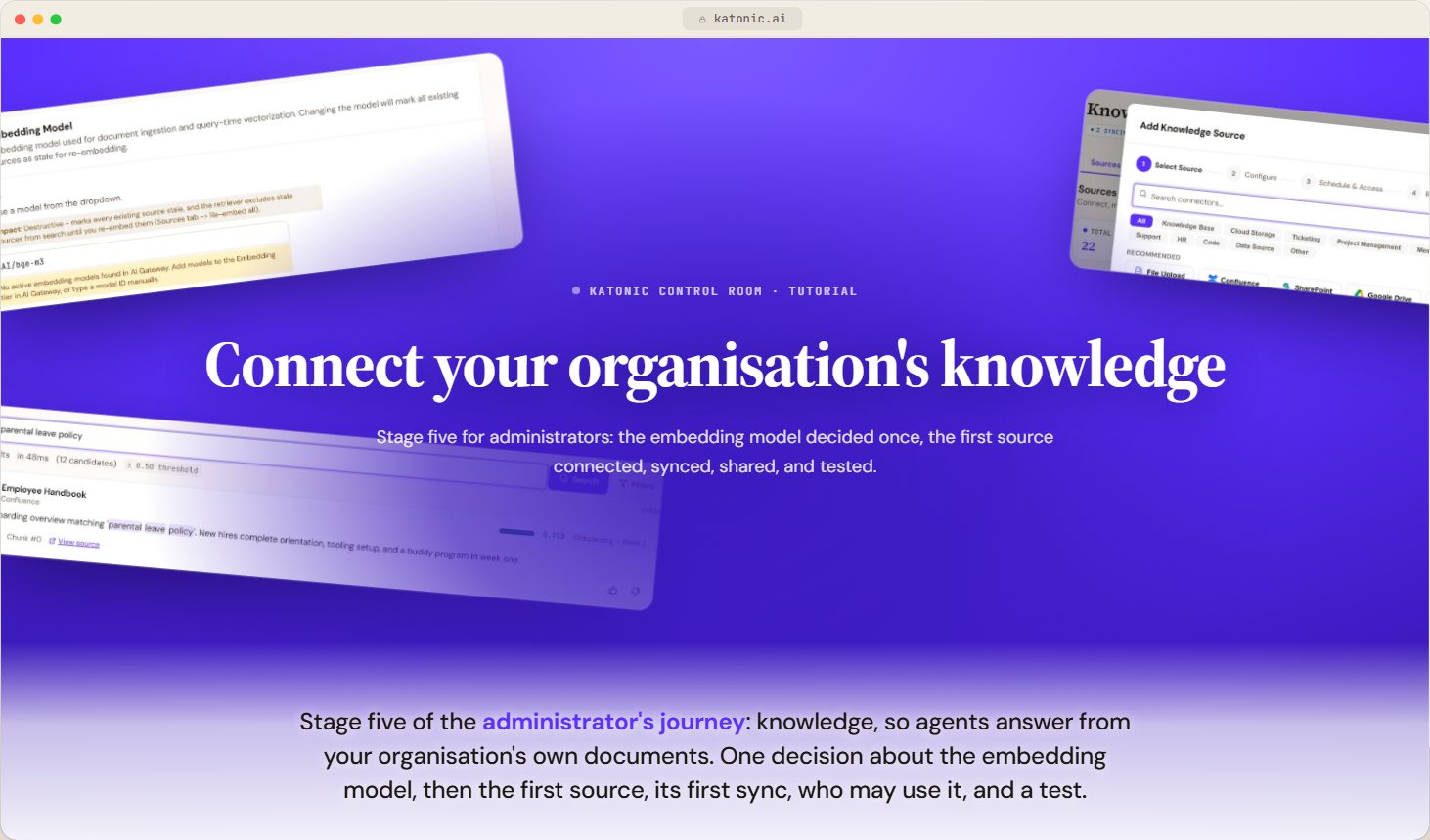 2:24
- Configure the AI Gateway and modelsVideoAdd model providers and their keys, put models into tiers with a primary and fallbacks, set rate limits and watch usage and cost through the AI Gateway.
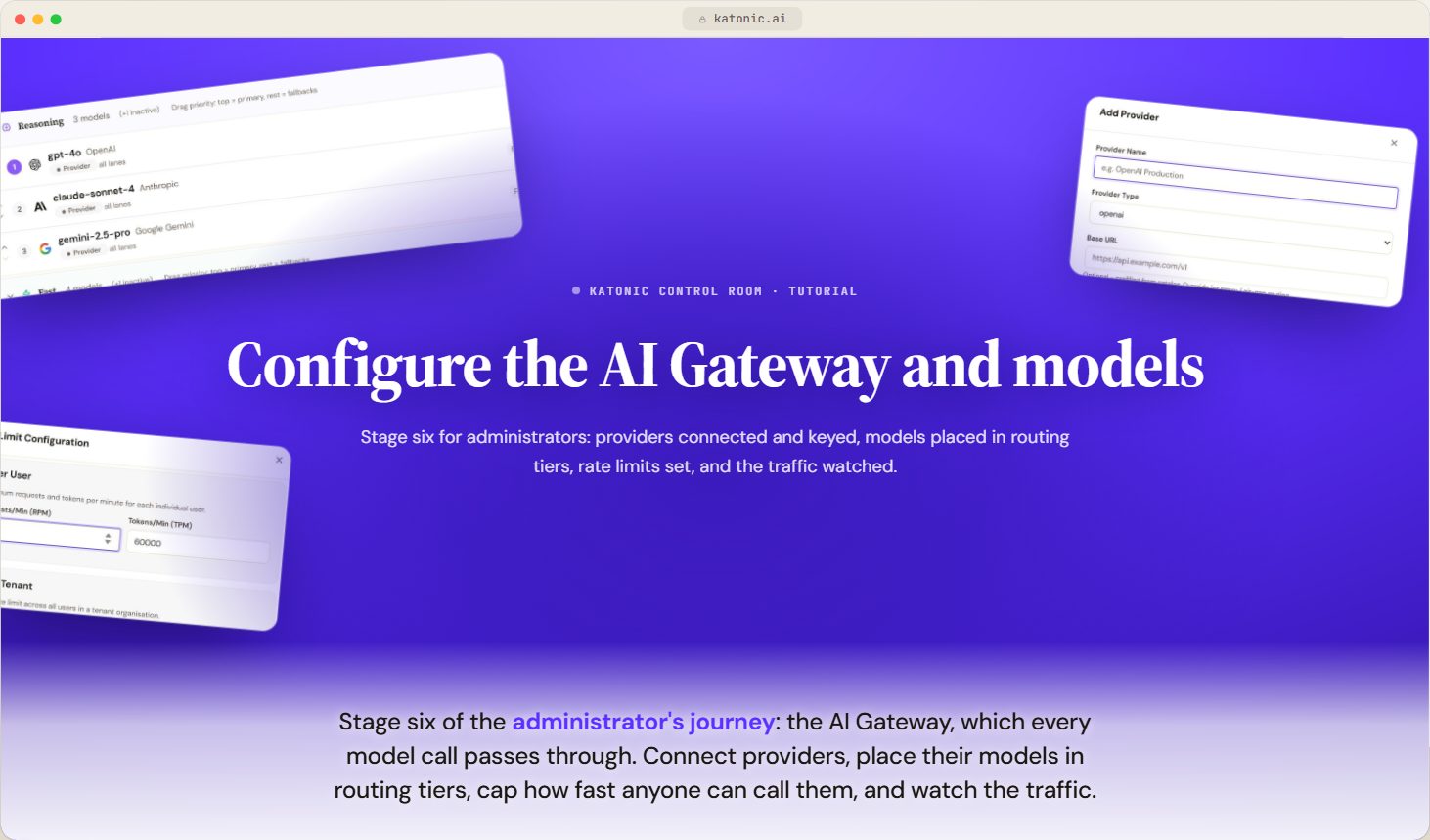 3:06
- Go liveVideoDecide how agents reach production, publish and promote the first agents, decide what waits for a person, set the workspace policy and invite Members.
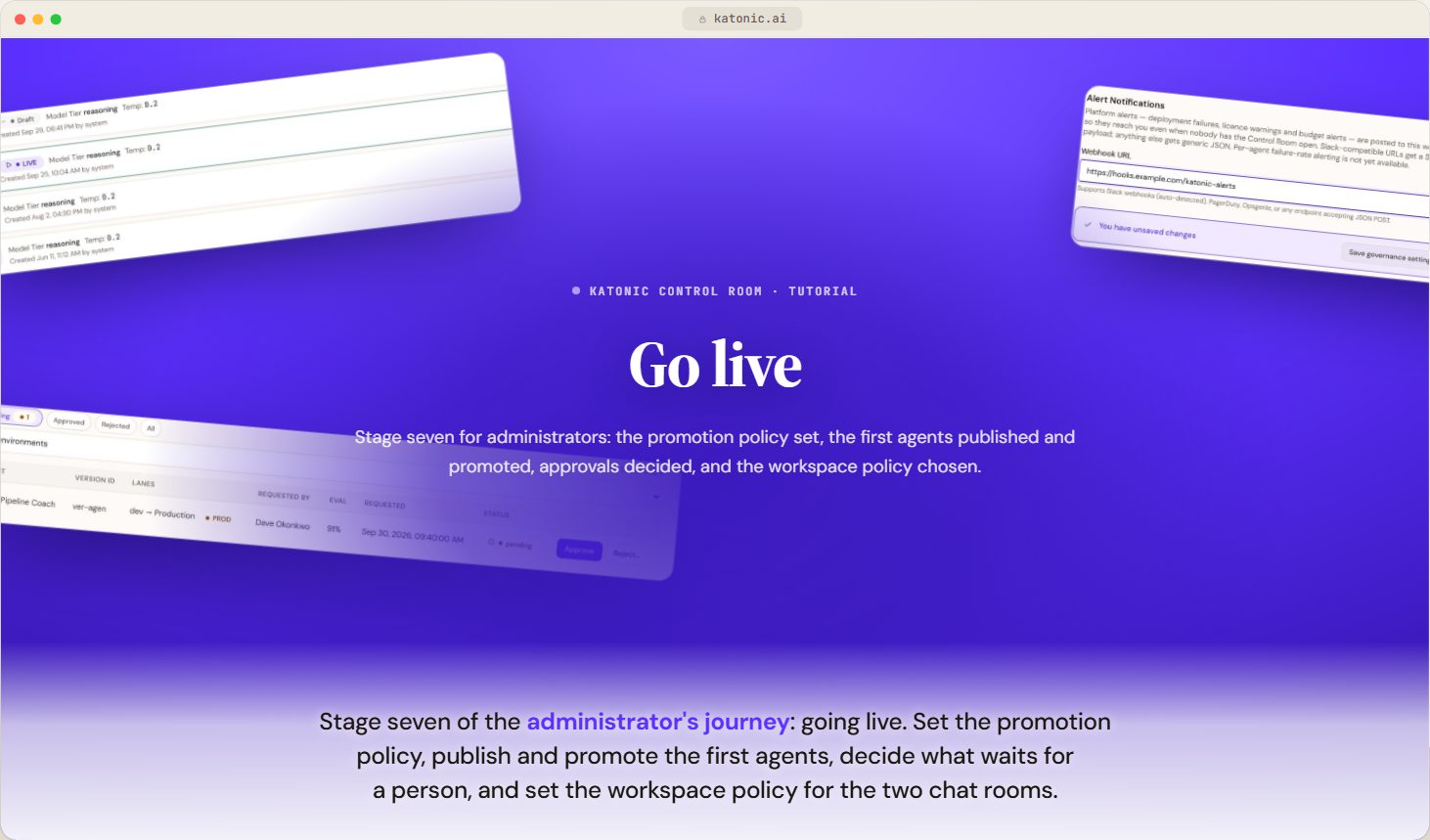 3:07
- Run the golden journeyThe one flow every organisation runs after install, from the first lane through teams and a built agent to a reviewed promotion into production, and what comes after.
02Govern1 step · 3:08 of video
Related
Was this page helpful?