Own the knowledge
Knowledge owners decide what the platform can answer from. This path starts with the smallest useful thing, a few files uploaded and a grounded question, and works outward: live sources, keeping them current, testing retrieval before anything ships, deciding who may use a source, the domain graph, and the connectors that bring more sources in.
Who this path is for: anyone with the Knowledge Admin grant or the Builder role or higher, and any Member who owns a knowledge source their team relies on.
01Add and test2 steps · 6:41 of video
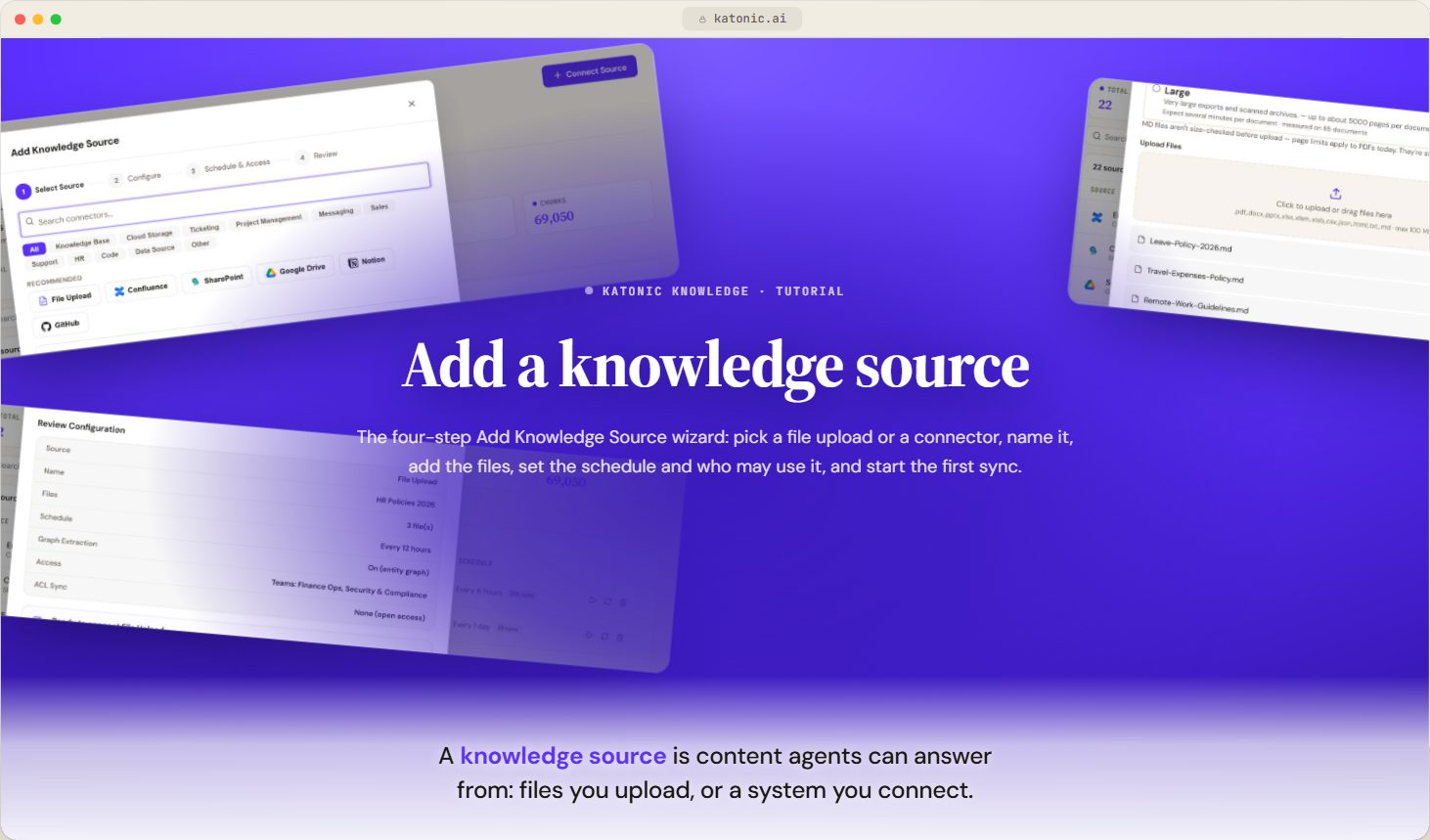
- Add a knowledge sourceVideoWalk the four-step Add Knowledge Source wizard, from choosing a file upload or connector to the first sync, and check that the source indexed.
 3:12
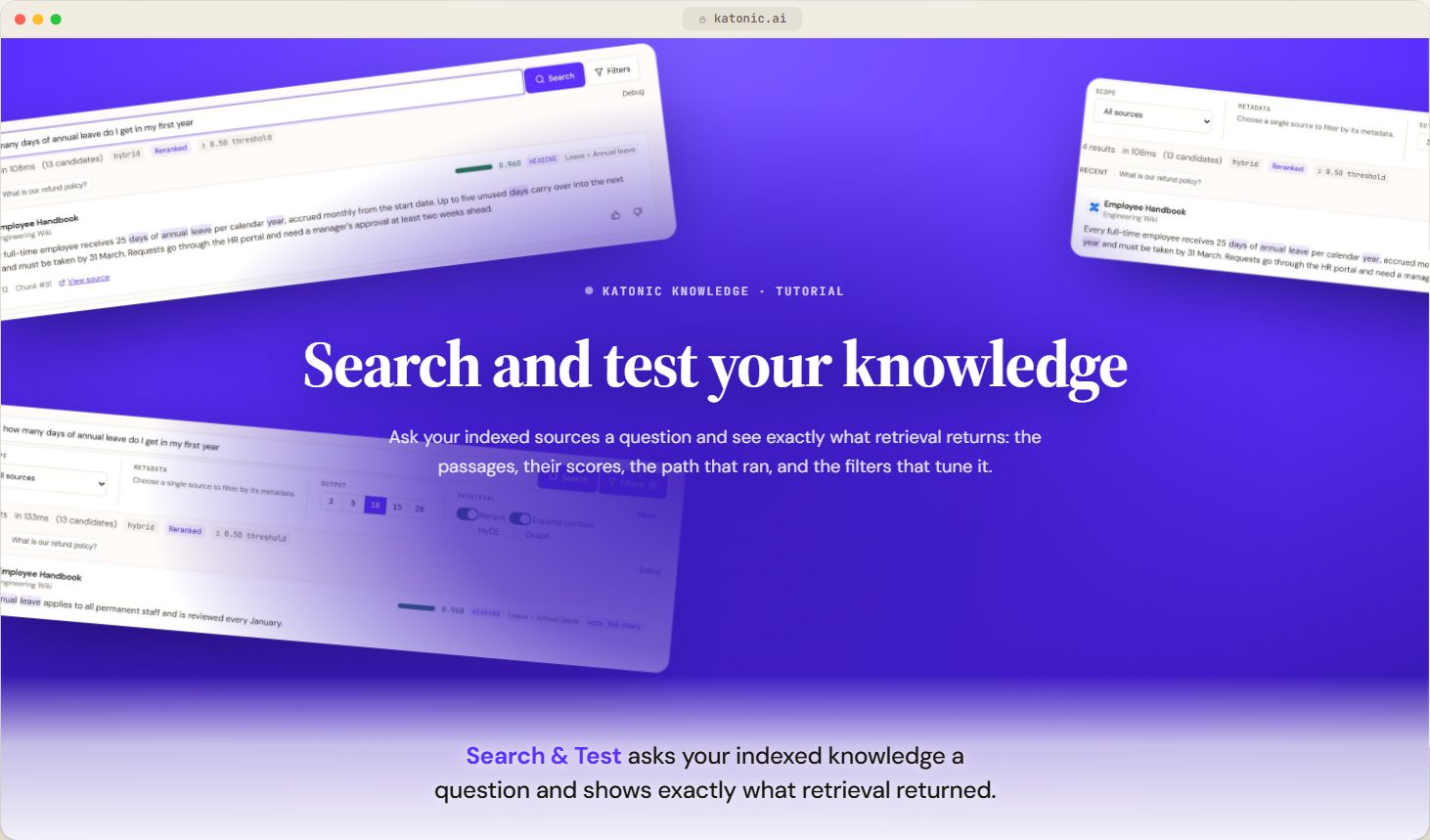
- Search and test your knowledgeVideoRun a test search against your indexed knowledge sources, read each result's score and origin, tune retrieval with the filters, and rate results.
 3:28
02Keep it live and safe3 steps · 10 min of video
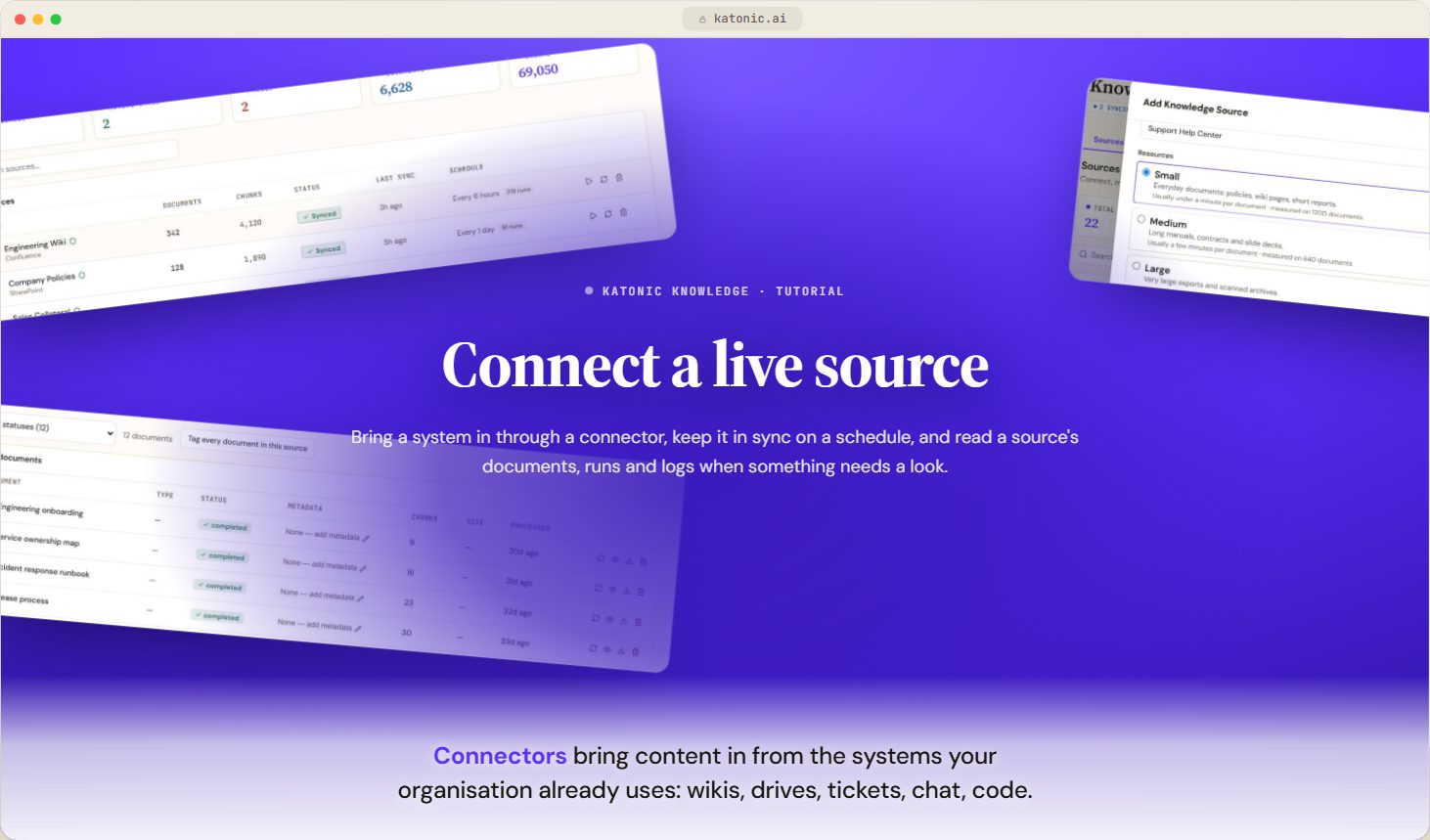
- Connect sourcesVideoConnect external systems through connectors, keep them in sync on a schedule, read a source's documents, runs and logs, and know when to re-index.
 3:46
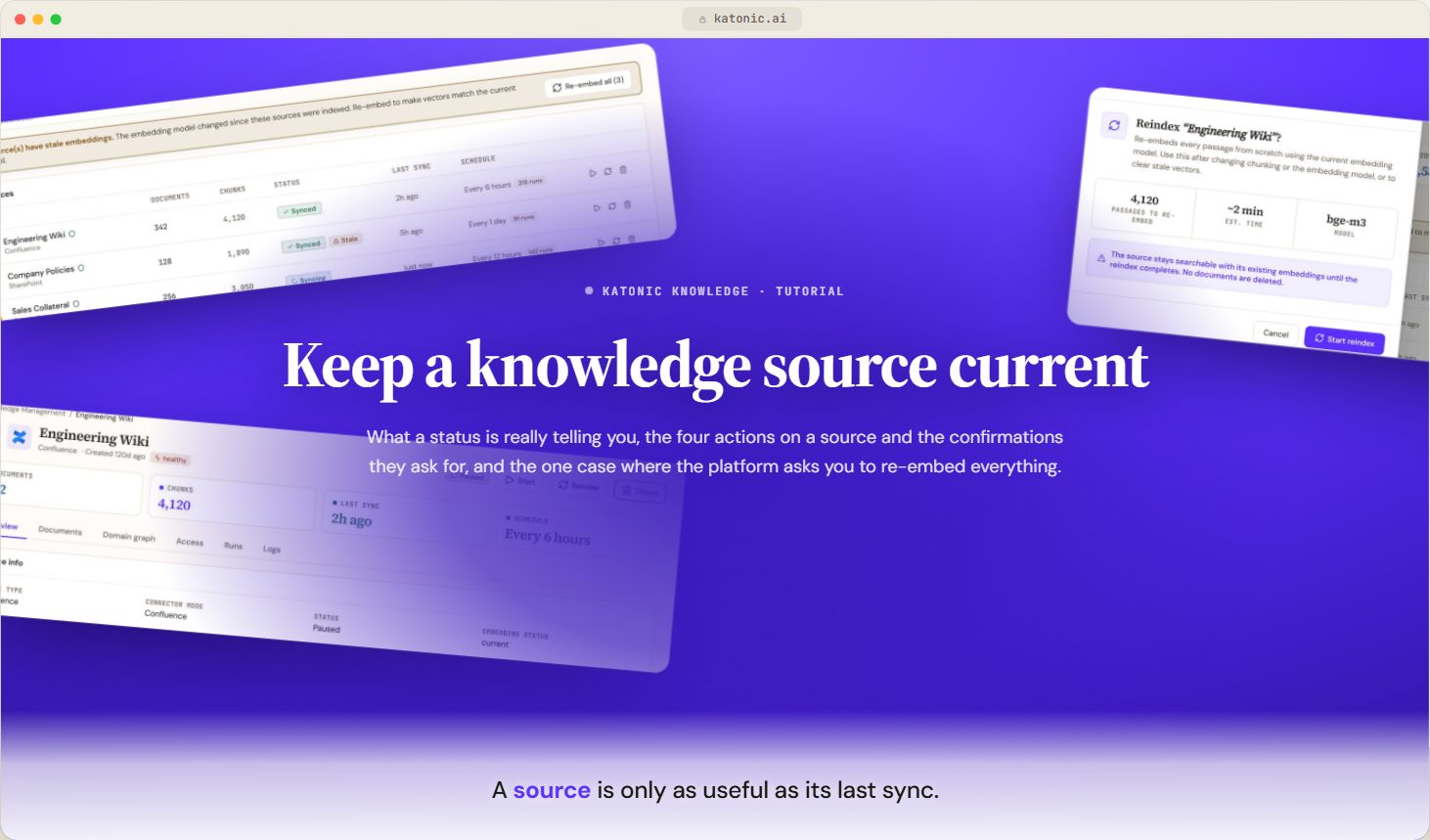
- Keep a knowledge source currentVideoSync, reindex, pause and delete a knowledge source, read what its status really means, and re-embed sources the embedding model has left behind.
 3:25
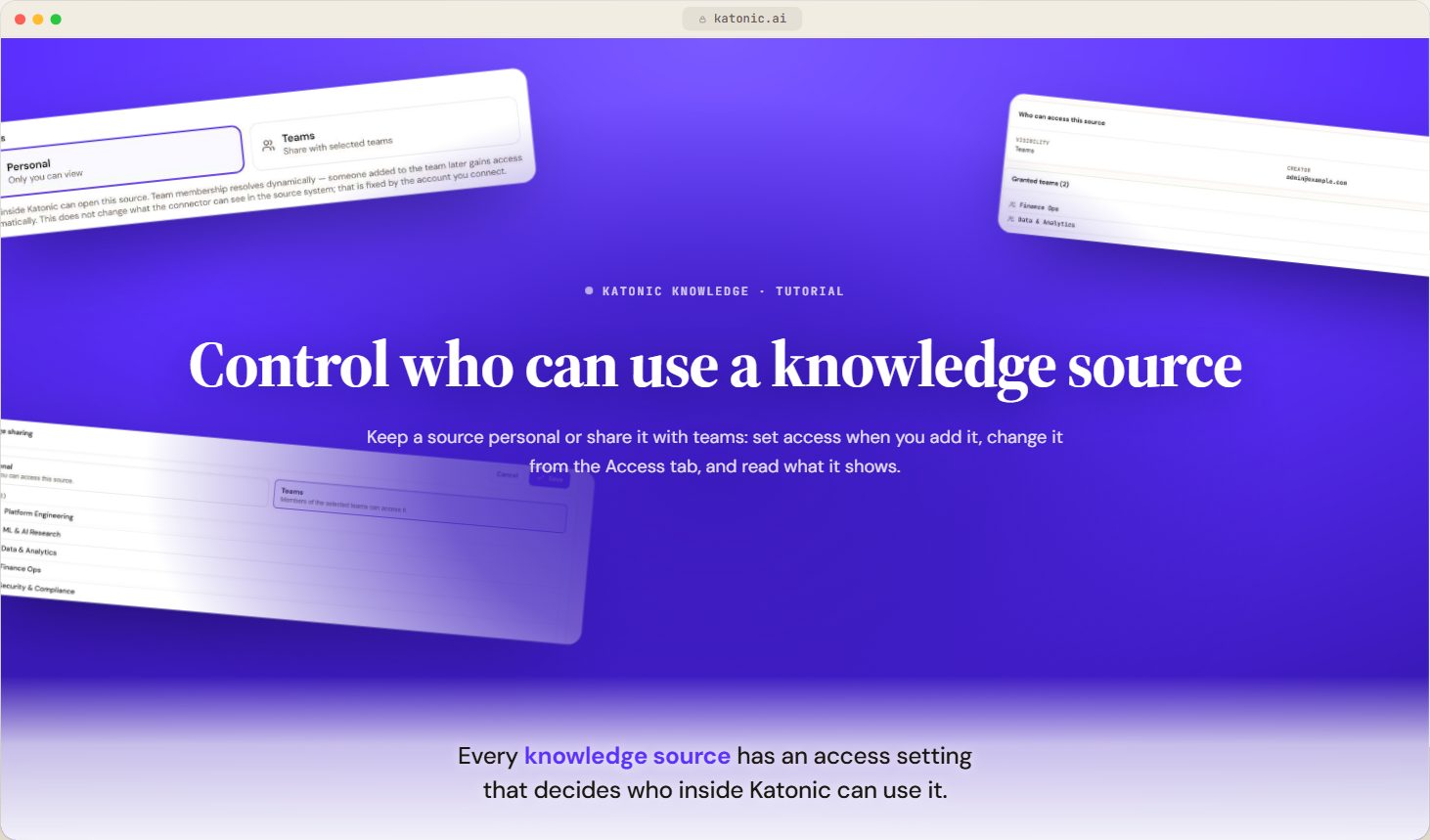
- Control who can use a knowledge sourceVideoKeep a knowledge source personal or share it with teams, set access when you add the source, change it later from the Access tab, and read what it shows.
 3:07
03Widen what you can bring in3 steps · 7:17 of video
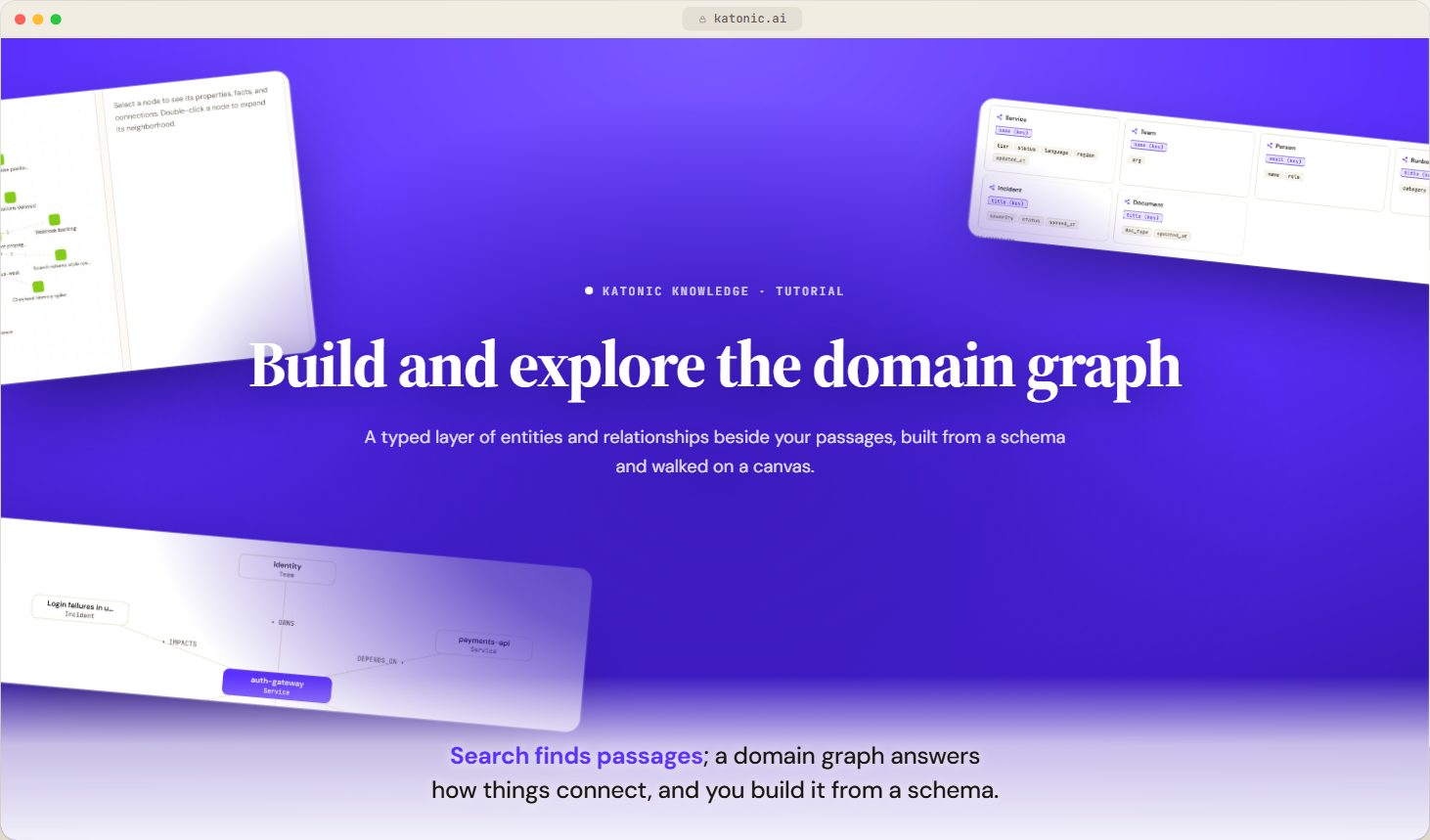
- The domain graphVideoWhat a source's domain graph is, how it fills, the four views on the Domain graph tab, and what to do when it is empty.
 2:52
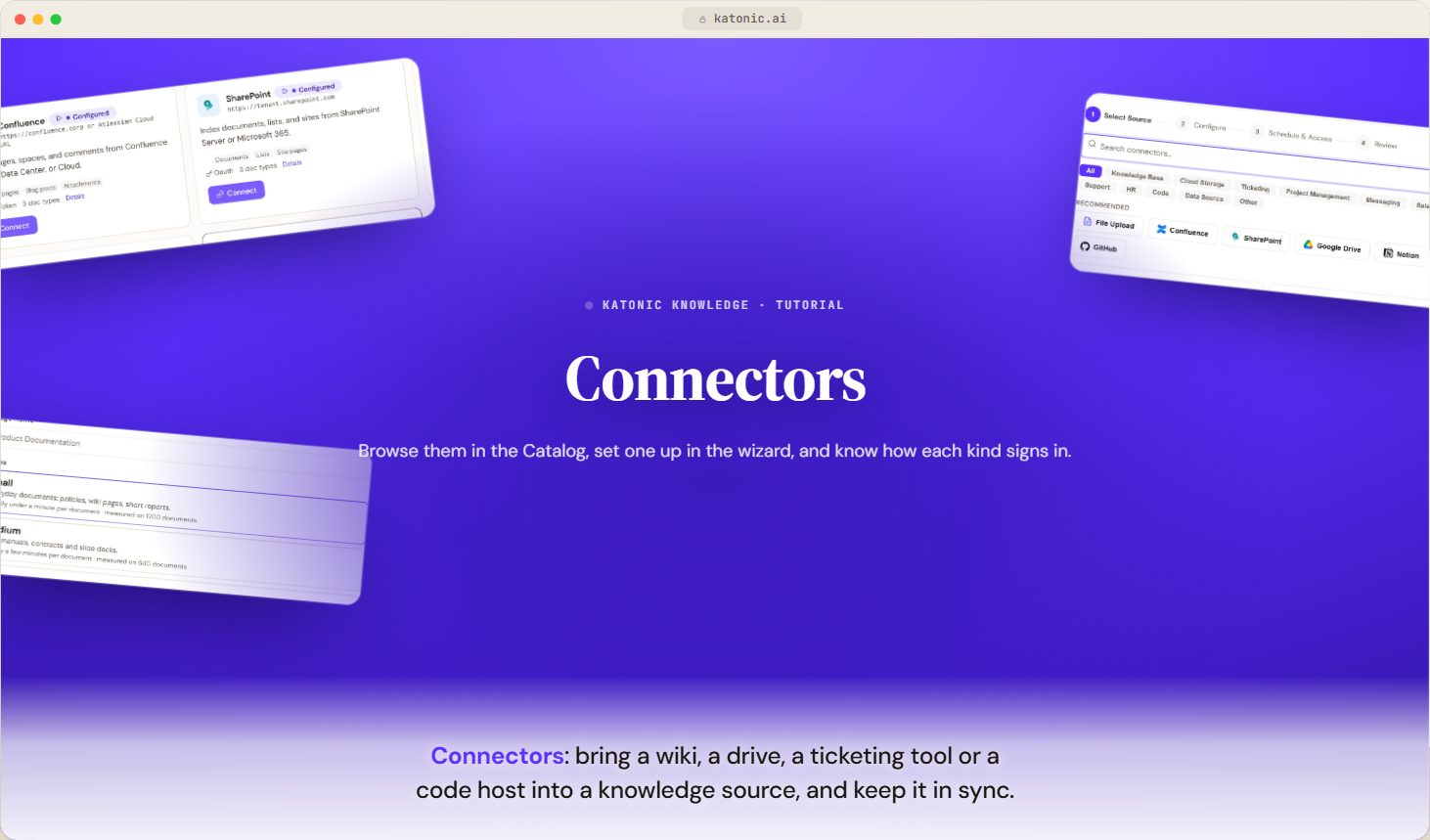
- ConnectorsVideoWhat a knowledge connector is, where you browse and set one up, how each kind of connector signs in, and where the page for each recommended connector is.
 2:07
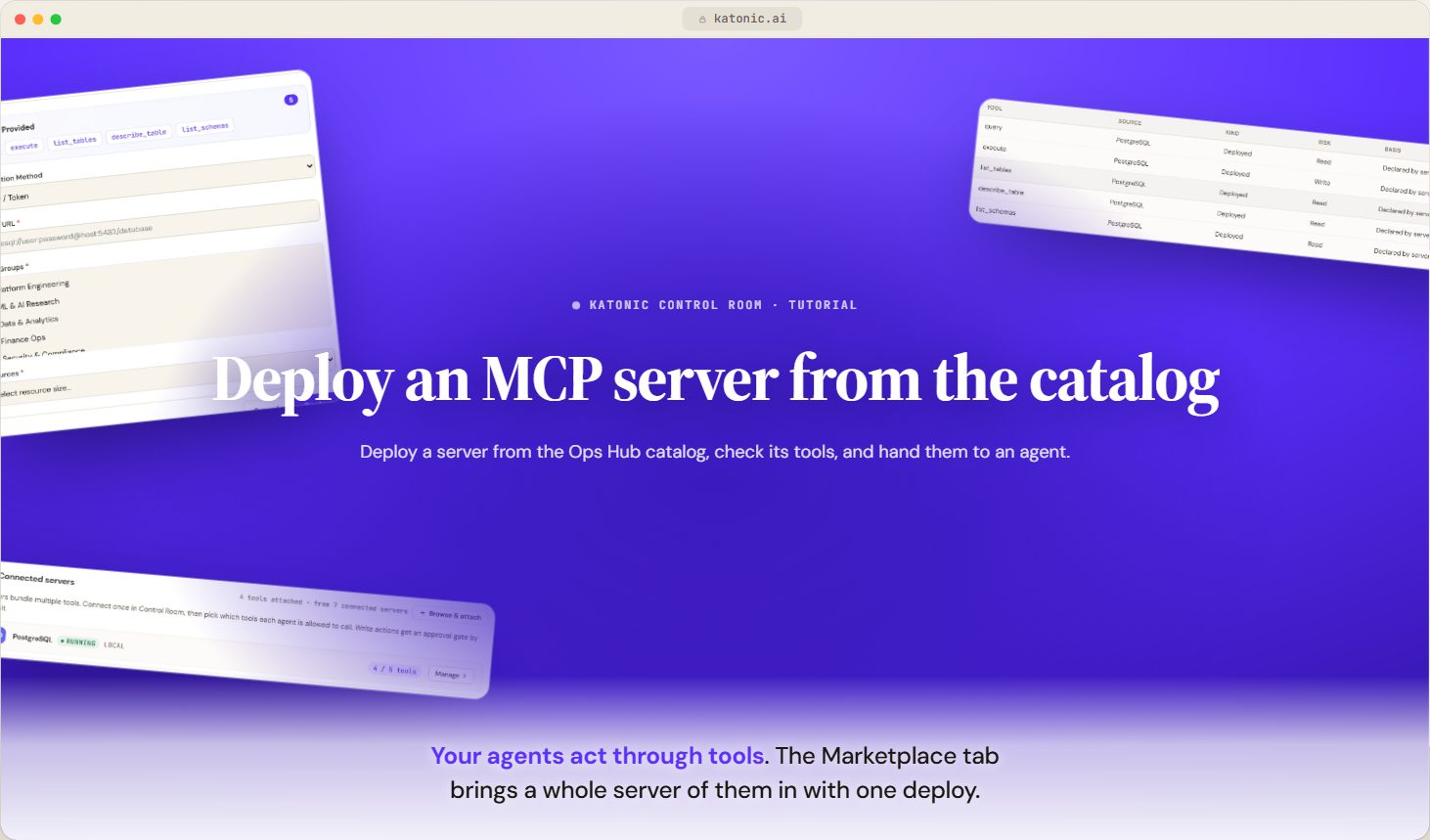
- The tool catalogVideoUnderstand the Control Room's Tools page tab by tab, from servers, databases and the tool inventory with its risk labels to the Ops Hub catalog and the built-in tools.
 2:18
How the stages relate
The first stage is the loop you will repeat for every source: add, then test before you let an agent answer from it. The second turns a one-off upload into a source that stays true as the documents behind it change, and settles who may use it before it reaches a wide audience. The third widens what you can bring in.