Use Katonic at work
This is the path for the people who use the platform rather than build it: sign in, ask a first question, read an answer you can trust, ground a chat in your own documents, generate a document, start an automation and share the result. The first stage is everyone's first week, whatever your role; the rest are the Work Room habits in the order they pay off.
Who this path is for: every Member, and anyone with a higher role who has not used the Work Room yet. Nothing here needs more than the Member role.
01Your first week4 steps · 7:51 of video
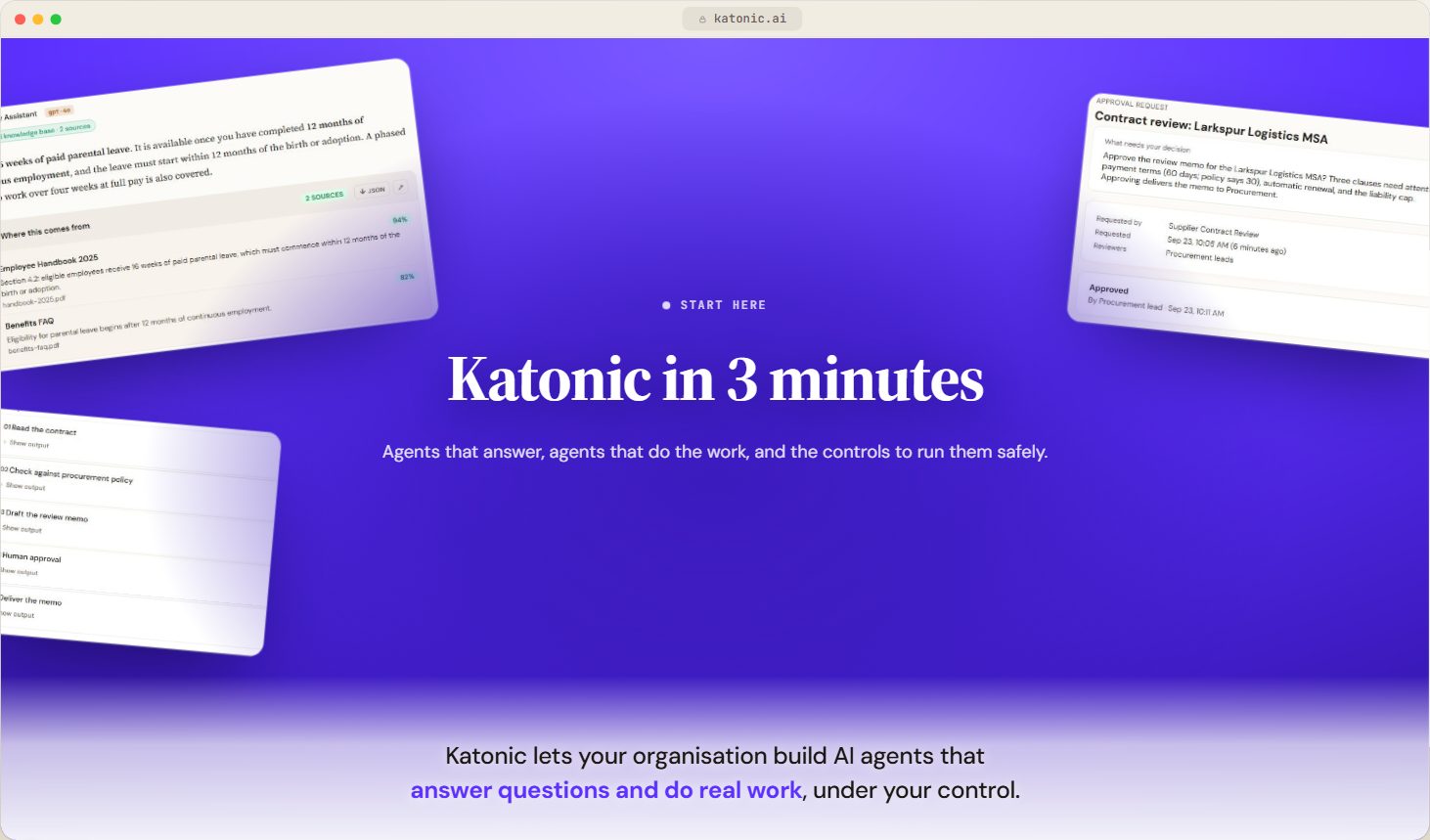
- What is KatonicVideoUnderstand what the Katonic platform does, how it is organised into four zones, and which parts of it you will use in your role.
 2:09
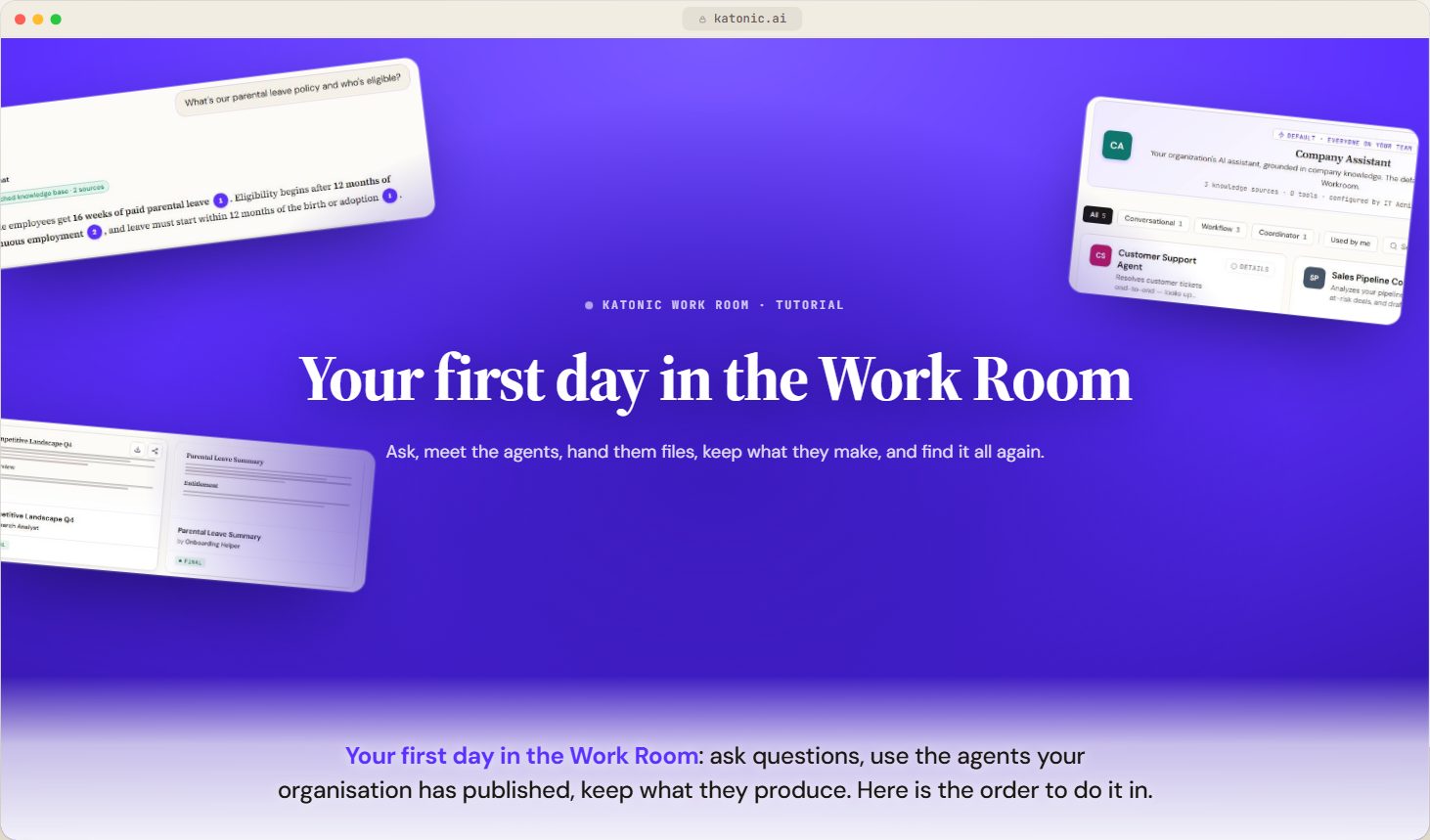
- Your first day in the Work RoomVideoWhat to do in your first hour as a Member, from finding your way around to your first conversation, your first agent, your first file and the settings worth changing.
 2:57
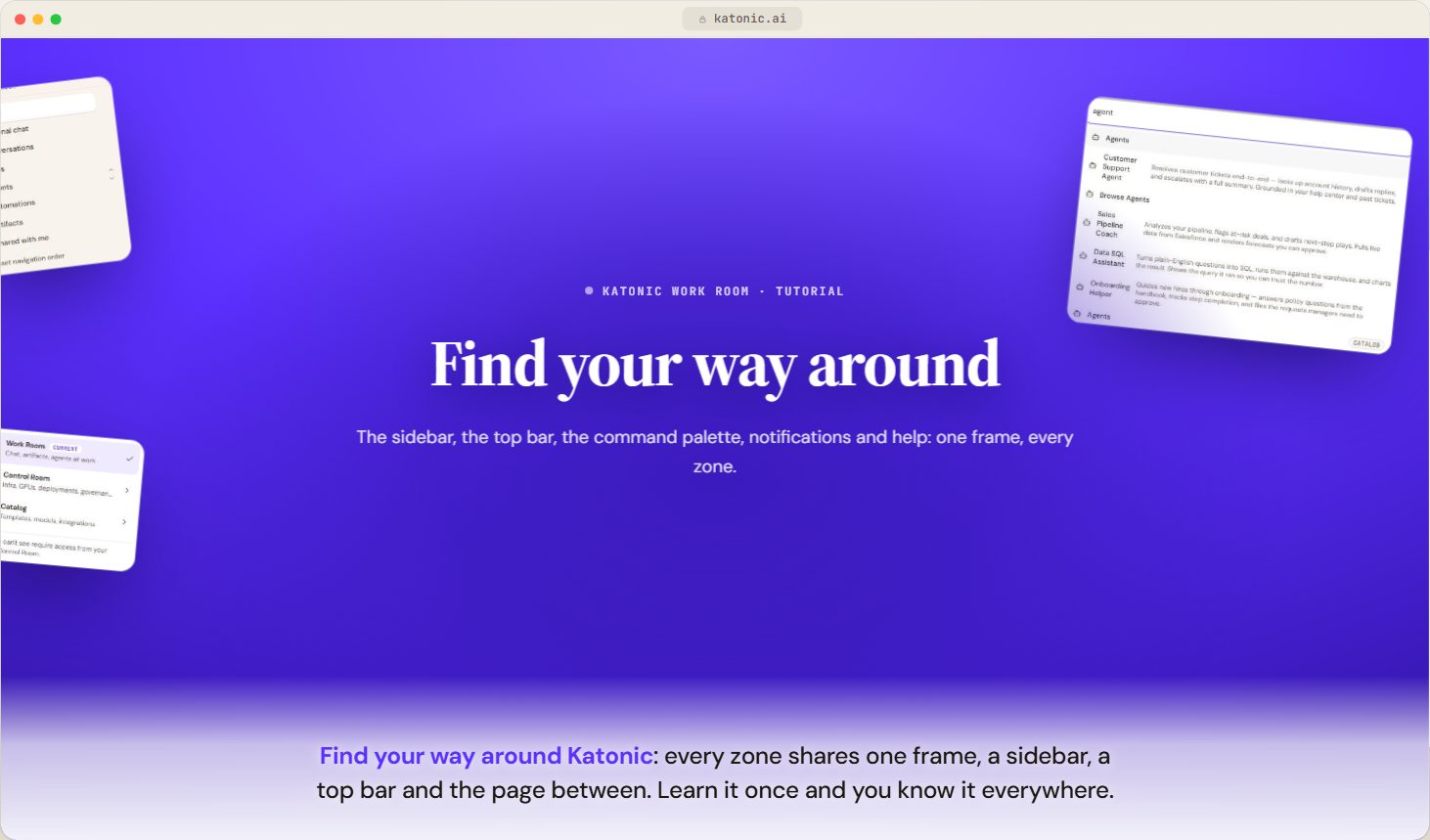
- Find your way aroundVideoLearn what the sidebar, top bar, command palette, notifications and help menu do, and how to arrange the sidebar to suit you.
 2:45
- Browse the CatalogKnow what each of the Catalog's six sections offers, who can take an item into use, and where an old Catalog link now opens.
02Every day in the Work Room6 steps · 14 min of video
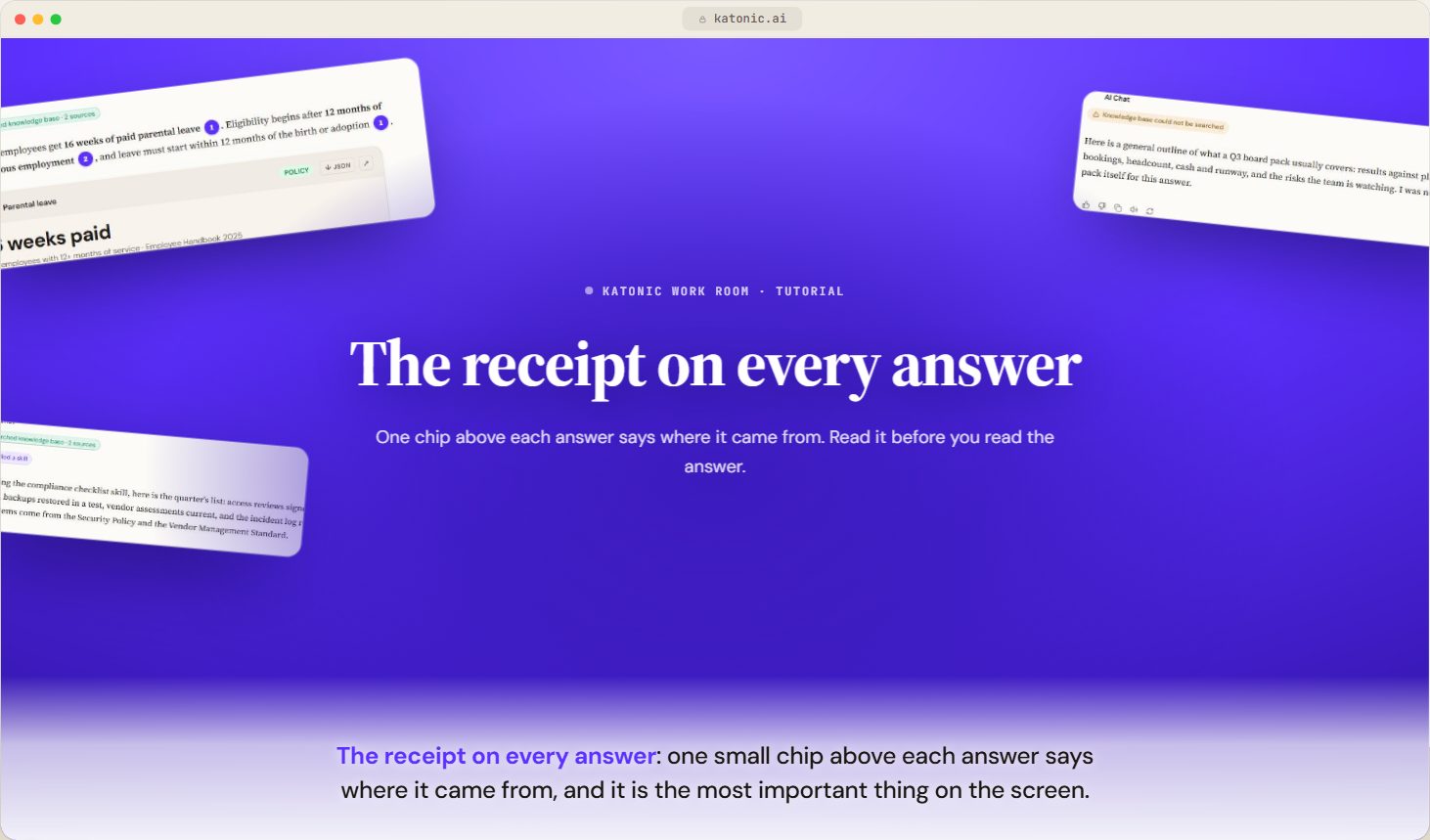
- The receipt on every answerVideoWhat each chip above an answer means, which ones mean the answer used your documents, and which ones mean it did not.
 2:06
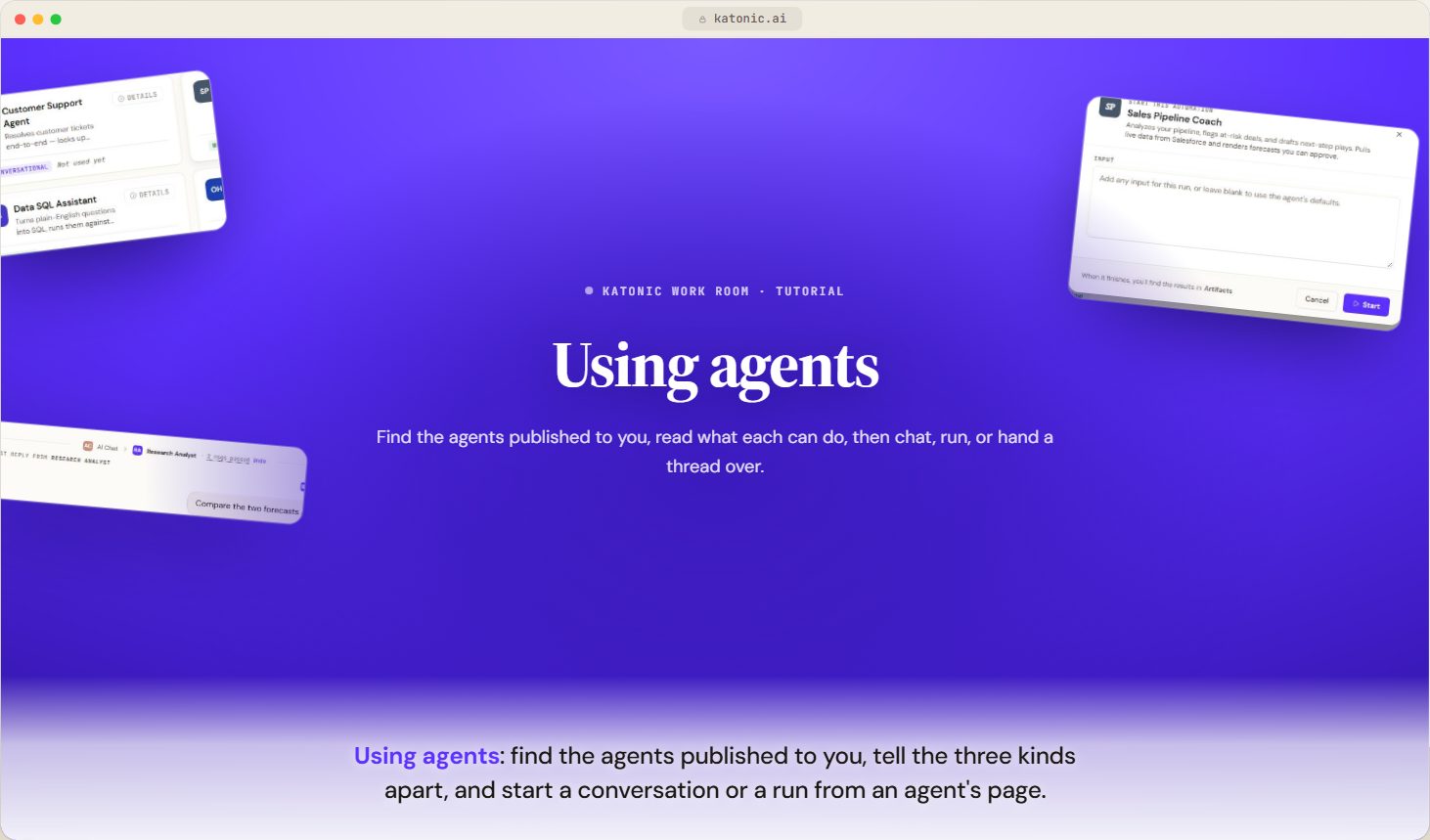
- Using agentsVideoFind the agents published to you, tell conversational, workflow and coordinator agents apart, and start a conversation or a run from an agent's detail page.
 2:33
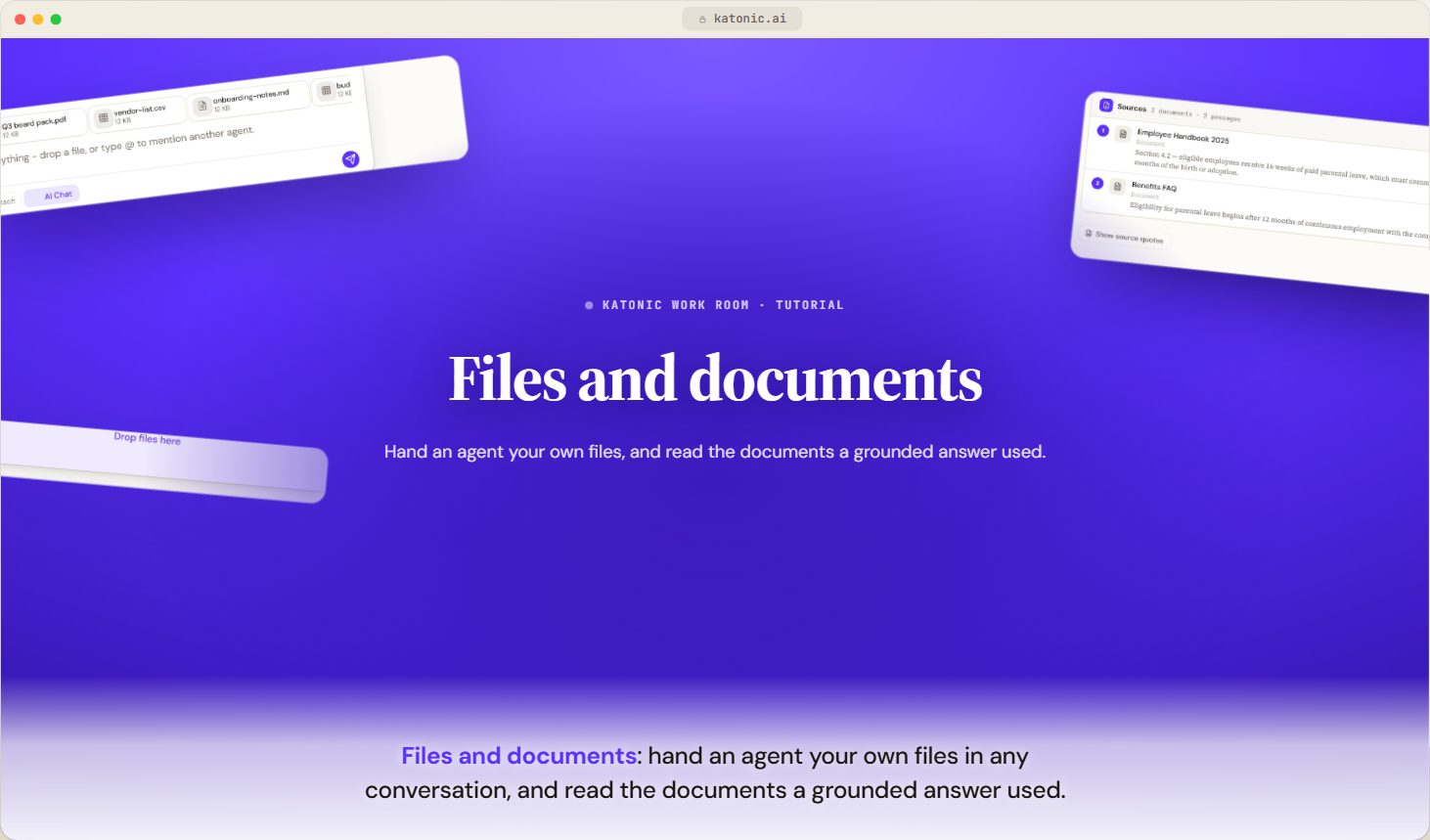
- Files and documentsVideoAttach files to a message, know the size and type limits, read the sources an answer cites, and understand what happens when a file cannot be read.
 2:10
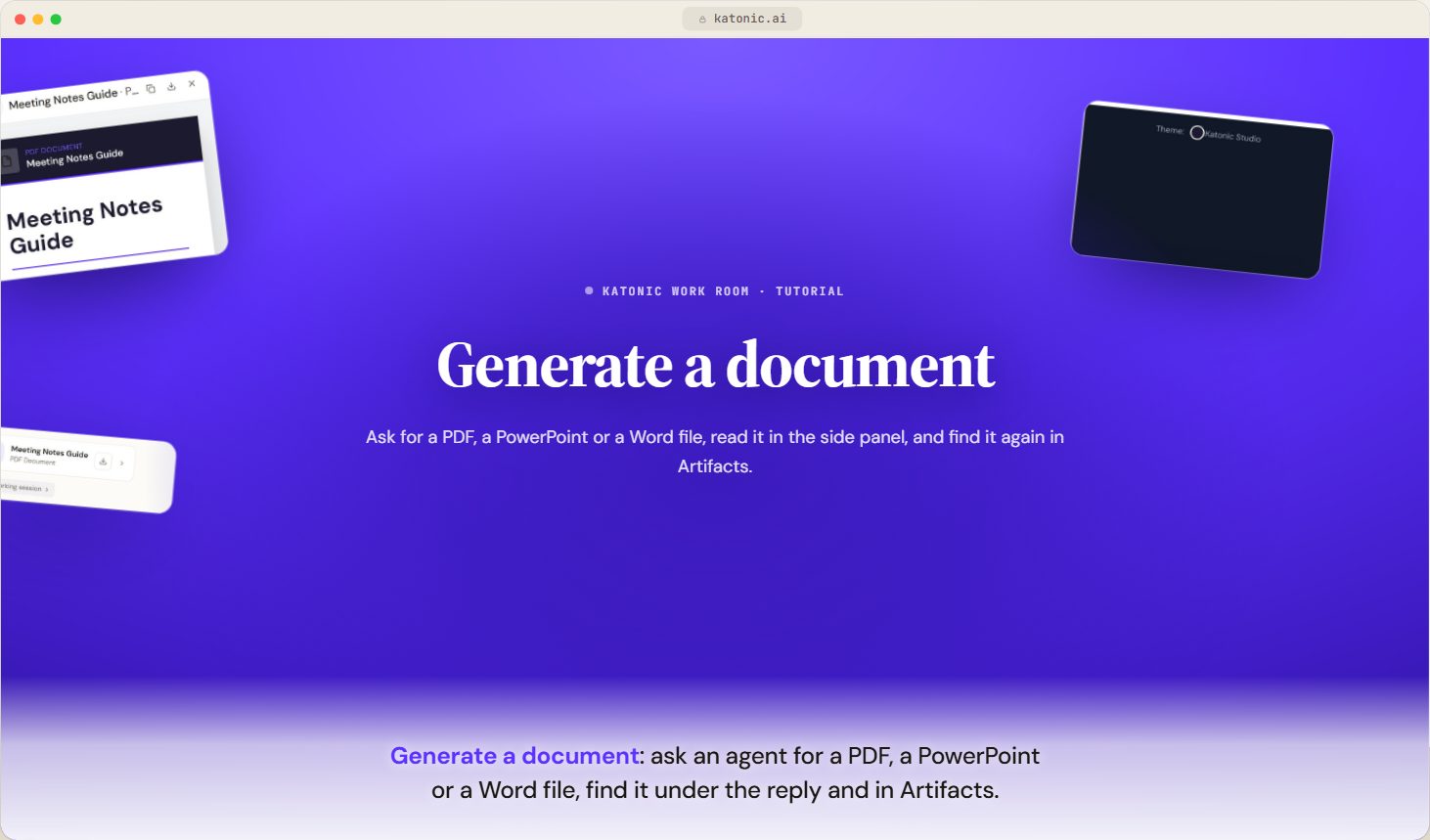
- Generate a documentVideoAsk an agent for a PDF, PowerPoint or Word file in a conversation, find it under the reply and in Artifacts, and know what the generator can and cannot do.
 2:23
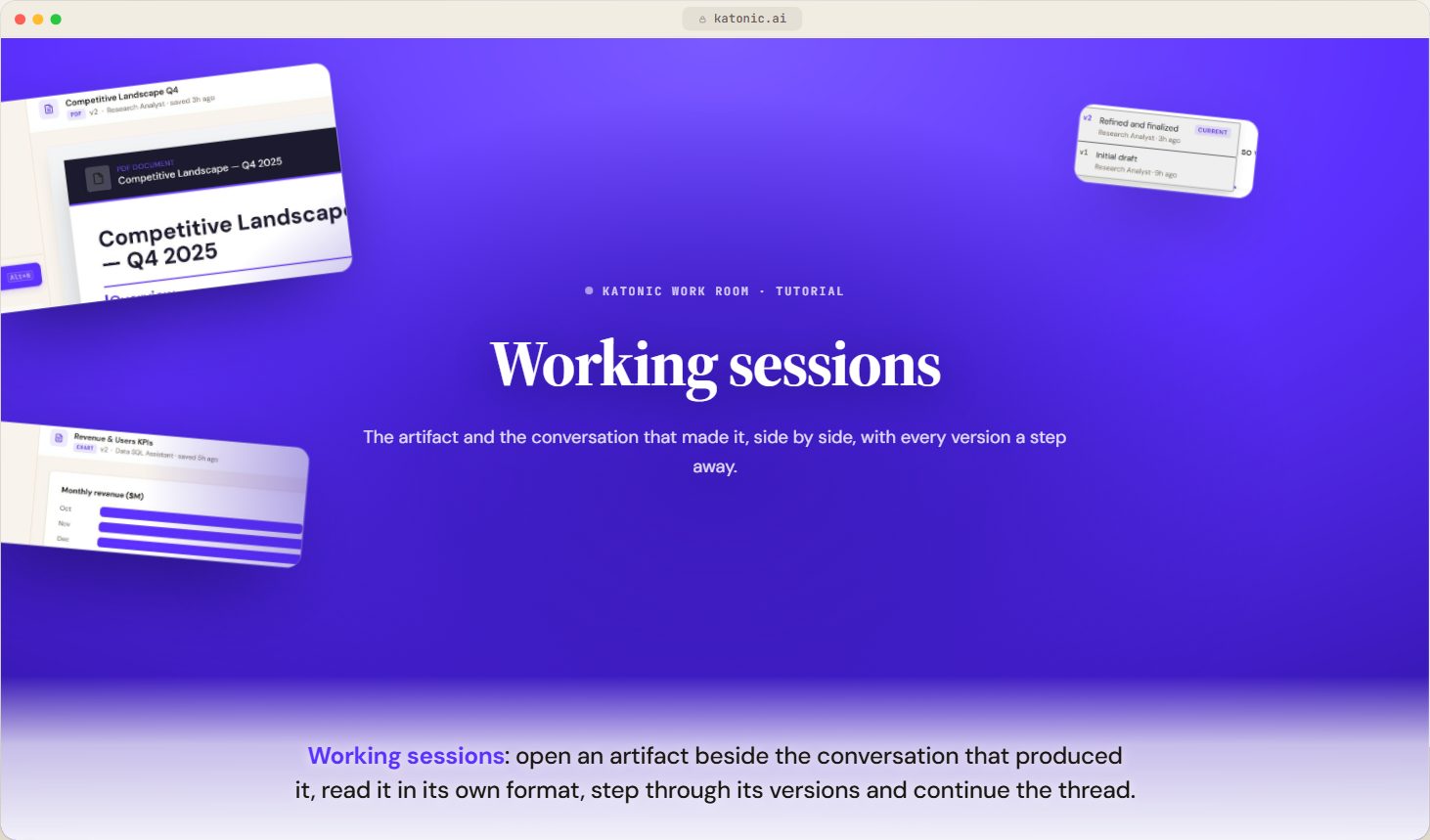
- Working sessionsVideoOpen an artifact beside the conversation that produced it, read it in its own format, step through its versions and continue the thread.
 2:19
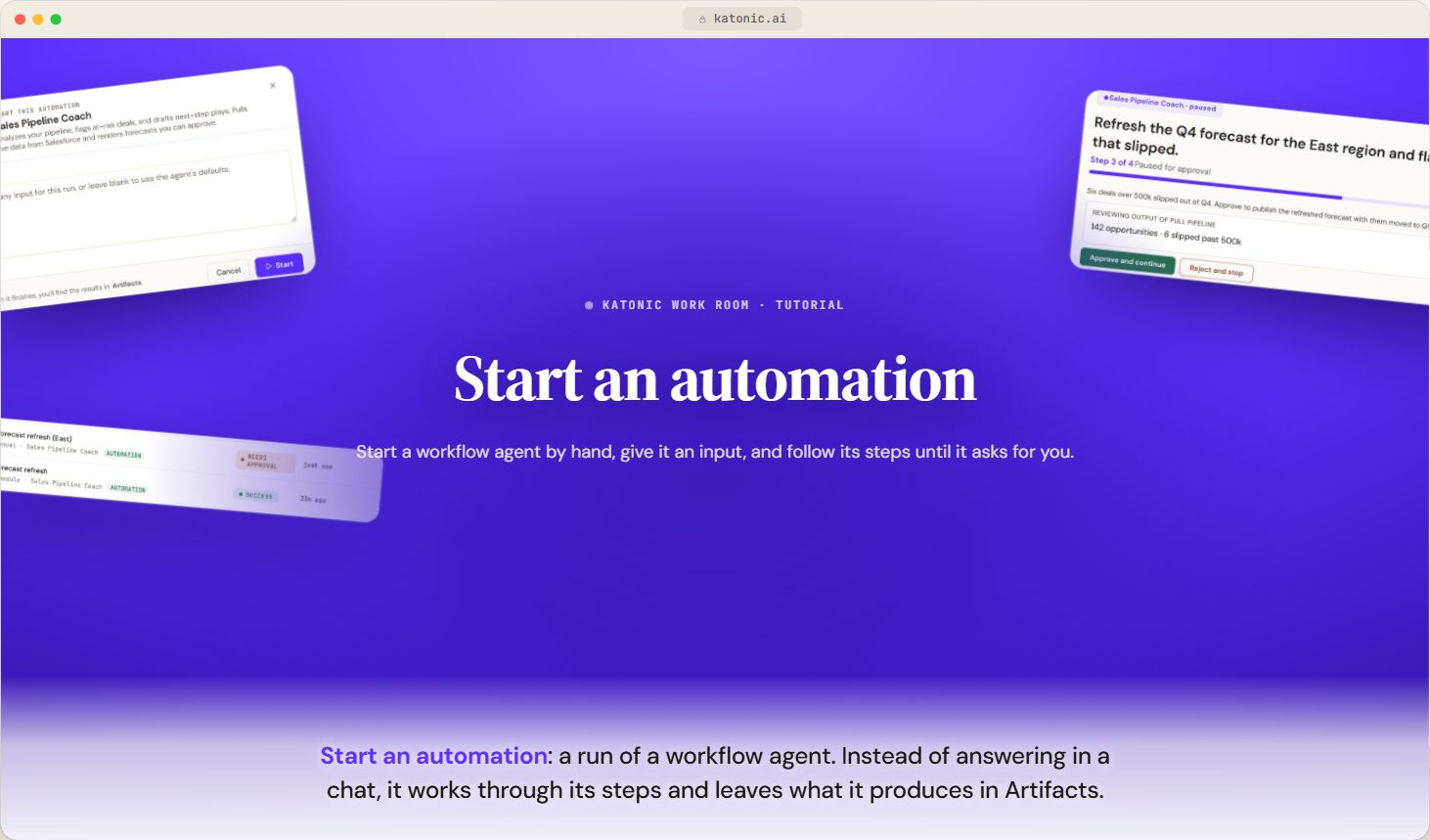
- Start an automationVideoStart a workflow agent's run by hand from its page or from a conversation, give it inputs or files, follow its steps, and stop or approve it while it runs.
 2:07
03Going further6 steps · 15 min of video
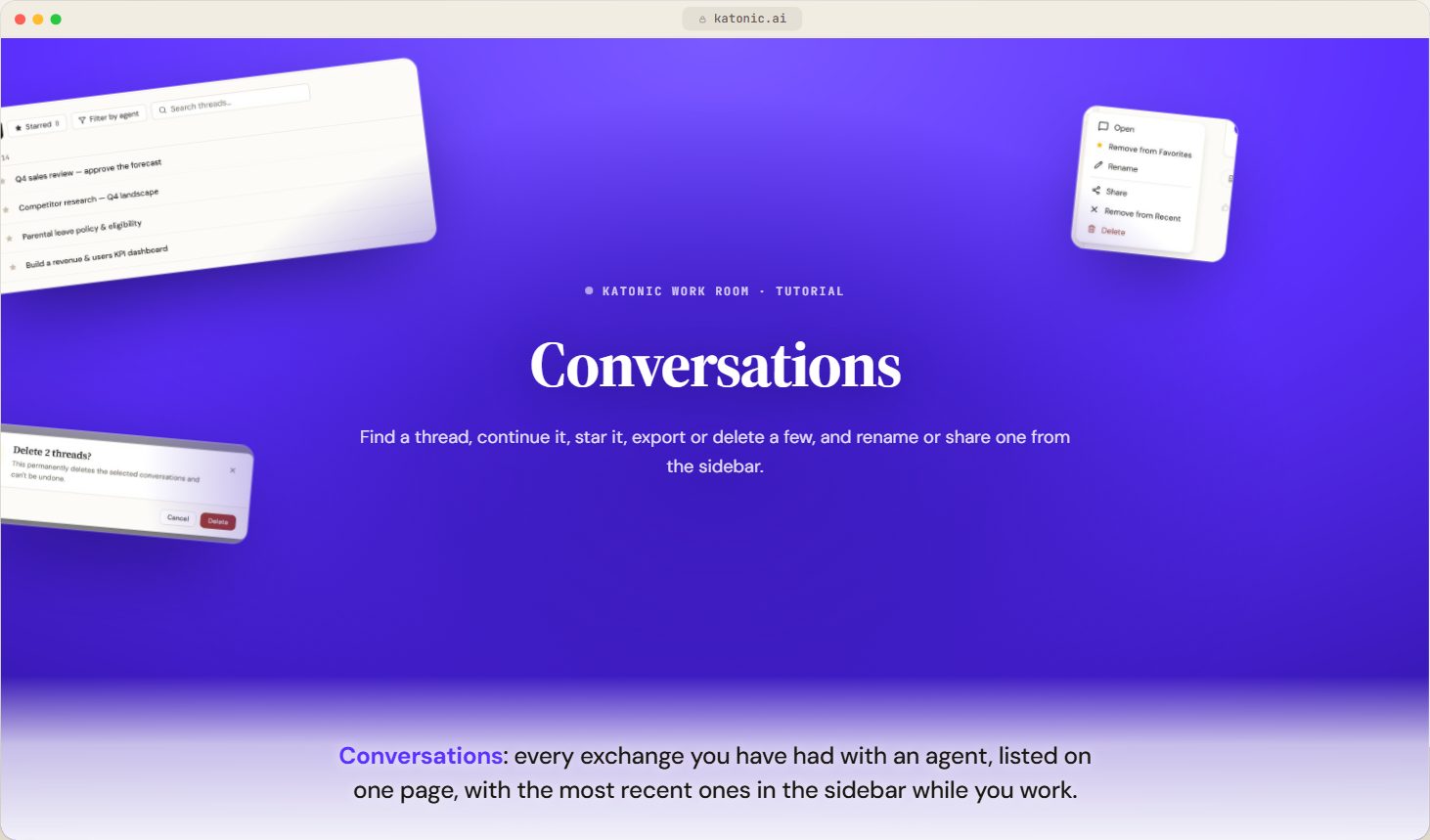
- ConversationsVideoFind, continue, star, export and delete your conversations, and understand what the receipt on each answer tells you.
 2:16
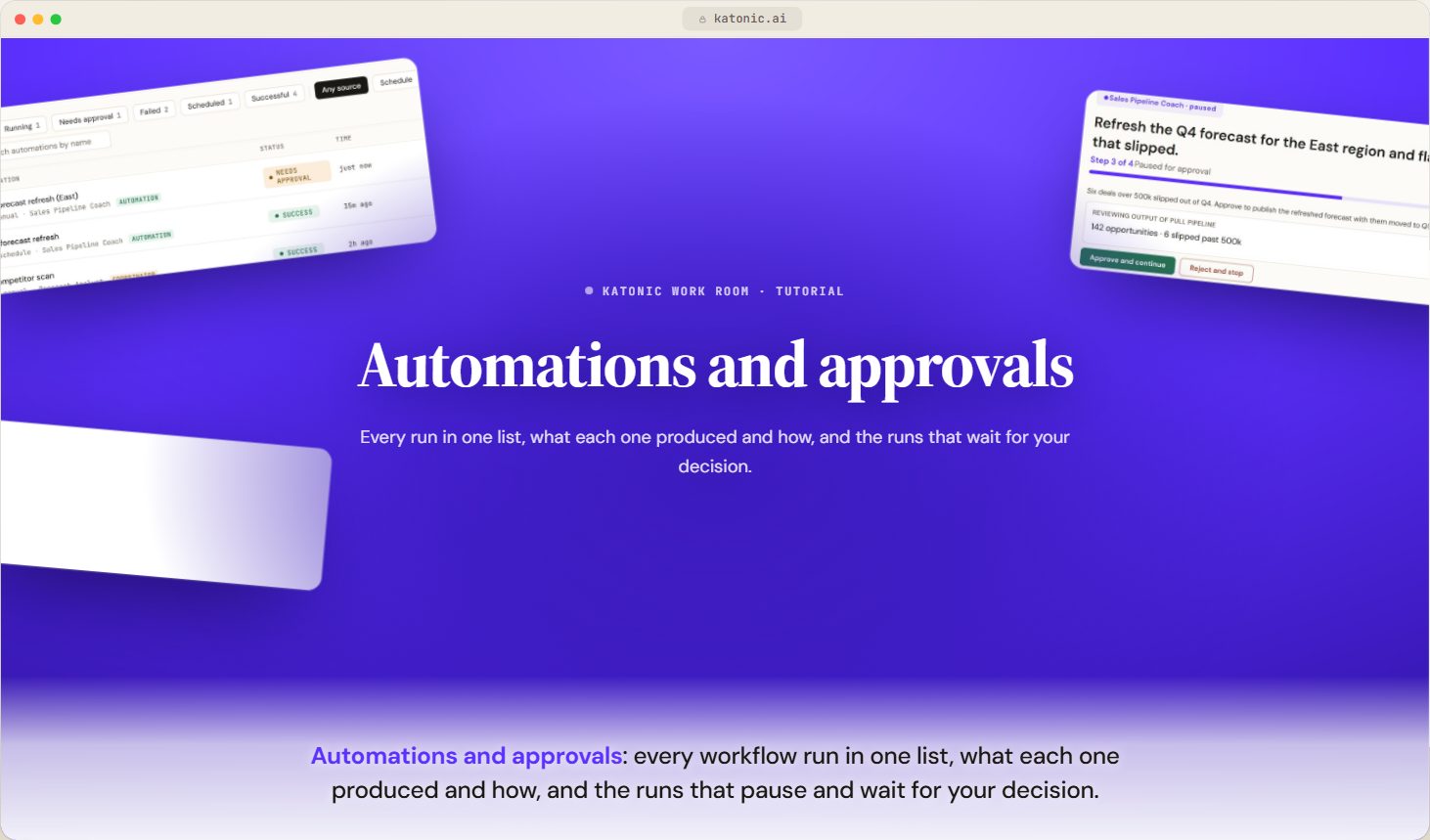
- Automations and approvalsVideoFollow every automation run, start one by hand, read a run's result and steps, and approve or reject a run that has paused for your decision.
 2:50
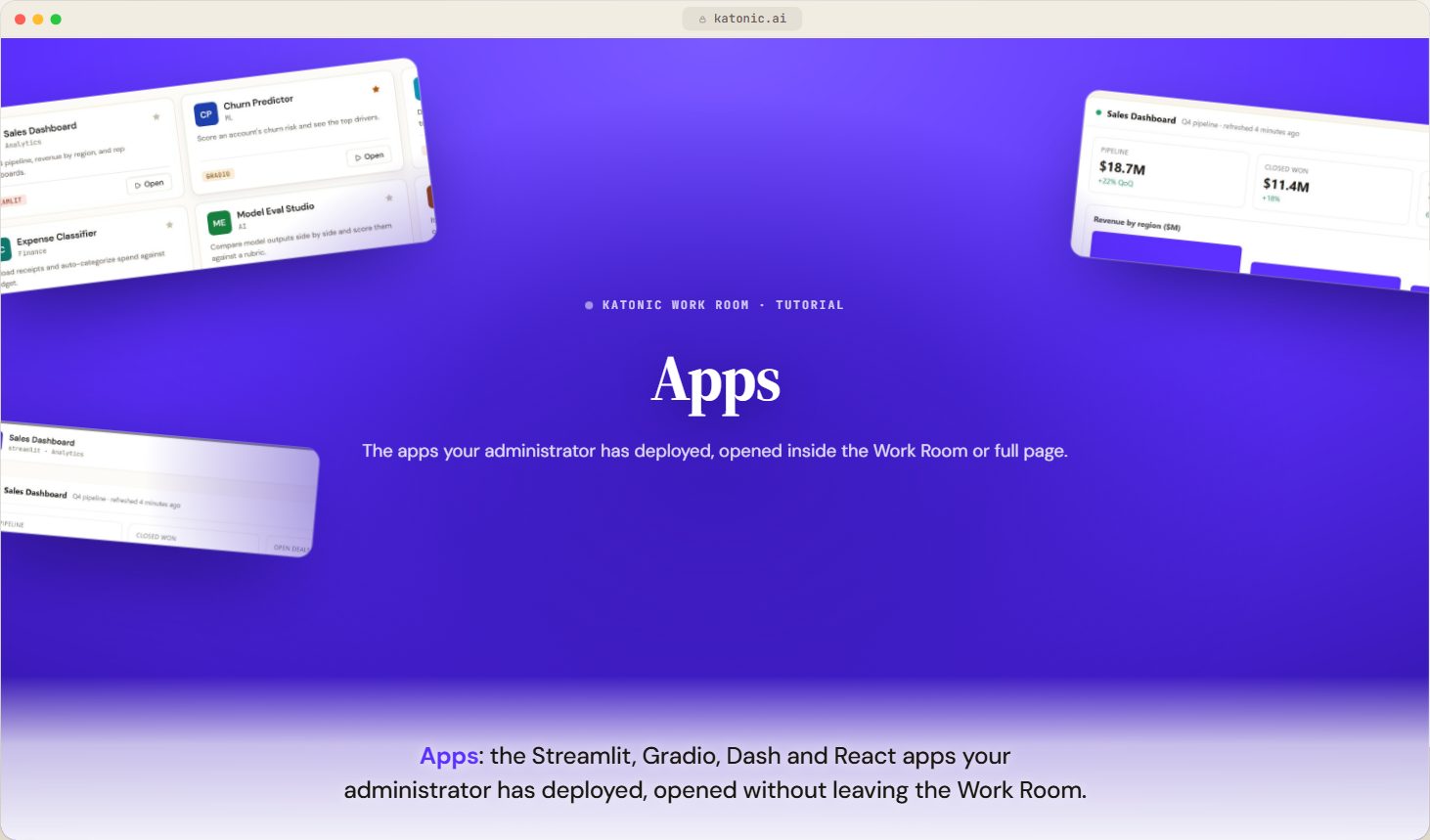
- AppsVideoOpen the Streamlit, Gradio, Dash and React apps your administrator has deployed, pin the ones you use most, and run an app inside the Work Room or full page.
 2:09
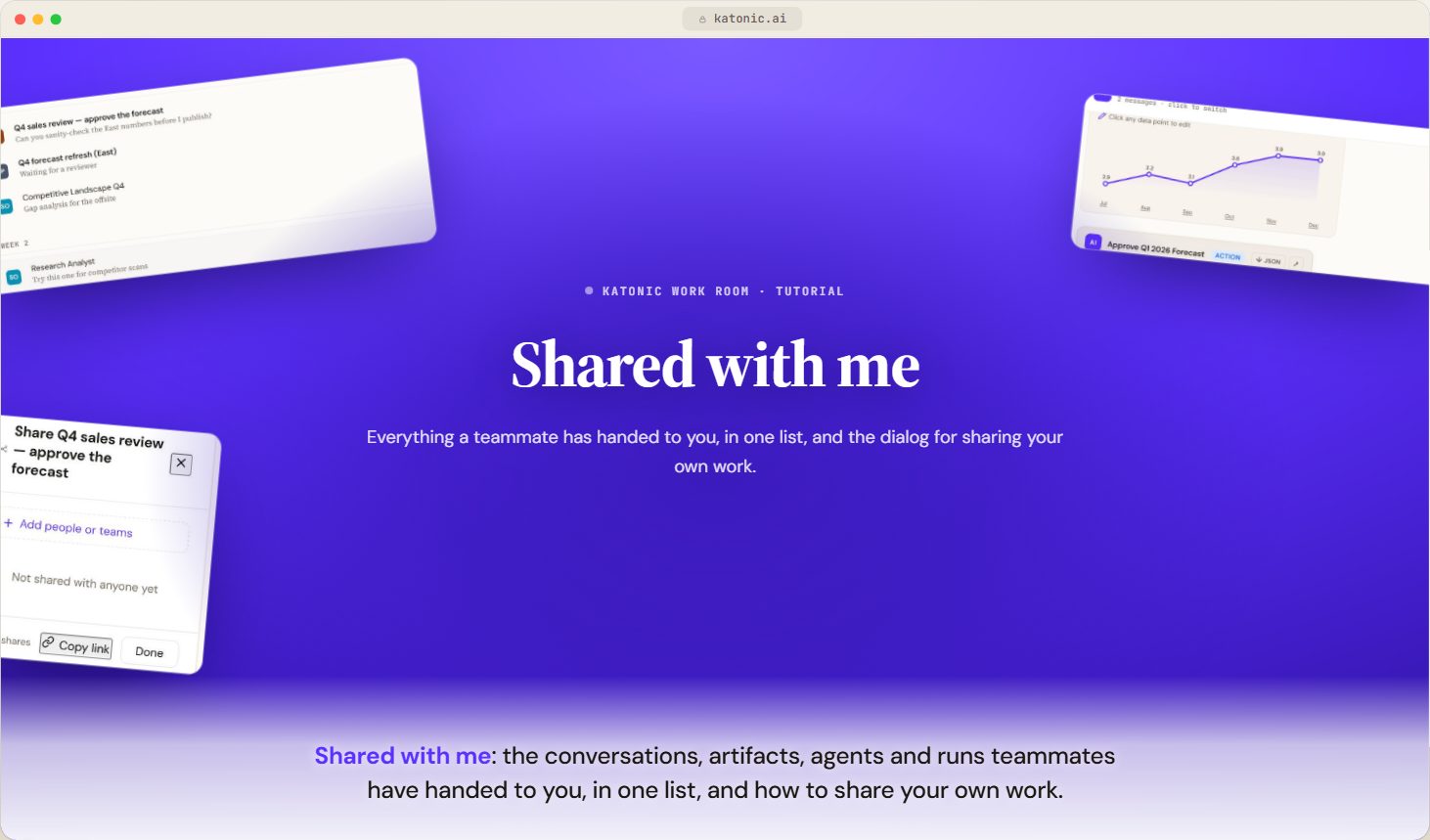
- Shared with meVideoFind the conversations, artifacts, agents and workflow runs that teammates have shared with you, open each one from a single list, and share your own work.
 2:34
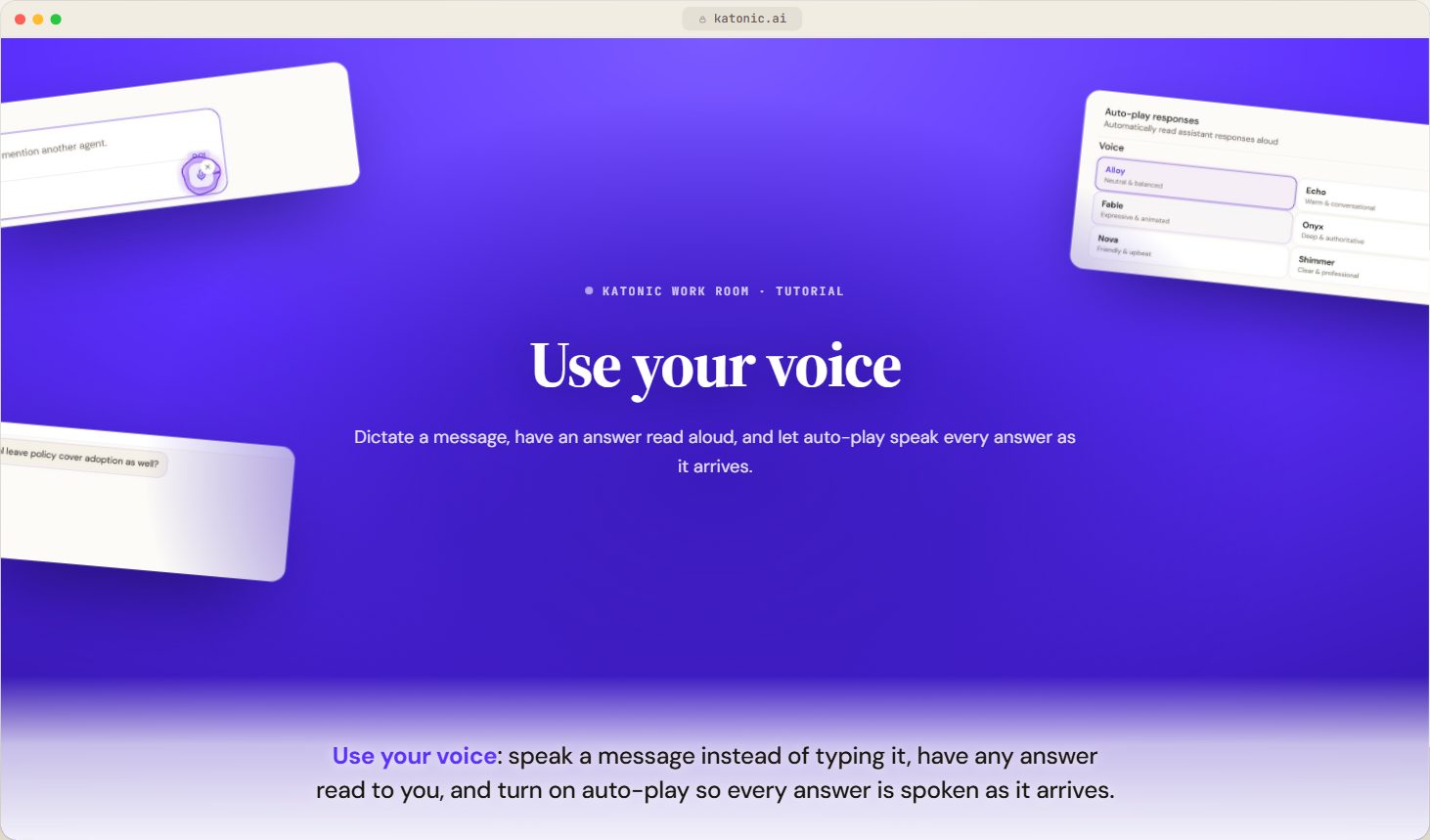
- Use your voiceVideoDictate a message with the microphone in the composer, have an answer read aloud, and turn on auto-play so every answer is spoken as it arrives.
 2:27
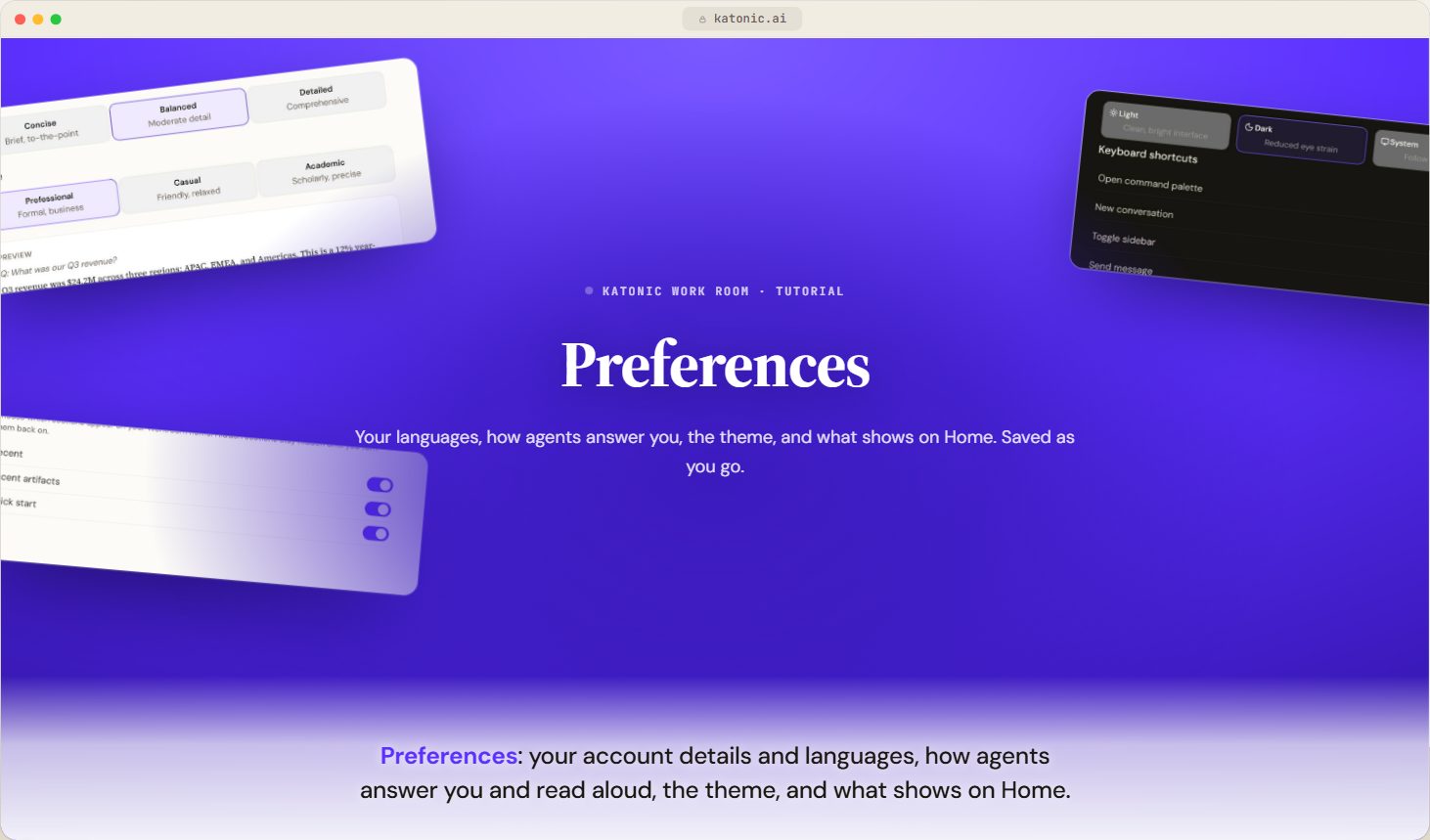
- PreferencesVideoSet your interface and content languages, export your conversations, choose how agents answer and read aloud, pick a theme, and decide which sections show on Home.
 2:47
How to follow it
Take the first stage in order; each page is written so that the next makes sense. The second stage is the six habits worth having by the end of the first week. The third is for when you need it: conversations, automations and approvals, apps, what other people have shared with you, voice and preferences each stand alone. If a screen looks different from a video, trust the page: the line under the player says when the video was recorded, and a page describes the current build.
What comes next
When these are done, pick the path that matches what you do: Own the knowledge if you own documents that agents answer from, Build agents if you build them, Run models and compute for data science work, or Run the tenant if you administer it.