Build agents
Studio is where agents are built, tested, published and improved. This path is the longest, because a builder meets more surfaces: the get-started walkthrough, your first agent and its page, the other kinds of agent you can build, tools, prompts, skills and evaluations, then the production tooling that tells you how an agent is doing, and App Studio for apps. Take the first stage in order; the rest are independent and you can pick them as your work needs them.
Who this path is for: the Builder role or higher. If you also own the documents your agents answer from, take Own the knowledge alongside.
For Builders
01Build and ship an agent5 steps · 14 min of video
- Get started for buildersVideoThe path from opening Studio to a published agent that answers from your organisation's knowledge and calls a tool, in the order a builder actually does it.
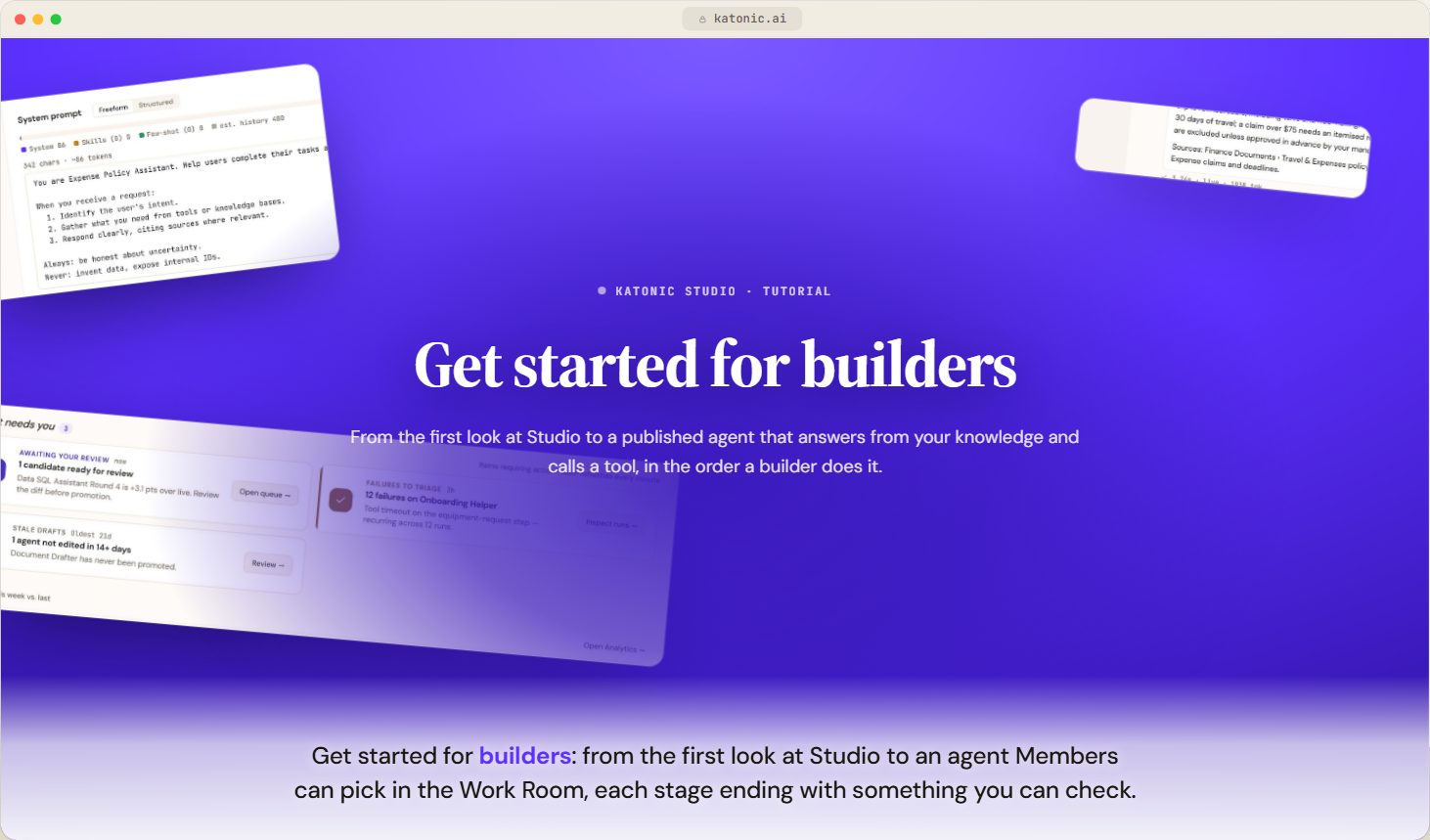 2:46
- Create an agentVideoStart a new agent in Studio by choosing a kind, a template or a recommendation from three questions, and know which builder each choice opens.
 2:58
- Build an answer agentVideoBuild a conversational agent in the Answer & assist wizard, from its identity and prompt to its tools, skills, knowledge, memory and guardrails.
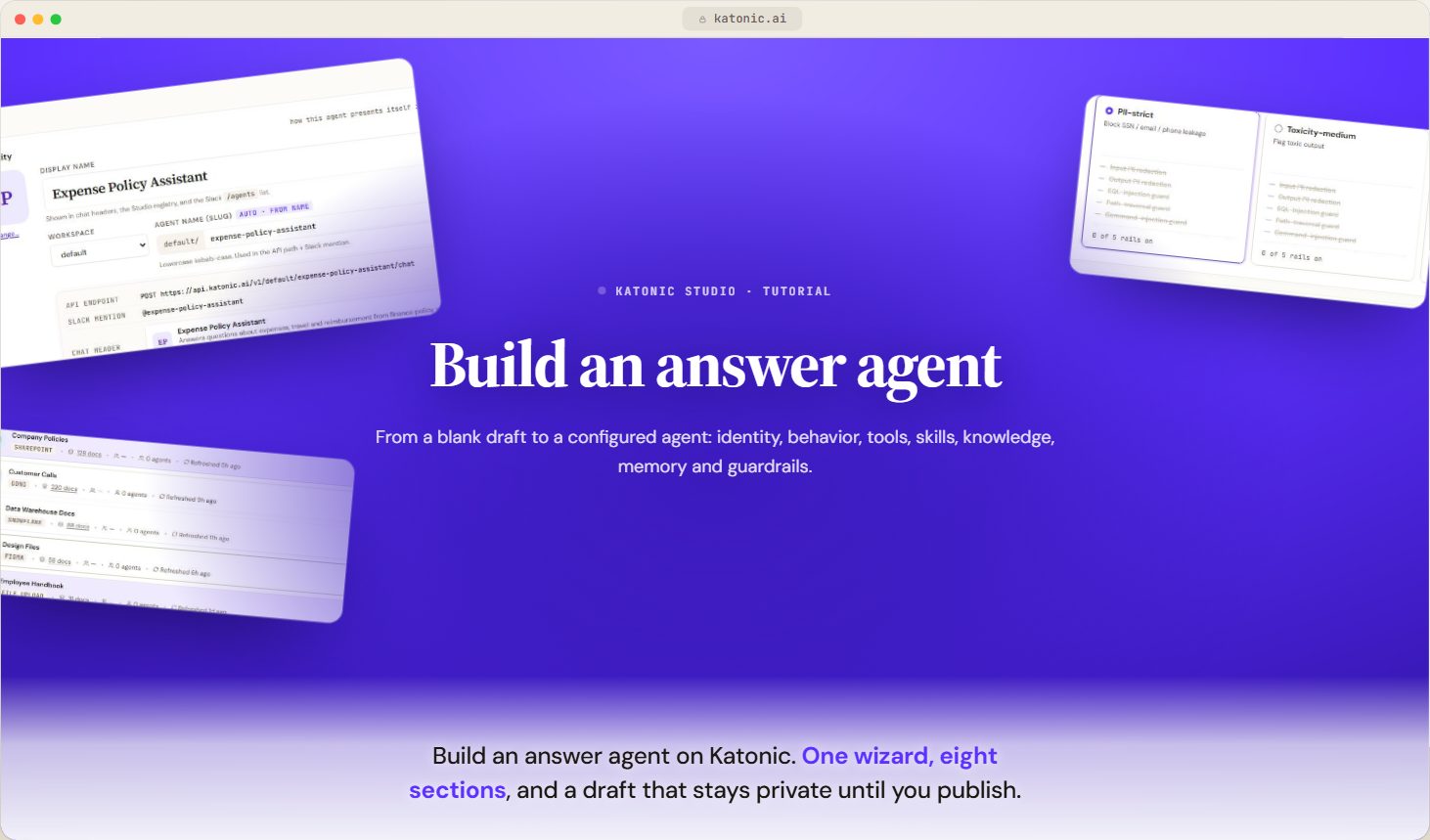 3:00
- Test, publish and versionsVideoRun a draft agent in the sandbox, read the pre-flight and publish dialog, understand where a publish lands and how versions, rollback and promotion work.
 2:21
- An agent's pageVideoThe header and its actions, what publishing and promoting actually do, and how versions are rolled back.
 2:35
02Other kinds of agent4 steps · 12 min of video
- Query your databasesVideoBuild a data agent that answers questions from your databases, attach connections, scope its tables, bound every query and teach it your metrics.
 2:58
- Research reportVideoBuild a research agent from a brief, choose where it searches, set its depth and budgets, shape the report it writes, and run it to produce a cited report.
 3:01
- Automate a processVideoBuild a workflow as a form or on the Visual canvas, set its trigger, steps, branches, approvals and output, and read it as code or let Copilot propose it.
 3:06
- Coordinate a teamVideoBuild a coordinator that routes each request to the right specialist agent, pick and test its routing, and know what the Deploy tab checks before a team can go to production.
 3:04
03Tools3 steps · 9:12 of video
- Tools and MCPVideoThe tools agents can call, the policies that decide who may call them, and how Katonic connects to MCP clients and servers.
 3:04
- Connect an API as a toolVideoImport an OpenAPI spec so agents can call the API as tools, with your choice of authentication, caller identity forwarding, a rate limit and caching.
 3:12
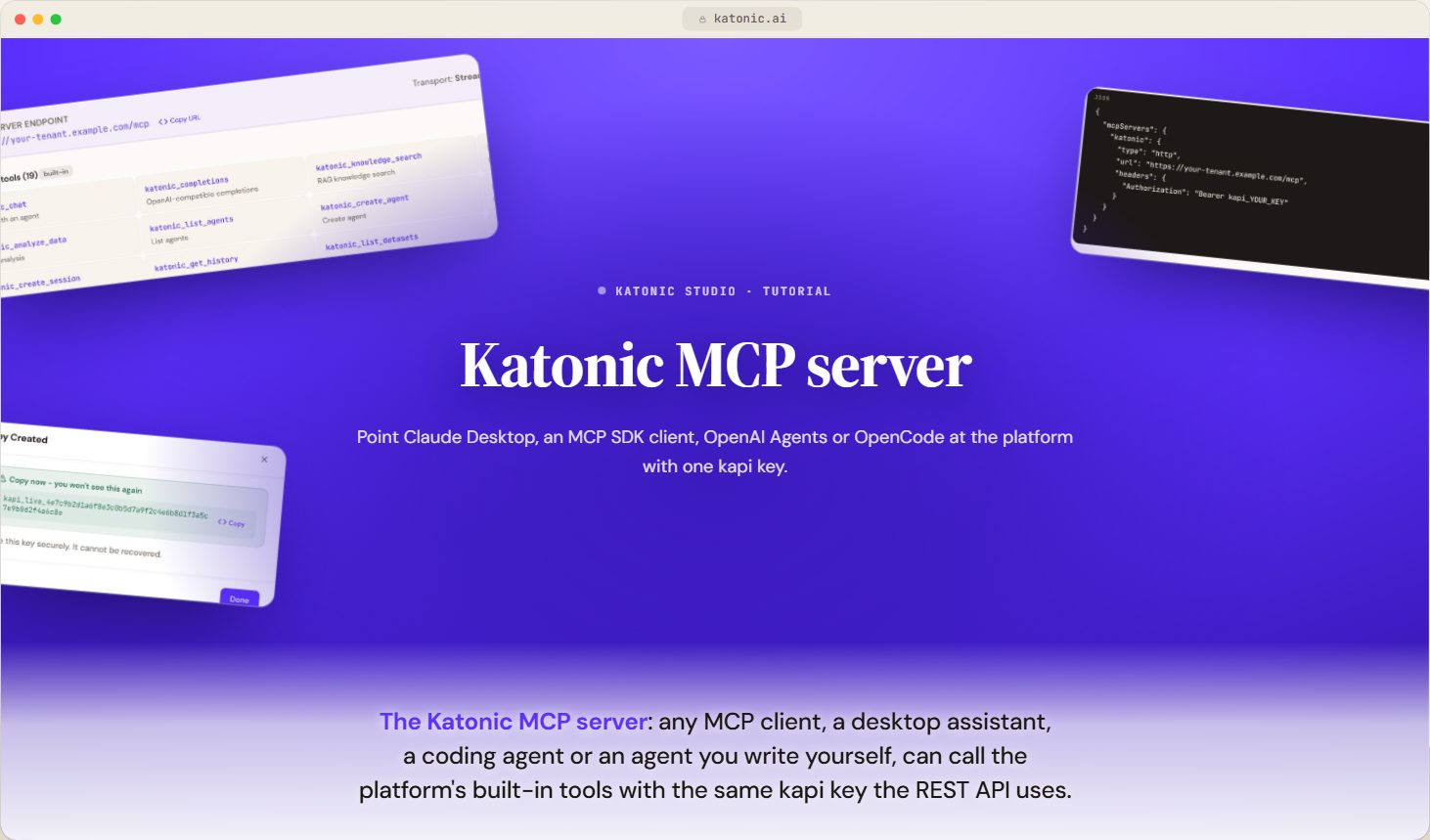
- Connect an MCP client to the Katonic MCP ServerVideoPoint Claude Desktop, an MCP SDK client, OpenAI Agents or OpenCode at Katonic's MCP server with one API key, and know which tools it offers.
 2:57
04Prompts, skills and evaluations3 steps · 9:01 of video
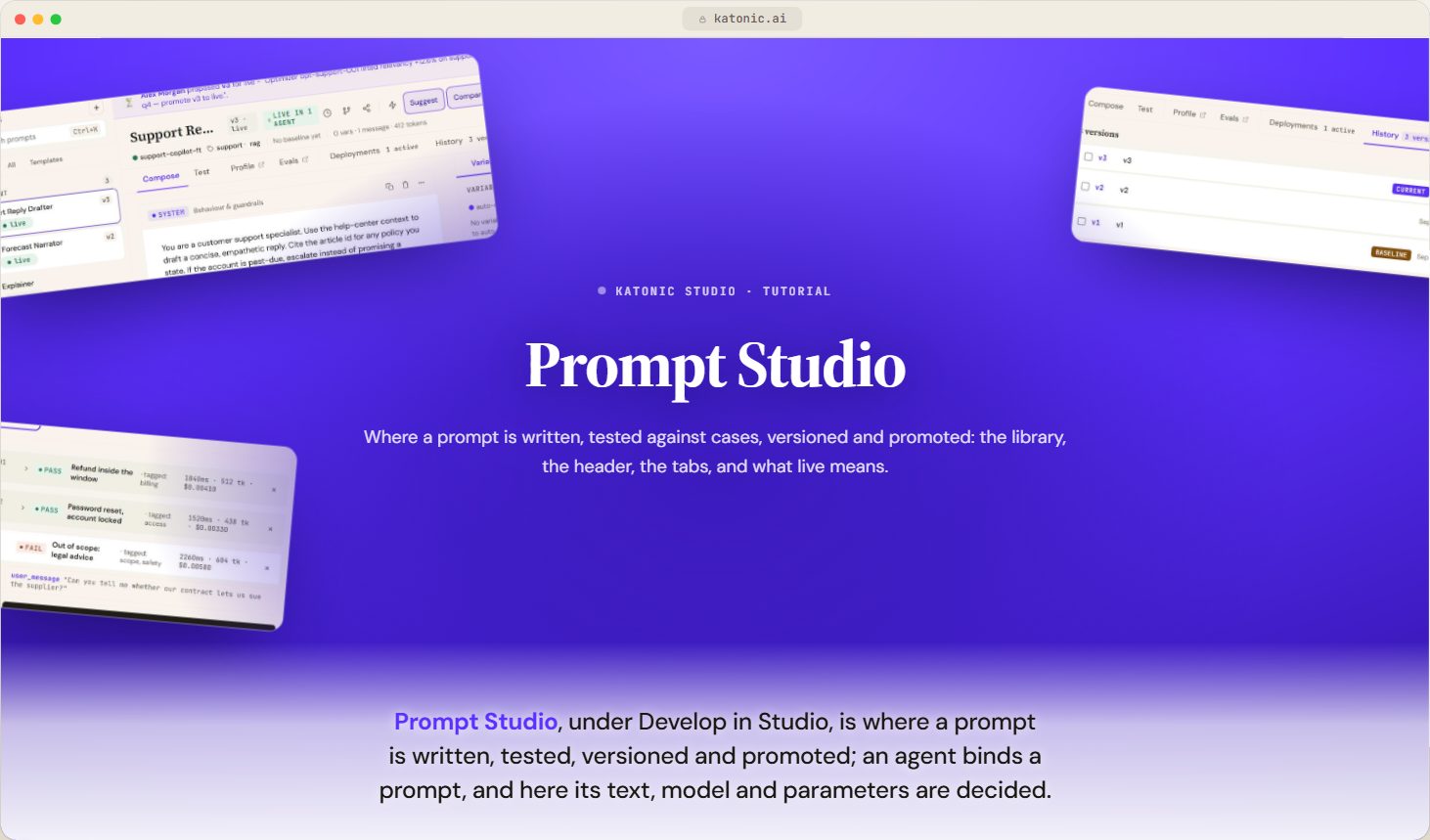
- Prompt StudioVideoWhat Prompt Studio is for, how the prompt library and the editor header work, what a version and a label mean, and where each tab takes you.
 3:08
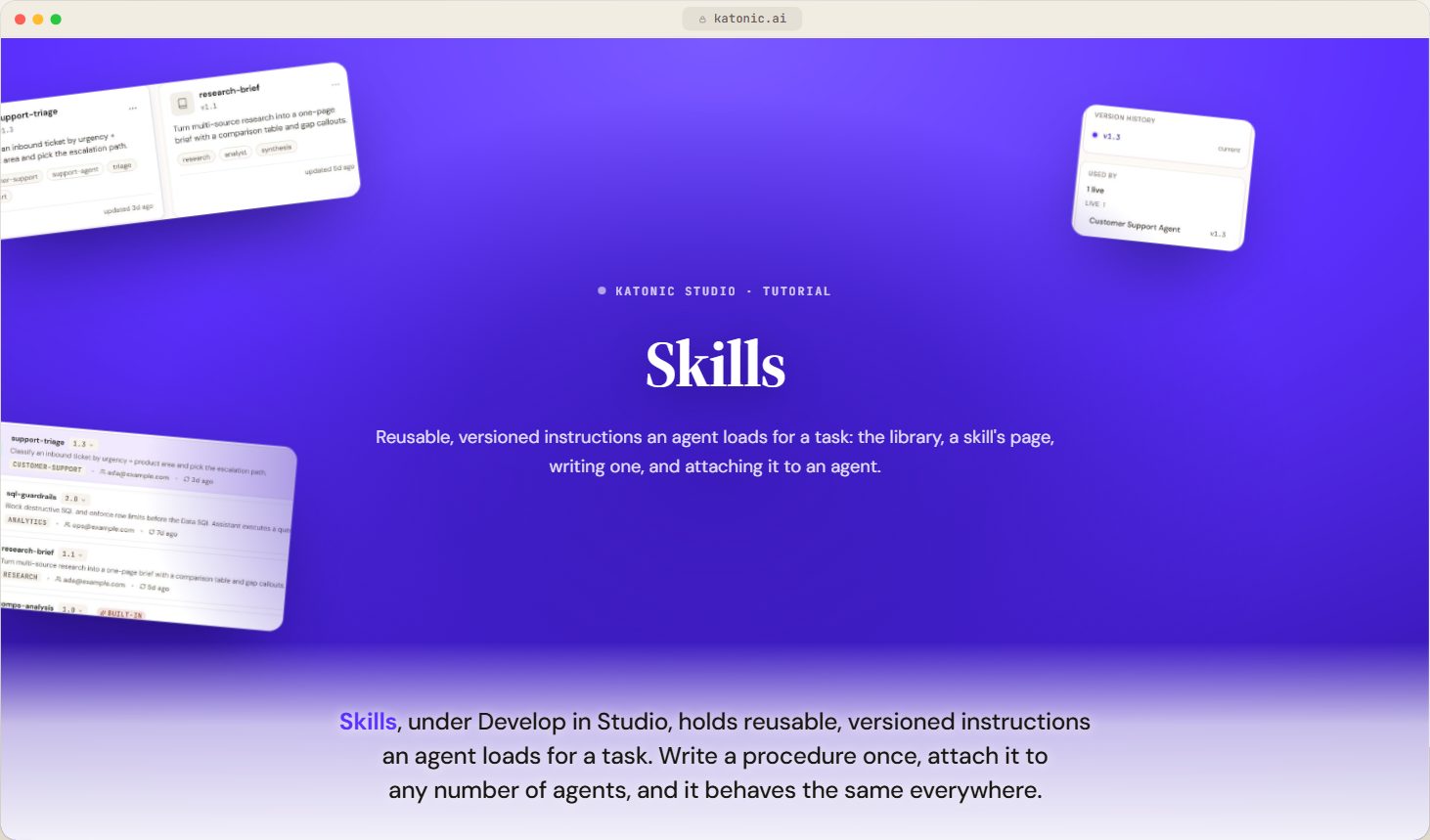
- SkillsVideoWhat a skill is, how it differs from a prompt and a tool, how the library is organised, and what to do with it.
 2:54
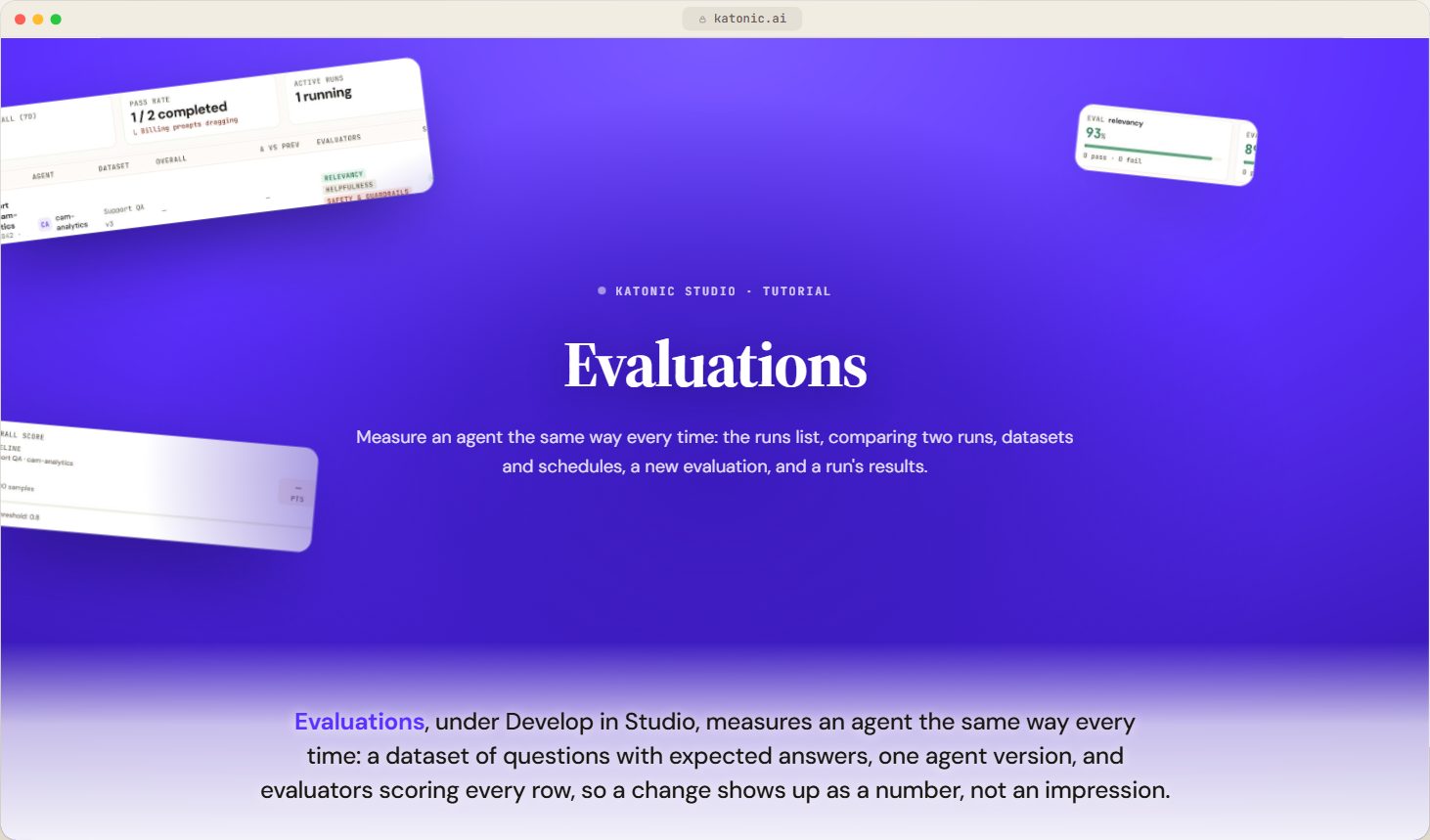
- EvaluationsVideoWhat an evaluation measures, how the runs list is read and filtered, what the four weekly figures mean, and what it takes before a run can be compared.
 2:58
05Improve in production6 steps · 16 min of video
- ProfilerVideoWhat the Profiler tells you about an agent, the seven views it offers, how the agent picker and time window work, and what it needs before it shows anything.
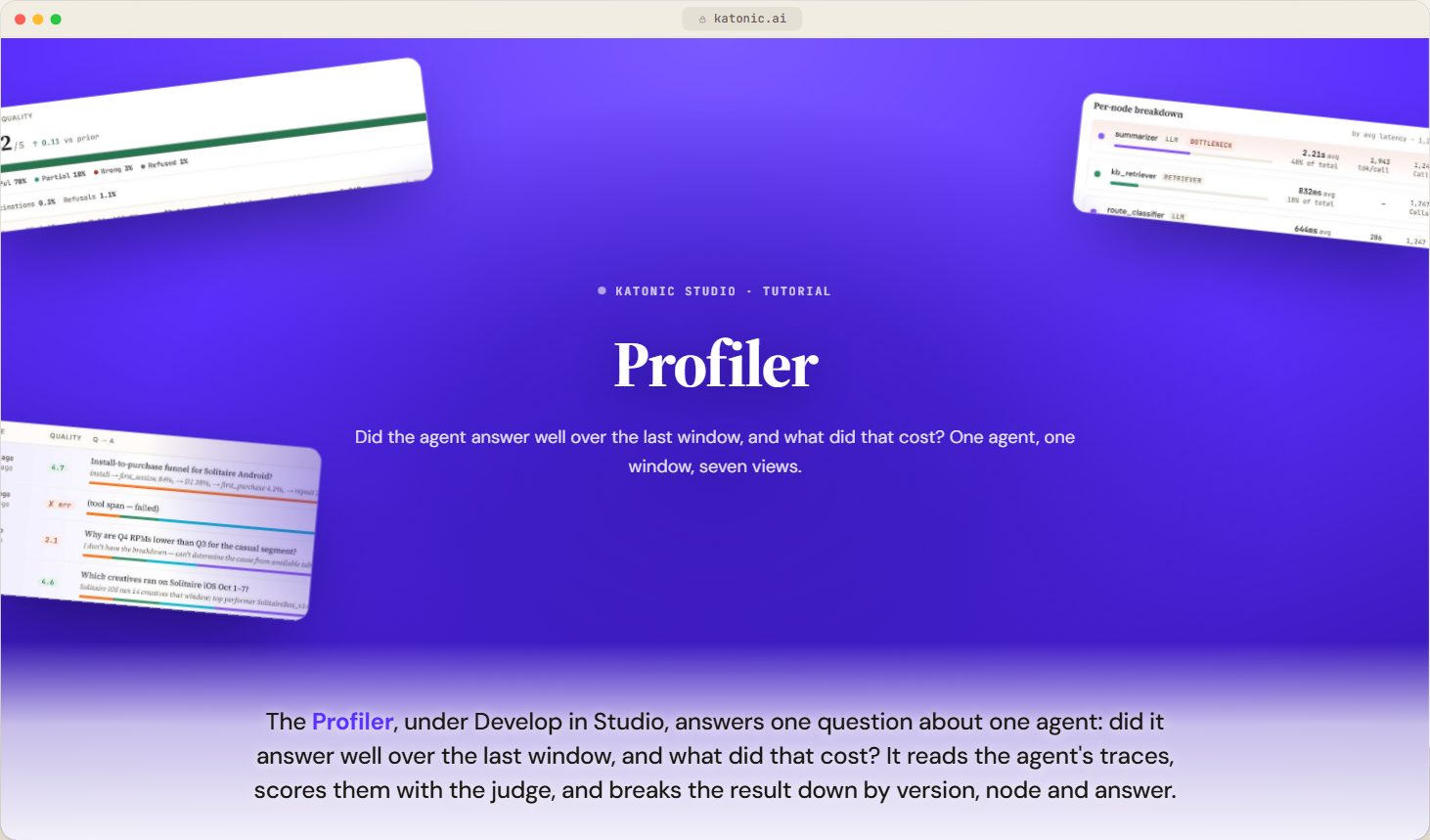 2:58
- Compare two versions of an agentVideoDiff two traced versions of an agent in the Profiler, from the verdict through the quality and latency overlays to the per-node difference.
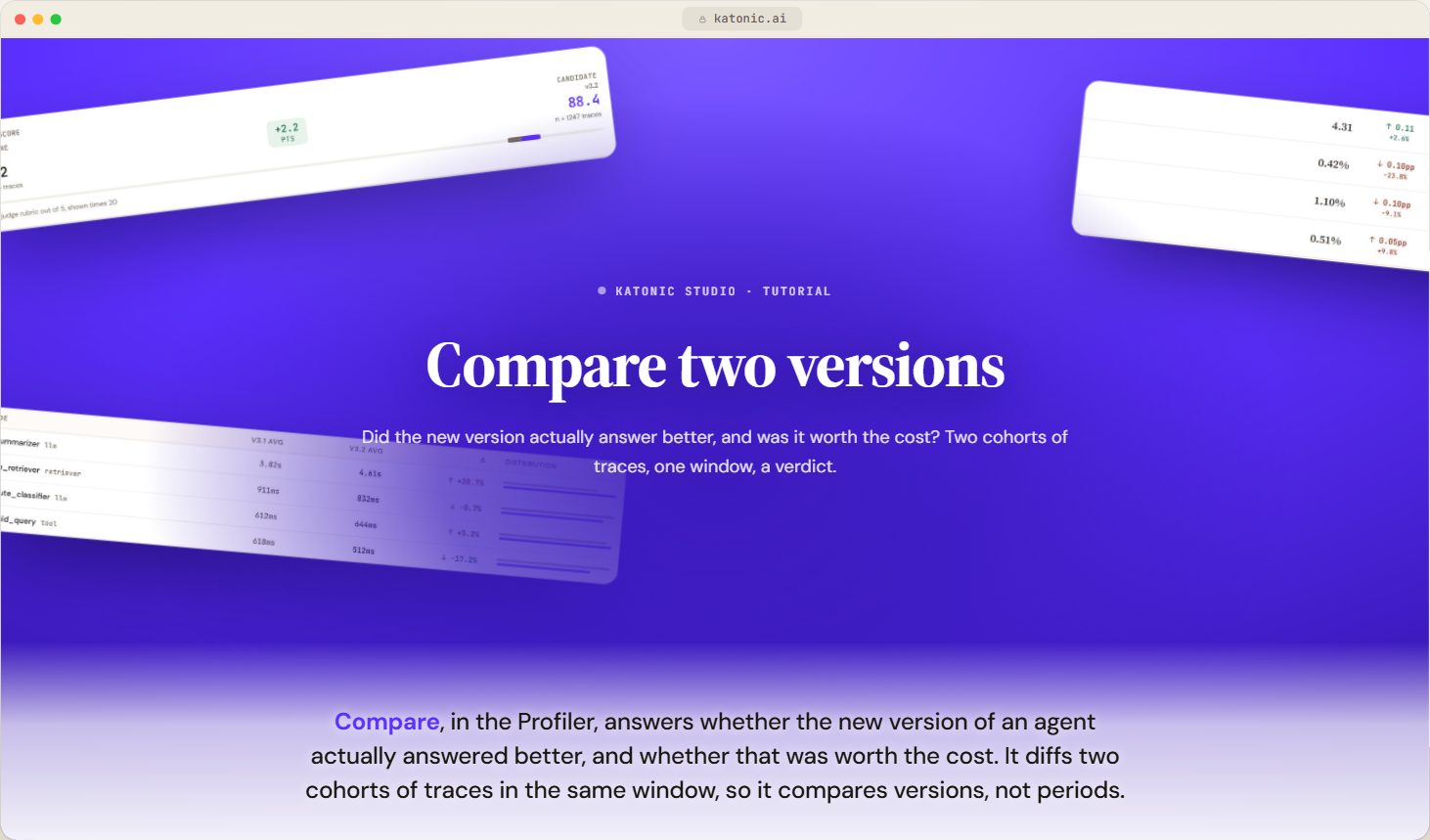 2:31
- OptimizerVideoWhat the Optimizer does to an agent's prompt, where it appears in the platform, what a run needs before it can start and what applying a winner changes.
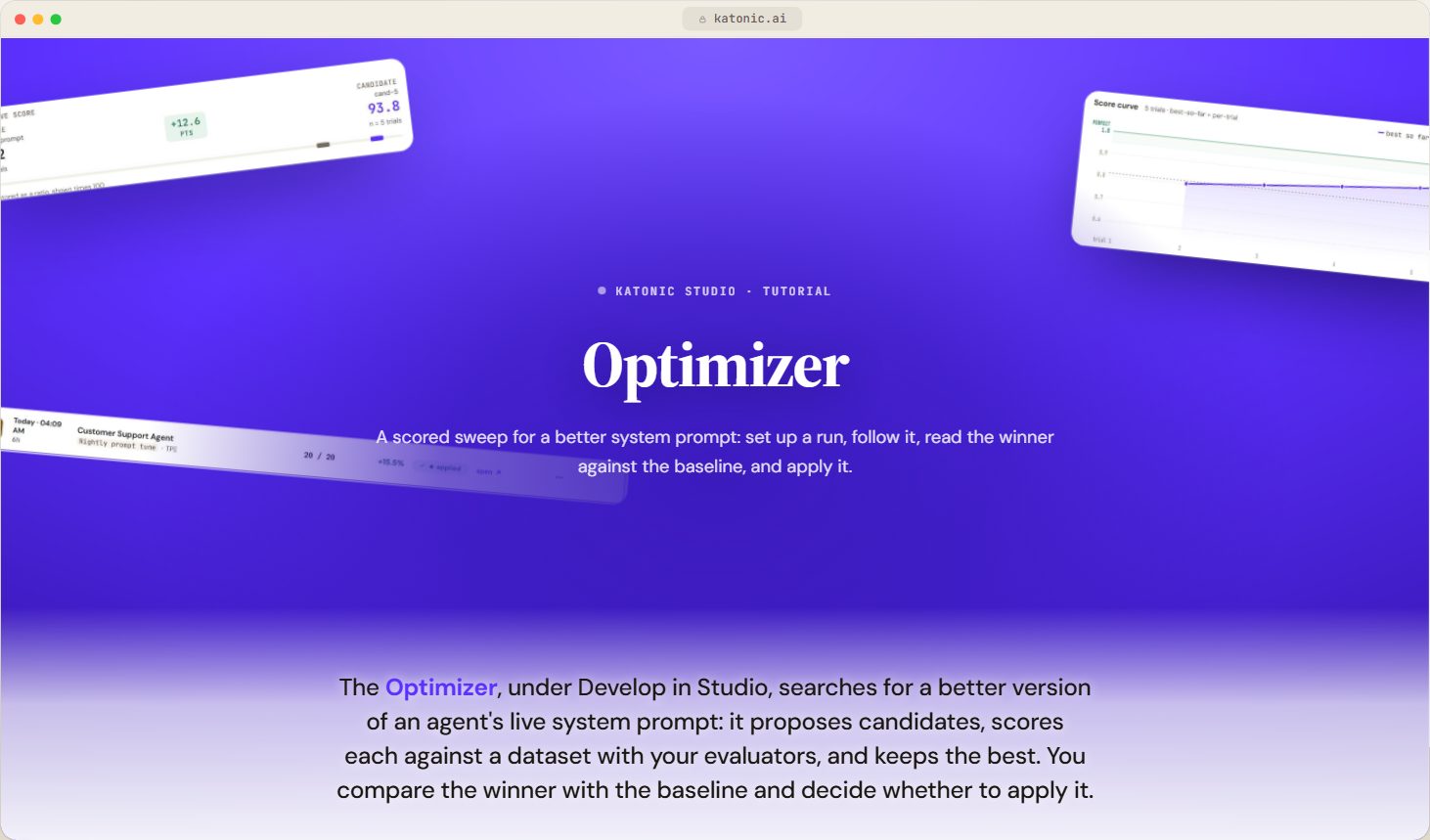 3:08
- Data FlywheelVideoWhat the improvement loop does, what runs by itself and what waits for a person, and how to read the workspace.
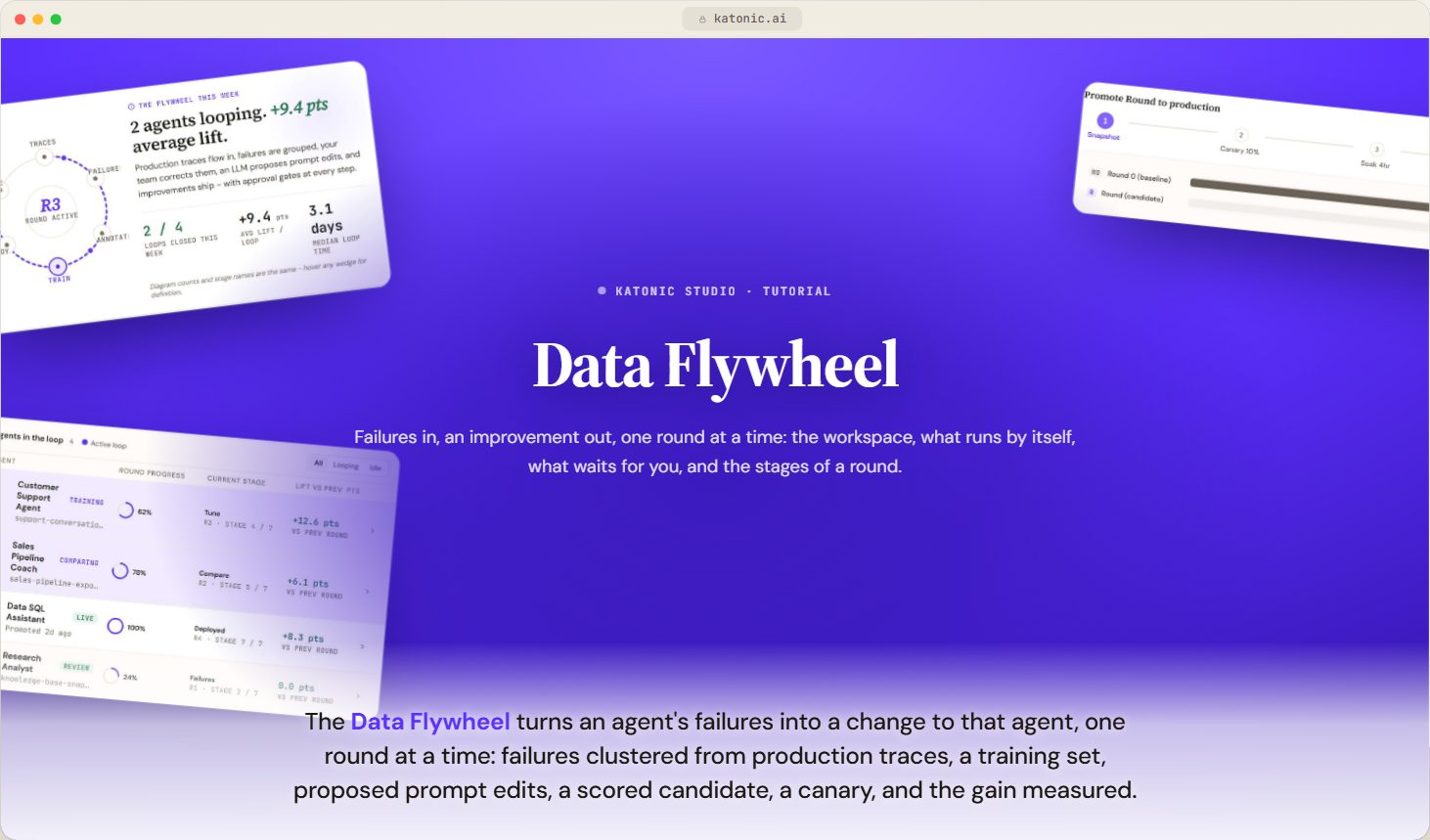 2:37
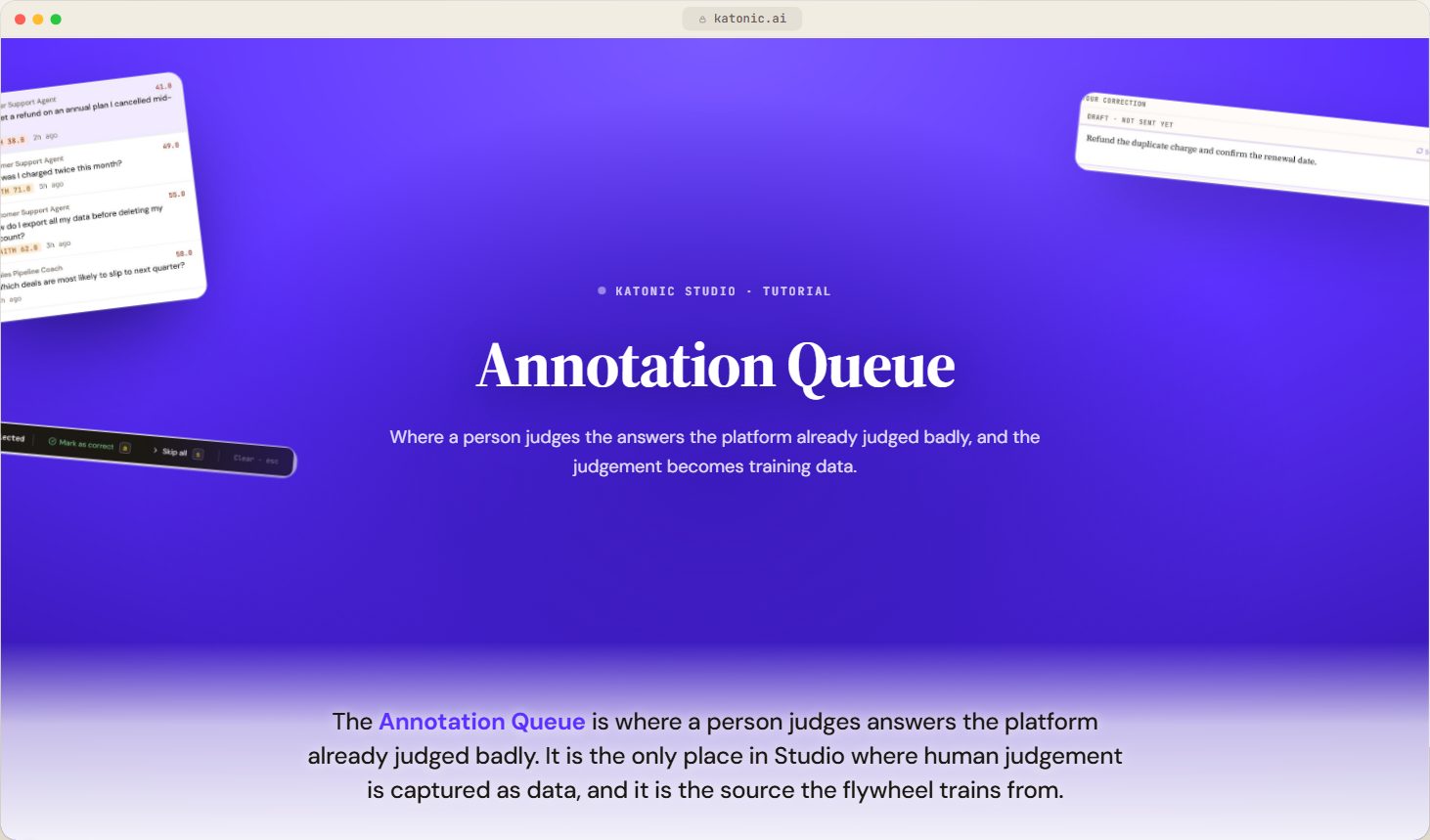
- Annotation QueueVideoWhat puts an answer in the queue, how the list is filtered and sorted, and where a correction goes once it is saved.
 2:16
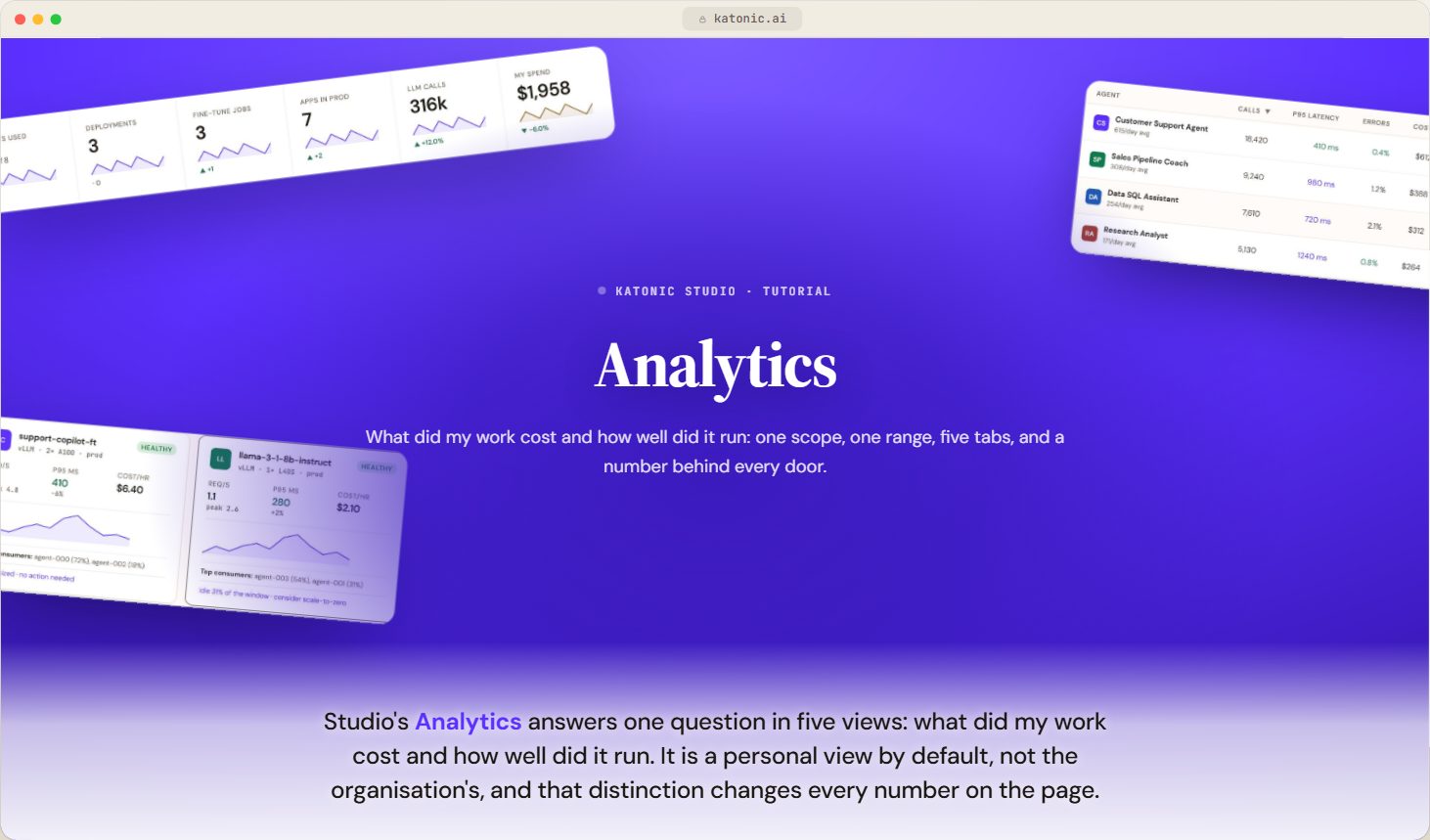
- Analytics in StudioVideoWhat Studio's Analytics covers, how scope and range change it, when it refreshes, and what you can take away from it.
 2:56
06App Studio4 steps · 9:27 of video
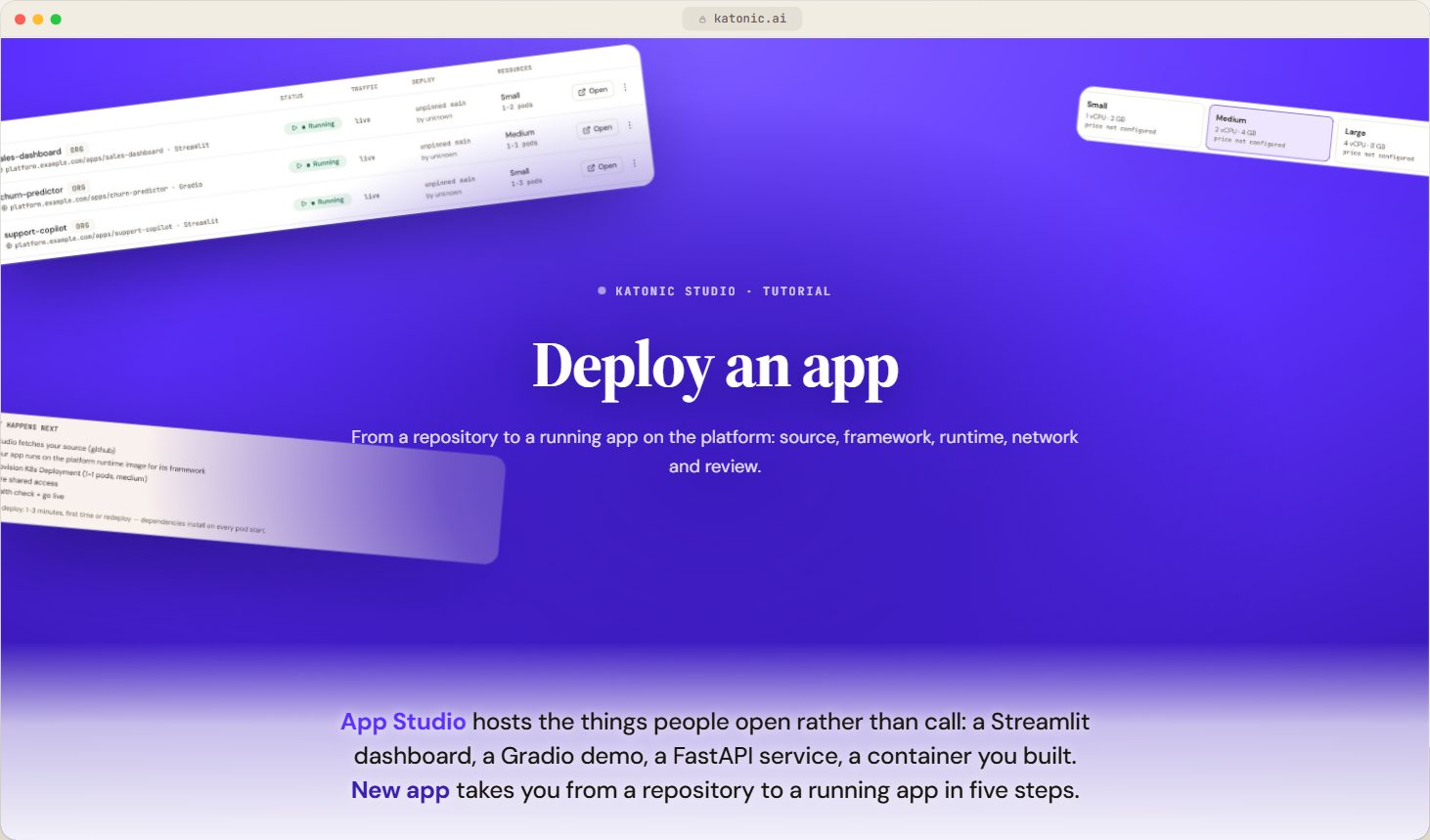
- Deploy an appVideoThe five steps of the deploy wizard, what each field decides, and what the build does once you ship.
 2:33
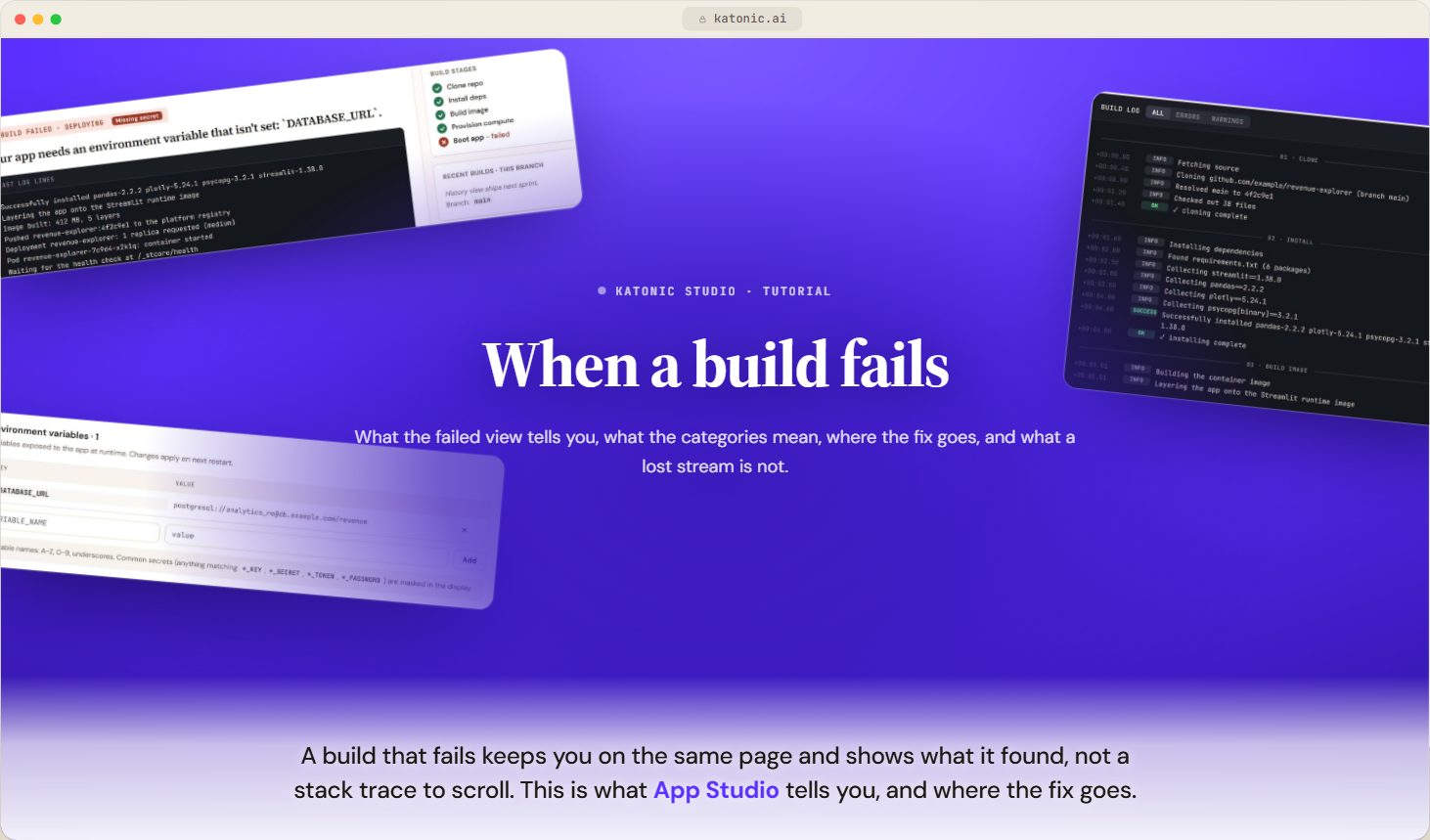
- When a build failsVideoWhat the failure categories mean, what Apply fix does, and why a healthy app can still be marked failed.
 2:35
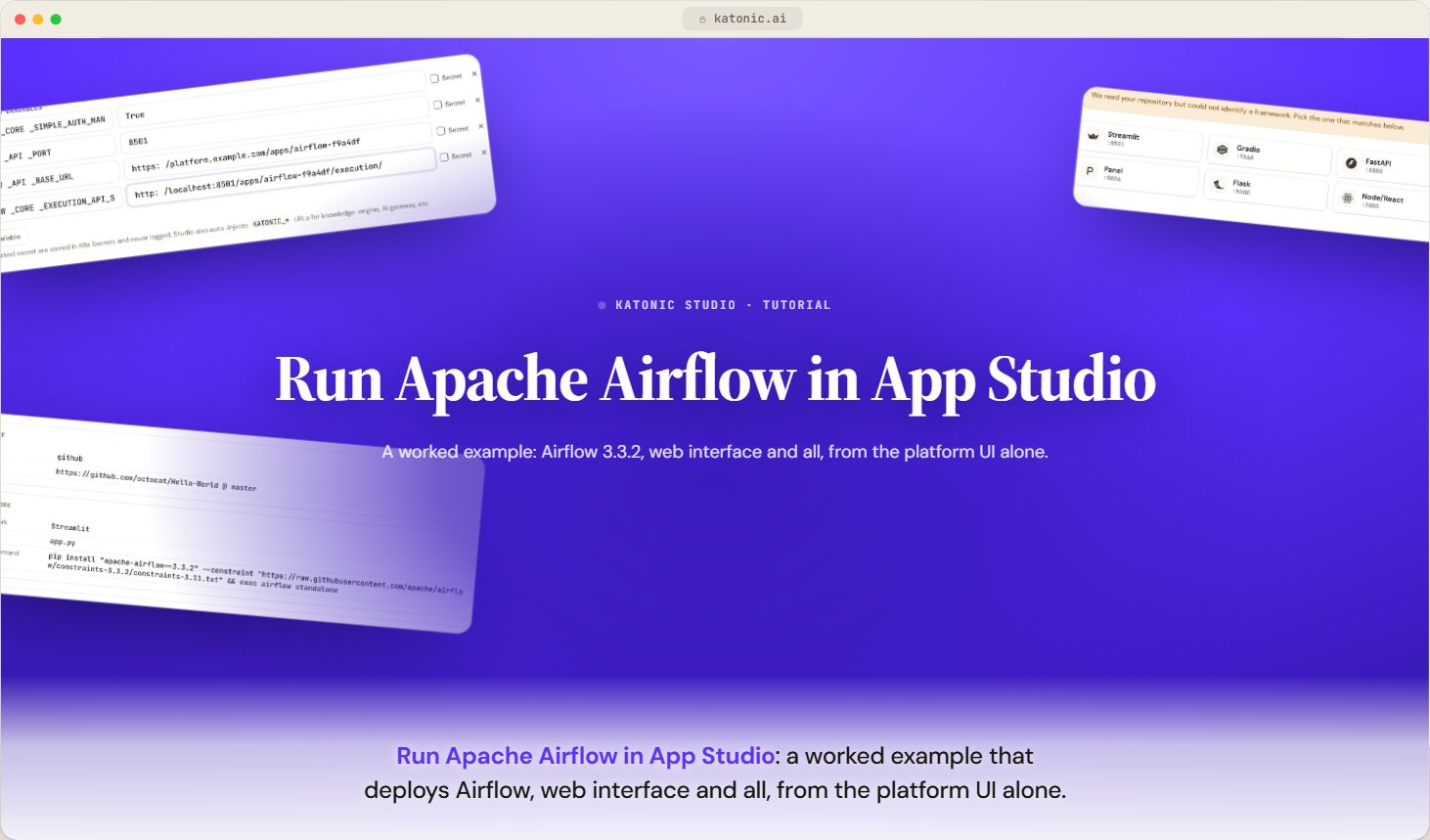
- Example: run Apache Airflow in App StudioVideoDeploy Apache Airflow 3.3.2 with its full web interface as an App Studio app, using only the platform UI.
 2:09
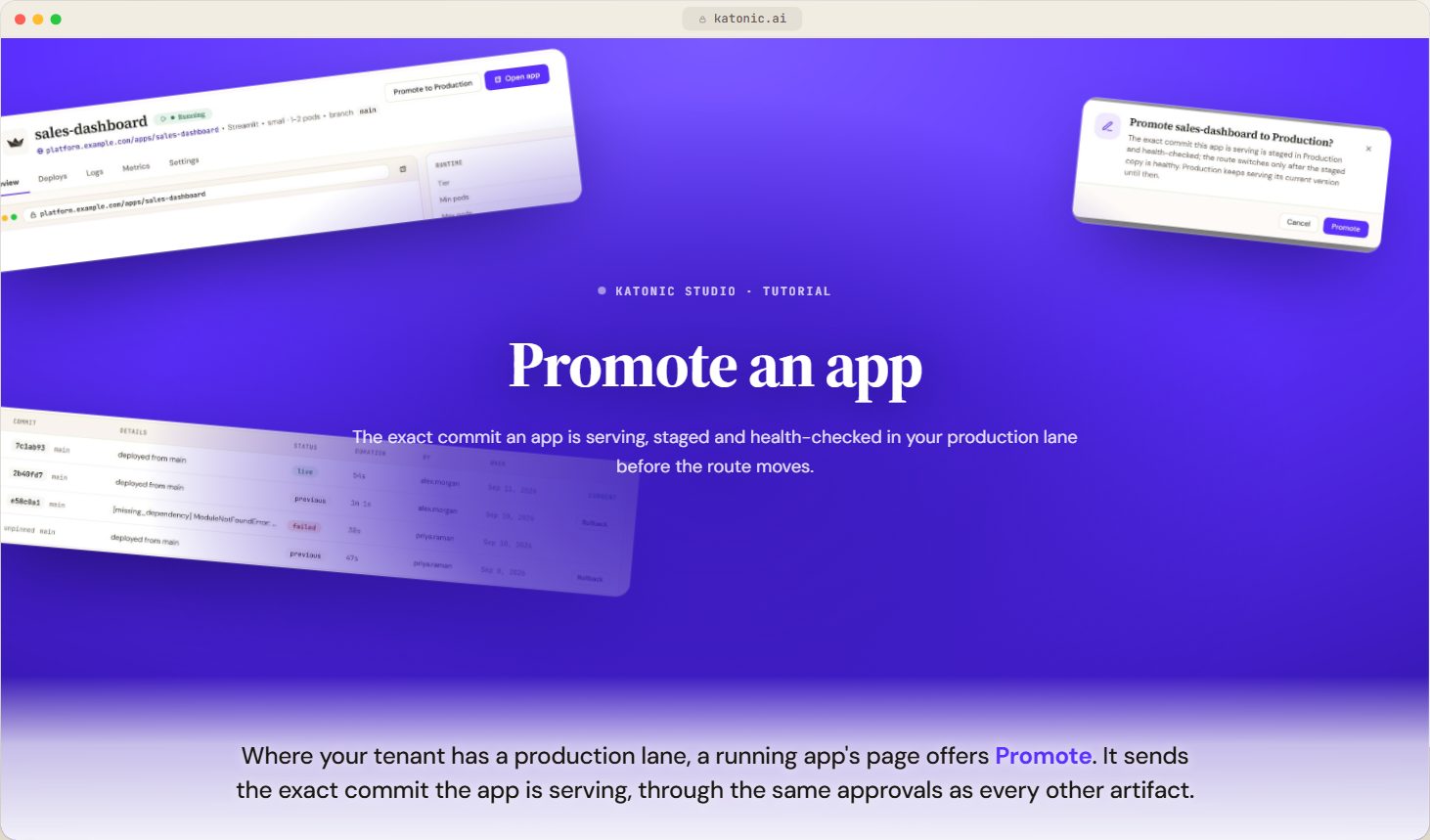
- Promote an appVideoSend the exact commit an app is serving to your production lane, what the platform stages and health checks before the route moves, and why a deploy can be refused.
 2:10
Related
Was this page helpful?